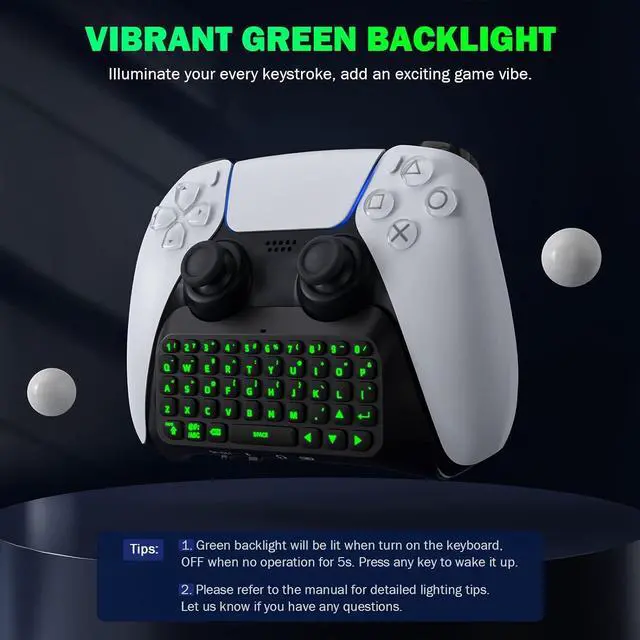
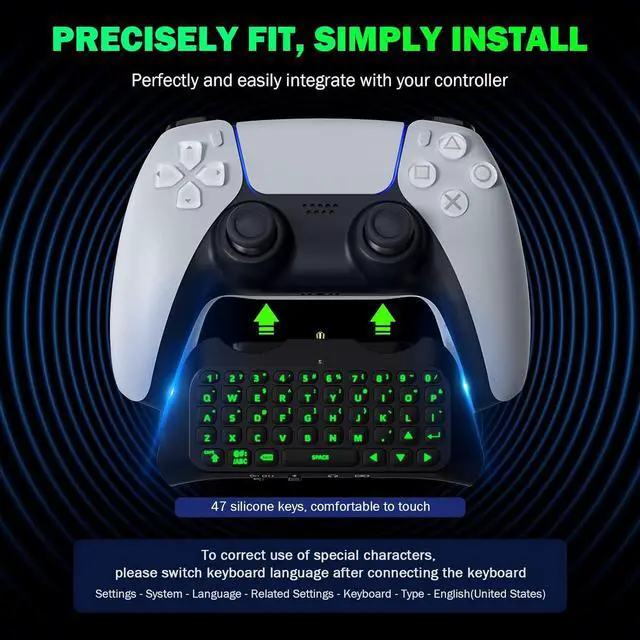
Attractive Green Backlight: The newly upgraded green backlight design of MoKo PS5 keyboard illuminates every keystroke and adds an exciting game vibe. The green light will be lit (if it flash means not paired) when you turn on the keyboard, and it will be off when no operation for 5s.
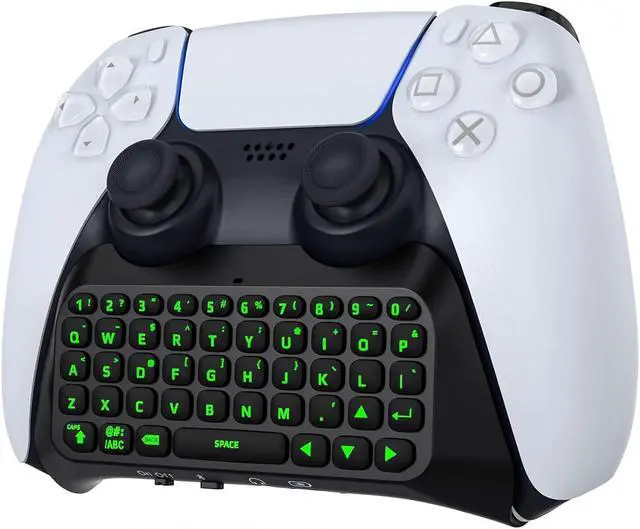
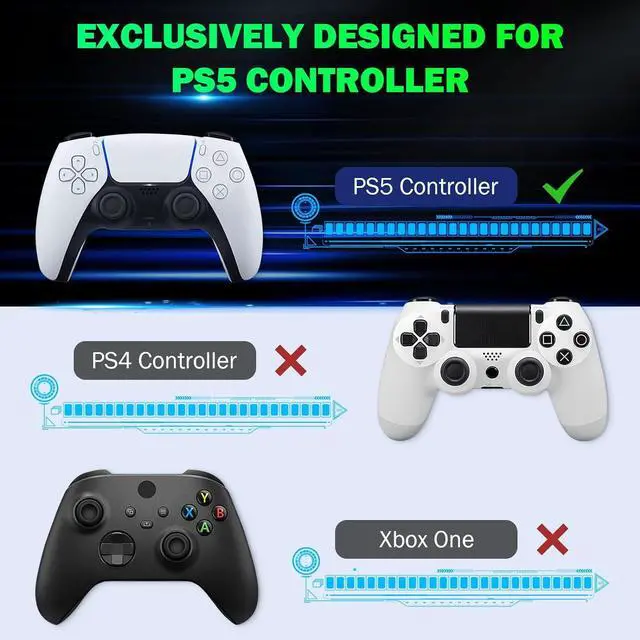
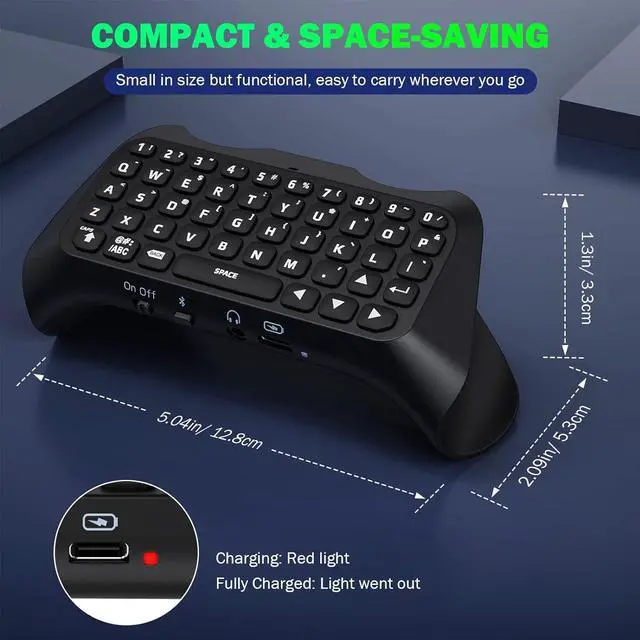
PS5 Controller Keyboard: MoKo PS5 wireless keyboard is specially designed for PlayStation 5 controller. Compact and Lightweight design will not hinder the use of the handle and affect the aesthetics of the controller. (*: *).
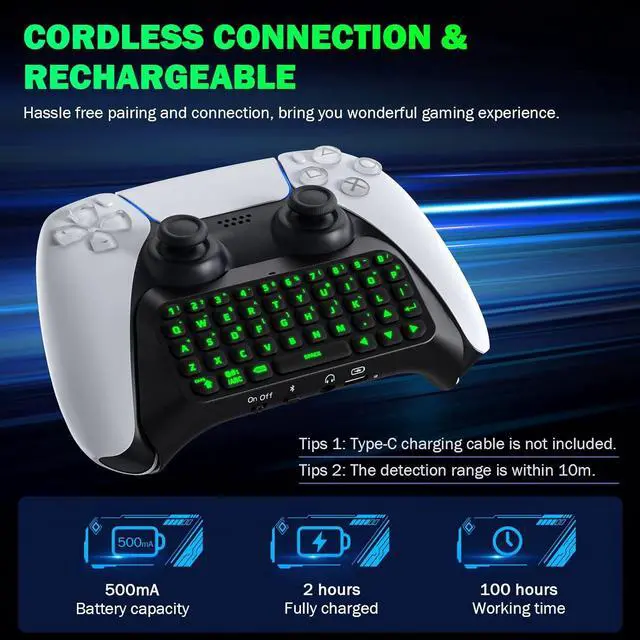
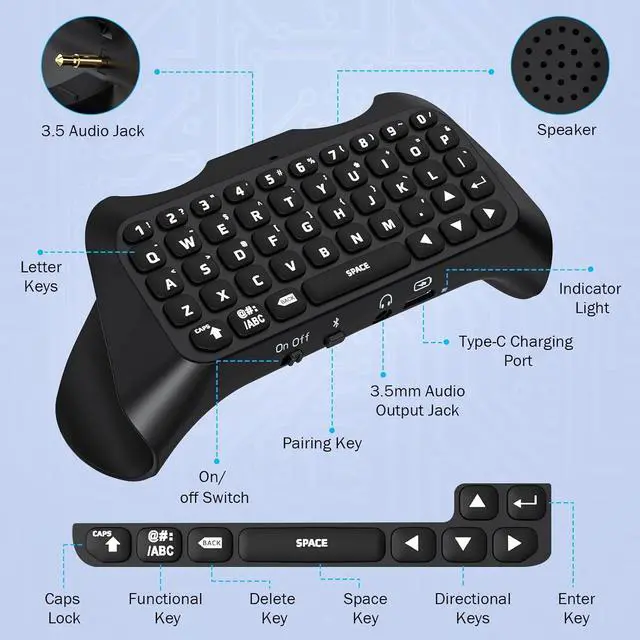
Chat in your gaming time: The built-in speaker allows you to hear all chat audio from the PS5 keypad. Also, 3.5 mm audio output jack for external headset allows you to communicate with your friends conveniently, both online chat with headphone and typing instant message. If you want to switch the audio playback device, please modify the settings in " Output Device": SettingsSoundAudio OutputSwitch Output Device Automatically (Close).
Legible Key Indicate and Port: 47 keys Qwerty PS5 chatpad has clear indiacates and made of silicone material which is comfortable to touch, enhancing your gaming experience and Reducing game fatigue. If you have any questions during the use, please feel free to contact us. Customer satisfy is our eternal persuit.
Easy to Connect: Bluetooth ConnectionConnect the PS5 controller first, then turn on the keyboard, press and hold the pairing button on the keyboard (about 3s) until the blue indicator flashes.
Pairing steps: SettingsAccessoriesGeneralBluetooth AccessoriesChoose the name of the keyboard P5 Plus KeyboardPress the X on PS5 Controller to confirmSecret key will be displayed on the screenInput it directly with the keyboardPress Enter Key to confirmCompletion.





 here!
here!