

Your Browsing History

Meet Your Seller

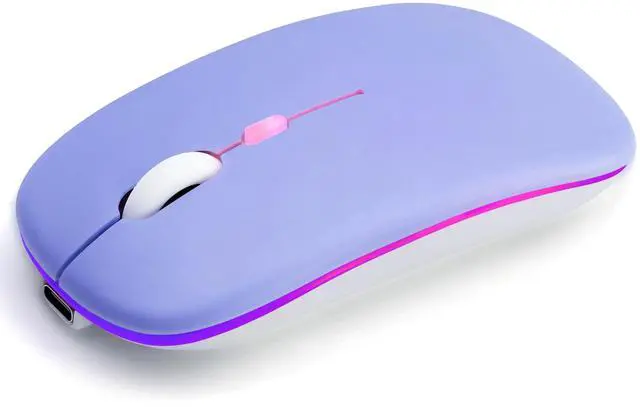
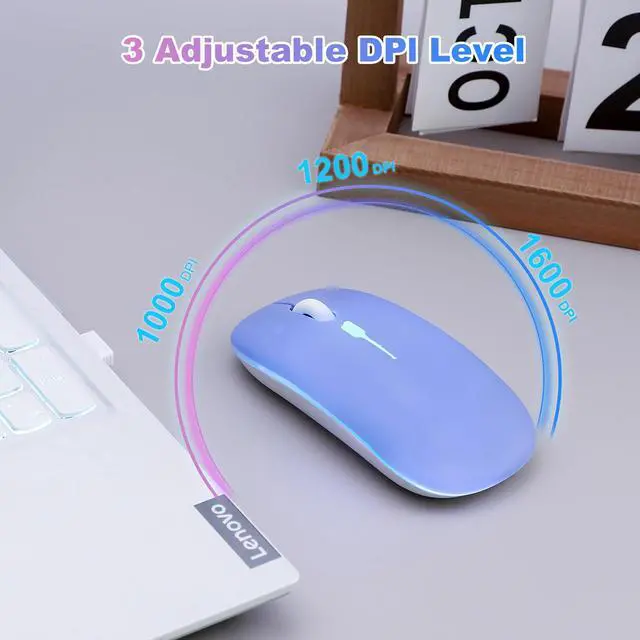
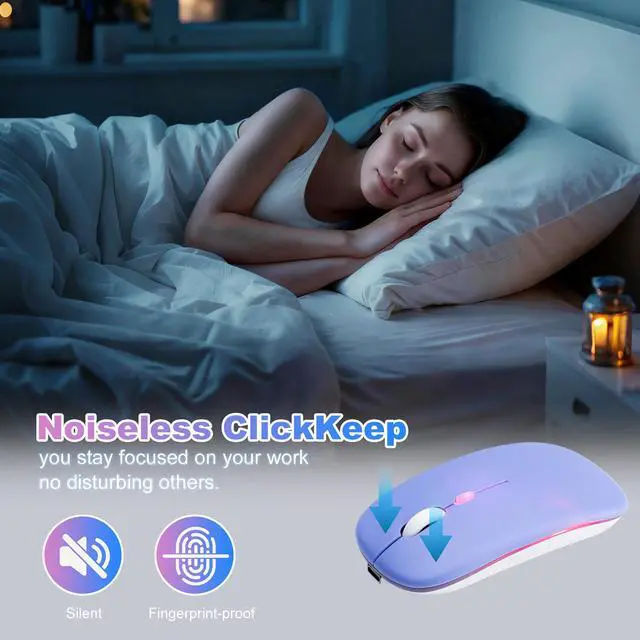
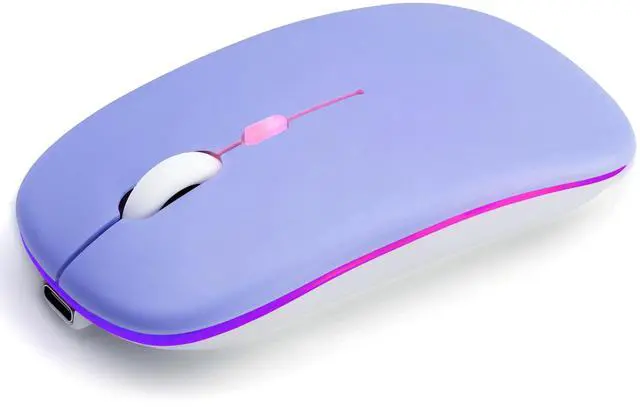
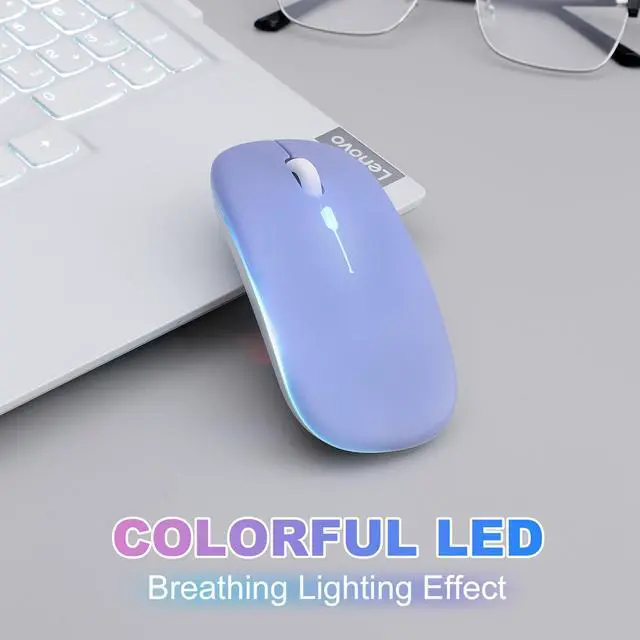
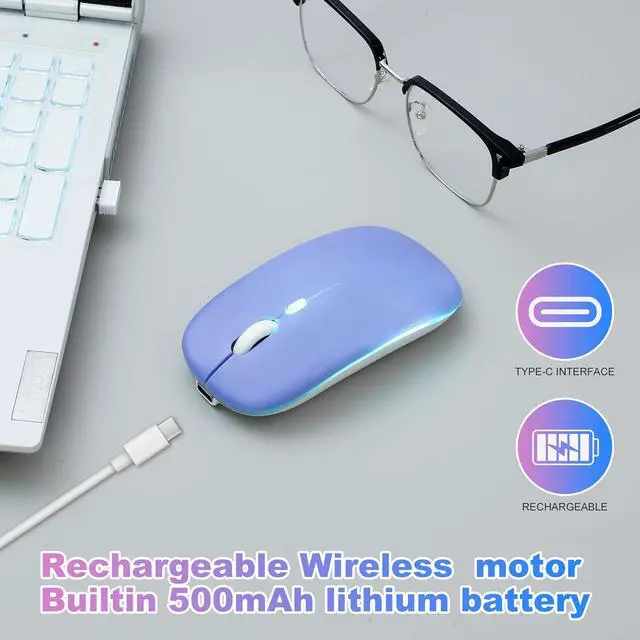
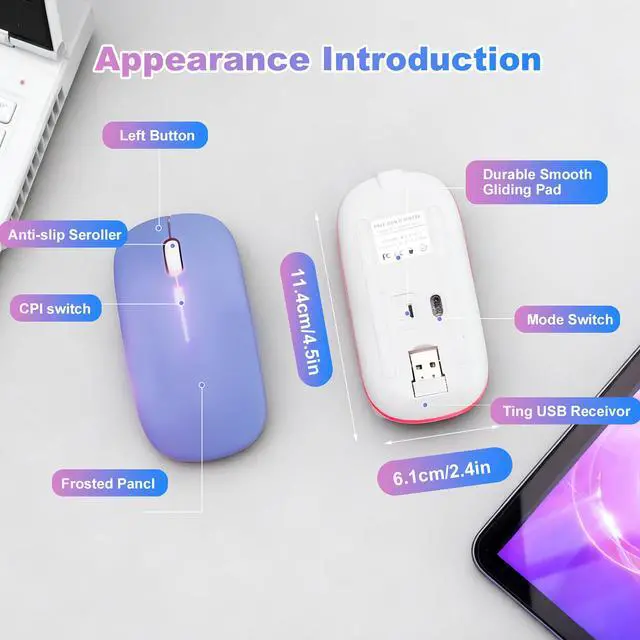
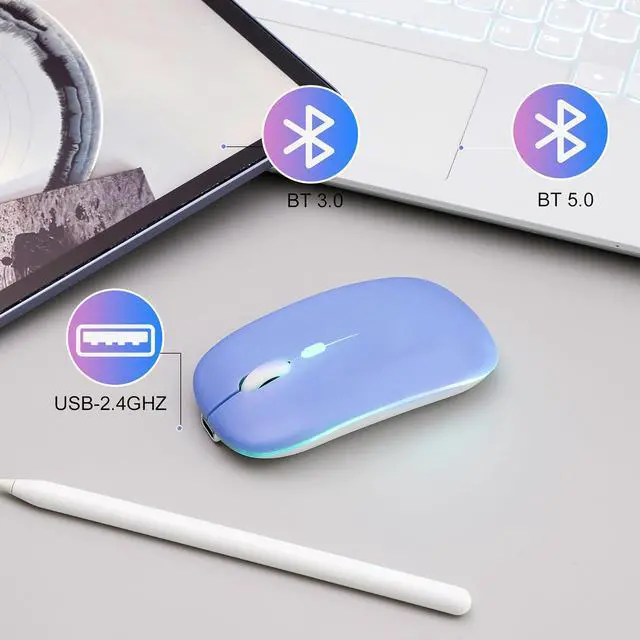
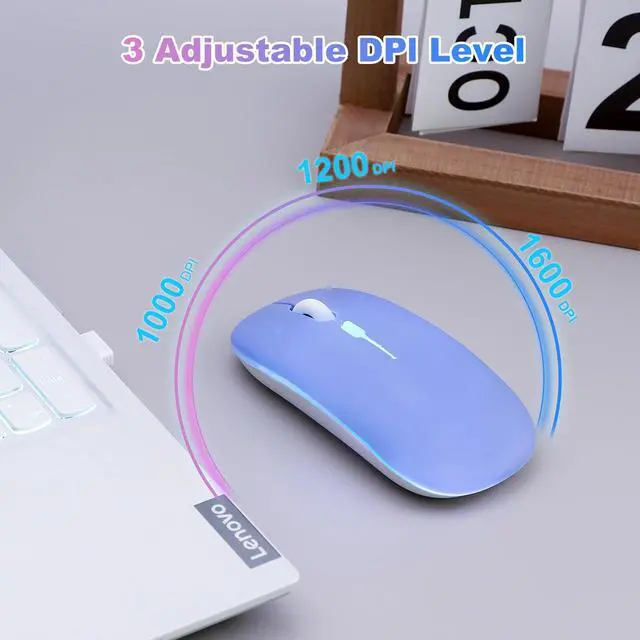
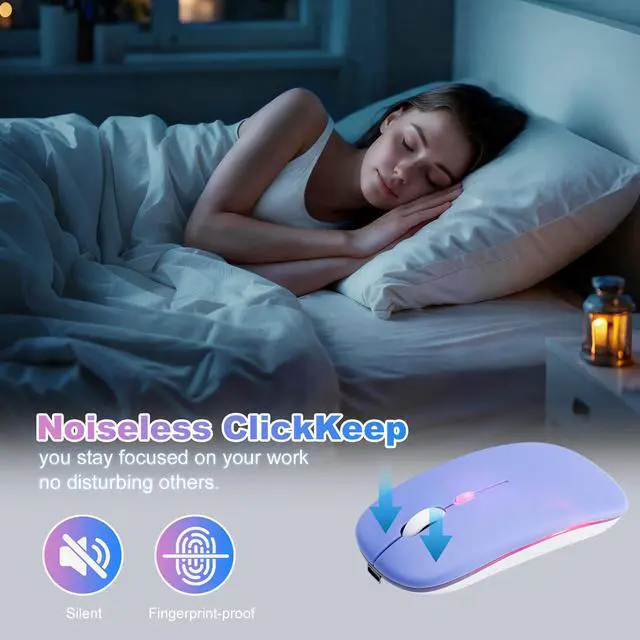


AZTZATZ Wireless Bluetooth Mouse Rechargeable Long Lasting Dual Mode - BT 5.2 & 2.4G Silent RGB LED Mice, Slim Portable Ergonomic Mouse for Laptop/PC/Tablet/MacBook/iPad/Apple Devices(Purple)
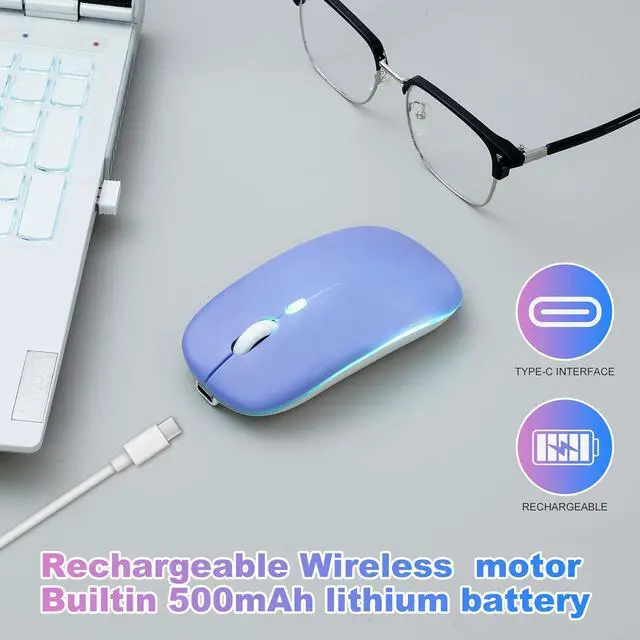
- 500mAh Long-Lasting Rechargeable Battery Equipped with a 500mAh rechargeable battery, this wireless mouse eliminates the need for frequent battery replacements. Charge easily via the included Type-C USB cablejust 2 hours of charging supports 7+ days of continuous use and 30 days of standby time. The mouse automatically enters sleep mode after 5 minutes of inactivity to save power, and can be instantly woken with any click.
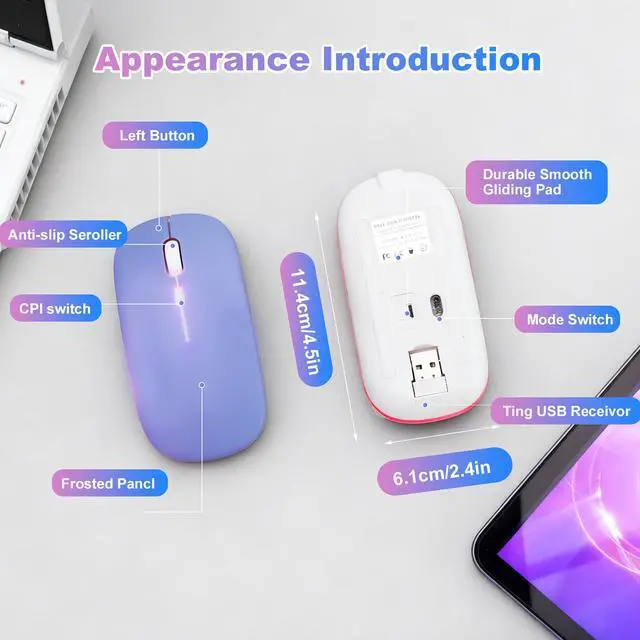
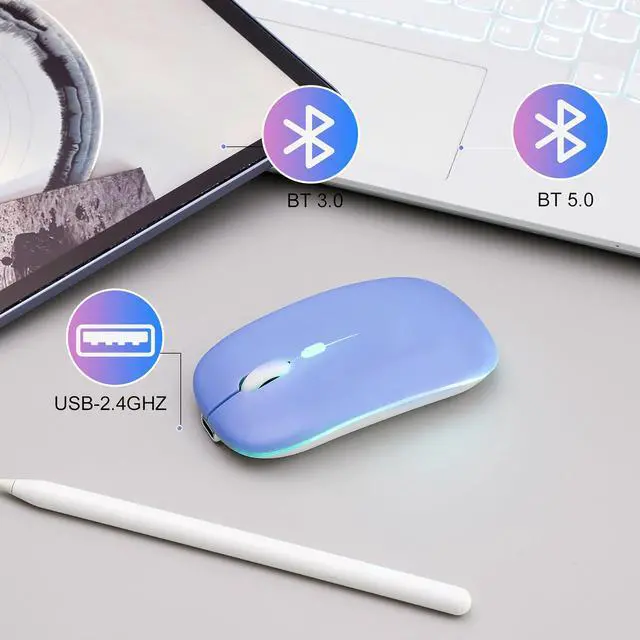
- Dual Mode Connection: BT5.2 + 2.4G USB Seamlessly switch between two devices with dual-mode connectivity (BT5.2/3.0 + 2.4G USB). Connect one device via Bluetooth 5.2/3.0, and another via the 2.4G USB receiver (stored inside the mouse). No drivers neededplug-and-play! Enjoy a stable, delay-free connection with a range of up to 10 meters (33 feet), perfect for multitasking across laptops, tablets, and more.
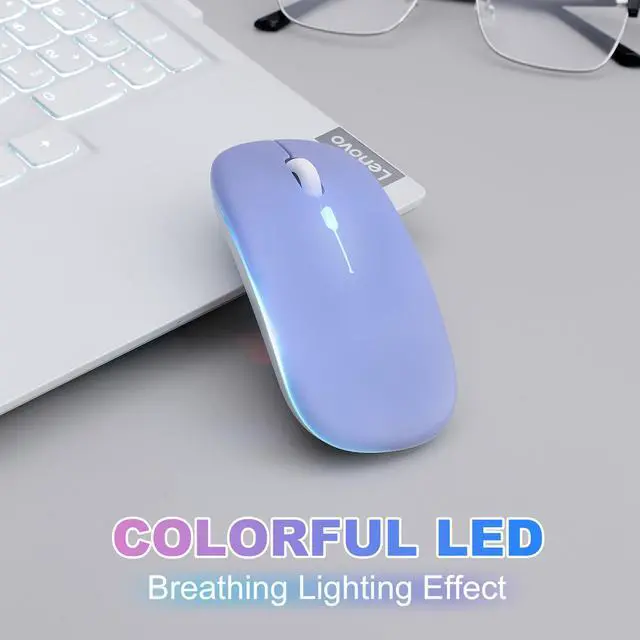
- 7-Color RGB Breathing LED Light Elevate your workspace with 7 dynamic RGB breathing light modes. The mouse cycles through vibrant colors automatically during use, creating a cool, immersive atmosphere for work or play. A visual treat that adds fun to your daily computing experience.
+
+
Overview
Reviews

Any questions? Our AI mode will help you find out quickly.
Try me now
Mouse Broad Device CompatibilityMouses Compatibility WindowsWindows XPVista7810 /Windows Vista/Windows ME,Android 5.0 or Higher,Mac OS X10.10 or Higher,Apple/iPad/iPhone iOS 13 and Above,Chrome OS,UNIX,Linux Etc. Bluetooth Mode is Available for All Bluetooth-enabled Laptops (MacBook ProMacBook AirMacBookMaciMacAndroid)Tablet (iPad ProiPad AiriPad miniiPad10thiPad9thiPhoneiMacAndroid)DesktopsAll-in-one Computer Etc. The 2.4GHz USB Receiver Mode is Suitable for with USB Ports All LaptopsDesktopsAll-in-onesDellHPAppleMaciMac Etc,Plug and Play. Method steps for using mouse Bluetooth mode:First, slide the mouse switch to Bluetooth mode (down) > open laptop system preferences settings > turn on Bluetooth function > when laptop Bluetooth is searching for nearby Bluetooth devices > The Green light flashes > Bluetooth search there appears "BT5.2 Mouse" > click to connect "BT5.2 mouse or BT3.0 mouse (BT3.0 for old laptop)" > connection is successful. Method steps for using mouse wireless 2.4GHz USB receiver mode: First, switch the mouse switch to 2.4G mode (up) > Then remove the USB receiver from the slot on the bottom of the mouse > Plug the USB receiver into the USB port of your laptop,plug and play. (Works with all USB ports Laptop and desktop ports) How to Use the Bluetooth Mouse on the iPad OS13 and Above iPad pro 11/12.9 inchiPad air 10.9 inch iPad mini 8.3 inch iPad 10.9 inchiPad 10th/9th: First, Open iPad Settings, Find Accessibility, Turn on Touch Controls, Find Assistive Touch Controls, Turn on Assistive Touch Controls, then pull down to find the device, turn on the Bluetooth device, then turn on the mouse switch,your iPad will search for a "BT5.2 mouse" and click "Connect".(if you can't find the Bluetooth mouse device, please restart the mouse or iPad Bluetooth function, or restart the iPad) When do I need to charge my wireless mouse?:The mouse pointer moves slowly or responds slowly or suddenly disconnects continuously during use, this is the reminder that you need to charge the Bluetooth mouse for about 2 hours. Note1.Cordless Mouse It Cannot Be Set to a Specific Color.You Can't Use Bluetooth Mode and 2.4G Mode At the Same Time.2.lease use an adapter with an output of no more than 5v/1A for charging, or a power bank, or a USB port on your laptop. (Charging is prohibited on chargers with output 10V/1.5A or more) Mouse Package Included1 x Rechargeable Dual Mode Computer Mice./1 x Wireless 2.4GHz Portable USB Receiver.(The USB Receiver is Stored Inside The Back of The Mouse)/1 x (Type-C)USB Charging Cable.(Do not use a high power charger or a fast charger to charge)/1 x User Manual.
Warranty & Returns
Warranty, Returns, And Additional Information
Warranty
- Please contact the Seller directly for warranty information. Warranty information may also be found on the Manufacturer's website.
- CONTACT
Return Policies
- Return for refund within: 30 days
- Return for replacement within: 30 days
- This item is covered by HonorGrace Store Return Policy
Manufacturer Contact Info
- For a directory of all our manufacturers, please click below.
- Manufacturers Directory
LOADING...