

Your Browsing History

Meet Your Seller

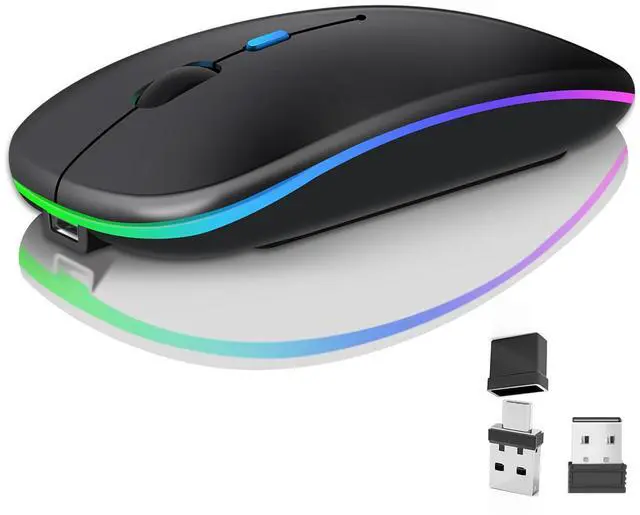




Wireless Bluetooth Mouse for Laptop, Rechargeale Computer Mouse 2.4GHz Optical (Bluetooth+USB A+USB C) Dual Receivers Mice- 1600DPI LED Quiet Click for Apple Macbook Laptop Tablet PC Computer,black
Limited time offer, ends 07/25 By AxisLink
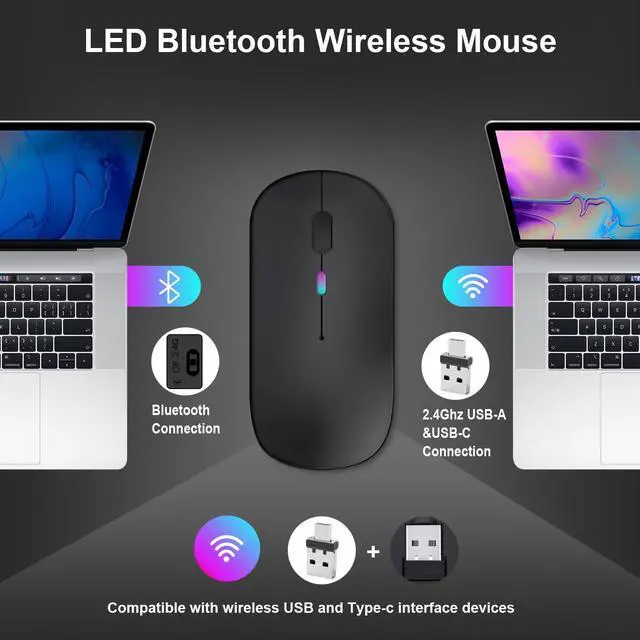
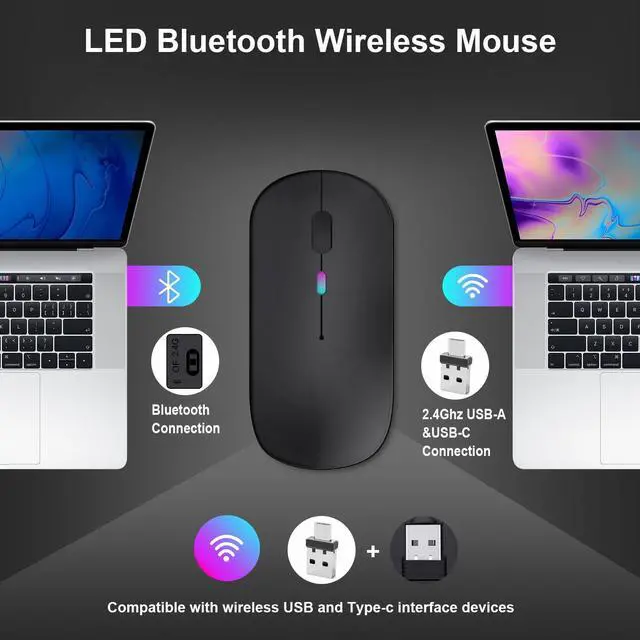
- [2024 Newly Upgraded, Support Efficient Multiple Working Modes] 3 Mouse Modes (BT + 2.4GHz USB & 2.4GHz Type-C), Dual-Port Receiver and Single-usb Receiver, Compatible with USB and typeC port devices; Bluetooth Mode Supports Bluetooth 5.0 and Bluetooth 3.0; Upgraded Notebook Mouse Compatible with Multiple Devices, You Can Switch Freely. Note: Bluetooth mode and 2.4G mode cannot be used at the same time.
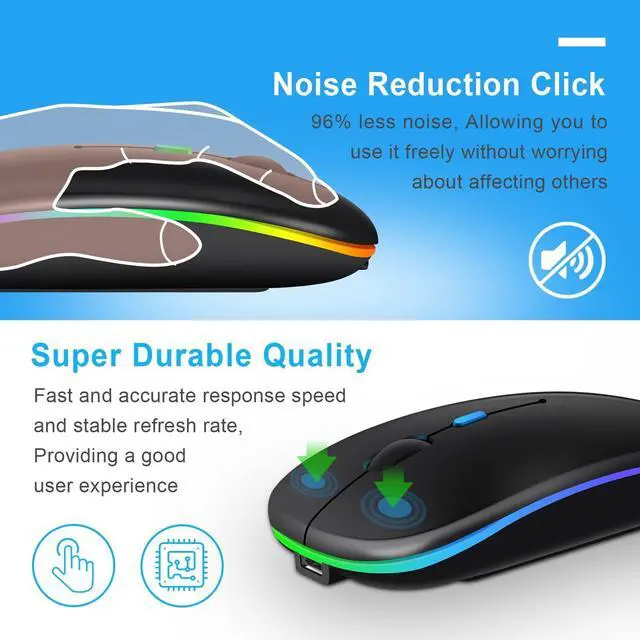
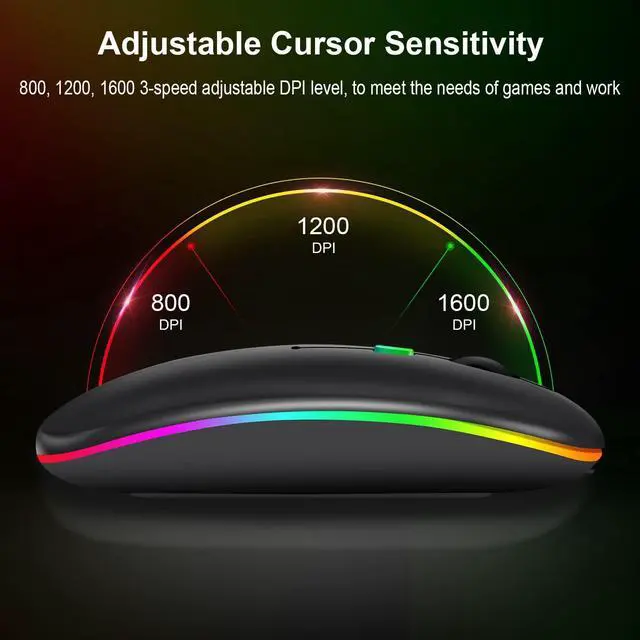
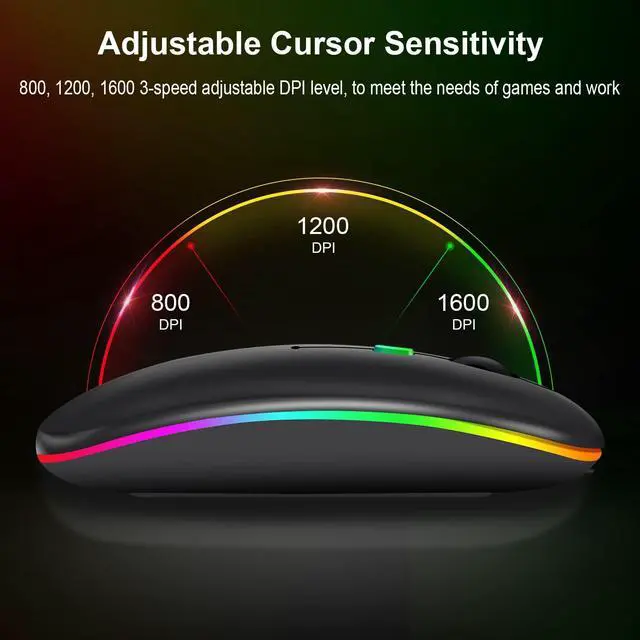
- [Silent Click and Adjustable Quick Response Function] The left and right buttons are designed with silent processing to reduce and eliminate sharp irritating noises. Mouse clicking will not disturb yourself and others, more comfortable and non-intrusive to use.DPI function buttons have three levels of 800, 1200 and 1600, which can be automatically adjusted according to the need for fast and slow effect.
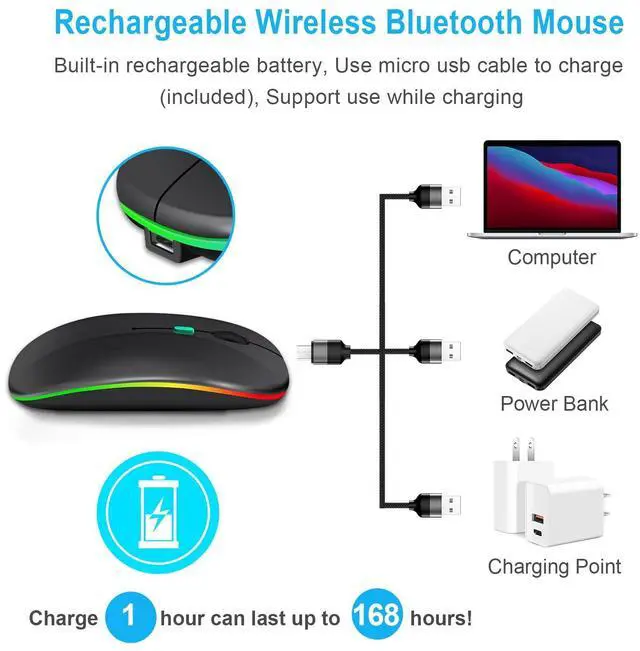
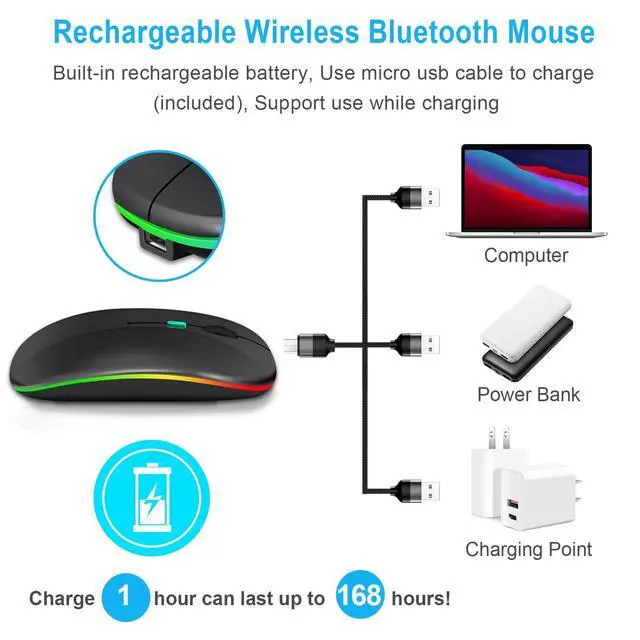
- [Rechargeable-Auto Sleep Mouse]. The mouse has a built-in rechargeable battery. When the mouse is idle, it will automatically enter sleep mode to save power, double click the mouse to wake up the mouse. USB-C charging cable is included in the package, convenient for charging and carrying.
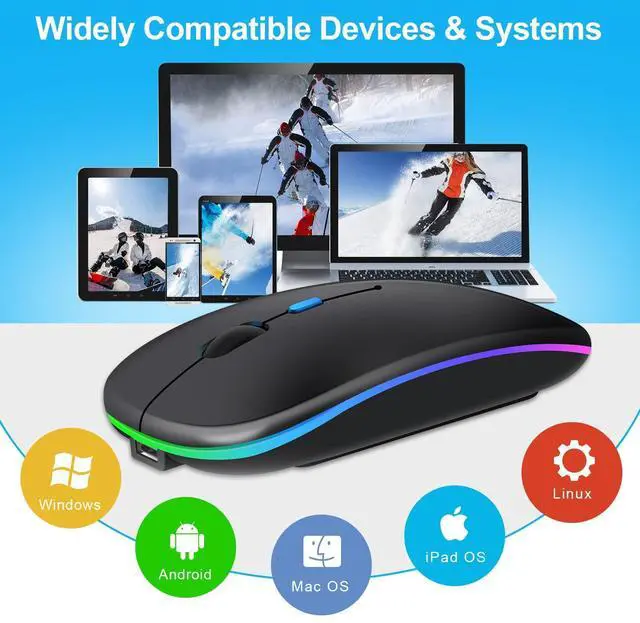
- [Compatibility] 2.4GHz USB Mode/2.4GHz TpyeC Mode is suitable for laptop, desktop or any computer with USB/TypeC interface, you can use it directly after connecting with the receiver. Bluetooth mode is available for Windows/ Android/ MAC OS system. Please check whether your device has Bluetooth function before using it in Bluetooth mode.
+
+
Overview
Reviews

Any questions? Our AI beta will help you find out quickly.
Try me now
How to use
2.4 GHz mode: switch the "On/Off" button to the right side. Then plug the receiver into the USB port or C port of your computer. Then you can use the mouse in 2.4GHz mode.
Bluetooth Mode: Turn on the Bluetooth function of the device. Switch to the "ON/OFF" button on the left side. (Bluetooth Mode) Find the Bluetooth product and find "BT3.0mouse" or "BT5.0 mouse" to pair. Then you can use the mouse in Bluetooth mode.
Box Contents:
1 x Mouse
1 x USB-A and USB-C Receiver
1 x USB-A Receiver
1 x USB-C Charging Cable
1 x User manual
CAUTION
a. If the cursor moves slowly or stops moving, the power supply is faulty. Please charge it. Note: Do not use a mobile phone charger to charge the mouse.
b. Please charge the mouse for 2 hours before using it for the first time. The blue light next to the scroll wheel will light up when charging, and will turn off when the mouse is fully charged.
c. Not all computers support both modes, e.g. Win 7 system does not support Bluetooth mode.
Warranty & Returns
Warranty, Returns, And Additional Information
Warranty
- Please contact the Seller directly for warranty information. Warranty information may also be found on the Manufacturer's website.
- CONTACT
Return Policies
- Return for refund within: 30 days
- Return for replacement within: 30 days
- This item is covered by AxisLink Return Policy
Manufacturer Contact Info
- For a directory of all our manufacturers, please click below.
- Manufacturers Directory
LOADING...