

Your Browsing History

Meet Your Seller

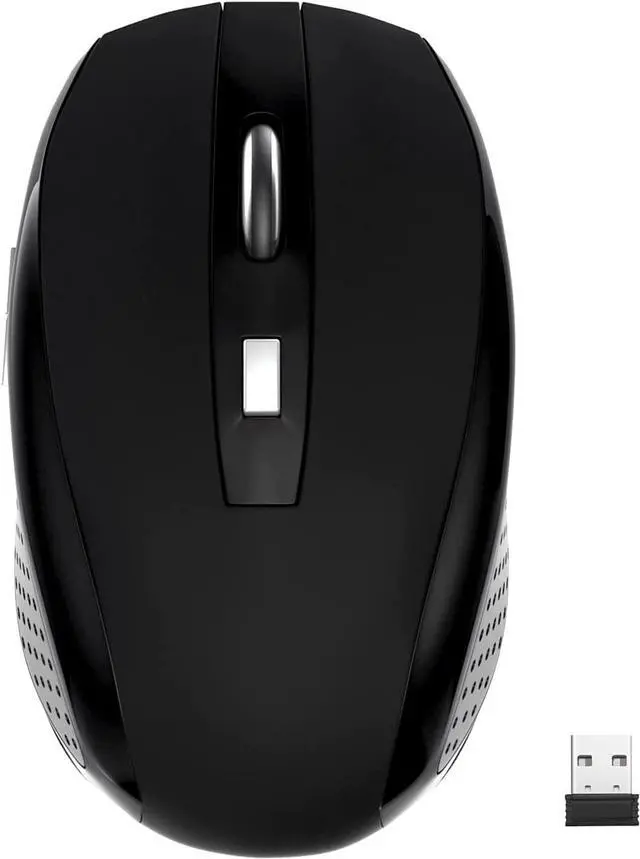
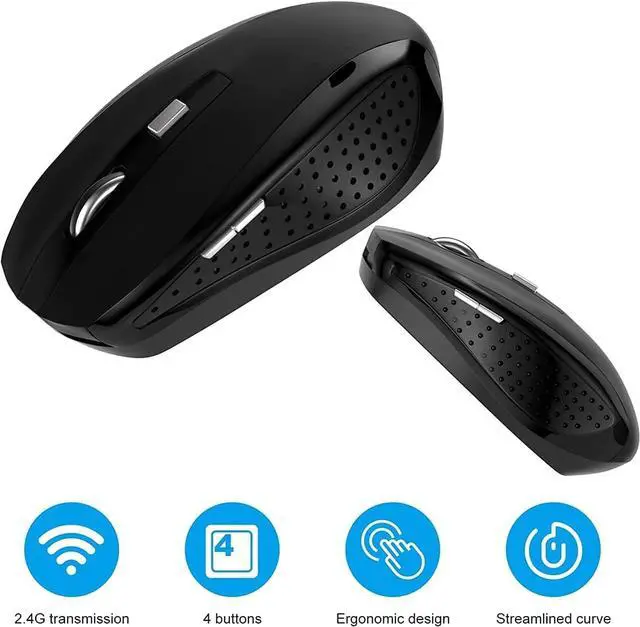
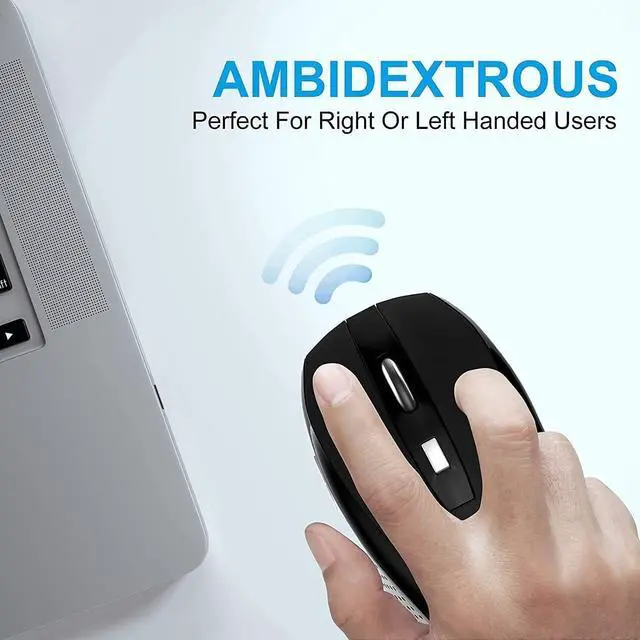
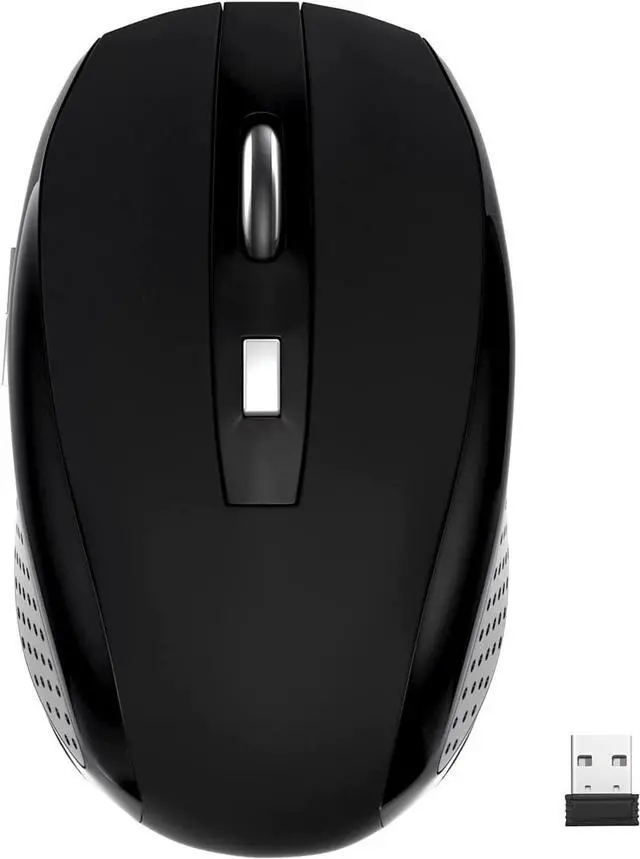
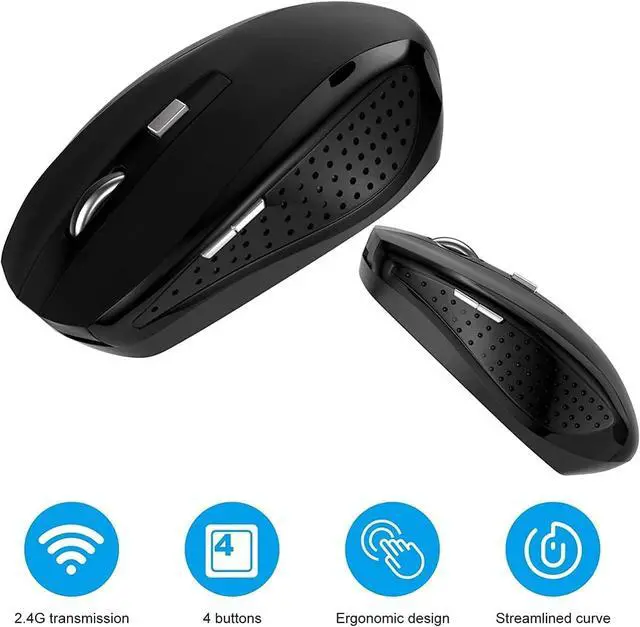


Guiheng Wireless Mouse, 2.4Ghz Wireless Computer Mouse 1200,6 Buttons with Nano Receiver for Laptop,PC,Chromebook,Computer,Notebook,Office (Battery not Included, Black)
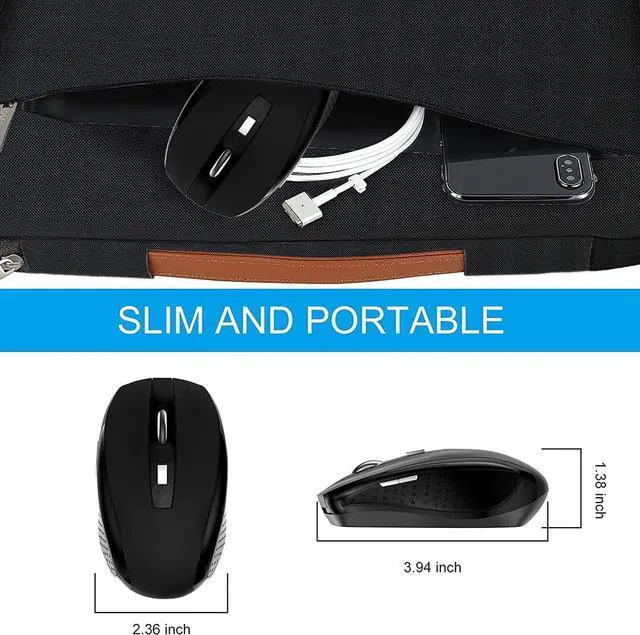
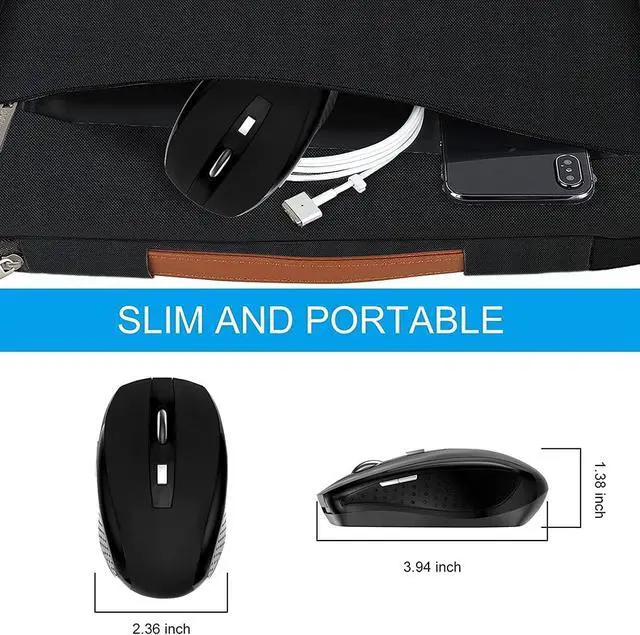
- System support: Windows,Android/Linux office/Mac OS device.please note that this mouse size is 3.94*2.36*1.38inch ;if the mouse do not work ,pleae make sure that the mouse batteries and usb dongle have not install properly,the mouse if it lowbattery power ,if yes ,please change new battery .
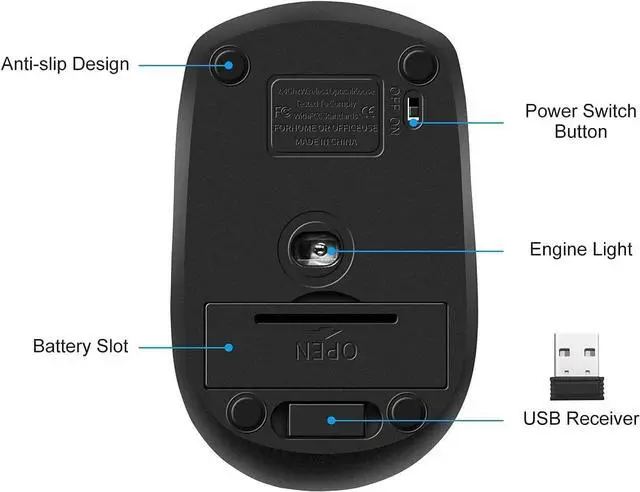
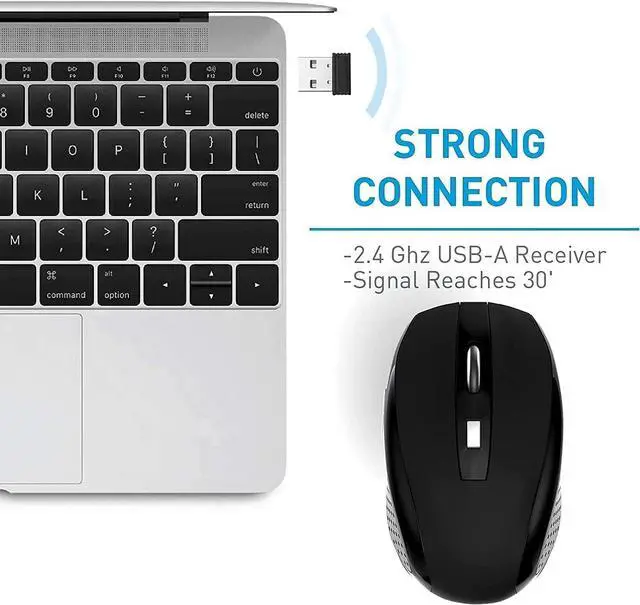
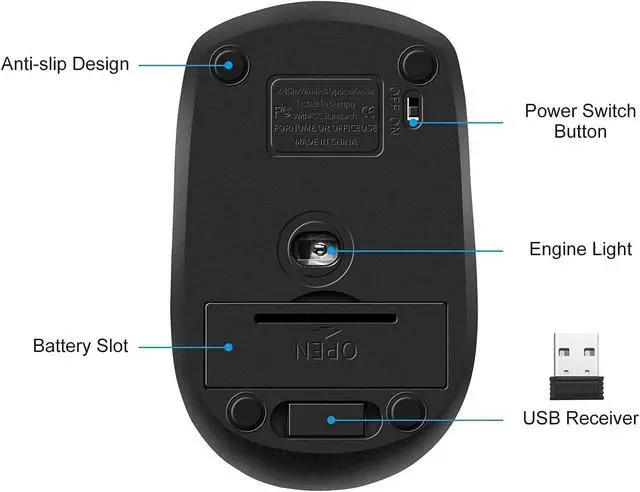
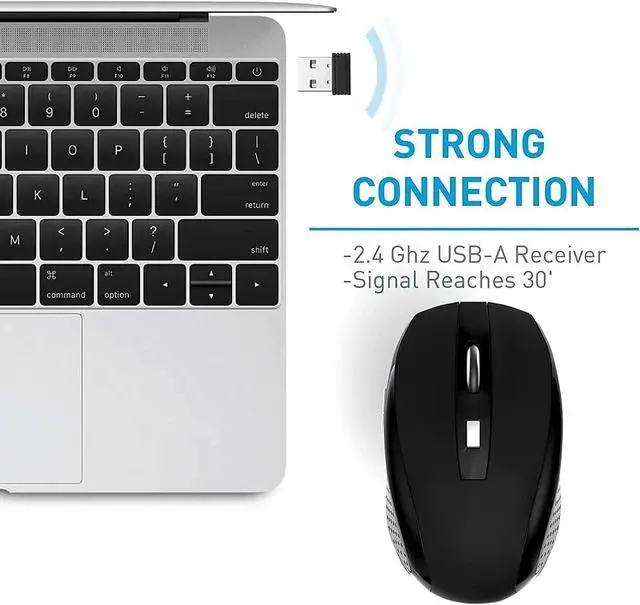
- Wireless Mouse :RF2.4G wireless transmission distance of up to 10m,Easy operation: USB nano dongle and power switch ,more convenient when plug in USB ,Plug and Play make all the operation more easier than others,please note that the USB nano dongle is under of the back side cover ,please kindly check it .
- How to use the wireless mouse, Step1:open the battery cover,then install the two AAA battery . Step2:Take out the USB dongle and close the battery cover . Step3:Plug the USB dongle in the USB port . Step4:Place your wireless mouse close to the dongle about 30CM,turn the power switch button to "ON", the led light will light up.Your mouse will connect with the dongle automatically and start working .Wireless Mouse :RF2.4G wireless transmission distance of up to 10m,
- with 800/1200 switch ,press left+mid+right button for switching ,2.4Ghz wireless ,1200 optical technology. it is not silent mouse ,please make into consideration before buying.
- Package Contents: 1x Wireless Mouse, 1x Nano Receiver, 1x User manual ,Powered by two AAA battery (not included)
+
+
Overview
Reviews

Any questions? Our AI beta will help you find out quickly.
Try me now
Trouble shooting steps:
Q1:The mouse does not work?
1.The mouse batteries and usb dongle have not install properly;
2.the battery have low power;
3.The mouse switch button have not turned to ON position;
4.The range between receiver and mouse should be less than 32.8ft
A:1.Check the mouse battery and usb dongle have installed properly,make sure that use new batteries,which full power,
2.then connect the following steps:
Step1:open the battery cover,then install the two AAA battery .
Step2:Take out the USB dongle and close the battery cover .
Step3:Plug the USB dongle in the USB port .
Step4:Place your wireless mouse close to the dongle about 30CM,turn the power switch button to "ON", the led light will light up.Your mouse will
connect with the dongle automatically and start working .
Notice if the mouse doesn't work ,please place the mouse near to the dongle and press the connect button (underneath the mouse)and release ,it
wll connect to work . if still do not work ,please change the battey to install it ,to see if it works ,if not ,please contact us directly .
Q2:The usb dongle is missing
A2:Please open the back side cover of the mouse ,to check if the usb dongle in it ,if not ,please contact us directly .
Package detail
Wireless mouse x1
USB nano receiver(the back side cover of the mouse) x1
User manual x1
Warranty & Returns
Warranty, Returns, And Additional Information
Warranty
- Please contact the Seller directly for warranty information. Warranty information may also be found on the Manufacturer's website.
- CONTACT
Return Policies
- Return for refund within: 30 days
- Return for replacement within: 30 days
- This item is covered by AxisLink Return Policy
Manufacturer Contact Info
- For a directory of all our manufacturers, please click below.
- Manufacturers Directory
LOADING...