

Your Browsing History
- Free 30-day Returns
$18.15
Ships from Hong Kong.

Meet Your Seller

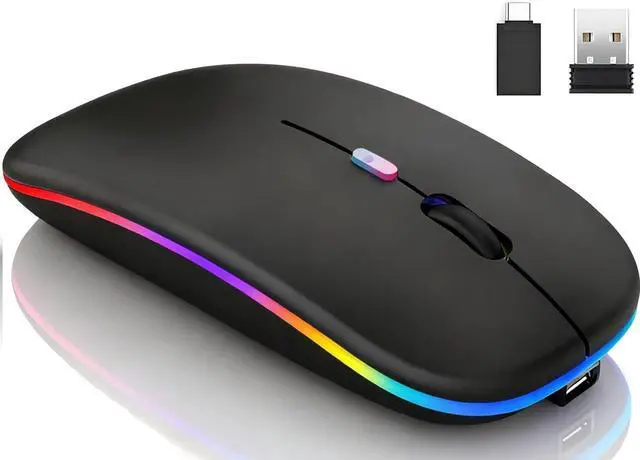
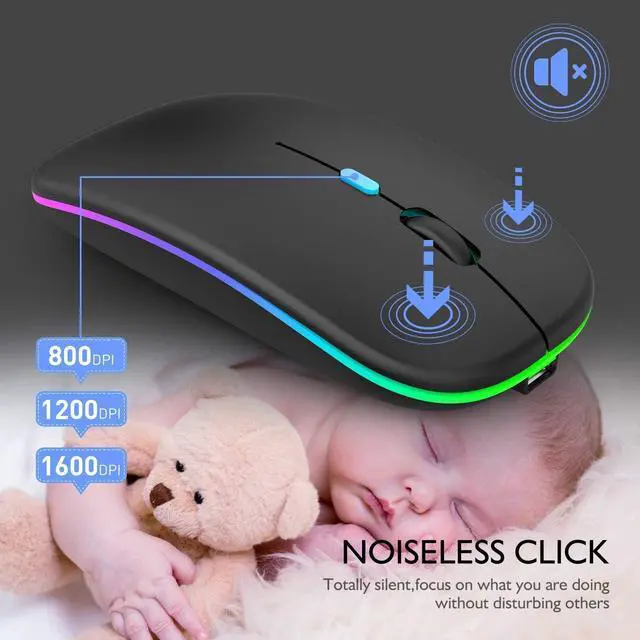
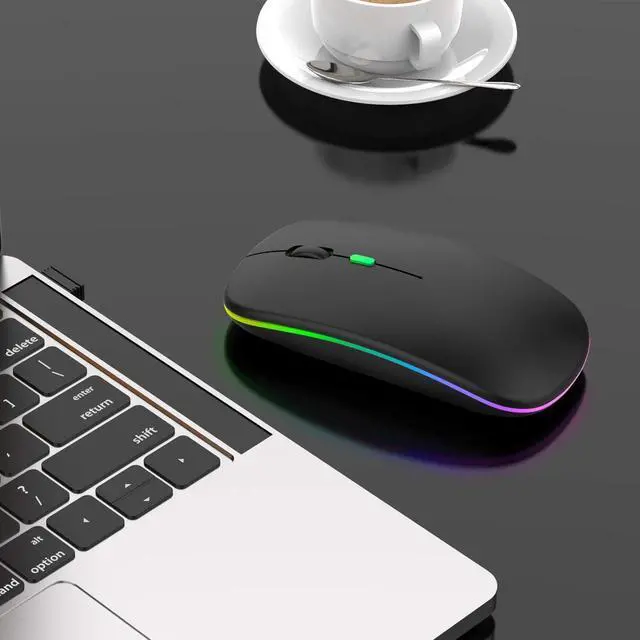
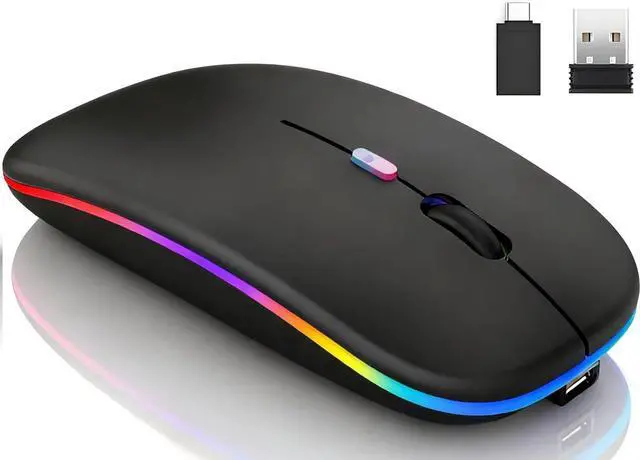
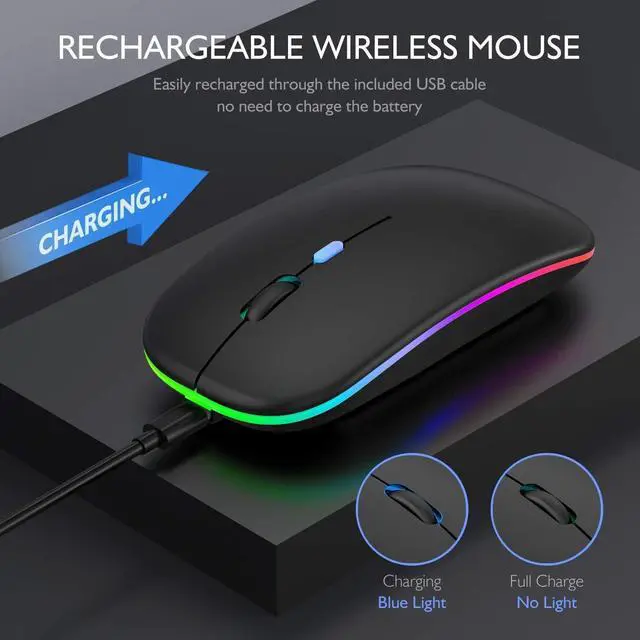
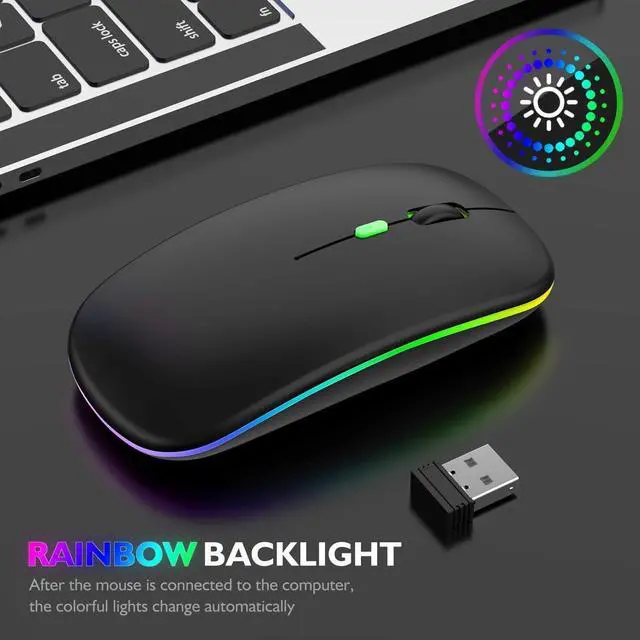
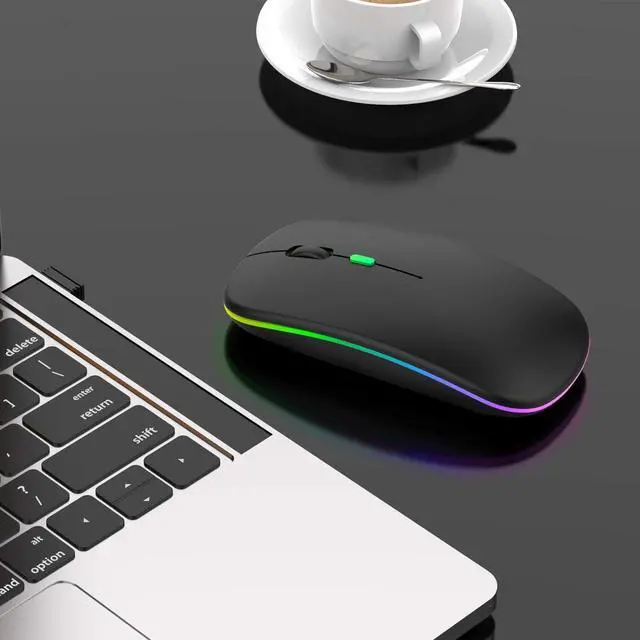


Qullqian Rechargeable Bluetooth Mouse for iPad/Tablet/Mac/Laptop/Apple/MacBook pro/MacBook air/pc/,LED Lights Silent Slim Use Bluetooth 5.2/3.0 and 2.4GHz USB Type-C Receiver (True Black)
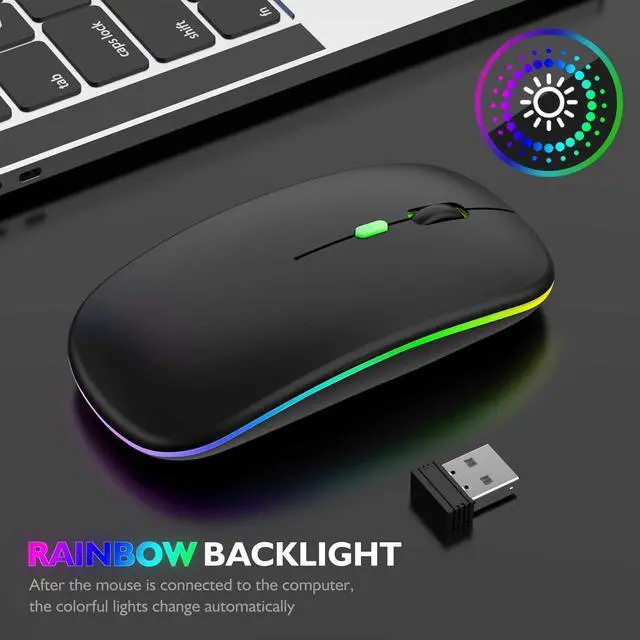
- Latest Upgrade LED DesignThe upgraded version mouse with the LED lights adds more fun to the boring office life. The bottom of the mouse has a switch, you can switch lights freely. Low-key or sparkle, switch in one second, suitable for any occasion.
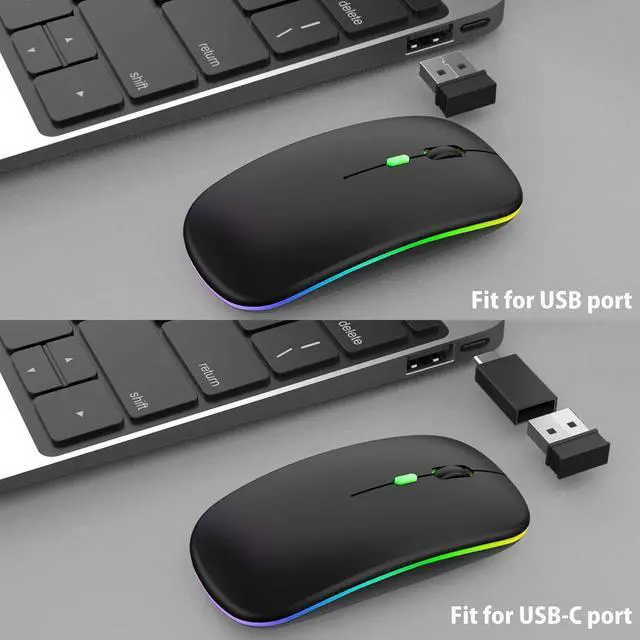
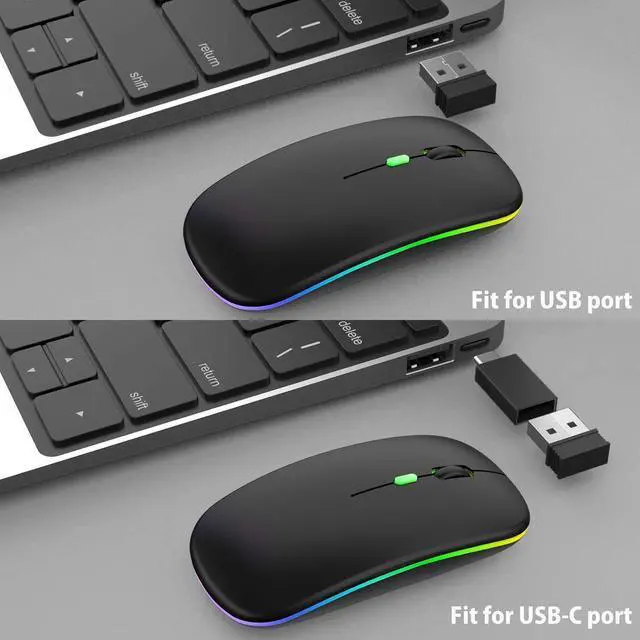
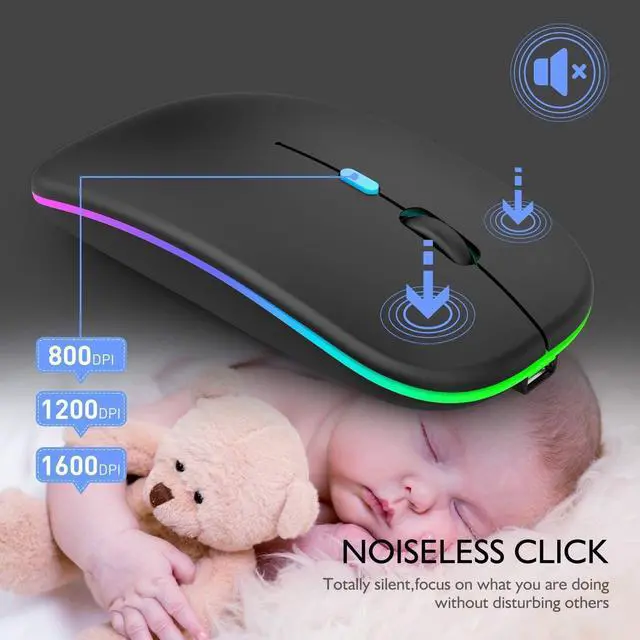
- Plug and PlayNo need to install any driver, just plug the USB receiver into your laptop will the mouse start to serve. 2.4GHz wireless technology provides powerful and reliable connection, effective up to 10 meters of range. Advanced optical tracking technology with fast click and responsiveness. 3-Level adjustable DPI (800/1200/1600 DPI), freely to satisfy daily work. Equipped with USB-C to USB adapter, let you worry-free use of any device.
- Mute Click & Comfortable Hand-feelingSilent click Mouse with classic design with anti-fingerprint finish offers your hand maximum support and comfort. Silent button reduces 90% noises, which makes it an ideal wireless mouse for office, conference room, cafe, library, bedroom, help you concentrate on your work, study without disturbing others besides you. Ultra-thin, ergonomic design, lightweight and convenient for carrying or traveling.
+
+
Overview
Reviews

Any questions? Our AI mode will help you find out quickly.
Try me now
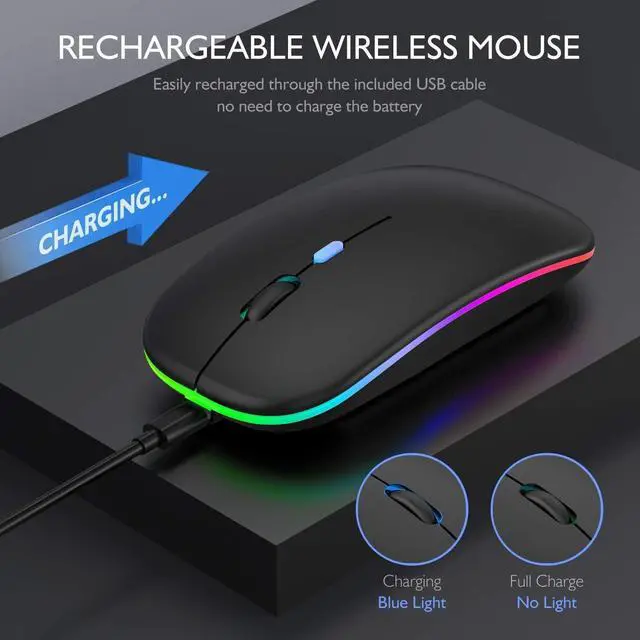
7 Colorful LED breathing light change alternately, soothing light lights up the mouse in dark, adds more fun to the life. Note: It can't be set to one specific color. How to use it? * Charge the mouse for about 2 hours before using it for the first time. 1. Take the dongle out, which is stored at the bottom of the mouse. 2. Insert the dongle into the USB port of your device, and open the mouse switch (at the bottom of the mouse). 3. Allow a few seconds for installing, no action needed, just wait. Then you can use it. Note: If your computer is Type-C port, please insert the USB-C to USB receiver into the Type-c port of the device first, then insert the USB receiver into the USB-C to USB receiver. Turn on the power switch and the mouse will work. Tips: The mouse cursor will move slowly or stop moving when the mouse is low battery. Please charge it on time. The blue light beside the scroll wheel will be on while charging, and then goes off when the mouse is fully charged.
Warranty & Returns
Warranty, Returns, And Additional Information
Warranty
- Please contact the Seller directly for warranty information. Warranty information may also be found on the Manufacturer's website.
- CONTACT
Return Policies
- Return for refund within: 30 days
- Return for replacement within: non-replaceable
- This item is covered by Nexbyte Return Policy
Manufacturer Contact Info
- For a directory of all our manufacturers, please click below.
- Manufacturers Directory
LOADING...