

Your Browsing History
- Free 30-day Returns
$35.04
Ships from China.

Meet Your Seller


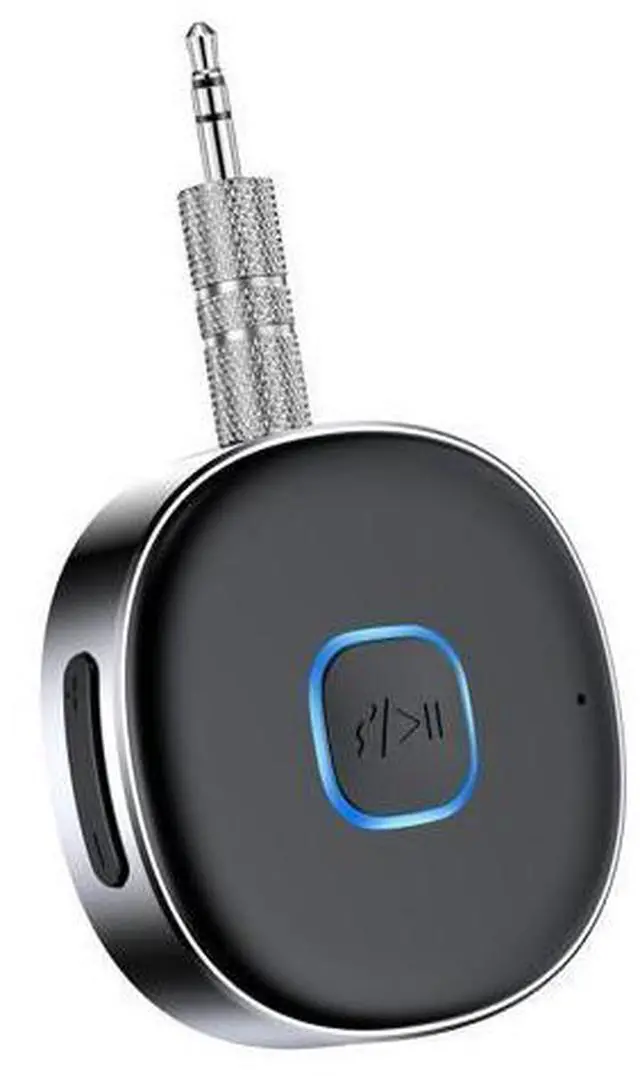


Bluetooth Receiver, Portable 3.5mm Aux Car Adapter, Bluetooth Wireless Audio Receiver for Car/Home Stereo/Wired Headphones/Speaker, 16H Battery Life
Limited time offer, ends 10/07 By GGnix
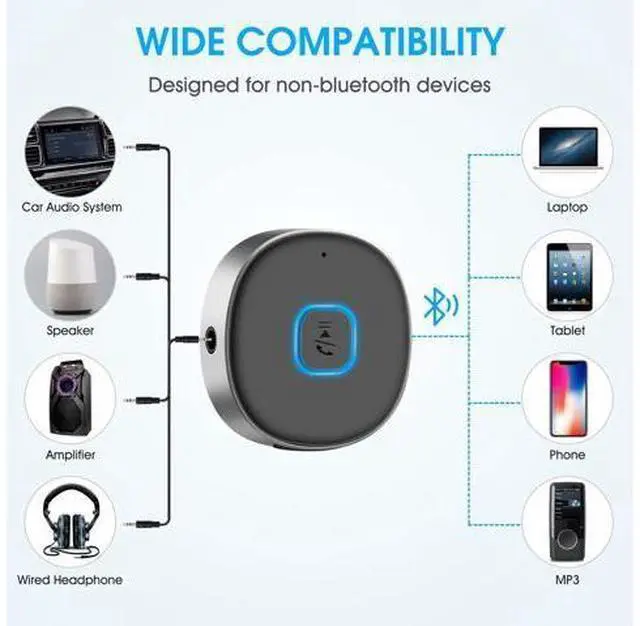
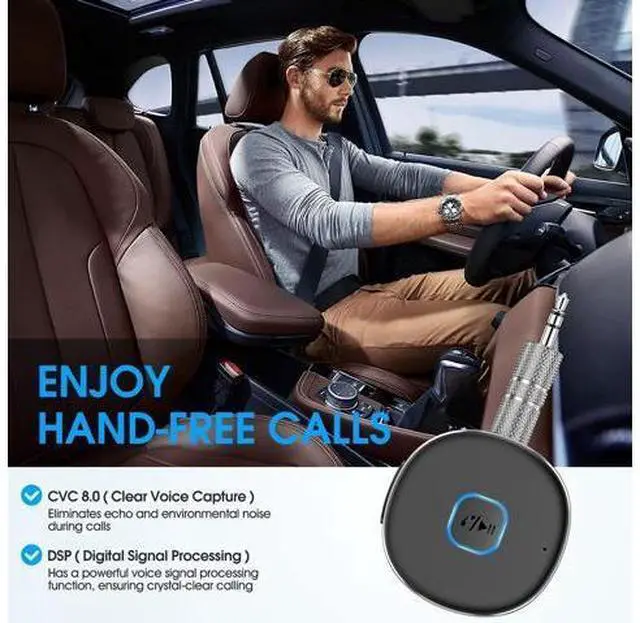
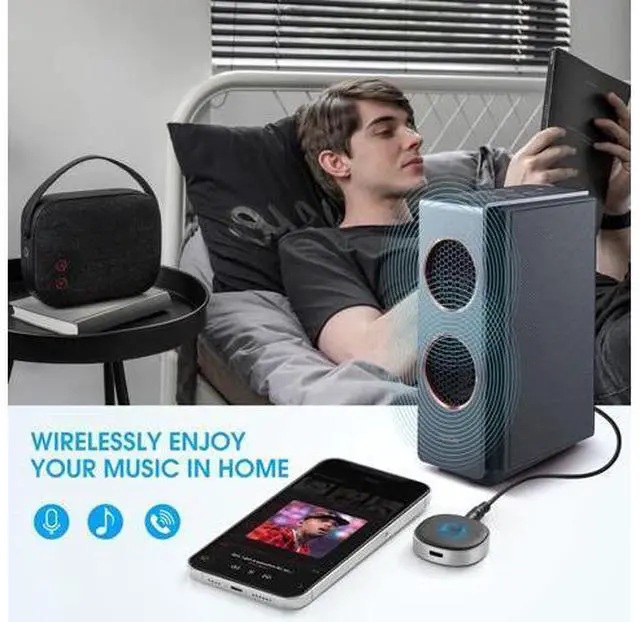
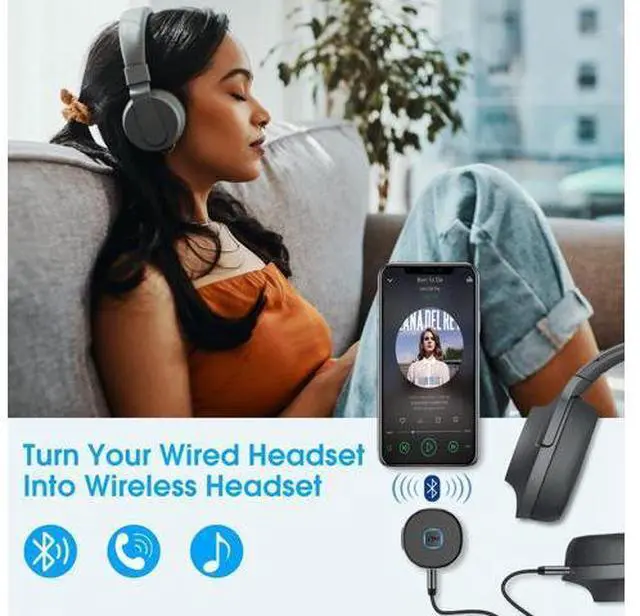
- [BLUETOOTH AUX RECEIVER FOR CAR]The Bluetooth 3.5mm Aux receiver can turn your old car audio/home audio/3.5mm wired earphones/speakers into wireless. Compatible with most Bluetooth-enabled devices, such as smart phones, tablets, laptops, and computers.
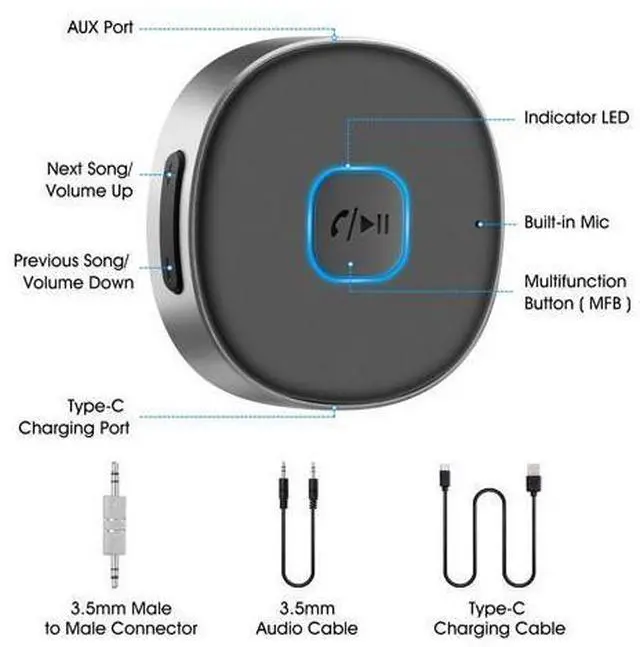
- [ENJOY HANDS-FREE CALL & WIRELESS MUSIC]This Bluetooth AUX receiver can pair with Bluetooth devices and the built-in microphone can be used to answer hands-free calls. One key to answer, reject, end and redial the last number. Designed with MFB and volume up/down button, it is very convenient to adjust the volume of music.
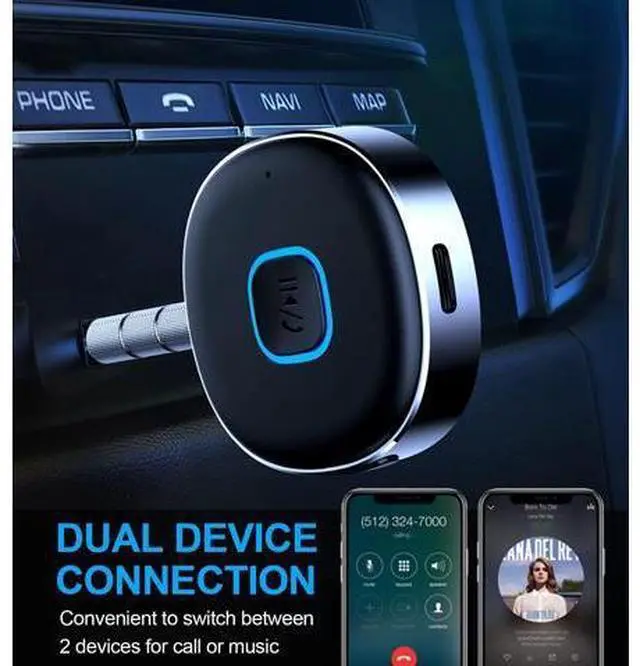
- [BLUETOOTH 5.3 & DUAL CONNECTION]The Bluetooth receiver equipped with Bluetooth 5.3 to ensure stable connection. It can connect 2 devices at the same time, so you won't miss any calls while listening to music. The Bluetooth range up to 33ft without obstacles. Automatically connects to the last connected device.
- [FAST CHARGING & LONG BATTERY LIFE]One key to power on and enter pairing mode. The built-in battery has a
+
+
Overview
Specs
Reviews

Any questions? Our AI mode will help you find out quickly.
Try me now
Previous page Next page
Pairing Steps: 1. Press and hold the MFB for 3 seconds to power on, the indicator light flashes red and blue alternately, which means its pairing mode. 2. Connect the AUX port on Bluetooth receiver to the audio input port of the home speaker or car stereo system with provided 3.5 mm audio cable, or plug your 3.5 mm wired earphone into the AUX port on Bluetooth receiver. 3. Turn on the Bluetooth function of your smart phone, search"J33" and connect. After successful connection, the indicator flashes blue once every 5 seconds. 4. Now you can enjoy music or answer hands-free calls. How to Pair with 2 Device at the Same Time?
1. After successfully pairing with the first Bluetooth device, turn off the Bluetooth function of the first device, and the Bluetooth receiver will enter the pairing mode again.
2. Turn on the Bluetooth function of the Bluetooth device, search for "J33" and connect.
3. Turn on the Bluetooth function of the first Bluetooth device, select "J33" in your pairing history. 4. Now two Bluetooth devices are connected to the receiver at the same time.
If fail to pair:
1. Please make sure you have powered on the receiver, and the indicator light flashes red and blue alternately.
2. Clear the pairing list of your Bluetooth enabled phone, MP3, etc. then try again. How to clear pairing record? In standby status, press "+" and ". " at the same time for 2 seconds to clear the pairing record, The LED flashes red and blue alternately and J33 will not connect to previous devices automatically.
Technical
Version: 5.0
Frequency Range: 2.4GHZ
Bluetooth Mode: HFP/HSP/A2DP/AVRCP
Bluetooth Range: Greater than 33ft Easy to Use Universal 3.5 mm audio jack design Multi-function button for Play/Pause and one-click answering +/ - button for volume adjustment and Next/ Previous track Longer Battery Life 2 hours fast charging and 16 hours working time, which means you can enjoy music and calling for almost the entire day before next recharge. Your long road trips will never be boring. Latest Bluetooth Technology Bluetooth V 5.0 with low power consumption, compatible with IOS and Android devices. The built-in microphone can be used to answer hands-free calls. Pair with mobile phone/MP3/ Tablet, etc. and turn your old car stereo/home stereo/3. 5mm wired headphones into wireless. Battery Indicator Once the wireless receiver has successfully paired with the phone, its power will be displayed on the phone to know its usage time.
(PS: Most Android phones will display the battery percentage on the Bluetooth connected device interface of the phone. ) Package Contents Bluetooth Receiver* 1 3.5 mm Male to Male Connector* 1 3.5 mm Audio Cable * 1 Type-C Charging Cable * 1 User Manual* 1 Small &
Portable Size: 1.6 × 1.6 × 0.4 in
Net Weight: 0.5 oz This Bluetooth AUX receiver is small and lightweight, which makes it very easy to carry. You can take it anywhere for enjoying wireless music and hands free call!
Pairing Steps: 1. Press and hold the MFB for 3 seconds to power on, the indicator light flashes red and blue alternately, which means its pairing mode. 2. Connect the AUX port on Bluetooth receiver to the audio input port of the home speaker or car stereo system with provided 3.5 mm audio cable, or plug your 3.5 mm wired earphone into the AUX port on Bluetooth receiver. 3. Turn on the Bluetooth function of your smart phone, search"J33" and connect. After successful connection, the indicator flashes blue once every 5 seconds. 4. Now you can enjoy music or answer hands-free calls. How to Pair with 2 Device at the Same Time?
1. After successfully pairing with the first Bluetooth device, turn off the Bluetooth function of the first device, and the Bluetooth receiver will enter the pairing mode again.
2. Turn on the Bluetooth function of the Bluetooth device, search for "J33" and connect.
3. Turn on the Bluetooth function of the first Bluetooth device, select "J33" in your pairing history. 4. Now two Bluetooth devices ar
Pairing Steps: 1. Press and hold the MFB for 3 seconds to power on, the indicator light flashes red and blue alternately, which means its pairing mode. 2. Connect the AUX port on Bluetooth receiver to the audio input port of the home speaker or car stereo system with provided 3.5 mm audio cable, or plug your 3.5 mm wired earphone into the AUX port on Bluetooth receiver. 3. Turn on the Bluetooth function of your smart phone, search"J33" and connect. After successful connection, the indicator flashes blue once every 5 seconds. 4. Now you can enjoy music or answer hands-free calls. How to Pair with 2 Device at the Same Time?
1. After successfully pairing with the first Bluetooth device, turn off the Bluetooth function of the first device, and the Bluetooth receiver will enter the pairing mode again.
2. Turn on the Bluetooth function of the Bluetooth device, search for "J33" and connect.
3. Turn on the Bluetooth function of the first Bluetooth device, select "J33" in your pairing history. 4. Now two Bluetooth devices are connected to the receiver at the same time.
If fail to pair:
1. Please make sure you have powered on the receiver, and the indicator light flashes red and blue alternately.
2. Clear the pairing list of your Bluetooth enabled phone, MP3, etc. then try again. How to clear pairing record? In standby status, press "+" and ". " at the same time for 2 seconds to clear the pairing record, The LED flashes red and blue alternately and J33 will not connect to previous devices automatically.
Technical
Specifications
: BluetoothVersion: 5.0
Frequency Range: 2.4GHZ
Bluetooth Mode: HFP/HSP/A2DP/AVRCP
Bluetooth Range: Greater than 33ft Easy to Use Universal 3.5 mm audio jack design Multi-function button for Play/Pause and one-click answering +/ - button for volume adjustment and Next/ Previous track Longer Battery Life 2 hours fast charging and 16 hours working time, which means you can enjoy music and calling for almost the entire day before next recharge. Your long road trips will never be boring. Latest Bluetooth Technology Bluetooth V 5.0 with low power consumption, compatible with IOS and Android devices. The built-in microphone can be used to answer hands-free calls. Pair with mobile phone/MP3/ Tablet, etc. and turn your old car stereo/home stereo/3. 5mm wired headphones into wireless. Battery Indicator Once the wireless receiver has successfully paired with the phone, its power will be displayed on the phone to know its usage time.
(PS: Most Android phones will display the battery percentage on the Bluetooth connected device interface of the phone. ) Package Contents Bluetooth Receiver* 1 3.5 mm Male to Male Connector* 1 3.5 mm Audio Cable * 1 Type-C Charging Cable * 1 User Manual* 1 Small &
Portable Size: 1.6 × 1.6 × 0.4 in
Net Weight: 0.5 oz This Bluetooth AUX receiver is small and lightweight, which makes it very easy to carry. You can take it anywhere for enjoying wireless music and hands free call!
Pairing Steps: 1. Press and hold the MFB for 3 seconds to power on, the indicator light flashes red and blue alternately, which means its pairing mode. 2. Connect the AUX port on Bluetooth receiver to the audio input port of the home speaker or car stereo system with provided 3.5 mm audio cable, or plug your 3.5 mm wired earphone into the AUX port on Bluetooth receiver. 3. Turn on the Bluetooth function of your smart phone, search"J33" and connect. After successful connection, the indicator flashes blue once every 5 seconds. 4. Now you can enjoy music or answer hands-free calls. How to Pair with 2 Device at the Same Time?
1. After successfully pairing with the first Bluetooth device, turn off the Bluetooth function of the first device, and the Bluetooth receiver will enter the pairing mode again.
2. Turn on the Bluetooth function of the Bluetooth device, search for "J33" and connect.
3. Turn on the Bluetooth function of the first Bluetooth device, select "J33" in your pairing history. 4. Now two Bluetooth devices ar
Warranty & Returns
Warranty, Returns, And Additional Information
Warranty
- Please contact the Seller directly for warranty information. Warranty information may also be found on the Manufacturer's website.
- CONTACT
Return Policies
- Return for refund within: 30 days
- Return for replacement within: 30 days
- This item is covered by GGnix Return Policy
Manufacturer Contact Info
- For a directory of all our manufacturers, please click below.
- Manufacturers Directory
LOADING...