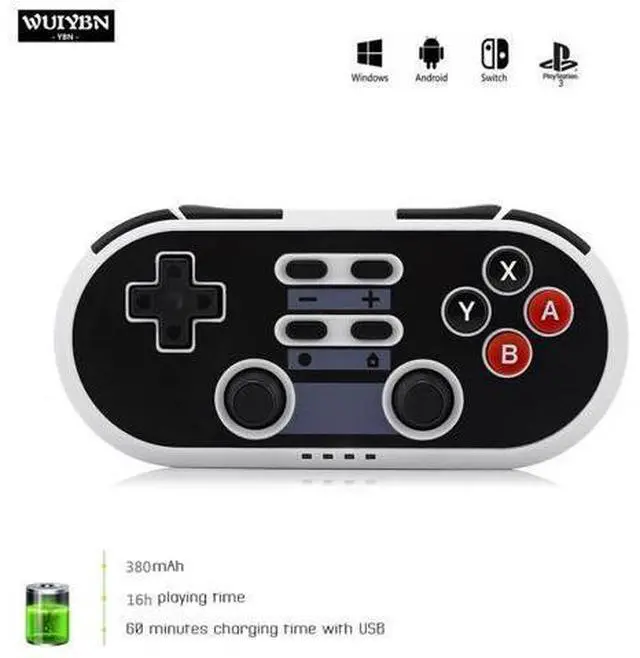
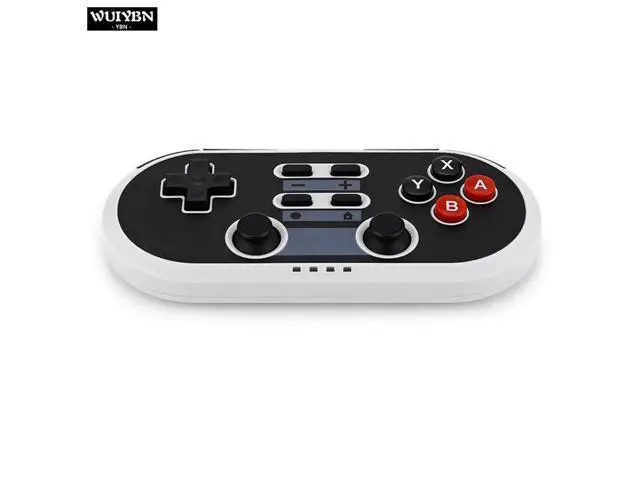
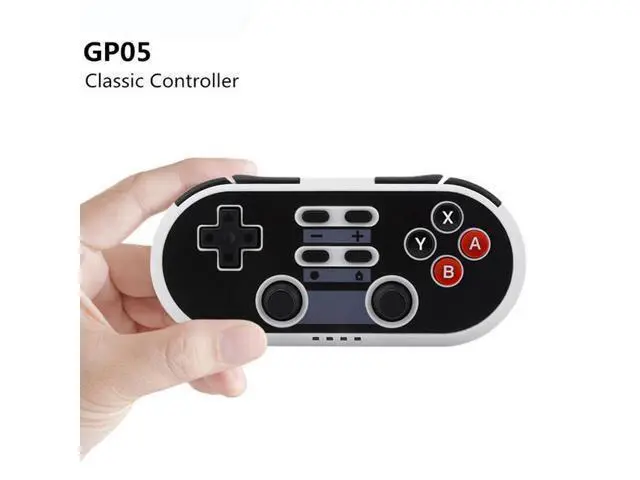
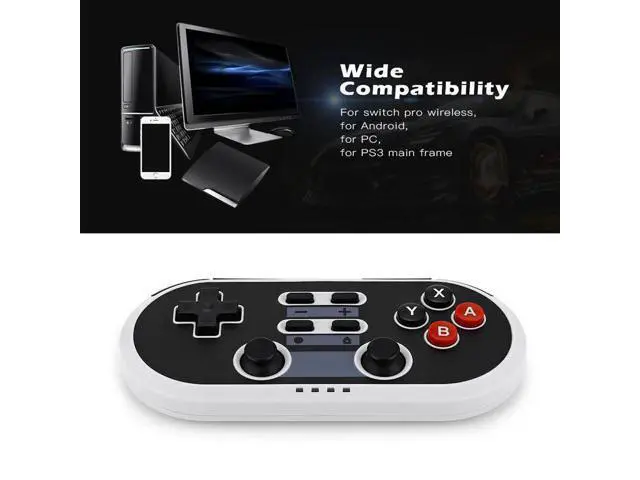
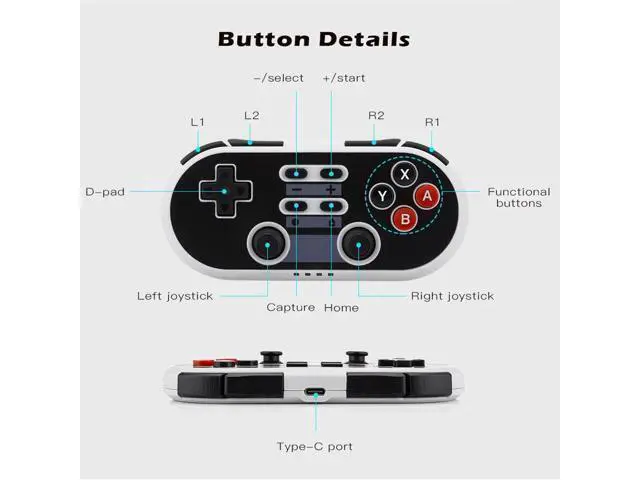
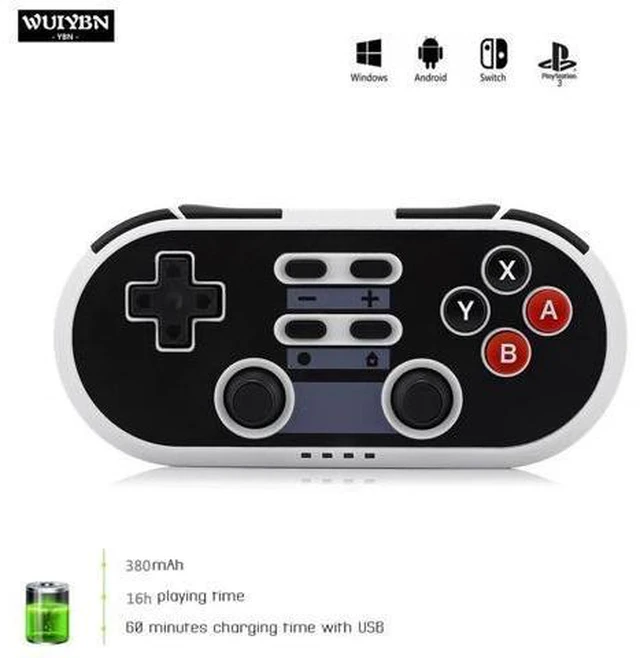
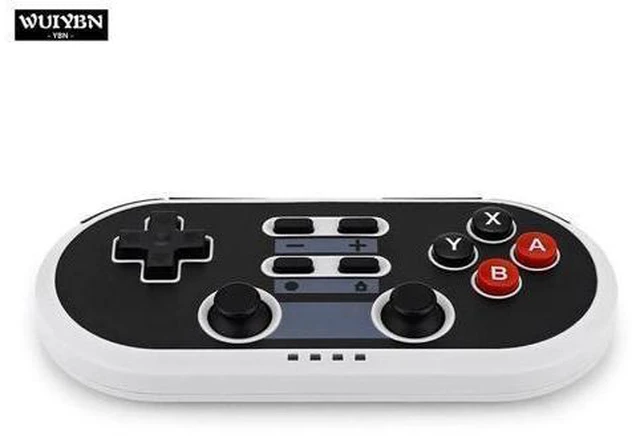
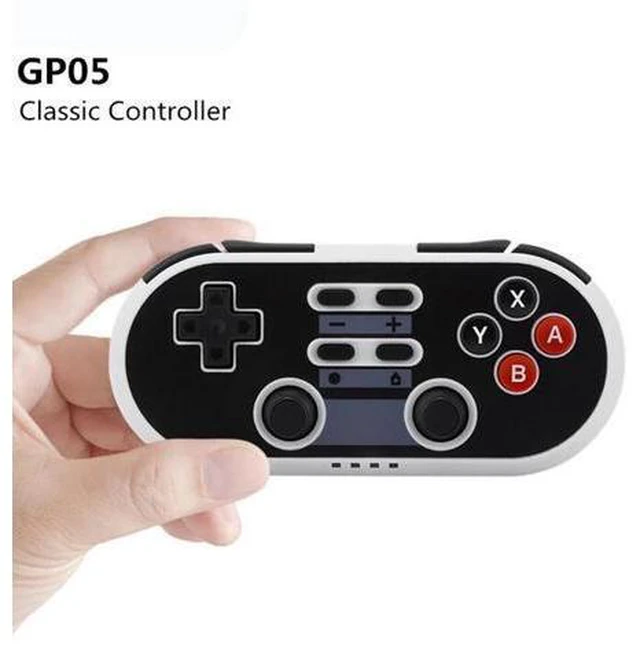
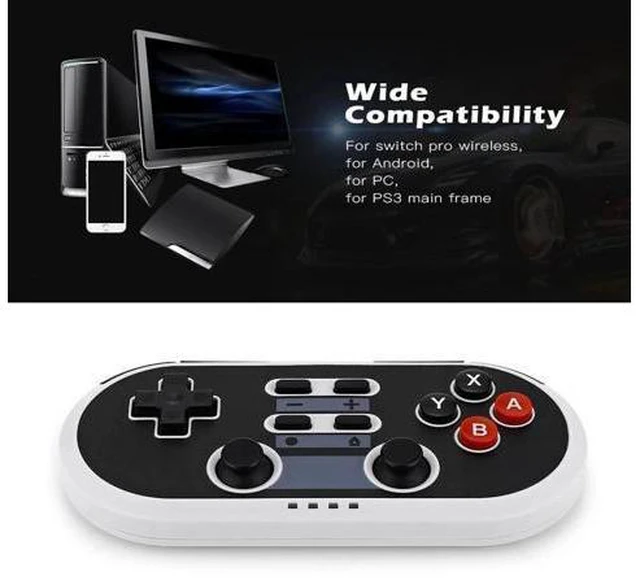
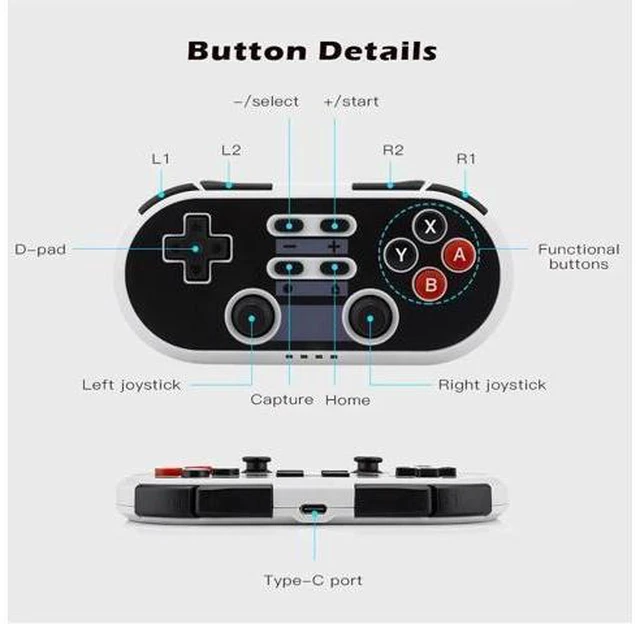
Bluetooth Wireless NS Switch Controller For Switch Game Machine PS3, Android, PC Gamepad DS BOY PRO multi-function wireless controller for SWITCH master Machine, P3 host, Android device, PC, etc. with six-axis double vibrating hand Handle, charging to TYPE-C interface On/off
Power on: Press [HOME];
Shutdown: Press and hold the [HOME] button for 3 seconds; do not press any button for 5 minutes to shut down. Bluetooth connection Android 1. Press and hold the [Y+HOME] button for 2 seconds to enter the pairing mode. The LED1 light flashes quickly and the Android device is turned on. Read Bluetooth device [Gamepad] Bluetooth device connection, click on the connection after successful LED 1 The light will be on constantly. 2. Cross key, left and right 3D, L1, L2, R1, R2 and Android handle one-to-one correspondence, - right Should [SELECT]+ corresponding to [START], [HOME] can only be turned on and off, camera button corresponding TURBO], [Y] corresponds to [X], [X] corresponds to [Y], [B] corresponds to [A], [A] corresponds to [B]. Windows The connected device will automatically connect the next time it is used. Power On/Off 1. Press and hold X+HOME to turn on, enter 2.4G mode, channel 3 light flashes, connect After that, the D-INPUT 2 light is always on, and the mode is switched by long pressing SEL+STA.
The paired receivers are the BM-705 and BM-703S. 2. When connecting to the PC with the [TYPE C] cable, press and hold the START button to insert the cable. Switch 1. Open the [Controllers] setting of the [Switch] host and enter Change Grip/Order] interface. Logo, pairing is successful.





 here!
here!