Specifications
: 1Product
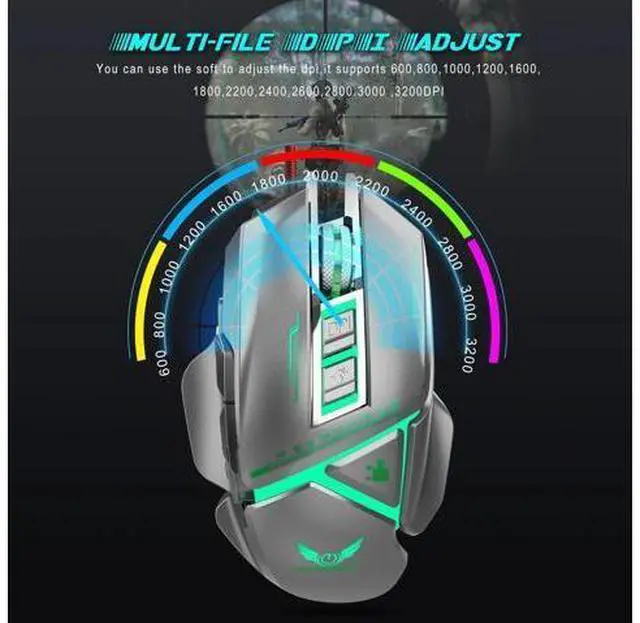
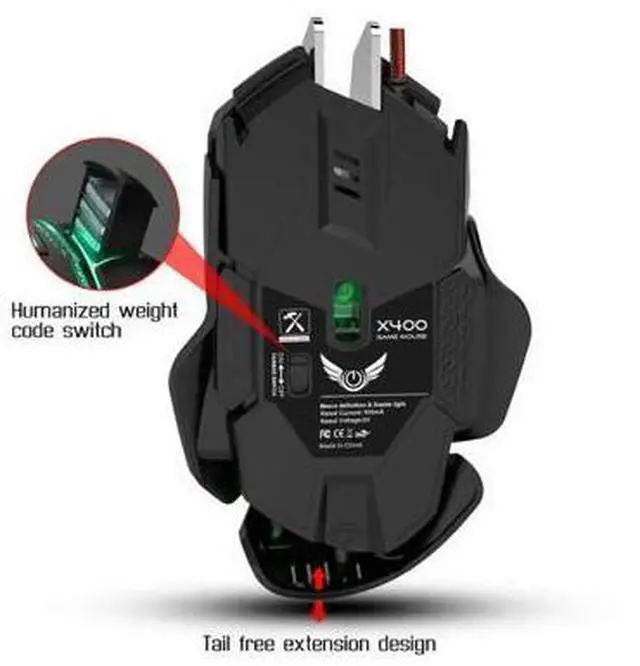
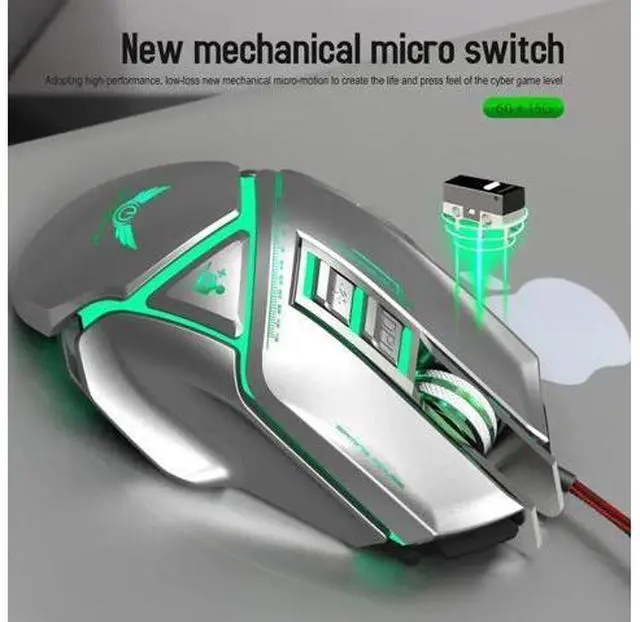
model: X400 Mechanical Macros Define the game mouse 2100% new mouse game 3High-end brand mechanical macro definition gaming mouse 4Human body engineering design 511 programmable keys 6Cool LED variable light effect 74-level adjustable DPI, Max.
3200 DPI(1200/1600/2400/3200DPI) 8: Voltage
rating / electric current: DC 5V / 100mA 9USB plug and play 10Switch life20million cycle 11: Cable
length: 150cm
12: Item
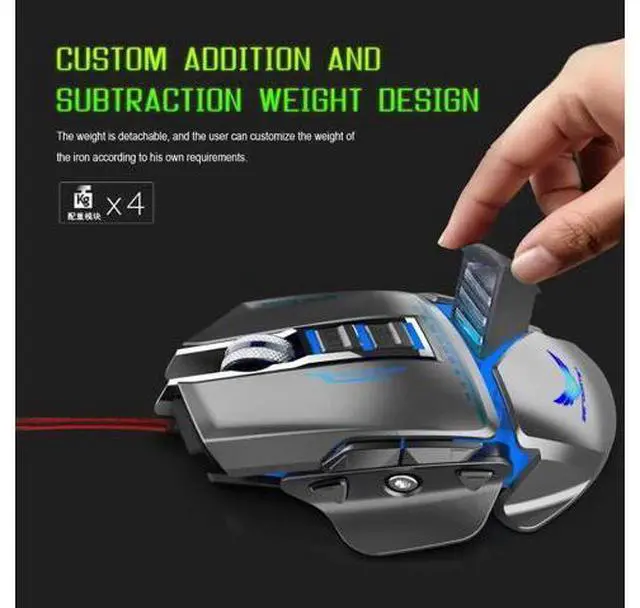
Weight: 157g
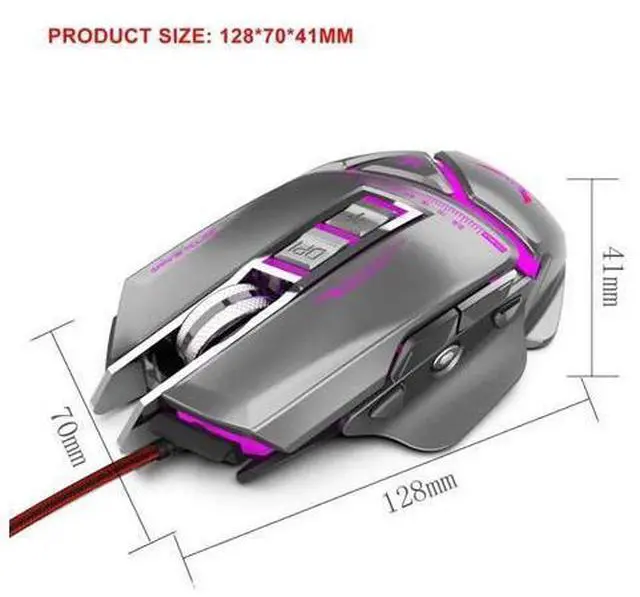
13: Item Size128*70*41MM (L * W *
H) 14: Package
Weight: 230g
15: Package
Size: 159*121*47MM
16: Support Windows 2000 / XP / win7 / win8 /win10 Vista 32bit IOS or latest.
17: Packing
list: 1 x gaming mouse 1 x User manual 1 x CD (Macro definition software) The custom driver download and use
1. Insert the driver CD to computer, and run the "setup. exe" installer.
2. The installation can be started when the mouse is successfully connected and in normal use.
3. When the installation is completed, "X400" drive icon appears on the desktop.
4. Basic Setting, Advanced Settings, Breathing LED Settings available.
5. In Basic Setting, custom settings are supported in drop-down list of each button.
6. In Advanced Setting, the macro editing is supported and the macro catalog can be added or deleted.
7. In Breathing LED Setting, long light, light-off and change of DPI defined light are supported.
8. When settings done, click Application, and click Save the Configuration. You should boot the driver again when next use so that all the self-defined functions can be used.





 here!
here!