

Your Browsing History

Meet Your Seller

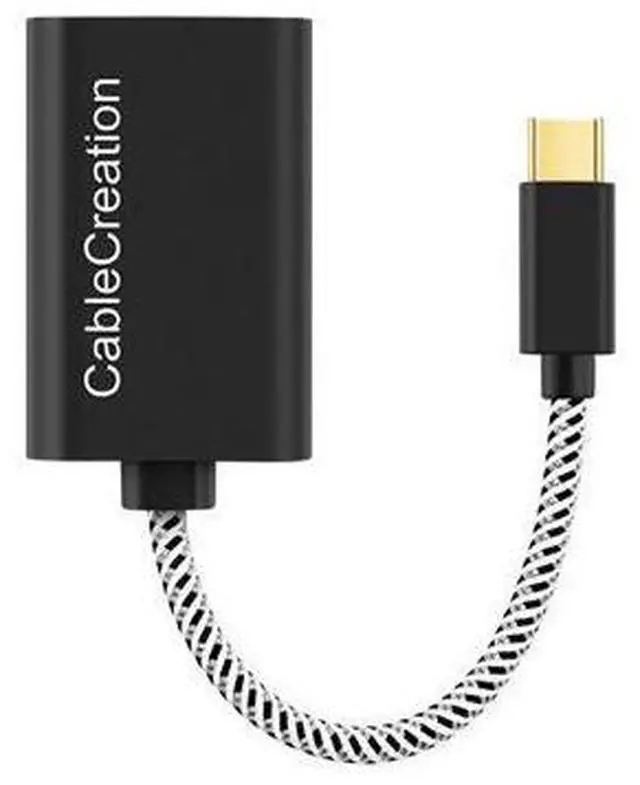
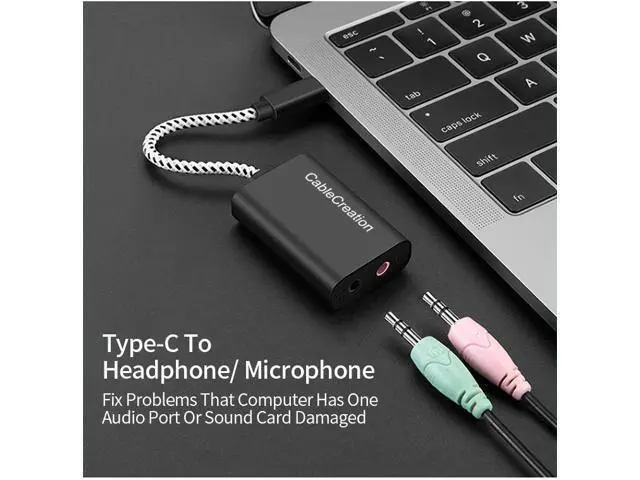
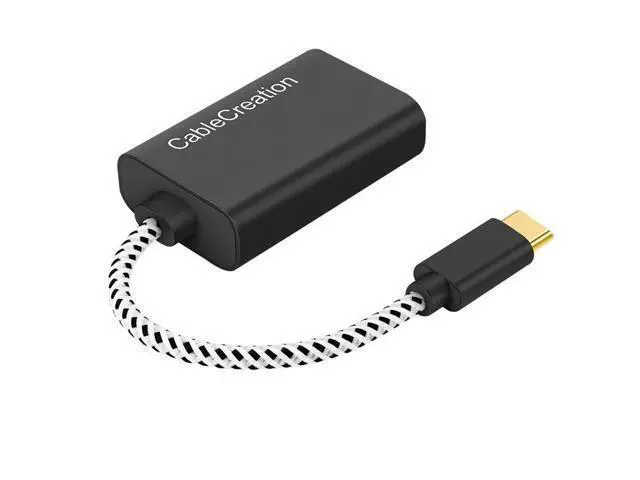


Type-C USB Audio Adapter External Stereo Sound Card Plug Play for Headphone Microphone Jack Black
Limited time offer, ends 07/19 By Glovibe Tech
- USB-C External Sound Adapter; CableCreation USB-C to 3.5 mm Audio and Microphone Adapter is an ideal alternative to bypass a damaged sound card. It provides a solution to connect your existing headsets, earplugs, speakers, microphones and aux cables to your USB-C equipped computer and cellphone.; CableCreation USB-C to 3.5 mm Audio Adapter is an Ideal Solution for; * Damaged sound card;; * Computers without microphone jack;; * Ultra-thin laptops without 3.5 mm audio port;; * Preventing your USB-C port from repeated plugging and unplugging.
+
+
Overview
Specs
Reviews

Any questions? Our AI beta will help you find out quickly.
Try me now
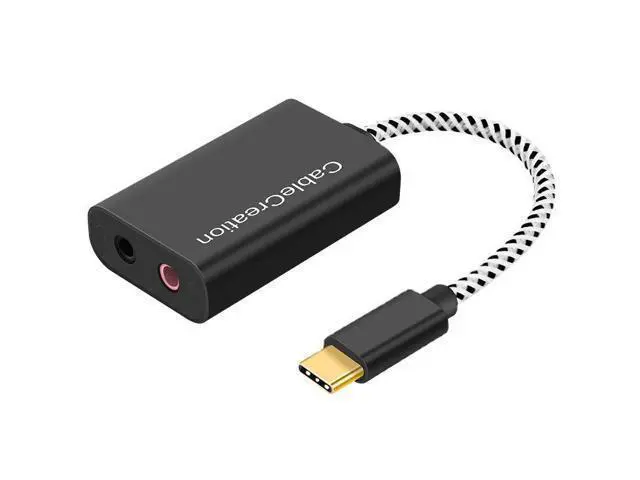
USB-C External Sound Adapter CableCreation USB-C to 3.5 mm Audio and Microphone Adapter is an ideal alternative to bypass a damaged sound card. It provides a solution to connect your existing headsets, earplugs, speakers, microphones and aux cables to your USB-C equipped computer and cellphone. CableCreation USB-C to 3.5 mm Audio Adapter is an Ideal Solution for * Damaged sound card; * Computers without microphone jack; * Ultra-thin laptops without 3.5 mm audio port; * Preventing your USB-C port from repeated plugging and unplugging. Black Port - Integrated stereo audio output and mono microphone input * supports TRRS (with built-in microphone) and TRS (without microphone) * connect a TRRS, supports headphone output and microphone input * connect a TRS (in green color), only supports headphone output Pink Port - Mono Microphone In * only support a TRS for microphone input
Warm Tips: * Apple AirPods and earphones were tested not support microphone input but only audio output with this adapter * Tested NOT working with Pixel Phones and GoPro serials * Microphone input does NOT work with a DJI Osmo Pocket neither record audio *
Not two ports support output: one is output and the other is input. Compatible Devices [not a full list] Compatible System() Windows 10 / 8.1 / 8, 7 / XP / Vista, macOS, Mac OS X, Linux, Android,... Chrome OS Apple() iPad Pro 2020 (11 inch / 12.9 inch), iPad Pro 2018, MacBook Pro,.... MacBook Air, iMac and more Samsung() Galaxy S20 Ultra / S8/ S9/ S10 Plus / Note 9 /Note 10 Other Phones() OnePlus 7 Pro, OnePlus 8 Pro, Moto z play, Lumia 950, LG G5, G6, V20, V30 Headphones() EDIFIER R101V/ W800BT / K800 / H850 2011 Harley Ultra Limited, etc.... Imcompatible Models() NOT working with Pixel Phones and GoPro serials; High sound quality with HS-100B chip Practical Stereo Sound Adapter protects against electromagnetic interference (EMI) and enjoy the stable and best sound quality. Great for Skype/ ICQ/ Google Hangouts/ TeamSpeak, additionally suitable as a second sound source for simultaneous operation of loudspeakers and headphones.
Configuration Instructions Windows: * Right-click on the sound icon in the taskbar; * Select Playback or Recording devices; * Adjust the volume on the computer and in the application.
Mac: * Go to System Preferences > Sound > C-Media USB Headset > Output or Input > Volume
Warm Tips: * Apple AirPods and earphones were tested not support microphone input but only audio output with this adapter * Tested NOT working with Pixel Phones and GoPro serials * Microphone input does NOT work with a DJI Osmo Pocket neither record audio *
Not two ports support output: one is output and the other is input. Compatible Devices [not a full list] Compatible System() Windows 10 / 8.1 / 8, 7 / XP / Vista, macOS, Mac OS X, Linux, Android,... Chrome OS Apple() iPad Pro 2020 (11 inch / 12.9 inch), iPad Pro 2018, MacBook Pro,.... MacBook Air, iMac and more Samsung() Galaxy S20 Ultra / S8/ S9/ S10 Plus / Note 9 /Note 10 Other Phones() OnePlus 7 Pro, OnePlus 8 Pro, Moto z play, Lumia 950, LG G5, G6, V20, V30 Headphones() EDIFIER R101V/ W800BT / K800 / H850 2011 Harley Ultra Limited, etc.... Imcompatible Models() NOT working with Pixel Phones and GoPro serials; High sound quality with HS-100B chip Practical Stereo Sound Adapter protects against electromagnetic interference (EMI) and enjoy the stable and best sound quality. Great for Skype/ ICQ/ Google Hangouts/ TeamSpeak, additionally suitable as a second sound source for simultaneous operation of loudspeakers and headphones.
Configuration Instructions Windows: * Right-click on the sound icon in the taskbar; * Select Playback or Recording devices; * Adjust the volume on the computer and in the application.
Mac: * Go to System Preferences > Sound > C-Media USB Headset > Output or Input > Volume
Warranty & Returns
Warranty, Returns, And Additional Information
Warranty
- Please contact the Seller directly for warranty information. Warranty information may also be found on the Manufacturer's website.
- CONTACT
Return Policies
- Return for refund within: 30 days
- Return for replacement within: non-replaceable
- This item is covered by Glovibe Tech Return Policy
Manufacturer Contact Info
- For a directory of all our manufacturers, please click below.
- Manufacturers Directory
LOADING...