Your Browsing History
Meet Your Seller
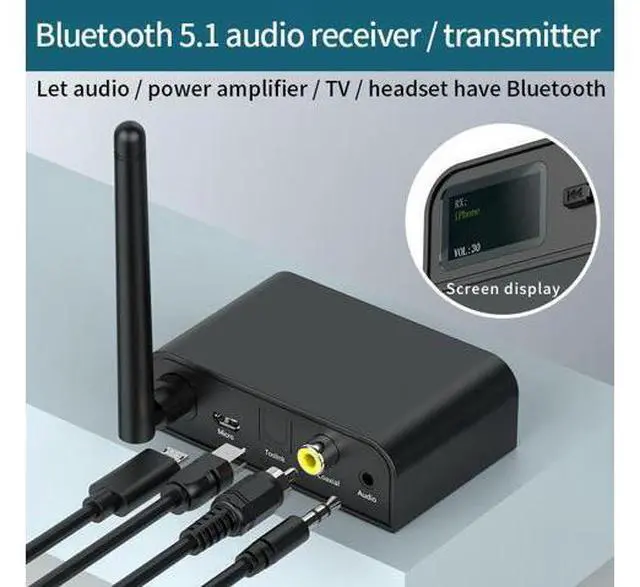
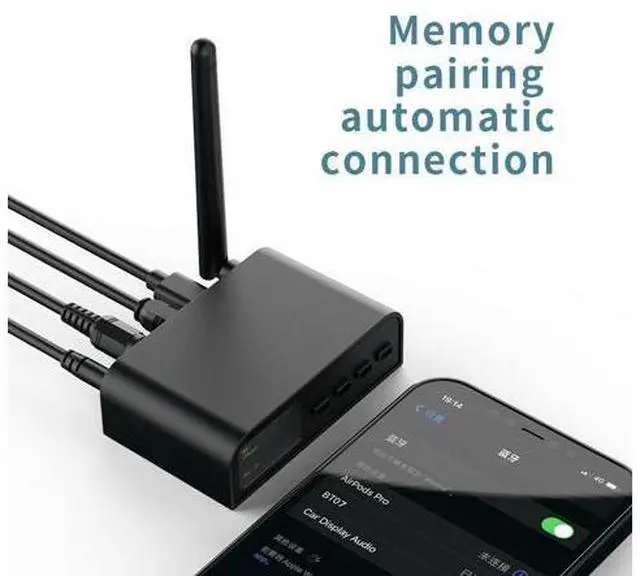
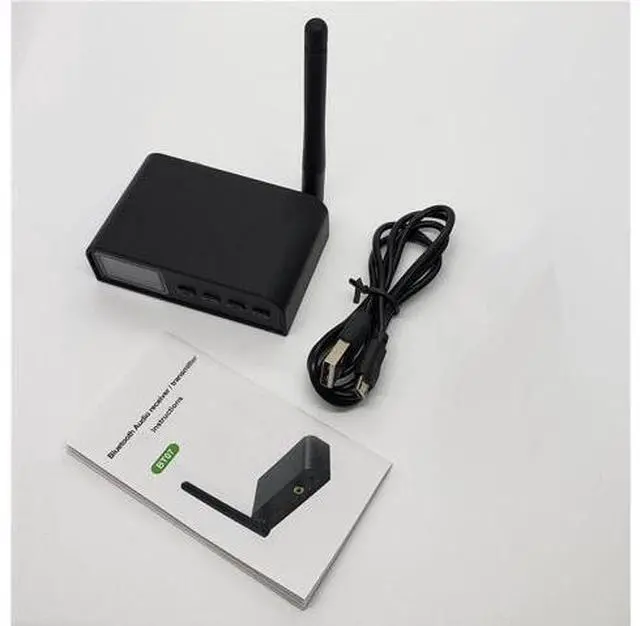
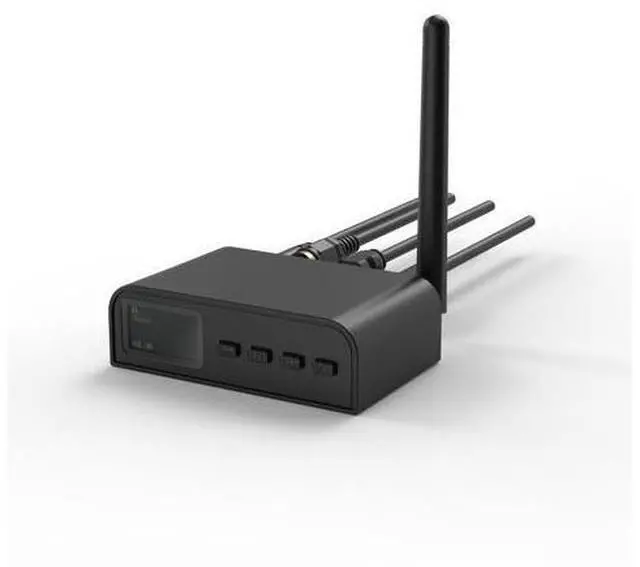
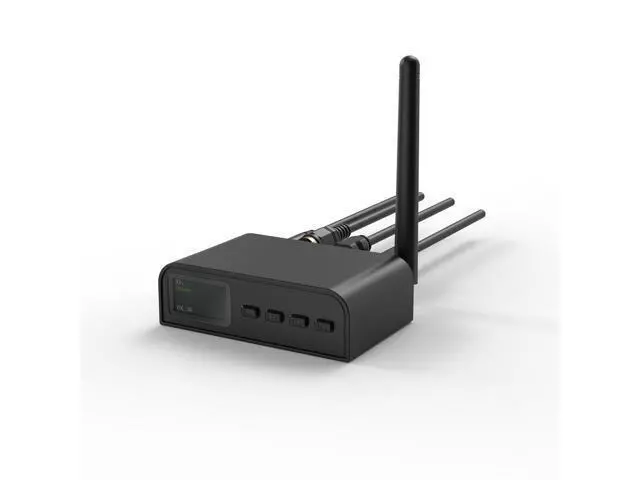
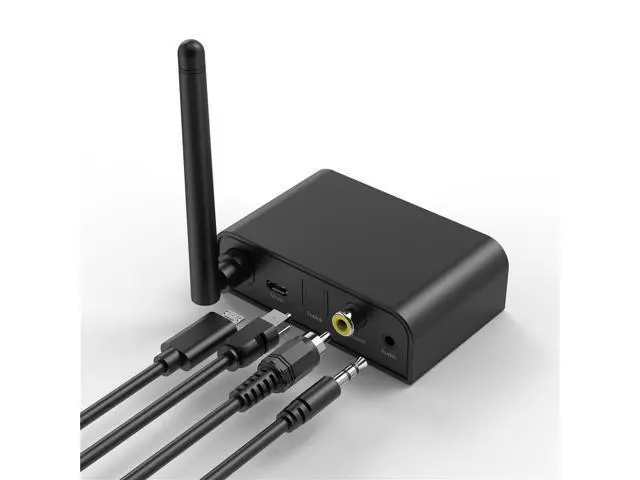
Bluetooth 5.1 Audio Transmitter Receiver LCD Display SPDIF 3.5mm AUX RCA Coaxial Stereo Wireless Adapter PC TV Headphones BT07
Limited time offer, ends 07/19 By Glovibe Tech
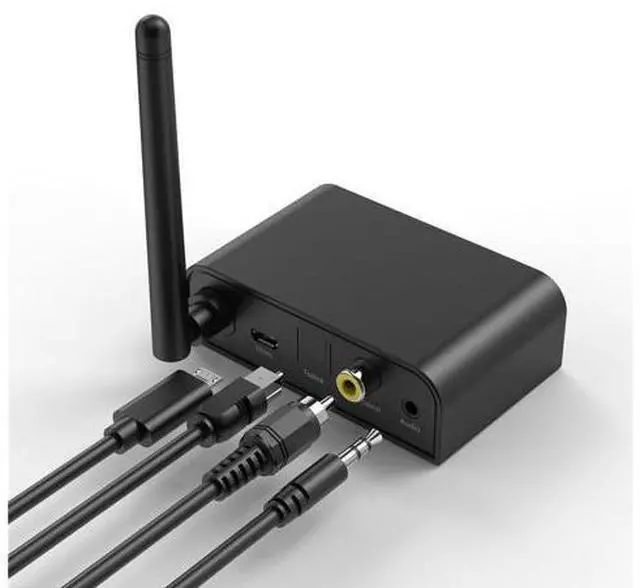
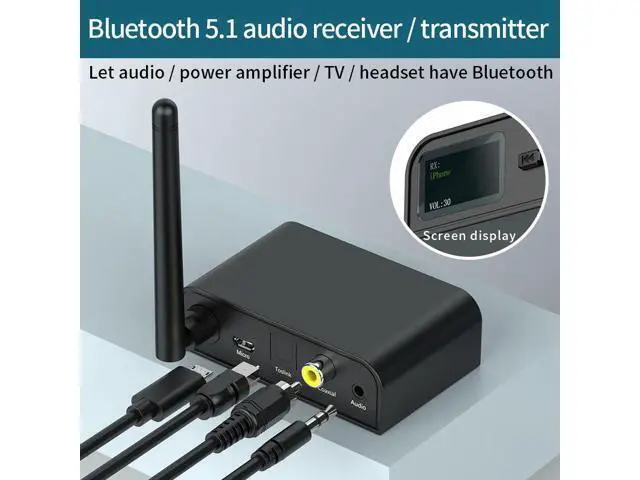
- 1.Barrier free 30mtransmission; The external antenna is stillconnected with the operation at alonger distance without jamming; 2.Upgrade Bluetooth TV; TX transmit mode; Connect TV fiber /coaxialTransmit Bluetooth signal toconnect Bluetooth headsetand Bluetooth speaker
+
+
Overview
Specs
Reviews
Any questions? Our AI beta will help you find out quickly.
Try me now
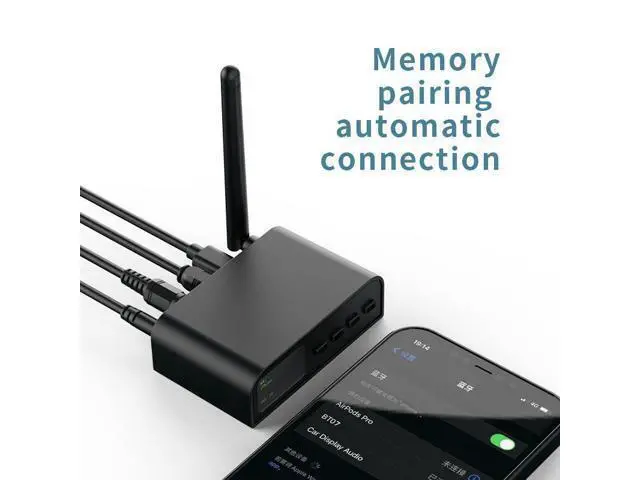
RX receive mode 1. Long press Mto switch to receiving mode (Rx is displayed on the screen). 2. Turn on Bluetooth settings on the mobile phone (or other devices). 3. Select the Bluetooth name (bt07) and clickpairing. 4. If the equipment needs to be replaced, brieflypress MMto disconnect and return to step 2 foroperation. TX transmit mode 1. The boot is in launch mode (TX is displayed on the screen). 2. The speaker (or other equipment) entersthe pairing mode. 3. Briefly press H/DMto select the device name.
4. Short press HIto confirm pairing Bluetooth. 5. If the equipment needs to be replaced, brieflypressM to disconnect and return to step 3 foroperation.

Warranty & Returns
Warranty, Returns, And Additional Information
Warranty
- Please contact the Seller directly for warranty information. Warranty information may also be found on the Manufacturer's website.
- CONTACT
Return Policies
- Return for refund within: 30 days
- Return for replacement within: non-replaceable
- This item is covered by Glovibe Tech Return Policy
Manufacturer Contact Info
- For a directory of all our manufacturers, please click below.
- Manufacturers Directory
LOADING...