

Your Browsing History

Meet Your Seller

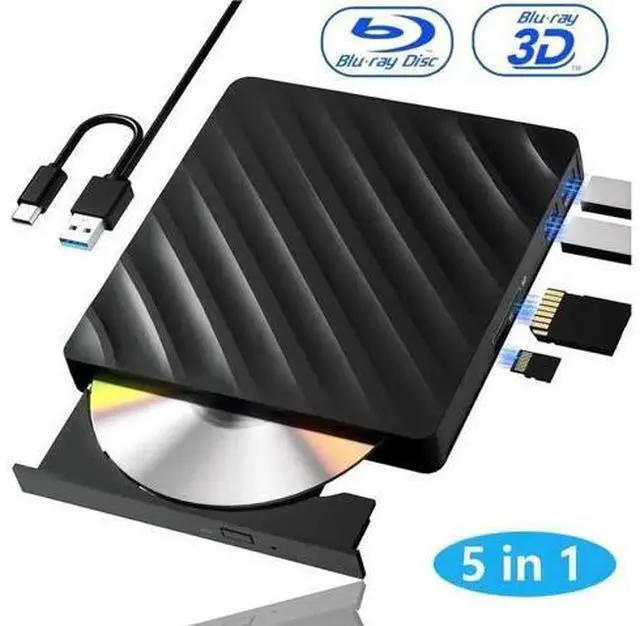


5 in 1 External Blu Ray Drive, Portable Blu Ray Player with USB 3.0 Type-C, CD DVD Burner 3D Blu-Ray with SD/TF Ports, Blu Ray Drive Compatible with Windows Laptop Desktop, Bluray Player for PC
Limited time offer, ends 10/14 By PixelCore
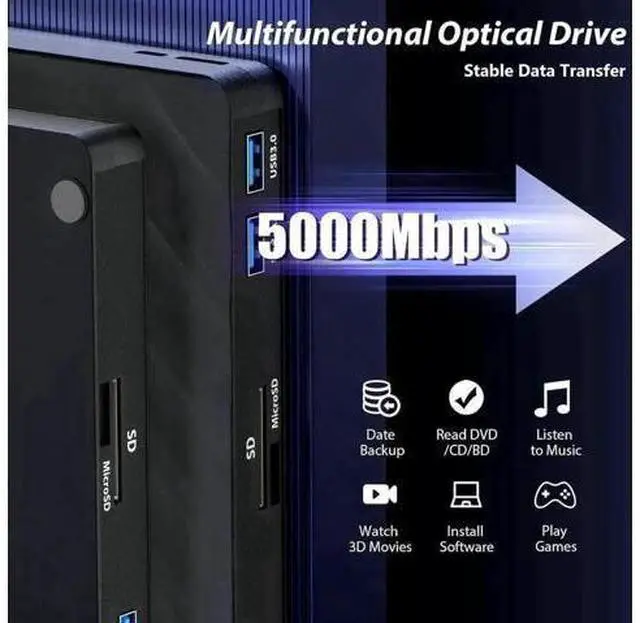
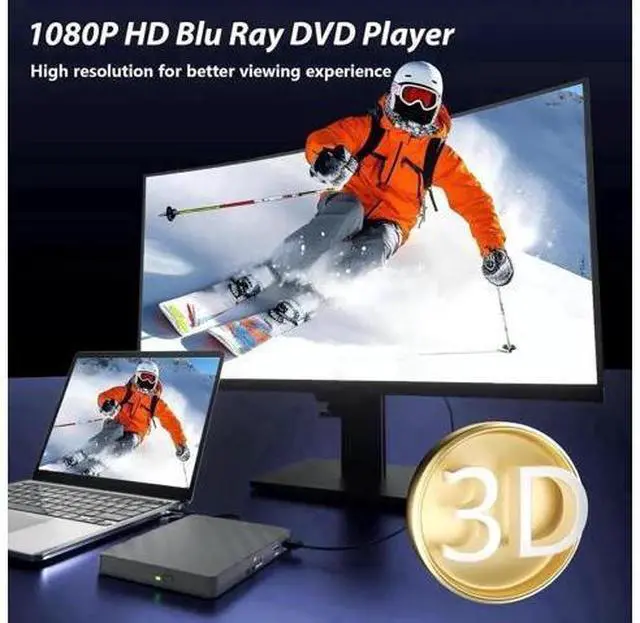
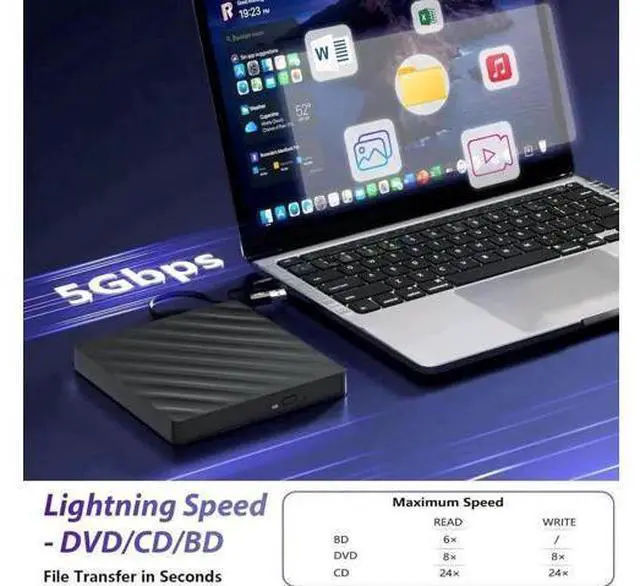
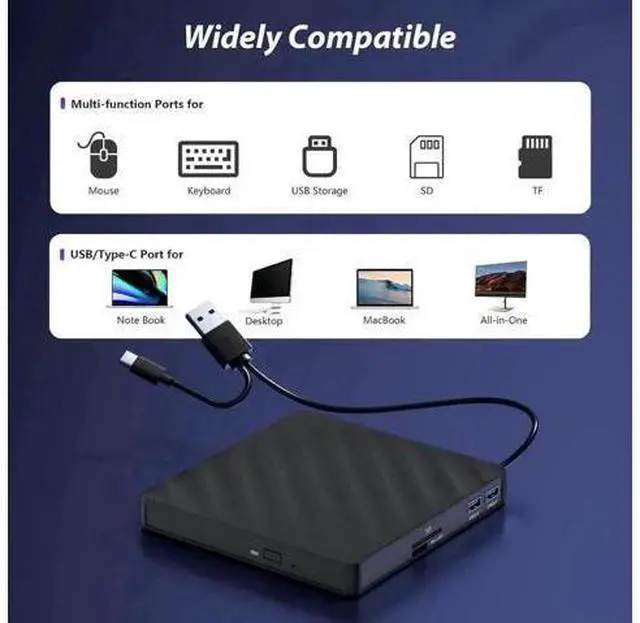
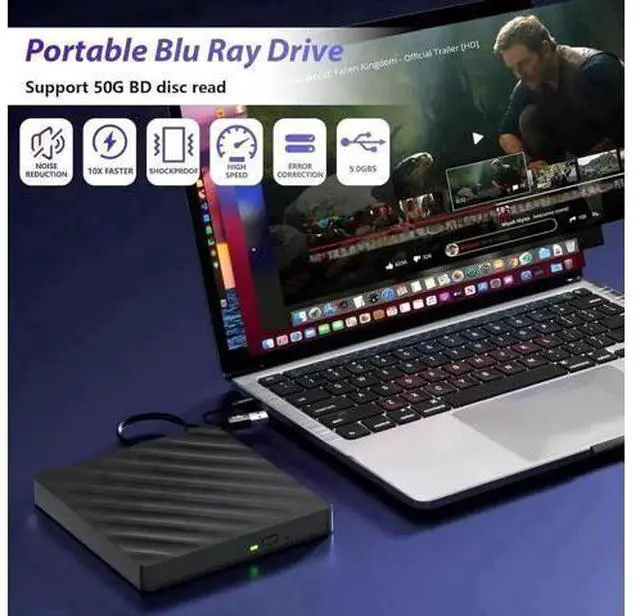
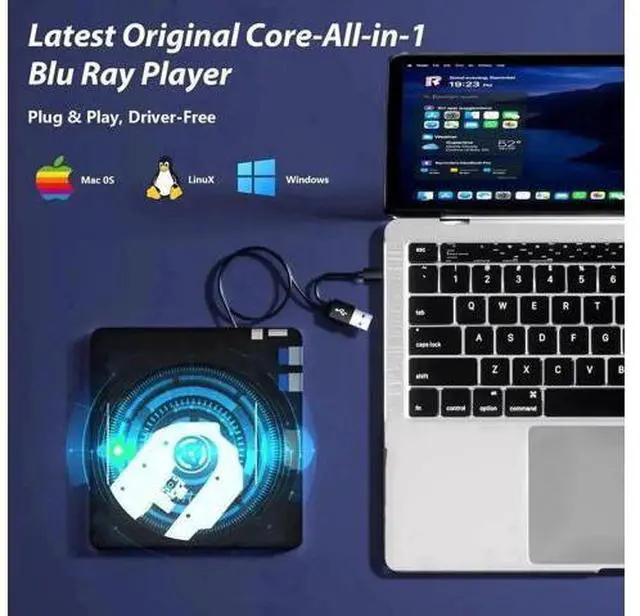
- High Performance: Its cutting-edge high-speed 3.0 & Type-C interface exhibit exceptional error correction capabilities, impact resistance, low noise, and low power consumption. It can read CDs at speeds of up to 24x, DVDs at up to 8x, and BDs at up to 6x. Supports burning normal CDs and DVDs in sizes of 8.5GB, 4.7GB, and 700MB, as well as 3D discs.; Multifunction Blu Ray Drive: This 5 in 1 blu ray player offers versatile features, plug and play. It can read BD/DVD/CD discs and has 1 SD card slot, 1 TF card slot, and 2 USB 3.0 ports for data transfer or charging purposes.; Portable Blu Ray Player: The USB bluray player features 2 concealed wire grooves that are specifically designed to store and carry both USB 3.0 and Type-C interfaces.; Wide Compatibility: Fully compatible with Windows 7, 8, 10, Vista, ME, SE, XP, and 2000, Linux, MAC OS. However, that it is not compatible with BD recorders, tablet i-Pads, Surface tablets, TVs, projectors, smartphones, or cars.
+
+
Overview
Specs
Reviews

Any questions? Our AI mode will help you find out quickly.
Try me now
Why does the optical drive disconnect when reading the content of the optical disc? This problem might be caused by insufficient power.
Here are some suggested solutions: 1. Use a hub with an external power adapter. 2.
System adjustment: Uncheck the option to allow the computer to shut down this device to save power. Make sure the cables and connections are correct; the cables must be inserted into the computer, not the hub. If possible, try connecting the optical drive to a different port on another computer and test it. Why doesn't the optical drive work properly or stops running after receiving the goods Make sure the optical disc is clean and free of scratches. Use a soft cloth to wipe the disc in a circular motion. Also, check if the disc is supported by the drive. Ensure the drive is properly connected and firmly inserted into the computer. For external drives, try using different ports to rule out connection issues.
Note: (1) Check whether your computer is compatible with the blu ray rw drive external to play by downloading the software 'Cyberlink BD & 3D Advisor. (2) Make sure you have the appropriate software installed before playing a CD/DVD on your laptop with this BD player. When playing BDs, it is recommended to use the professional BD player 'PowerDVD10-19' (For Mac OS, Macgo Blu ray Player is recommended). (3) Note that including the initial setting, the region code can only be changed 5 times.
Here are some suggested solutions: 1. Use a hub with an external power adapter. 2.
System adjustment: Uncheck the option to allow the computer to shut down this device to save power. Make sure the cables and connections are correct; the cables must be inserted into the computer, not the hub. If possible, try connecting the optical drive to a different port on another computer and test it. Why doesn't the optical drive work properly or stops running after receiving the goods Make sure the optical disc is clean and free of scratches. Use a soft cloth to wipe the disc in a circular motion. Also, check if the disc is supported by the drive. Ensure the drive is properly connected and firmly inserted into the computer. For external drives, try using different ports to rule out connection issues.
Note: (1) Check whether your computer is compatible with the blu ray rw drive external to play by downloading the software 'Cyberlink BD & 3D Advisor. (2) Make sure you have the appropriate software installed before playing a CD/DVD on your laptop with this BD player. When playing BDs, it is recommended to use the professional BD player 'PowerDVD10-19' (For Mac OS, Macgo Blu ray Player is recommended). (3) Note that including the initial setting, the region code can only be changed 5 times.
Warranty & Returns
Warranty, Returns, And Additional Information
Warranty
- Please contact the Seller directly for warranty information. Warranty information may also be found on the Manufacturer's website.
- CONTACT
Return Policies
- Return for refund within: 30 days
- Return for replacement within: 30 days
- This item is covered by PixelCore Return Policy
Manufacturer Contact Info
- For a directory of all our manufacturers, please click below.
- Manufacturers Directory
LOADING...