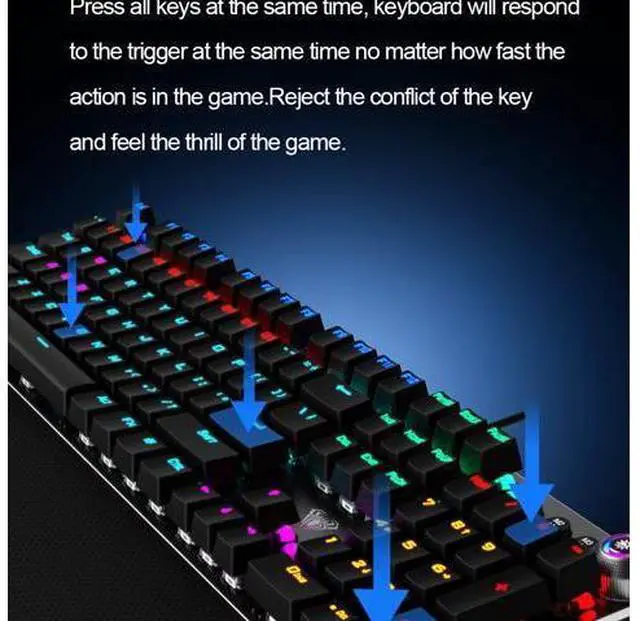
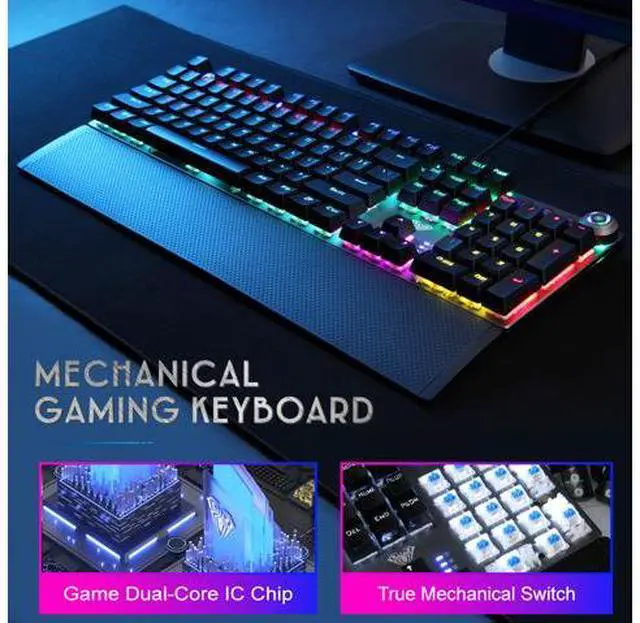
Specification: Brand
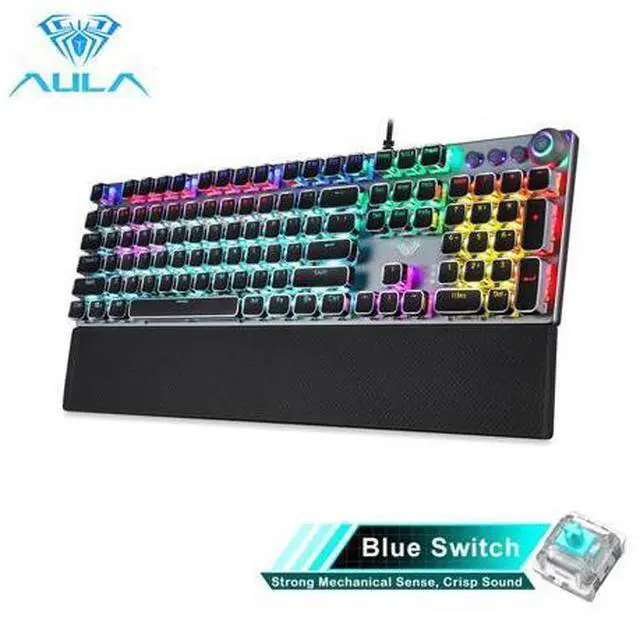
name: AULA
Model: F2088 Keyboard
Transmission method: Wired
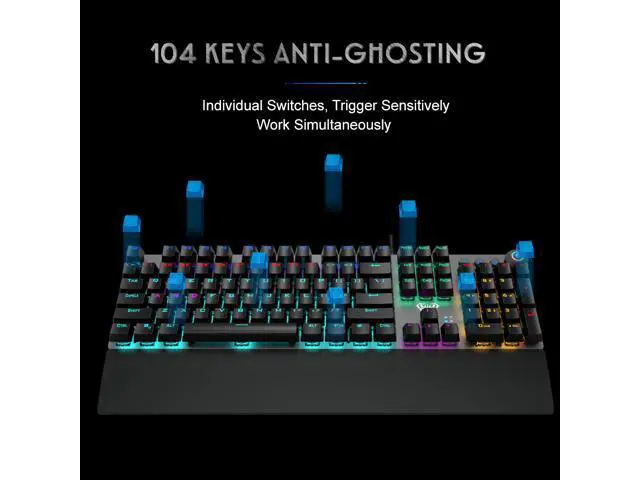
USB Number of keys: 108
Key stroke: 4.0 mm
Button strength: 60+10g
Key life: about 50 million times
Rated voltage/current: DC 5V/250mA
Product size: 435x123x 38.5 mm
Hand rest size: 435x68x 14.5 mm
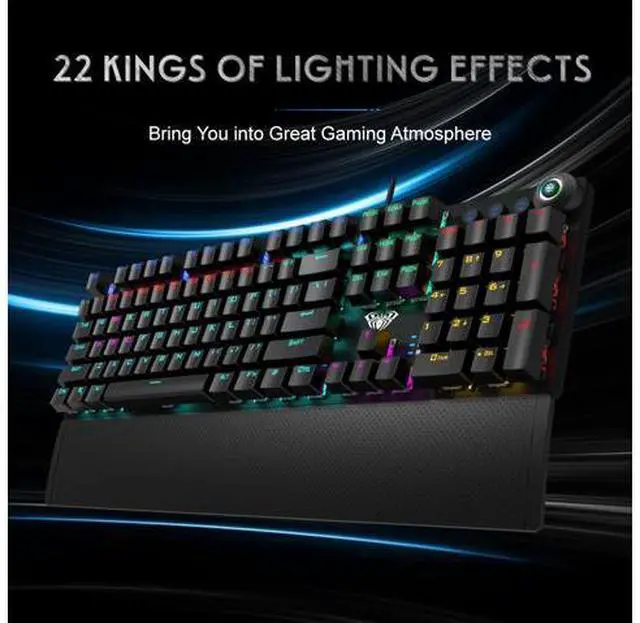
Feature: 22 mixed backlight colors
System requirements: Vista/Windows 7/8/10/Mac
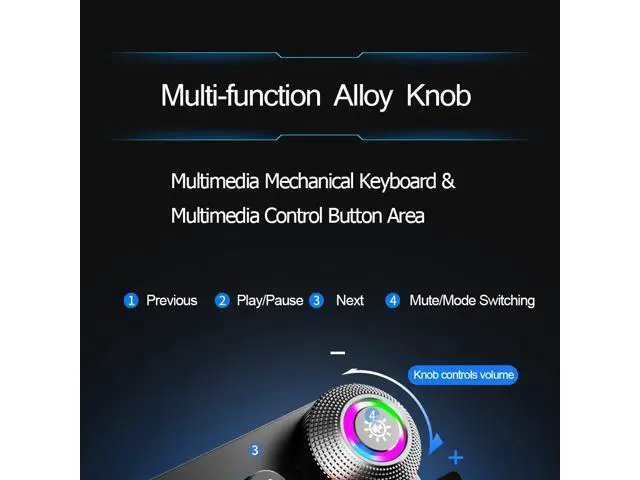
Dual Mode: 1. Knob dual mode design default lighting mode like "light effect mode "and "multimedia mode" 2.
Operation mode: long press for 3 seconds to switch the multimedia mode, the knob light is off; the light effect mode, the knob light ison
Multimedia mode (press):
1. Control the Volume By rotating the knob, you can adjust the volume of your headset or speaker, or press the button to make them mute 2. Rotate The Knob Up to Decrease the Volume /Rotate the Knob Down to increase the Volume 3. M1 for Last Song, M2 Play/Pause, M3 Next Song Light effect mode (spin):
1. Switch The Lighting Effect Click the button to switch the light effect mode and store up to 19 lighting effects.
2. Adjust The Brightness By rotating the knob, you can adjust the brightness of the backlit or tum the lights off
3. Custom Your Lighting Effect Press M1 (or M2/ M3) firstly, then press and hold the M1 (or M2/ M3) button until the knob indicator flashes and the lights of the keys are off, you can custom your lighting effect by pressing the keys that you want, then press the M1 (or M2/ M3) to confirm
Package: 1* Wired keyboard 1* Hand rest 1* User manual
Notes: Due to the Difference Between Different Monitors, the Pictures may not Reflect the Actual Color of the Item. Please Allow 1-3mm Error, Due to Manual Measurement.





 here!
here!