

Your Browsing History
- Free 30-day Returns
$87.18
Ships from China.

Meet Your Seller

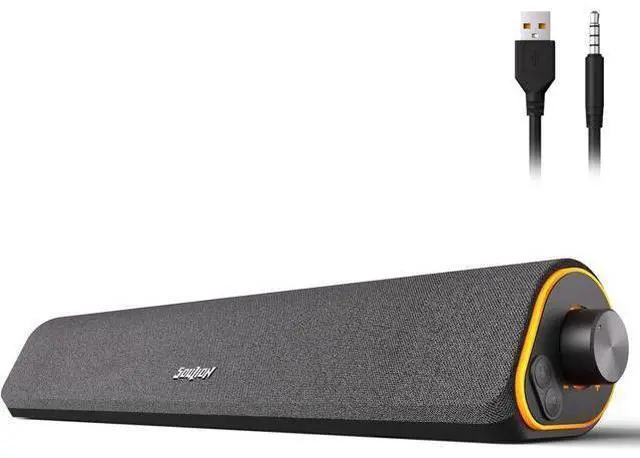
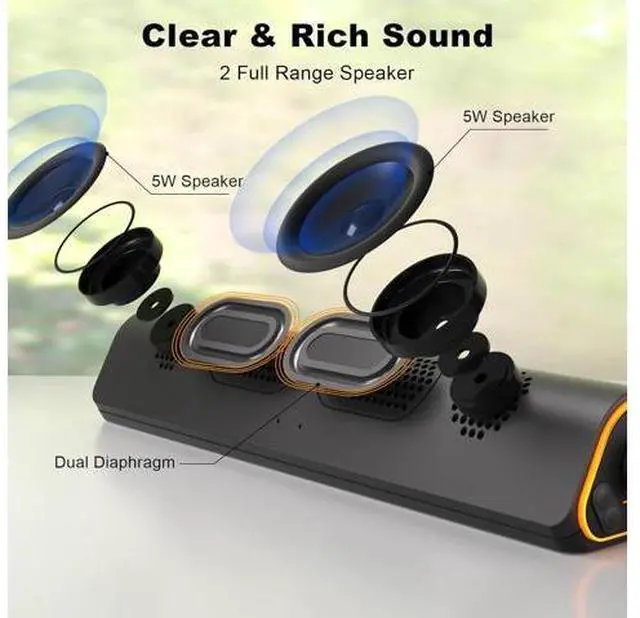


R50 Bluetooth Computer Speakers, 3.5mm PC Sound Bar for Desktop Monitor, Wired USB Powered & Colorful LED Lights with Switch Button, Surround Sound Soundbar PC Spearkers for Computer
Limited time offer, ends 09/27 By LUOYIMAN
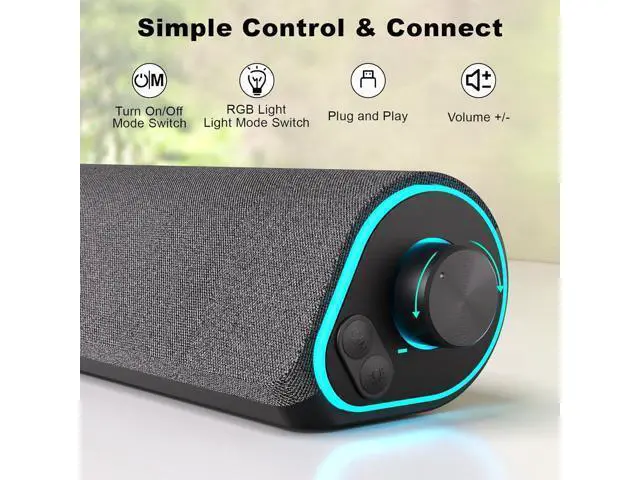
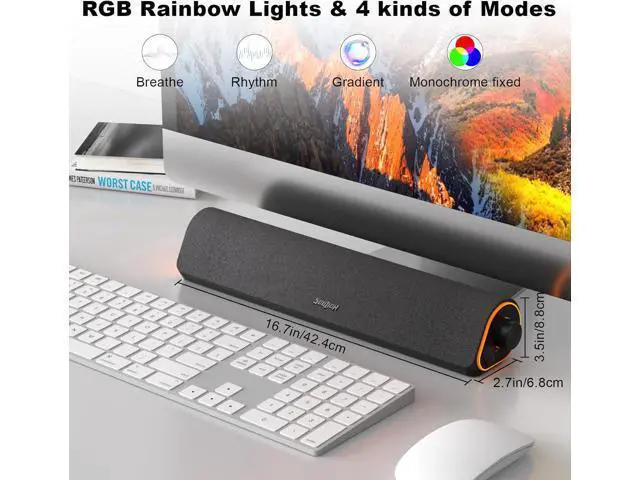
- 4 Dynamic Lighting Modes newly upgraded R50 has 4 dynamic LED lighting modes: gradient mode, breathing mode, rhythm mode and monochrome fixed mode, which you can customize according to your preferences. The light button can turn on/off the light.
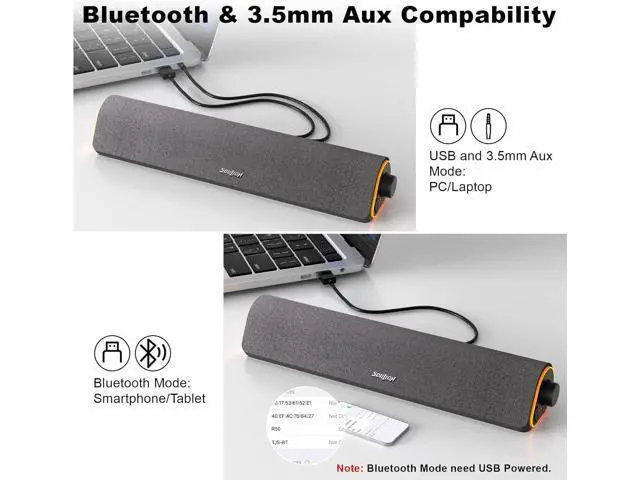
- USB ModePlug into the USB port for power, press the "M" key to select "Aux Mode", the 3.5mm jack for sound. The soundbar is widely compatible with various devices such as PCs, laptops, tablets, smartphones and more. (Note: For desktop computers, insert 3.5mm jet into the back end of the host to reduce the current sound.)
- Bluetooth ModePlug into the USB port for power supply and press the "M" key to select "Bluetooth Mode". Search "R50" on your smartphone and connect. Press and hold the light key for three seconds to clear the Bluetooth memory and connect again.
+
+
Overview
Specs
Reviews

Any questions? Our AI mode will help you find out quickly.
Try me now
4 Dynamic Lighting Modes newly upgraded R50 has 4 dynamic
LED lighting modes: gradient mode, breathing mode, rhythm mode and monochrome fixed mode, which you can customize according to your preferences. The light button can turn on/off the light.. USB ModePlug into the USB port for power, press the "M" key to select "Aux Mode", the 3.5 mm jack for sound. The soundbar is widely compatible with various devices such as PCs, laptops, tablets, smartphones and more.
(Note: For desktop computers, insert 3.5 mm jet into the back end of the host to reduce the current sound. ). Bluetooth ModePlug into the USB port for power supply and press the "M" key to select "Bluetooth Mode". Search "R50" on your smartphone and connect. Press and hold the light key for three seconds to clear the Bluetooth memory and connect again.
LED lighting modes: gradient mode, breathing mode, rhythm mode and monochrome fixed mode, which you can customize according to your preferences. The light button can turn on/off the light.. USB ModePlug into the USB port for power, press the "M" key to select "Aux Mode", the 3.5 mm jack for sound. The soundbar is widely compatible with various devices such as PCs, laptops, tablets, smartphones and more.
(Note: For desktop computers, insert 3.5 mm jet into the back end of the host to reduce the current sound. ). Bluetooth ModePlug into the USB port for power supply and press the "M" key to select "Bluetooth Mode". Search "R50" on your smartphone and connect. Press and hold the light key for three seconds to clear the Bluetooth memory and connect again.
Warranty & Returns
Warranty, Returns, And Additional Information
Warranty
- Please contact the Seller directly for warranty information. Warranty information may also be found on the Manufacturer's website.
- CONTACT
Return Policies
- Return for refund within: 30 days
- Return for replacement within: 30 days
- This item is covered by LUOYIMAN Return Policy
Manufacturer Contact Info
- For a directory of all our manufacturers, please click below.
- Manufacturers Directory
LOADING...