

Your Browsing History
- Free 30-day Returns
$65.98
Ships from China.

Meet Your Seller

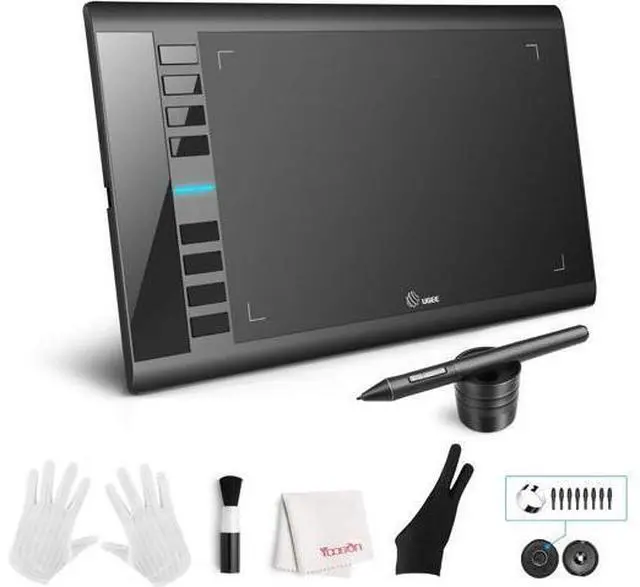
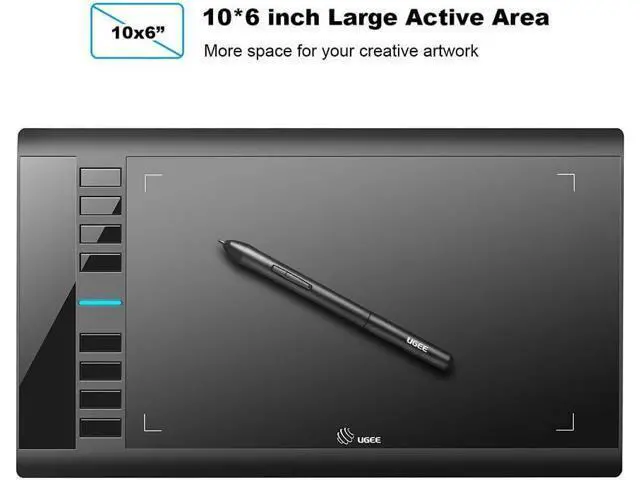
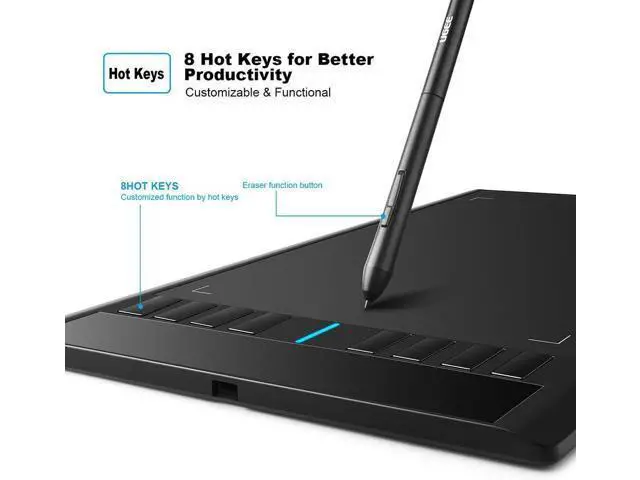


UGEE M708 Drawing Tablet, Graphics Tablet with Pressure Pen Stylus, 8 Hotkeys, 10 * 6 inch Drawing Area, Art Tablet for Artist, Easy to Use, Drawing Pad for Win11/10/8/7, Mac OS, Chrome OS PC Laptop
Limited time offer, ends 09/27 By LUOYIMAN
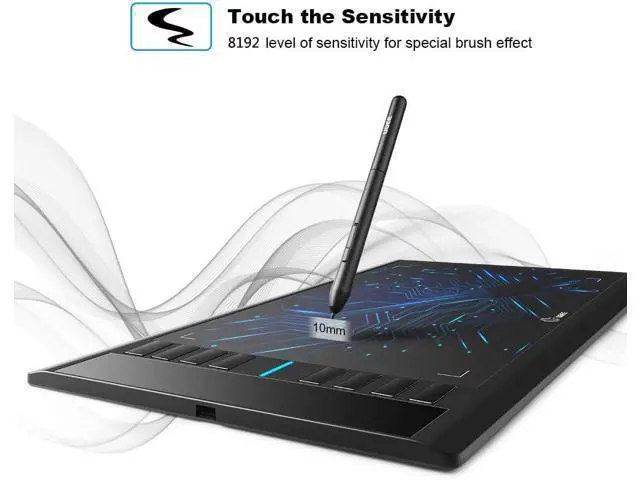
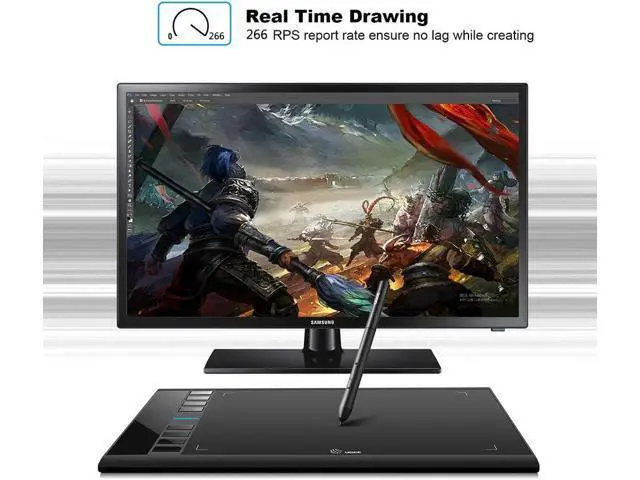
- Drawing Tablet: UGEE M708 drawing tablet offer 10*6 inch large drawing space with 8192 level pressure-sensitivity pen stylus, UGEE M708 drawing tablet provide smooth and accurate drawing sketching experience for digital art creation. M708 graphics tablet is famous for classic product design with high quality that offers long life span for users.
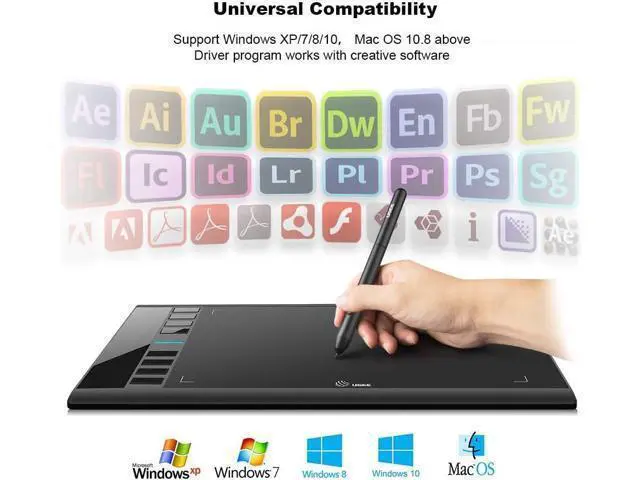
- Easy to Use: The M708 drawing tablet is easy to use for digital art designer . Simply connect the tablet with a PC/Laptop and install the driver to active the responsive pen with pen-to-tablet interaction. The driver can be accessed on the official website.Please note: When connecting to a chromebook, you cannot use shortcuts, this is set by the g00gl e system and we cannot change it.
+
+
Overview
Specs
Reviews

Any questions? Our AI mode will help you find out quickly.
Try me now
Drawing Tablet: UGEE M708 drawing tablet offer 10*6 inch large drawing space with 8192 level pressure-sensitivity pen stylus, UGEE M708 drawing tablet provide smooth and accurate drawing sketching experience for digital art creation. M708 graphics tablet is famous for classic product design with high quality that offers long life span for users..
Easy to Use: The M708 drawing tablet is easy to use for digital art designer. Simply connect the tablet with a PC/Laptop and install the driver to active the responsive pen with pen-to-tablet interaction. The driver can be accessed on the official website.
Please note: When connecting to a chromebook, you cannot use shortcuts, this is set by the g00gl e system and we cannot change it.
Easy to Use: The M708 drawing tablet is easy to use for digital art designer. Simply connect the tablet with a PC/Laptop and install the driver to active the responsive pen with pen-to-tablet interaction. The driver can be accessed on the official website.
Please note: When connecting to a chromebook, you cannot use shortcuts, this is set by the g00gl e system and we cannot change it.
Warranty & Returns
Warranty, Returns, And Additional Information
Warranty
- Please contact the Seller directly for warranty information. Warranty information may also be found on the Manufacturer's website.
- CONTACT
Return Policies
- Return for refund within: 30 days
- Return for replacement within: 30 days
- This item is covered by LUOYIMAN Return Policy
Manufacturer Contact Info
- For a directory of all our manufacturers, please click below.
- Manufacturers Directory
LOADING...