• $69.19
  • Free 30-day Returns
  • Ships from China.
    Sold by SlotNeat

    Shipped by SlotNeat

    Price alert
    Shop it at NeweggBusiness.

    Meet Your Seller

    Wireless & Wired Touchpad Mouse Bluetooth/2.4G/USB-C, with Left/Right Buttons, Supports Windows/macOS, Multi-Gesture Control & Precision Trackpad

    Limited time offer, ends 08/09 By SlotNeat

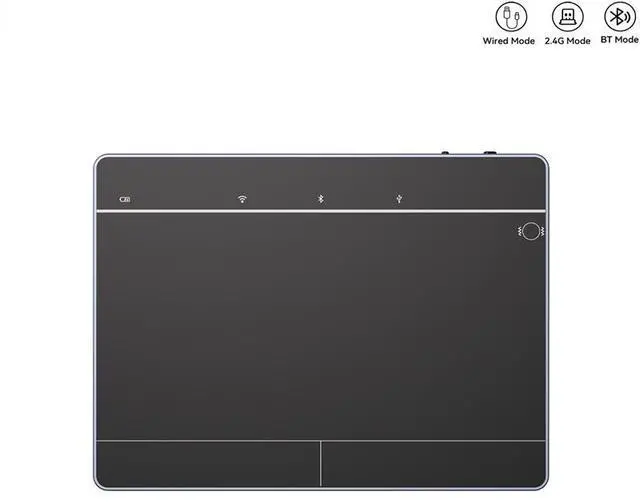
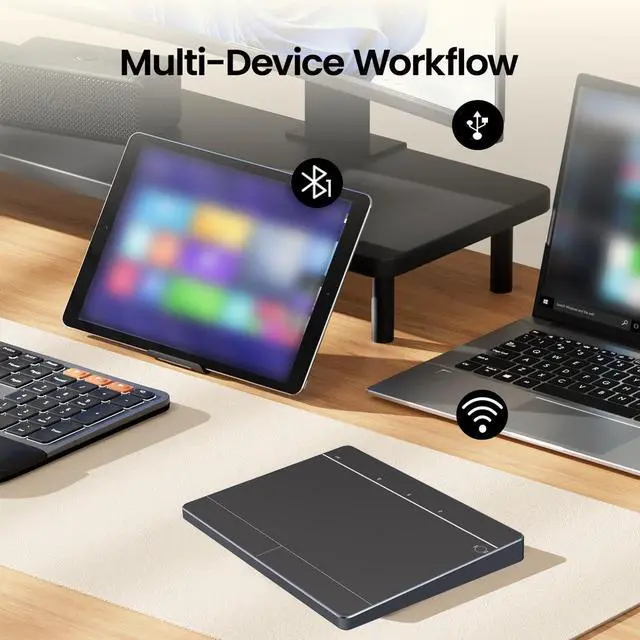
    • - USB Wired Mode: Consistent with the original Magic Trackpad supports multi-touch gesture technology on all Apple devices.
    • - 2.4G Wireless Mode: Consistent with the original Magic Trackpad supports multi-touch gesture technology on all Apple devices.
    • - BLE Bluetooth Mode: Supports multi-touch gesture technology on iPad devices.
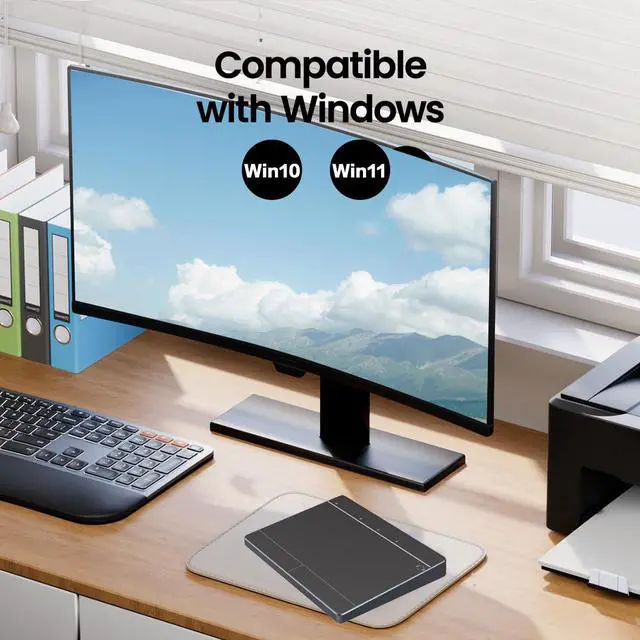
    • - Windows 10 / Windows 11: Both wired and wireless modes support multi-touch PTP (Precision TouchPad) format.
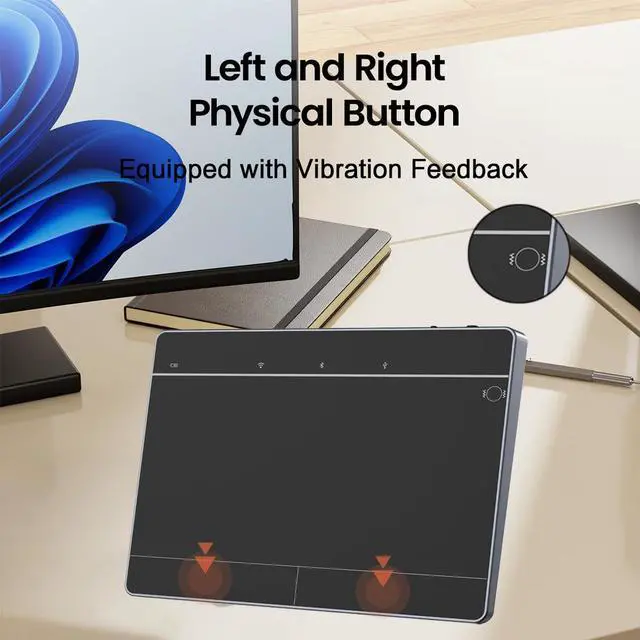
    • - Left/Right Button Vibration Motor: Motor vibration is disabled by default. Touch the switch area for 3 seconds to enable the vibration motor the motor indicator light will turn on.
    • Status Indicators
    • Pairing: Turn on the power switch the Bluetooth indicator lights up. Press and hold the pairing button for about 5 seconds the Bluetooth indicator will flash.
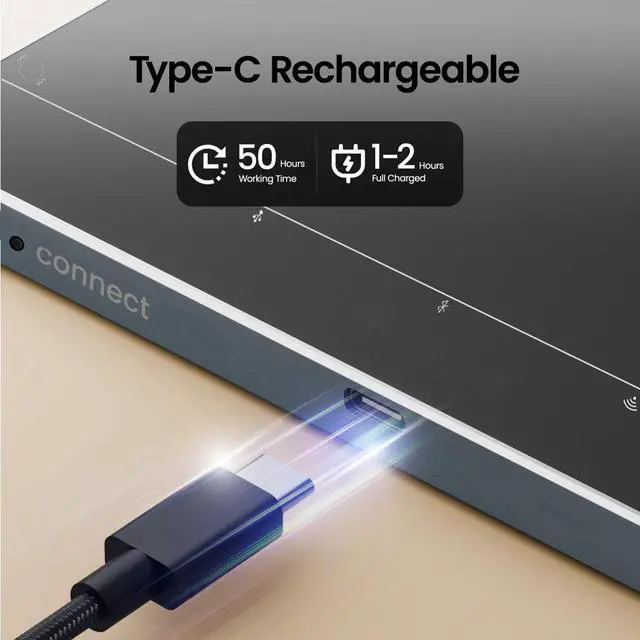
    • Charging: The red indicator light turns on while charging and turns off when fully charged.
    • Low Voltage Alert: When the voltage drops below 3.3V, the red indicator light flashes.
    +
    +
    Overview
    Specs
    Reviews
    avatar

    Any questions? Our AI mode will help you find out quickly.

    - USB Wired Mode: Consistent with the original Magic Trackpad supports multi-touch gesture technology on all Apple devices.

    - 2.4G Wireless Mode: Consistent with the original Magic Trackpad supports multi-touch gesture technology on all Apple devices.

    - BLE Bluetooth Mode: Supports multi-touch gesture technology on iPad devices.

    - Windows 10 / Windows 11: Both wired and wireless modes support multi-touch PTP (Precision TouchPad) format.

    - Left/Right Button Vibration Motor: Motor vibration is disabled by default. Touch the switch area for 3 seconds to enable the vibration motor the motor indicator light will turn on.

    Status Indicators

    1. Pairing: Turn on the power switch the Bluetooth indicator lights up. Press and hold the pairing button for about 5 seconds the Bluetooth indicator will flash.
    2. Charging: The red indicator light turns on while charging and turns off when fully charged.
    3. Low Voltage Alert: When the voltage drops below 3.3V, the red indicator light flashes.


    Warranty & Returns

    Warranty, Returns, And Additional Information

    Warranty

    • Please contact the Seller directly for warranty information. Warranty information may also be found on the Manufacturer's website.
    • CONTACT

    Return Policies

    • Return for refund within: 30 days
    • Return for replacement within: 30 days
    • This item is covered by SlotNeat Return Policy

    Manufacturer Contact Info

    LOADING...