• $37.99
  • Free 30-day Returns
  • Ships from China.
    Sold by Pinpoint One

    Shipped by Pinpoint One

    Price alert
    Shop it at NeweggBusiness.

    Meet Your Seller

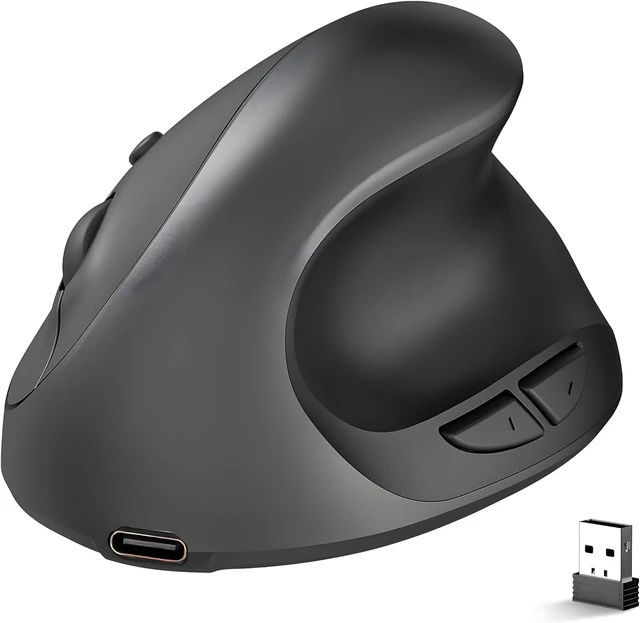
    Ergonomic Mouse,Rechargeable Small Vertical Mouse with 6 Buttons Adjustable 800/1200/1600 DPI Pink Wireless Mouse for Laptop Desktop PC Mac Black

    • Pink
    • Purple
    • Black
    • Gray
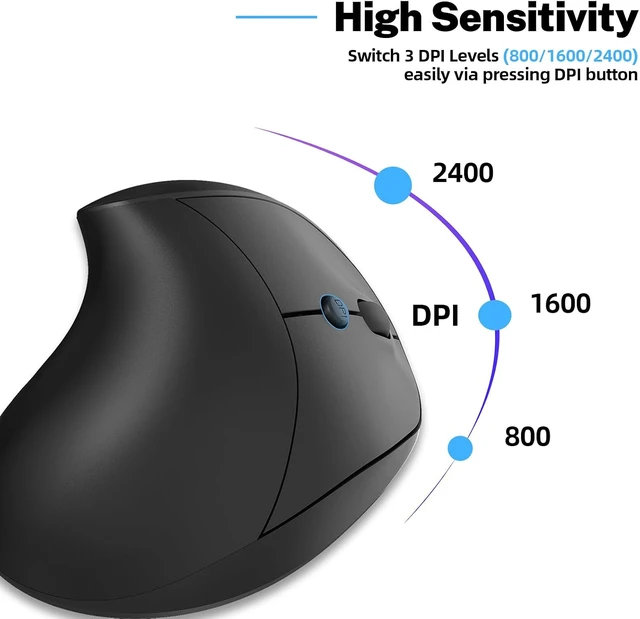
    • Small Vertical Mouse: 4.0(L) * 2.9(W) * 2.6(H) inch,suitable for small hands.6 Buttons With adjustable 4 DPI levels 800/1200/1600/2400 DPI for Laptop, Desktop, PC, MacBook (Pink)
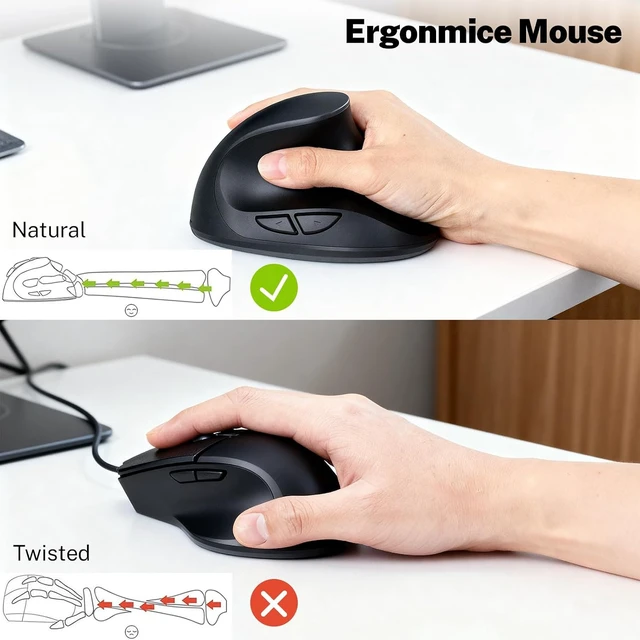
    • Ergonomic Mouse Wireless:Ergonomic mouse make your hand more healthier and FOR YOUR RIGHT-HAND, Widely compatible with Windows 2000/ XP/Vist /7/8/10/Linux/Mac.
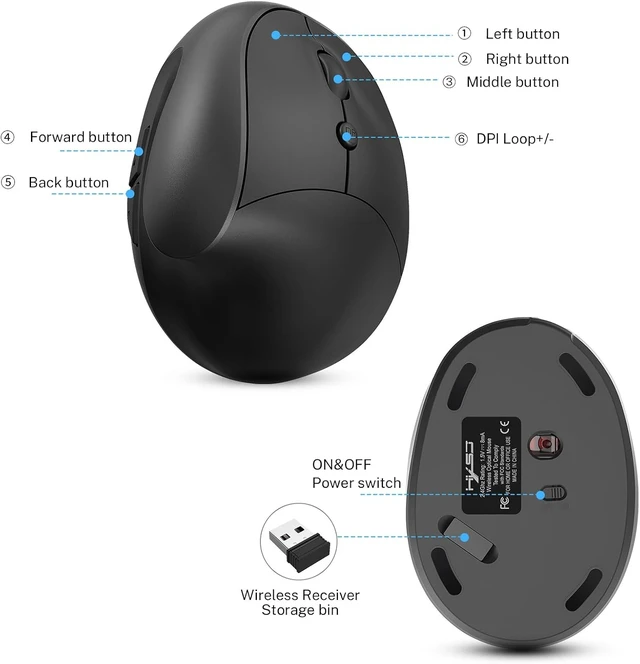
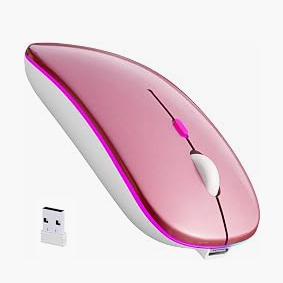
    • Vertical Mouse Wireless: USB receiver at the bottom of the vertical mouse.
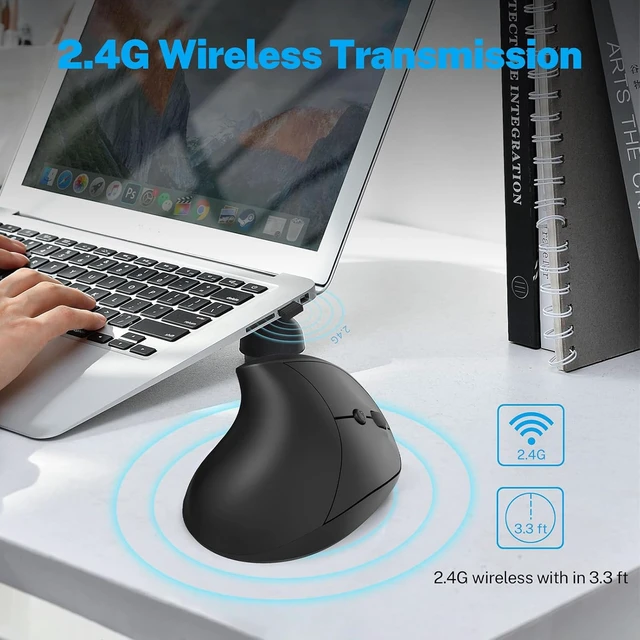
    • Wireless Ergonomic Mouse:Connection with performance.Except "forward" and "backward" buttons are not recognized on Mac).
    • Ergonomic Mouse Rechargeable:Efficiency in daily work and environment. Ergonomic mouse is friendly
    • Special Tips: The surface of the mouse's grip is sprayed with rubber oil, which has been corroded by sweat after a long time of use or the hands are not cleaned, can make the mouse to blacken.
    +
    +
    Overview
    Specs
    Reviews

    Any questions? Ask CelesteSM will help you find out quickly.

    System requirements

    IBM or compatible computer

    Windows:2000/ME/XP(x64)/Vista/7/8

    Mac OS X(over V10.4)

    An available USB port


    Package Contents

    Vertical Mouse x1

    USB Receiver x1

    USB Charging Cable x 1

    Instructions x1


    Specification

    Button number:6 buttons

    Tracking System: optical

    Frequency: 2405MHz-2476MHz

    Effective distance: 10m

    Working voltage/current: 3V/4mA

    Button life: 5 million times

    Roller life: 1.2 million turn

    Product dimensions: 4.0 * 2.9 * 2.6 in

    Product weight: 200±5g

    Resolution: 800- 1200-1600-2400 DPI

    Rate of return: 250Hz


    How to use?

    First, you need to install the USB receiver on the computer .

    After the computer recognizes the USB receiver.

    Finally turn on the power of the mouse.


    What to do if the mouse has no response?

    1.Please charge the mouse with USB cable.

    2.Please try to replace the receiver with an USB interface.

    3.Make sure the power switch on the bottom of the mouse is onor at undefined position.

    4.Try to restart the computer.


    You can also email to us for technical assistance.

    Warranty & Returns

    Warranty, Returns, And Additional Information

    Warranty

    • Please contact the Seller directly for warranty information. Warranty information may also be found on the Manufacturer's website.
    • CONTACT

    Return Policies

    Manufacturer Contact Info

    LOADING...