• $25.97
  • Free 30-day Returns
  • Price alert
    Shop it at NeweggBusiness.

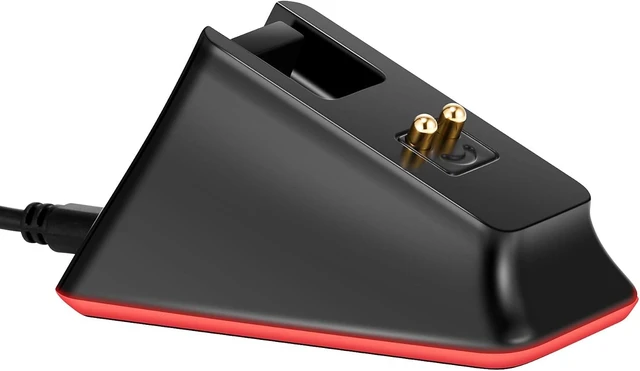
    Charging Dock for Razer Mouse DeathAdder V2 Pro,Naga Pro,Viper Ultimate,and Basilisk Ultimate with 6.6 Feet Cable

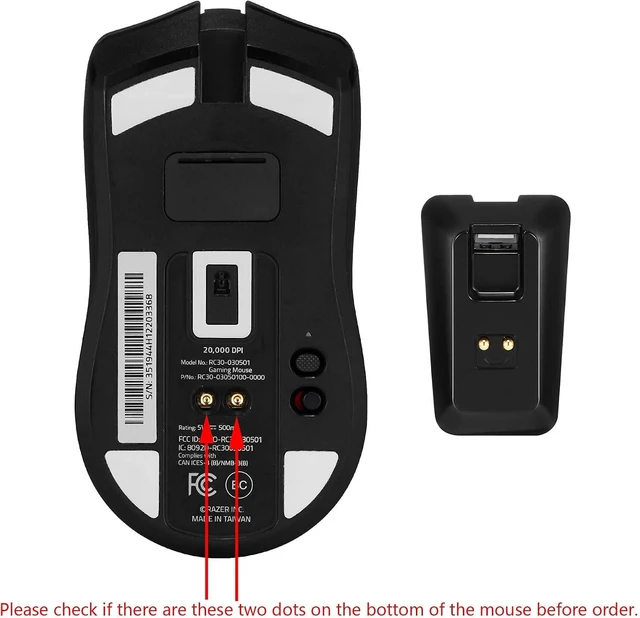
    • Soarking thirdparty charging dock:Compatible with Razer Mice DeathAdder V2 Pro,Naga Pro,Viper Ultimate,and Basilisk Ultimate,Not the OEM original stock charger dock.
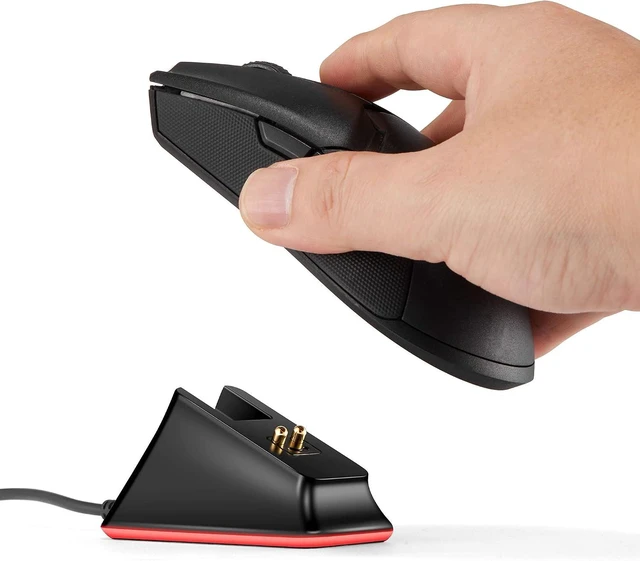
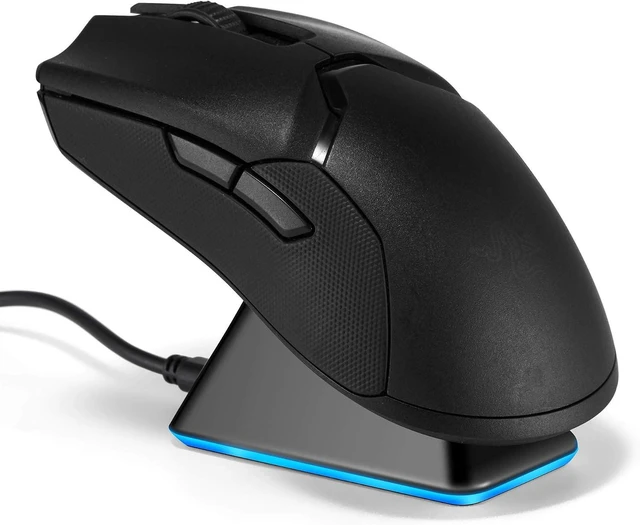
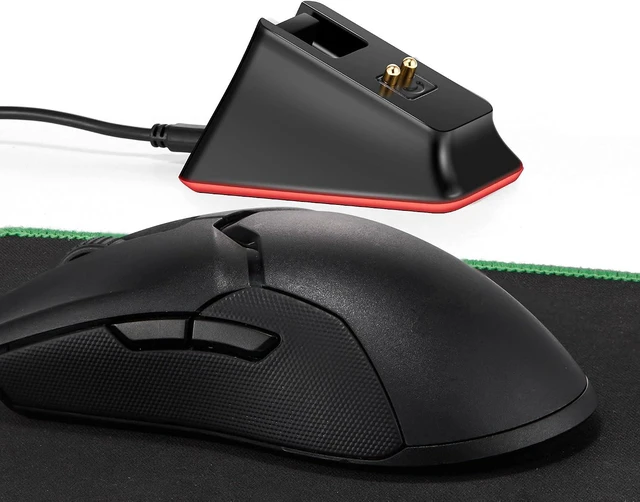
    • Convenient home base:Just put the razer mouse on the dock,always charged and ready to rock any adventure.
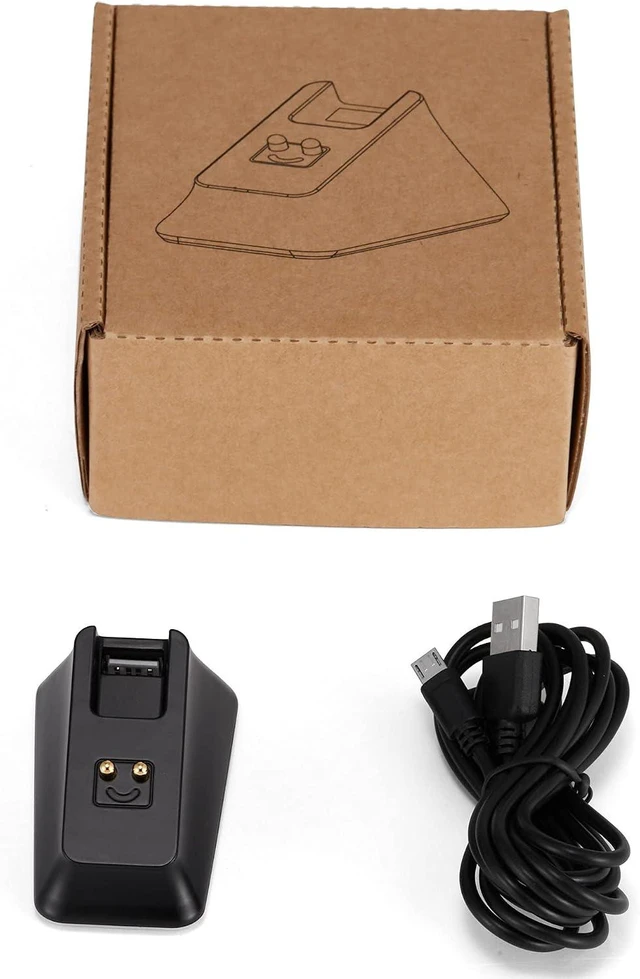
    • Replacement charging dock for home and travel.Take up very little space,Only 2.5 inchsX2.5 inchsX1.5inchs size.
    • The razer powerplay charging dock wont fall off easily from desk or nightstand, non-slip feature which wont stuck with one position and leave residue.
    • Always ready.The powerplay continuous charging technology charging dock makes Razer Mouse DeathAdder V2 Pro,Naga Pro,Viper Ultimate,and Basilisk Ultimate Wireless Gaming Mice charging easier than ever. After a day at the beach or a big night out, just place your mouse on the charging dock when you get home or travel and have it ready to go.

    +
    +
    Overview
    Reviews

    Any questions? Ask CelesteSM will help you find out quickly.

    Soarking thirdparty charging dock: Compatible with Razer Mice DeathAdder V2 Pro, Naga Pro, Viper Ultimate, and Basilisk Ultimate, Not the OEM original stock charger dock.
    Convenient home base: Just put the razer mouse on the dock, always charged and ready to rock any adventure.
    Replacement charging dock for home and travel. Take up very little space, Only 2.5 inchsX 2.5 inchsX 1.5 inchs size.
    The razer powerplay charging dock wont fall off easily from desk or nightstand, non-slip feature which wont stuck with one position and leave residue.
    Always ready. The powerplay continuous charging technology charging dock makes Razer Mouse DeathAdder V2 Pro, Naga Pro, Viper Ultimate, and Basilisk Ultimate Wireless Gaming Mice charging easier than ever. After a day at the beach or a big night out, just place your mouse on the charging dock when you get home or travel and have it ready to go.

    Warranty & Returns

    Warranty, Returns, And Additional Information

    Warranty

    • Please contact the Seller directly for warranty information. Warranty information may also be found on the Manufacturer's website.
    • CONTACT

    Return Policies

    Manufacturer Contact Info

    LOADING...