• $89.99
  • Free 30-day Returns
  • Ships from China.
    Price alert
    Shop it at NeweggBusiness.

    Meet Your Seller

    Wireless Ergonomic Mouse, 2.4G Wireless Vertical Ergo Mouse, 800/1200/1600 Adjustable DPI,6 Buttons Ergonomic Mouse for Laptop/MacBook/PC/Desktop-Black

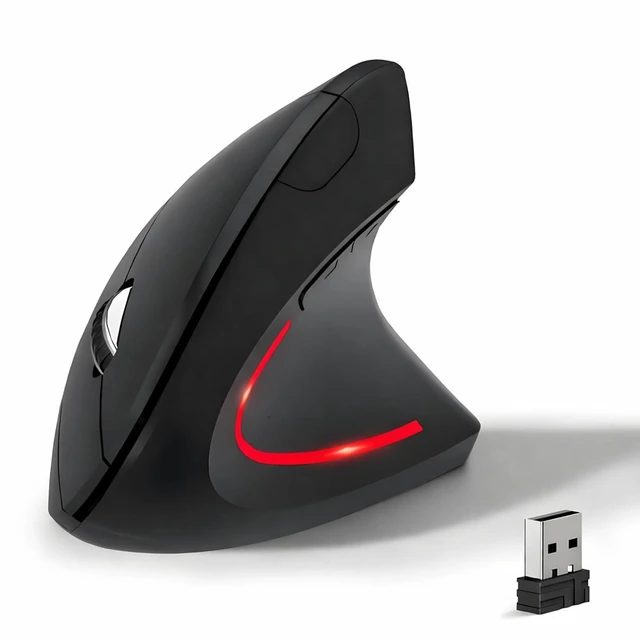
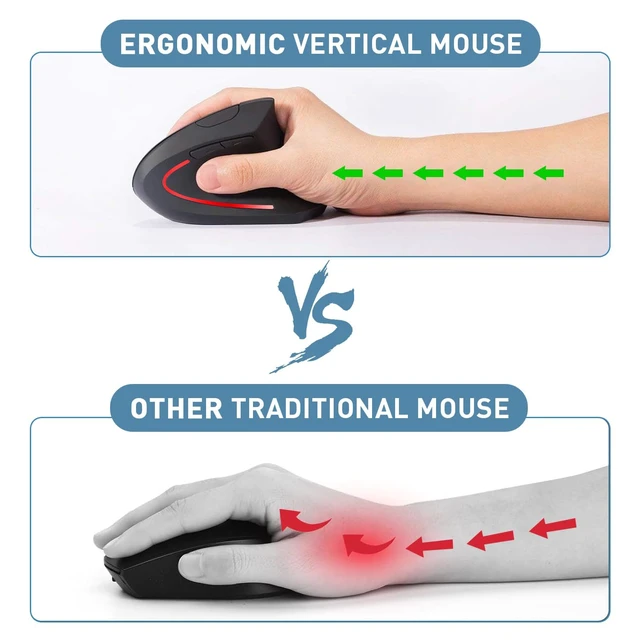
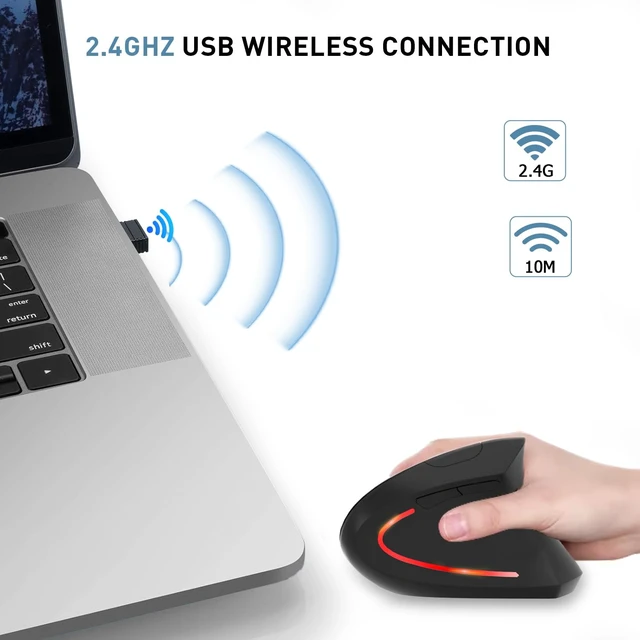
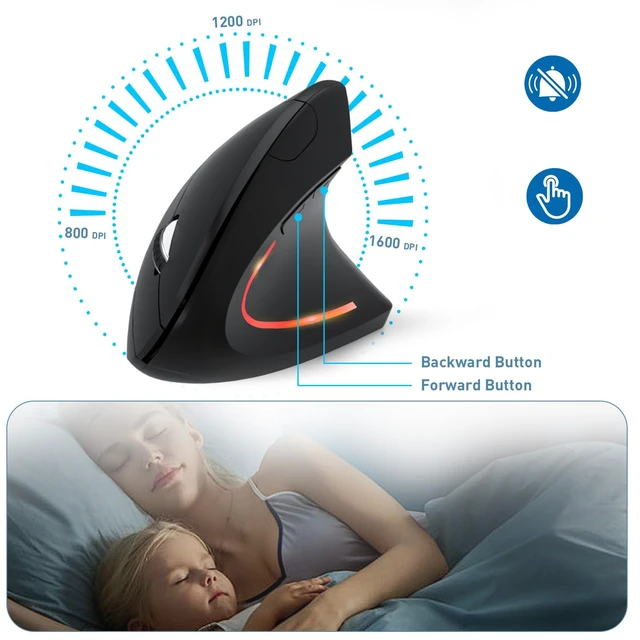
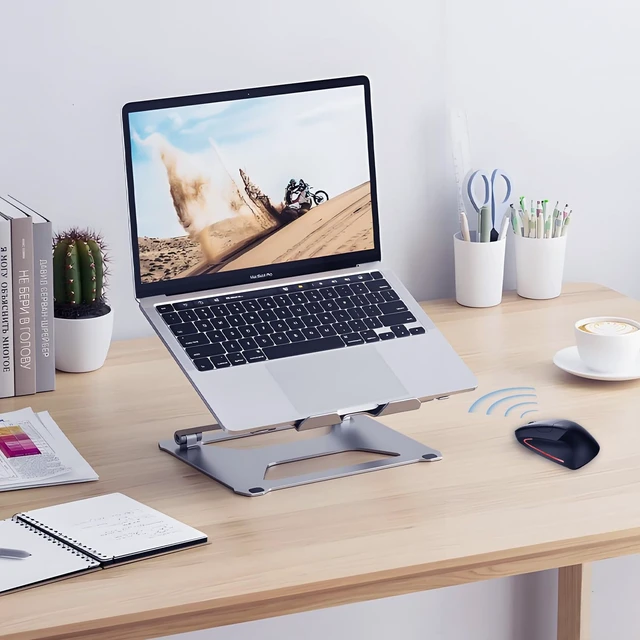
    • Ergonomic DesignThe ergonomic mouse has a vertical design conforms to neutral handshake position when you holding the mouse, allowing the arm and wrist rest naturally, relieve wrist pain and discomfort during work.; 2.4G USB Wireless ConnectionThe ergonomic mouse has built in 2.4GHz USB wireless connection, just plug and play, offering stable and quick performance with max working distance of 10M.; High Sensitivity with Adjustable DPIThe vertical mouse has 800 / 1200 / 1600 three levels of adjustable DPI, providing higher sensitivity than traditional mouse.; Convenient with Next/Previous Buttons The ergo mouse has added Next and Previous buttons provides convenience with web page browsing(Note: The forward/back buttons are unavailable on Mac OS systems).; Packing List : One Wireless Vertical Ergonomic Mouse (2 AAA batteries not included), One 2.4G USB receiver (in the bottom of the mouse).
    +
    +
    Overview
    Specs
    Reviews

    Any questions? Ask CelesteSM will help you find out quickly.

    Product description
    Ergonomic Vertical Mouse: Angle for a natural handshake position
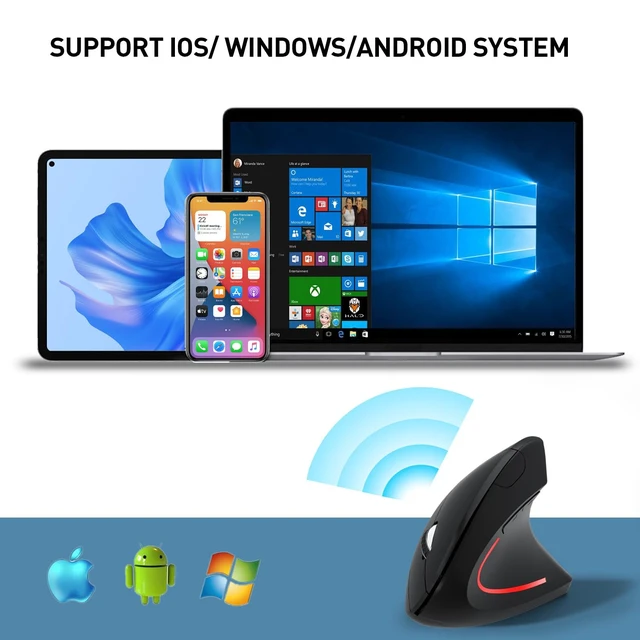
    Features: Ergonomic vertical design 2.4G hz USB wireless Connection 800 / 1200 / 1600 three levels of adjustable DPI Noiseless silent click Compatible with all Windows/ Android/ Linux/ Mac OS (The previous/next page buttons are not recognized on the Mac OS) 2.4G USB Wireless Connection built in 2.4GH z USB wireless connection, offering stable and quick performance with max working distance of 10M, just plug and play. Ergonomic Design & Noiseless click Ergonomic design for reducing wrist pain during long time use; Silent click offers noiseless working space. Wide Compatibility Compatible with all Windows/ Android/ Linux/ Mac OS (The previous/next page buttons are not recognized on the Mac OS) Instruction

    Details

    Battery Install Two AAA batteries should be placed within the battery compartment at the bottom of the mouse. Please make sure the battery has power. Power On Toggle the Power Switch to ON. The Power Switch placed at the bottom of the mouse.
    Indicator Status: The red laser light will flash for 3 seconds then off. 2.4G Connection Plug in the USB 2.4G receiver to your computer and click the right or left click on your mouse.
    Indicator Status: The red laser light will keep flash during moving the mouse. Dormancy The mouse enters dormancy after 10 minutes of inactivity.
    Indicator Status: The red laser light is off. Reconnection Moving the mouse around on your table or click any button on the mou

    Warranty & Returns

    Warranty, Returns, And Additional Information

    Warranty

    • Please contact the Seller directly for warranty information. Warranty information may also be found on the Manufacturer's website.
    • CONTACT

    Return Policies

    Manufacturer Contact Info

    LOADING...