
Your Browsing History





Any questions? Our AI beta will help you find out quickly.
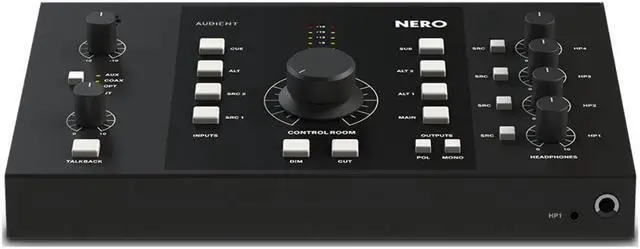
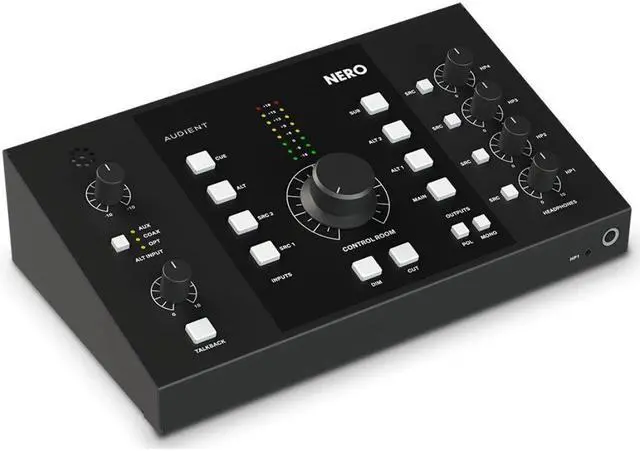
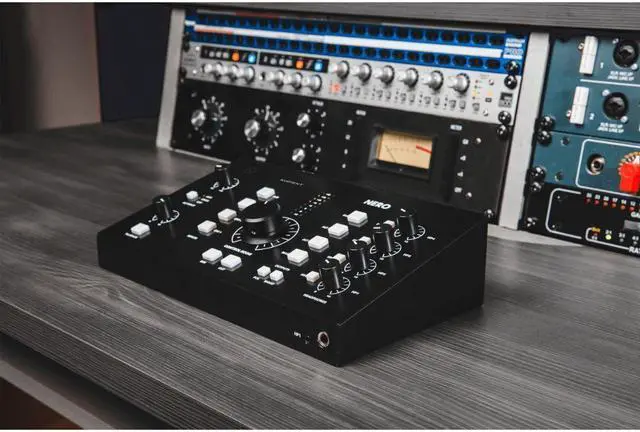
Building on over 20 years of expertise in analog console
heritage, the Audient Nero has been designed to give you powerful control over
your monitoring. Featuring a comprehensive range of I and O, console-style
monitor control, Precision Matched Attenuation Technology, and more. Nero will
quickly become the core of your studio.
Precision Matched Stereo Volume
Nero perfectly matches the volume of the left and right channels of your stereo
signal using Audients custom Precision Matched Attenuation Technology. Unlike
other monitor controllers, this prevents any deviation in volume between your
left and right monitors or unbalancing of your stereo image, enabling you to
monitor accurately and mix with confidence.
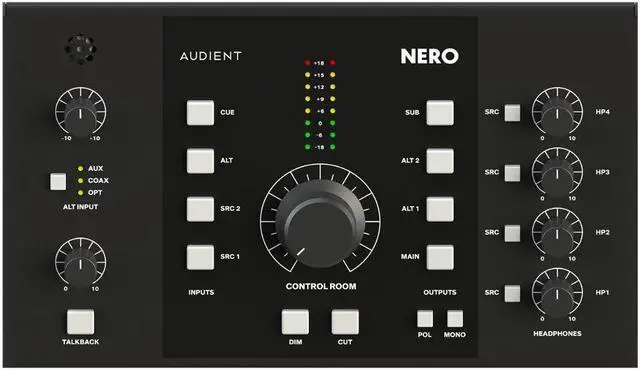
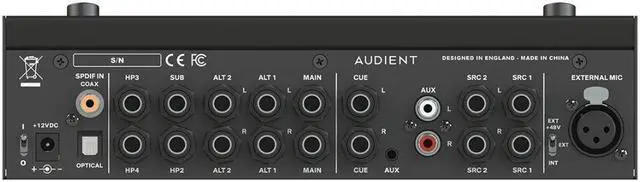
Inputs
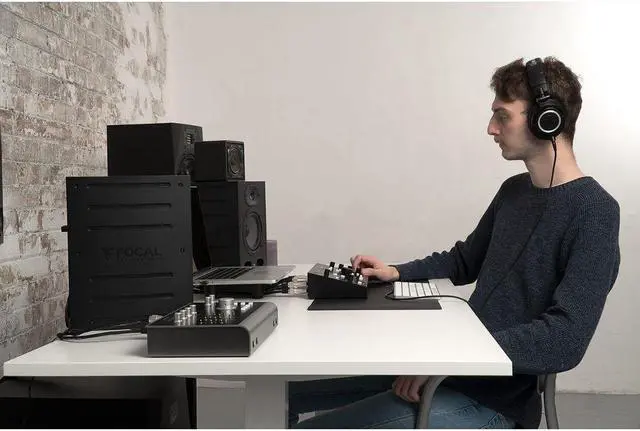
As your studio grows it becomes harder to control. Nero enables you to
centralize, connect, and control all your monitoring needs from your desktop
using Neros array of stereo inputs. This includes 2 stereo inputs for your
interface, a dedicated cue mix for better monitoring for your artists, a mini
jack input to plug in your phone, and RCA inputs to plug in your media player.
Outputs
Reference your mixes on up to three sets of speakers, independently set and
match volume for all speakers, and audition and assign your sub to any monitor
path. Nero also provides one dedicated monitor-grade headphone amp and three
foldback-grade headphone amps, making sure youre ready to take on the loudest
of sessions with crystal-clear headphone mixes. Outputs include main stereo
outputs to plug in your favorite speakers, 2 alt stereo outputs to plug in
alternative speakers for referencing, a subwoofer output to assign your sub to
any output, and 4 headphone outputs to communicate with your artists.
Assignable Sub
Easily assign a sub to activate when switching to a monitor path of choice but
maintain the ability to switch it on and off without losing your saved preset.
Nero also lets you audition the sub on any alternative set of speakers without
forcing you to assign it permanently.
Smart Touchpoints
Smart Touchpoints enable you to customize your workflow on the fly. Easily
route and configure Neros outputs and monitor controls to create monitoring
combinations that suit you. Simply hold down a Smart Touchpoint to put it into
setup mode, select your routing options, and press it again to save.
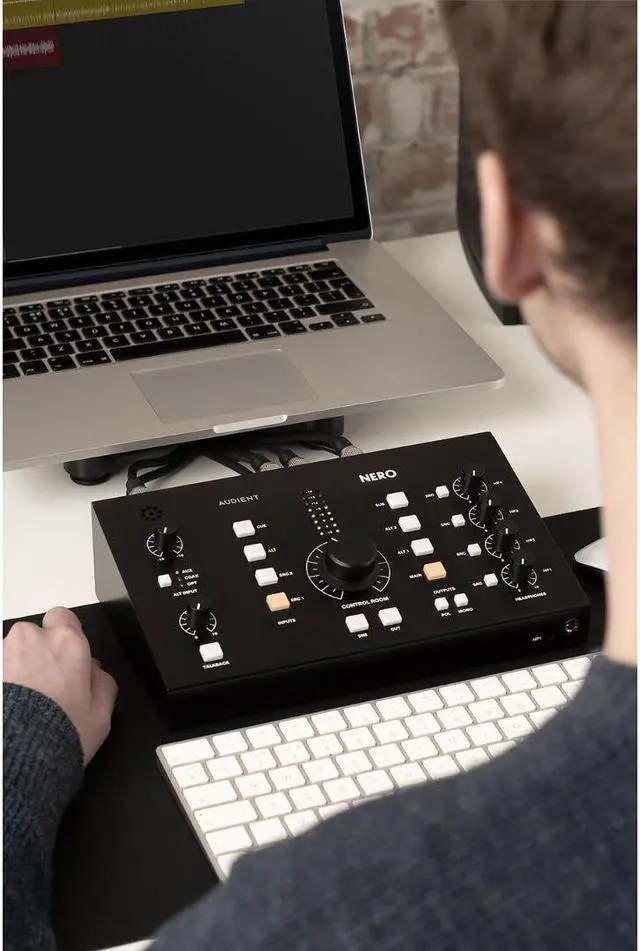
Console Style Monitor Control
Utilizing Audients vast experience in implementing monitor control in both
recording consoles and desktop controllers, Nero features David
Dearden-designed circuitry as well as a range of advanced monitor controls.
User Defined Dim lets you customize and set the attenuation of the dim function
using the volume knob. The tactile speaker set allows you to audition your
mixes by quickly switching multiple sets of speakers. Sum and Difference is a
classic trick to quickly hear your stereo information and check the sides of
your mix. Activate Dim, Mono, or Talkback with either a tap (latch) or a tap
and hold. Cue Mix Monitoring lets you reference what your artist is hearing,
make adjustments, and fix problems quickly. Smart Mono Mode permanently assigns
a mono speaker without preventing mono functionality on other sources.
Talkback
3 input sources (Internal, Dynamic, and Condenser) help you communicate with
your artist quickly using Neros dedicated talkback mic or any microphone of
your choice. The dedicated gain control quickly adjusts the talkback mic with
more than enough volume to make your artists feel comfortable when recording.
Assignable headphone selection lets you route your talkback mic to any or
specific headphone mixes and always be in control of your session.