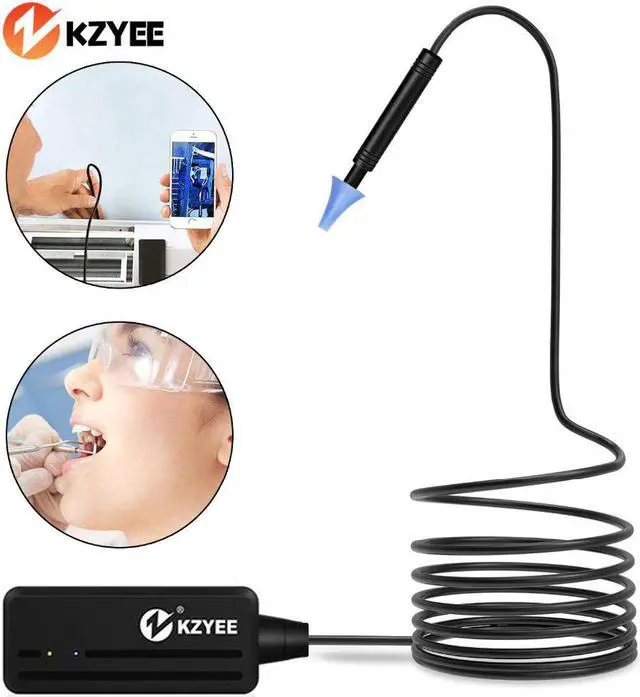
Endoscope Inspection Camera 5.5mm WIFI Ear Endoscop Borescope Ear Cleaning for Android and IOS Snake Cam Otoscope
How to Use?
1.Search The "Otoscope"APP in Store or Google Play Store.
2.Turn on The Otoscope WIFI Box Power Switch Firstly. The Green Power LED and The Blue Signal LED Will Light up.
3.Connect Otoscope to Smartphone(Please Refer to The Instructions for Specific Operations.
Product Advantages
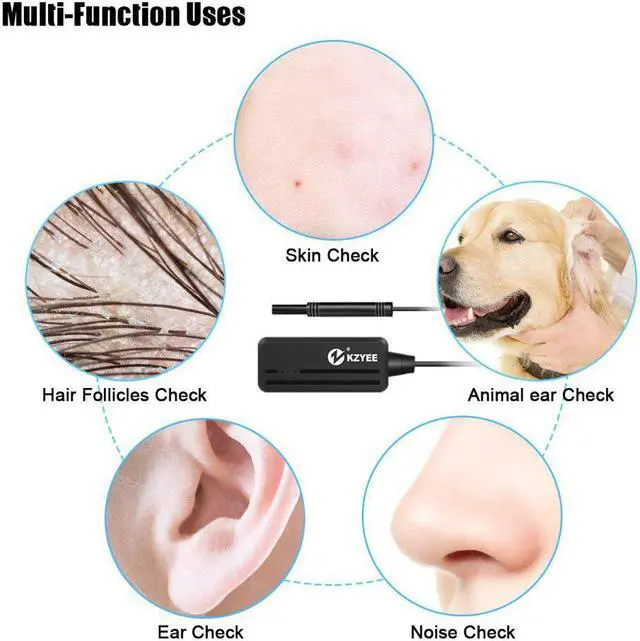
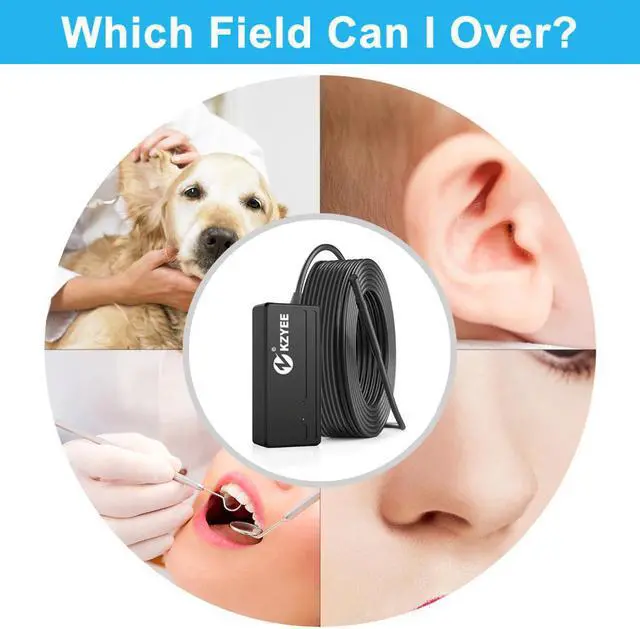
1.The Newest Dual-display APP Function:The Most Advanced Photography Technology on App Showing Two Photos at The Same Time, Let You Better Understand The Symptoms of Your Ears, Nose, Mouth, Skin, etc. as a Whole and in Detail.
2.1080P HD Visual Ear Camera:With1080P DH 2.0 megapixels Wireless WIFI, You Can See More Clearly The Body You Want to Detect, and Clearly View The Blind Zone, Greatly Reducing the Error.
3.WIFI Connection:You Can Connect to The WIFI to Detect The Target.
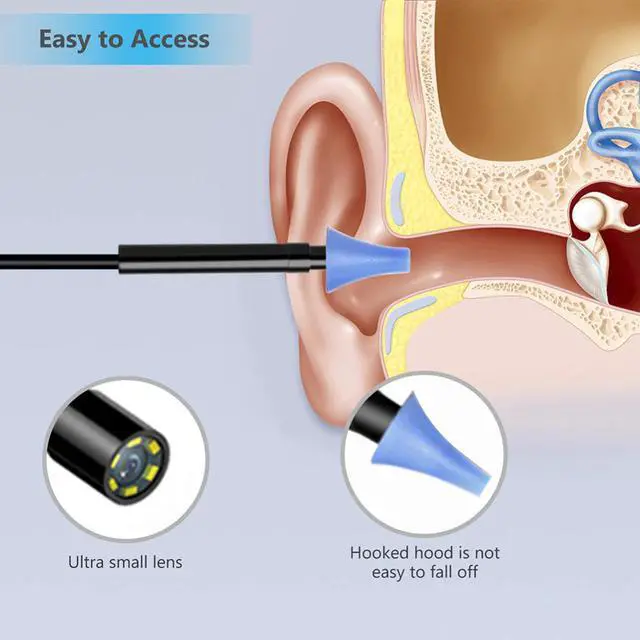
4.More Flexible Size:Our Otoscope Comes With Four Specular Tips in Different Size,You Can Choose The Size That Suits Your Needs According to Your Needs, and Avoid The Inconvenience Caused by Multi-person Sharing.
What Can I do For You If no Image Showing On The APP Or Failed Connections Or Image Freezing?
1.Please Check Whether You Have Input The Correct WIFI Password.(Note:Please Remember The Password If You Have Modidied)
2.Please Check The WIFI Box Is Full Power.Low Power May Cause Connections Fails,And Please Recharge it Timely.
3.Try to Restart The WIFI Box and Reconnect it With You Phone.
4.Exit the APP Interface,and Re-entry
5.Please Keep The Distance Between WIFI Box and Phonr Within 10 Meters Without Any Obstacles.
Hot Commodity
85.7



 Holiday Shipping Details & Extended Holiday Returns


