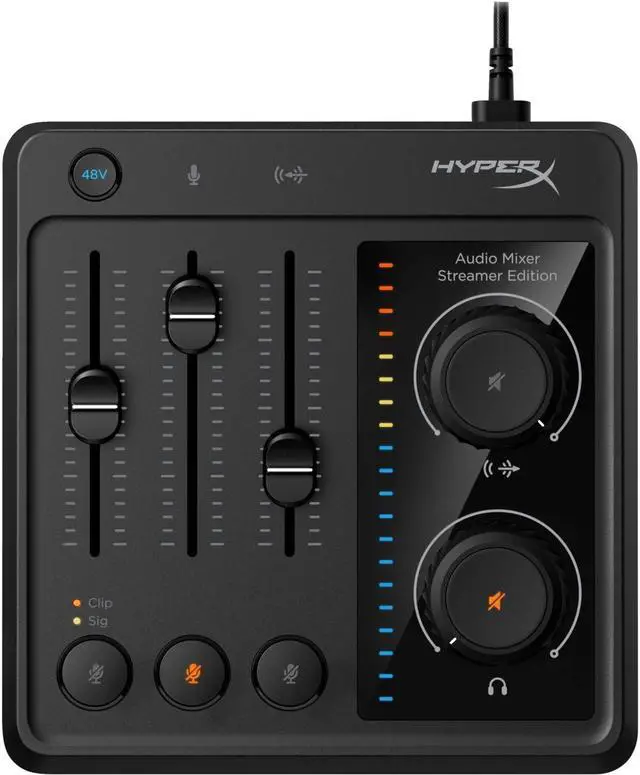
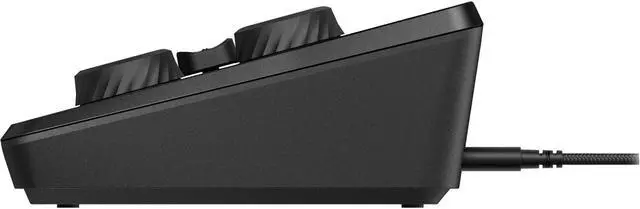
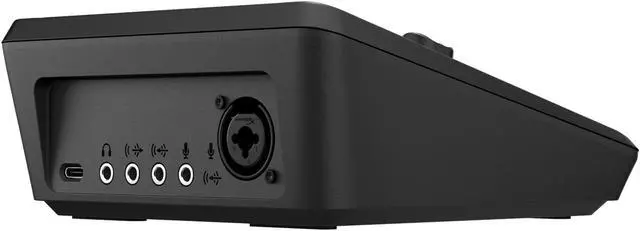
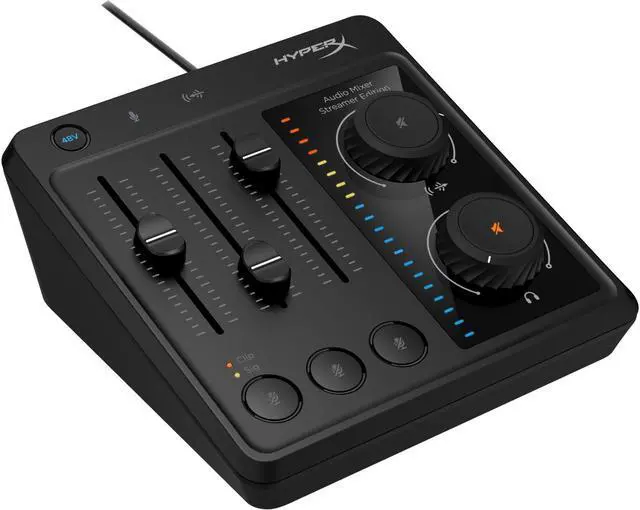
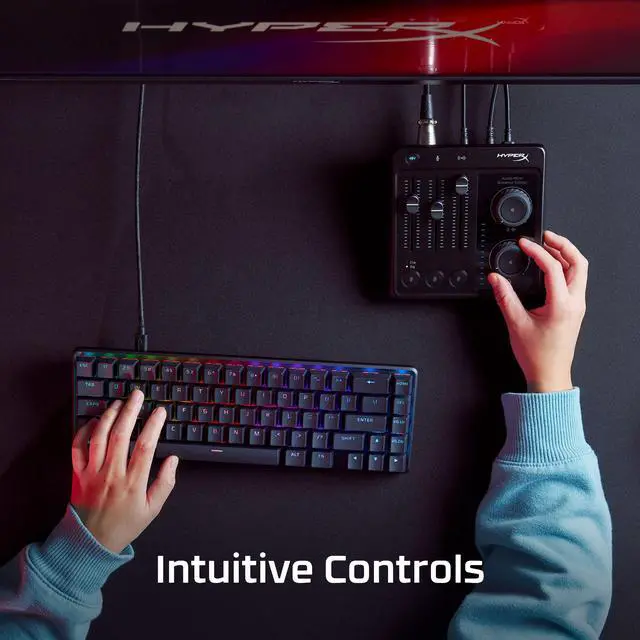
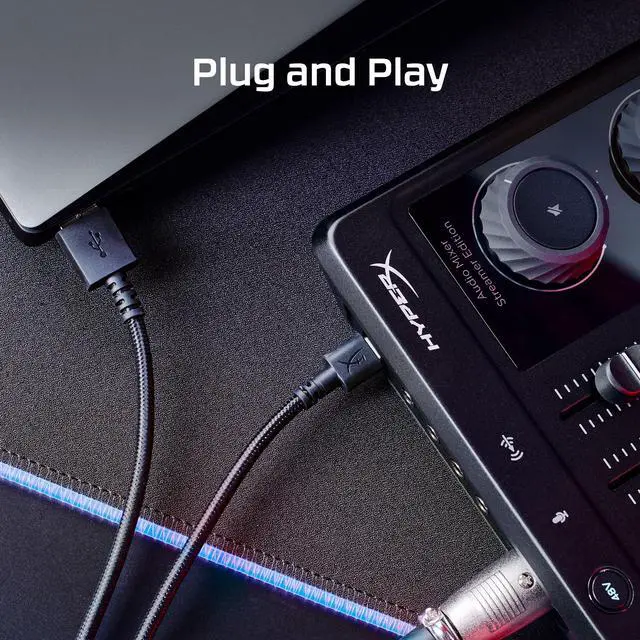
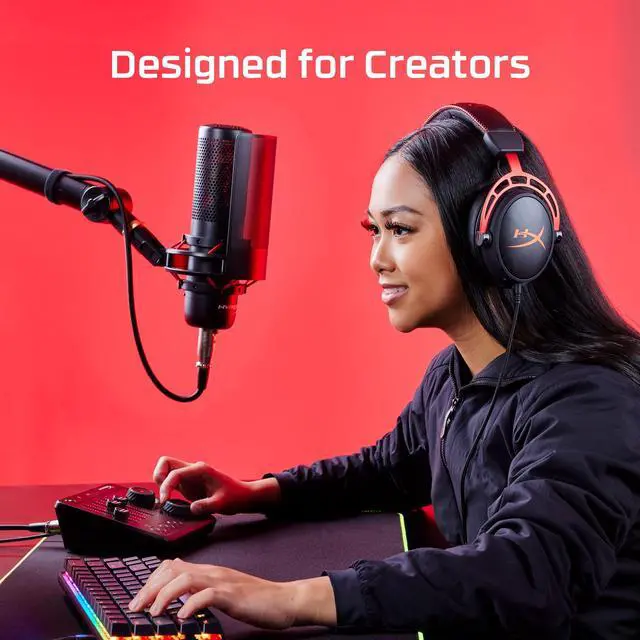
The HyperX Audio Mixer is a USB audio mixer for streamers and content creators who want hands-on control of up to three audio sources, including an XLR mic, a 3.5 mm mic, and stereo line audio.
Recommended For
- PC or Mac streamers who want to adjust an XLR microphone, a 3.5 mm mic, and a stereo line source with separate physical faders while recording or streaming.
- Desk-based gaming streamers who want quick, hands-on control of microphone, game or chat audio levels, plus headphone and line-output volume, without relying on software controls for routine adjustments.
- Creators moving to an analog XLR microphone who want a compact USB interface with 48V phantom power and a physical mute and level-control surface for a one-computer setup.
- Creators with limited desk space who need a small desktop mixer for a microphone, headset monitoring, and an additional analog audio source.
Real-World Use Scenarios
- During a PC gaming stream, a creator can adjust an XLR mic and a connected 3.5 mm audio source with physical controls, making quick level changes easier while live.
- When recording voiceovers or a podcast on a PC or Mac, a creator can connect an XLR microphone and send its audio to computer recording software, with a front-panel fader for level adjustments.
- For a call or hybrid meeting, a user can connect a microphone, monitor through headphones, and use the physical mute control to silence an input without searching through software menus.
- When a setup uses both a microphone and an external analog audio source, such as audio fed into the 3.5 mm line input, the user can adjust their input levels at the mixer and listen through its headphone output.




 here!