













FIFINE Gaming Audio Mixer
Merchant Video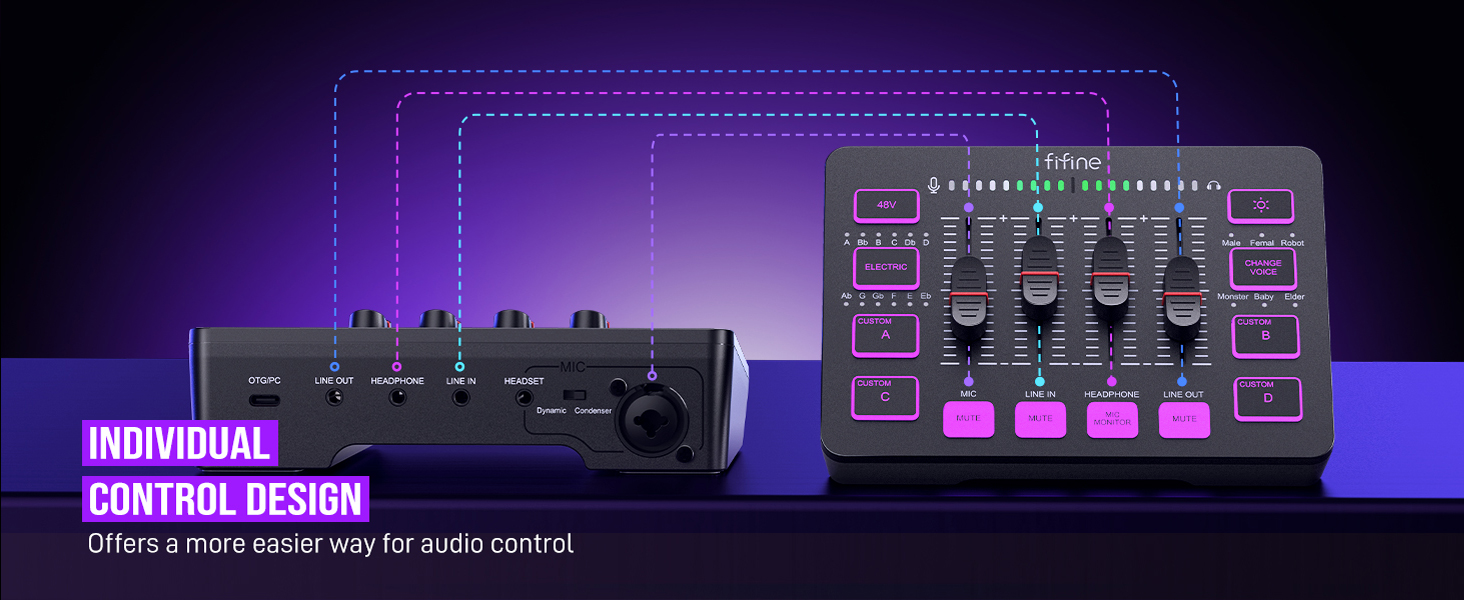
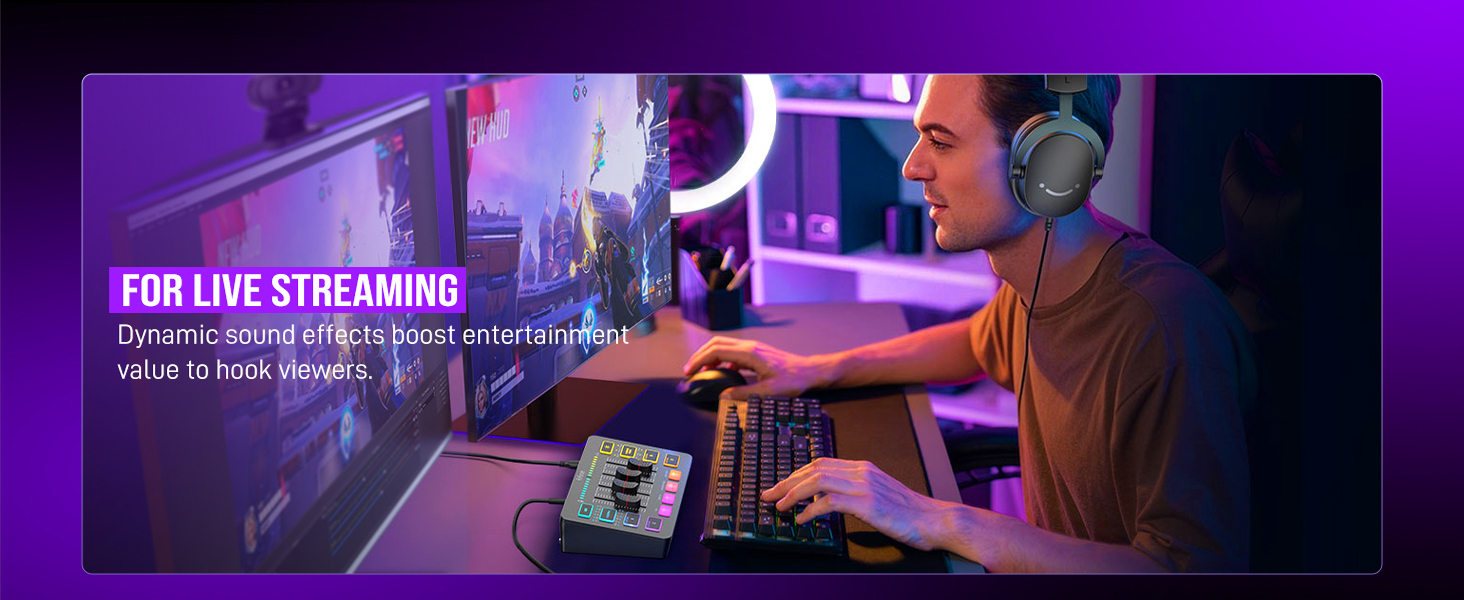
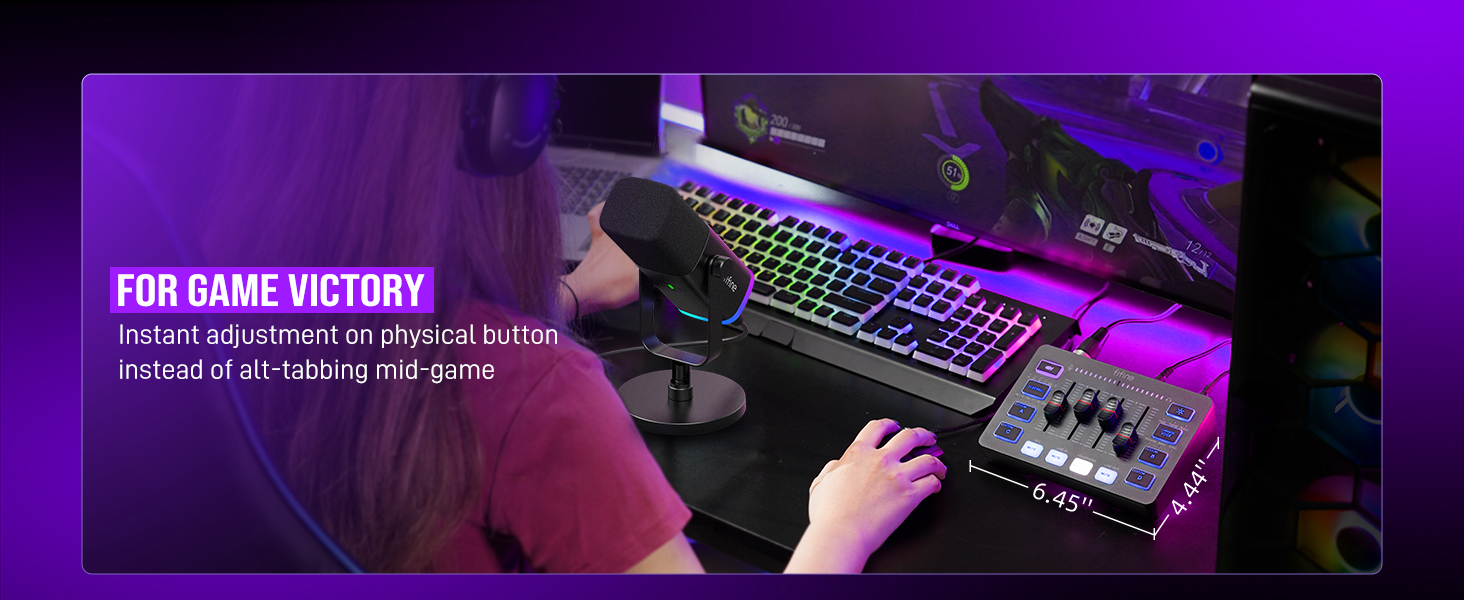
Audio Recording Setup
 Gaming Audio Mixer-SC3 |  Gamer Audio Mixer-SC8 | 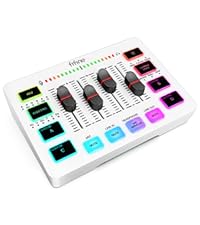 Gaming Audio Mixer-SC3W | 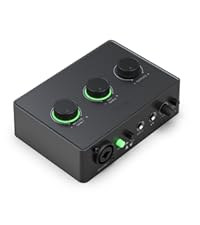 Audio Interface-SC1 | 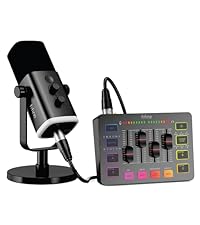 Gaming Set Bundle-KS5 | 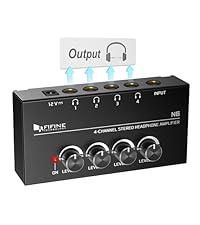 Headphones Amplifier-N6 | 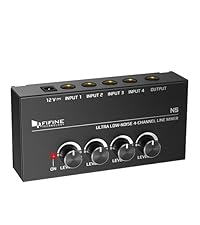 Low-Noise Line Mixer-N5 | |
|---|---|---|---|---|---|---|---|
Customer Reviews | — | — | — | — | — | — | — |
Price | — | — | — | — | — | — | — |
Product Item | Audio Mixer | Audio Mixer | Audio Mixer | Audio Interface | Audio Mixer+XLR/USB Mic | Headphones Amplifier | Line Mixer |
Features | Individual Channels Control | Individual Channels Control | Individual Channels Control | Mic Input, Instrument Input | Individual Channels Control | Stereo Audio Quality | Stereo/Mono Operation |
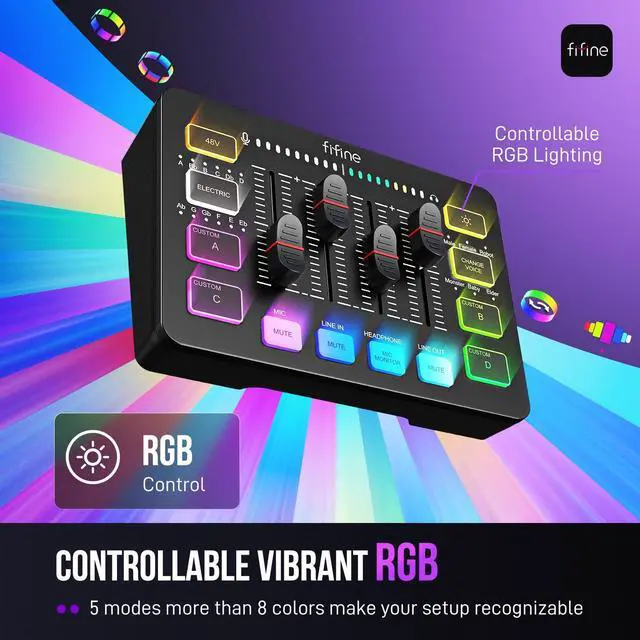
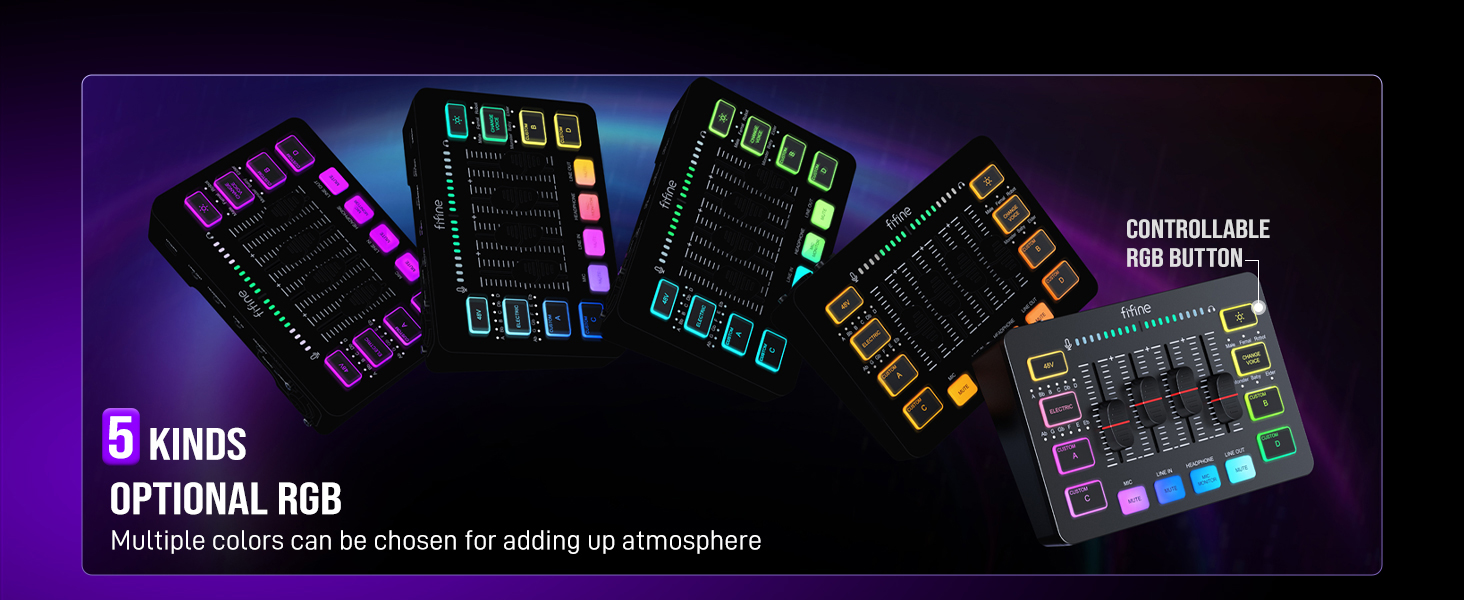
Specials | Volume Fader, Controllable RGB | Volume Fader, RGB, EQ, 7.1ch | Volume Fader, Controllable RGB | Audio Gain Indicator | Volume Fader, Controllable RGB | Compact Portable, Low Noise | Compact Format, Low Noise |
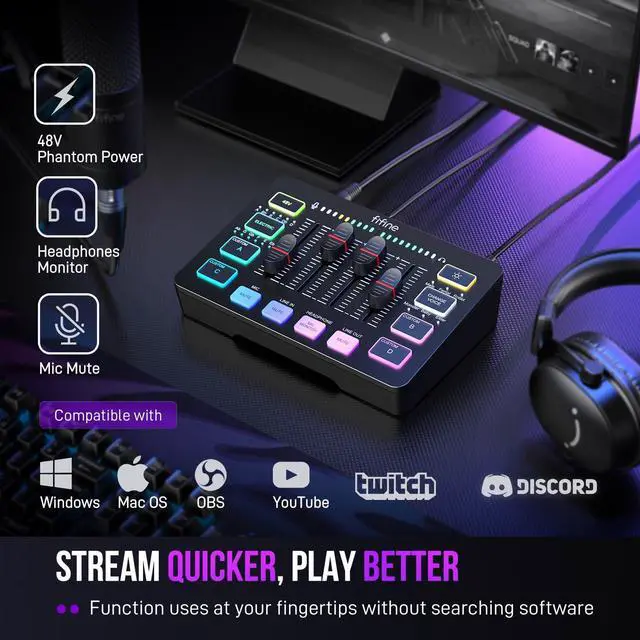
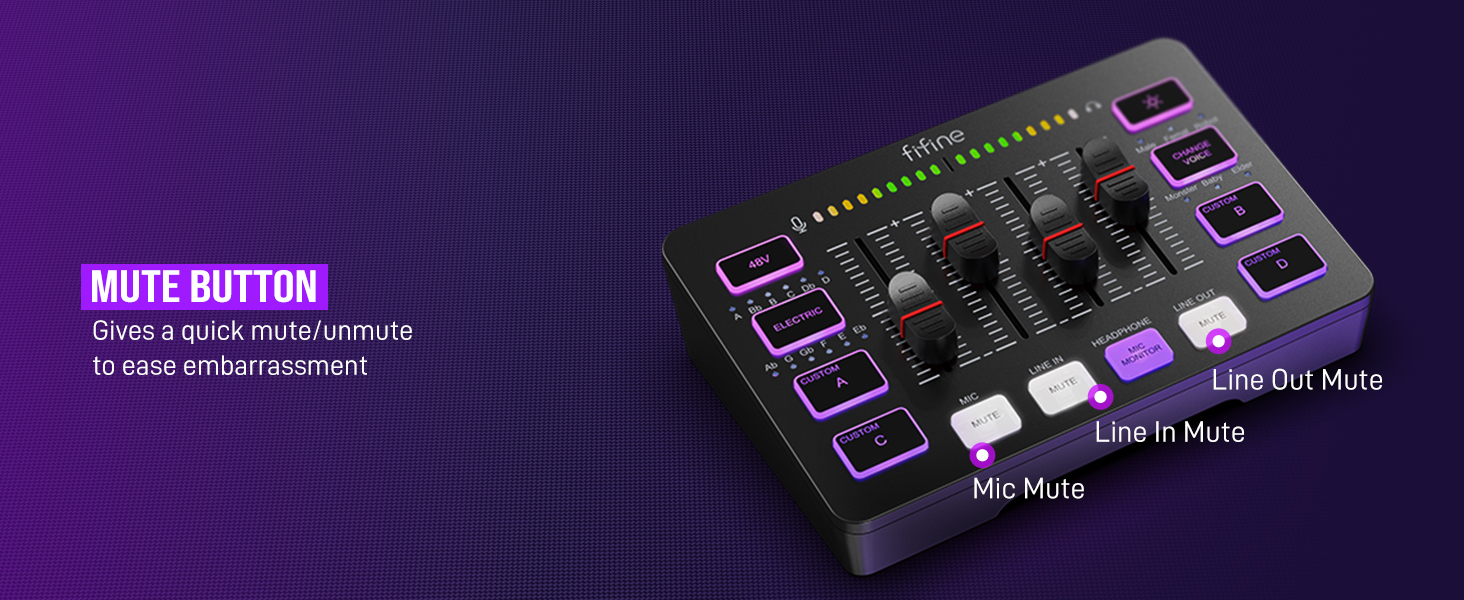
Function of Mixer | 48V Phantom Power/Mute/Monitor | 48V Phantom Power/Mute/Monitor | 48V Phantom Power/Mute/Monitor | 48V Phantom Power/Monitor | 48V Phantom Power/Mute/Monitor | Individual Level Vol. Control | Individual Level Vol. Control |
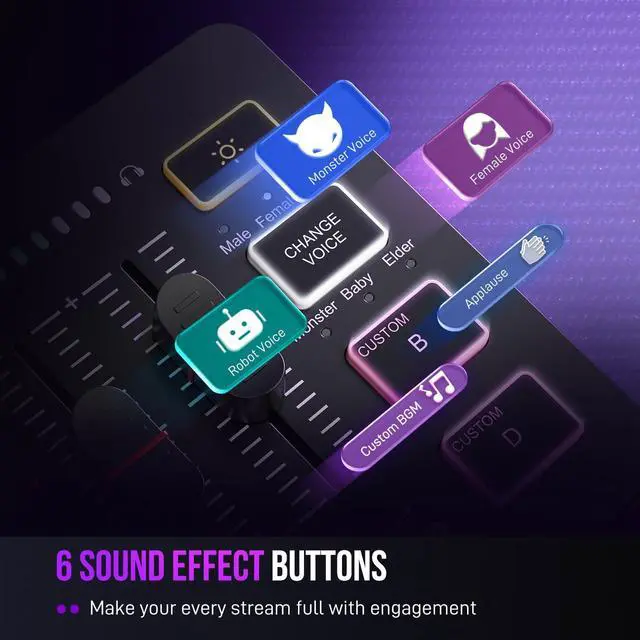
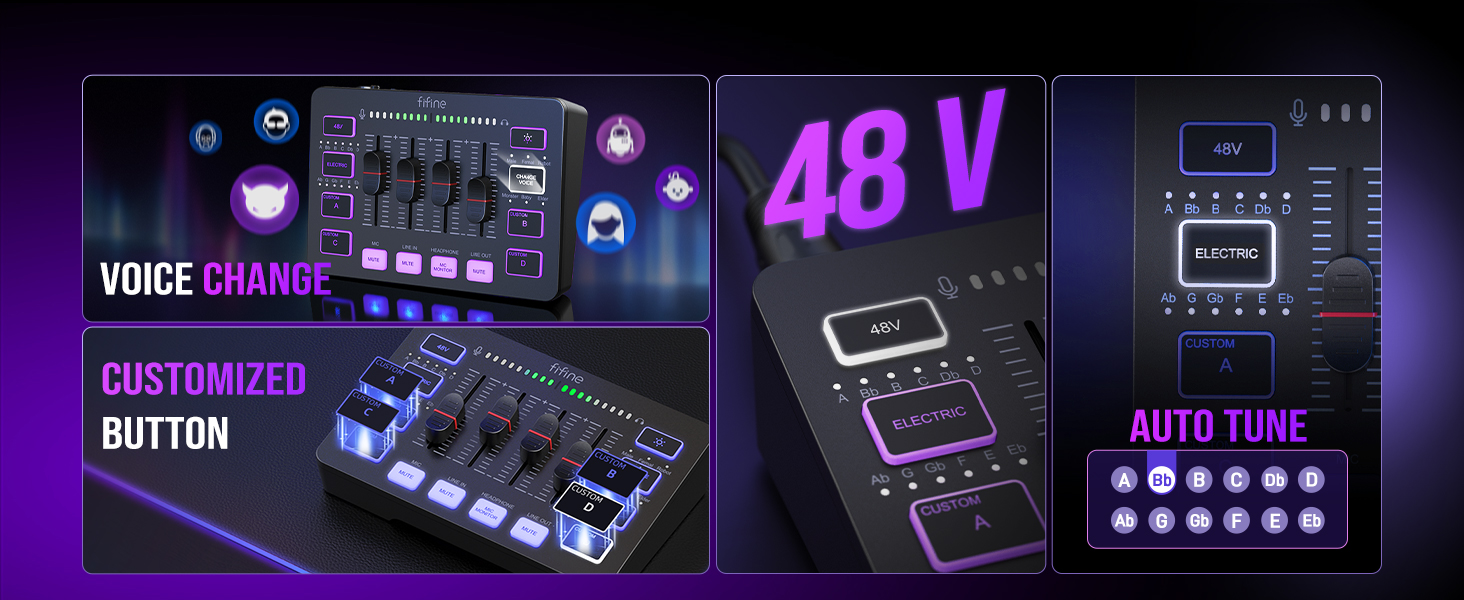
More Function of Mixer | Customized Sound, Voice Change | Customized Sound, Voice Change | Customized Sound, Voice Change | Gain Knob/Vol. Knob | Customized Sound, Voice Change | LED Indicator | LED Indicator |
Uses | Game Voice, Live Streaming | Game Voice, Live Streaming | Game Voice, Live Streaming | Instrument Recording, Podcast | Game Voice, Live Streaming | Monitoring Tracking, Live Use | Audio Sources Blending |
Widely Uses | Audio Recording, Entertainment | Audio Recording, Entertainment | Audio Recording, Entertainment | Music Creation, Play and Sing | Audio Recording, Entertainment | TV Listen, Studio/Stage | Instrument/Audio Mixing |
Compatibility of Mixer | Computer,XLR/1/4’’ Mic,Phone | PC, XLR/1/4’’ Mic, Phone, TV | Computer,XLR/1/4’’ Mic,Phone | XLR/1/4’’ Mic/Guitar/Bass | Computer,XLR/1/4’’ Mic,Phone | Speaker, Headphones | Microphone, Guitar |
Widely Compatibility of Mixer | Headset,Speaker,Headphone | Headset,Speaker,Headphone | Headset,Speaker,Headphone | Computer,Speaker,Headphones | Headset,Speaker,Headphone | Television | Bass, Keyboard |
Can I adjust the mic gain by using this audio mixer?
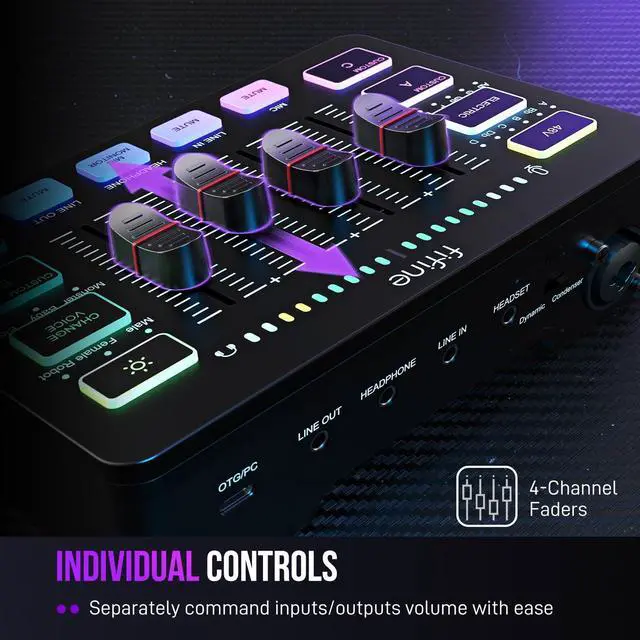
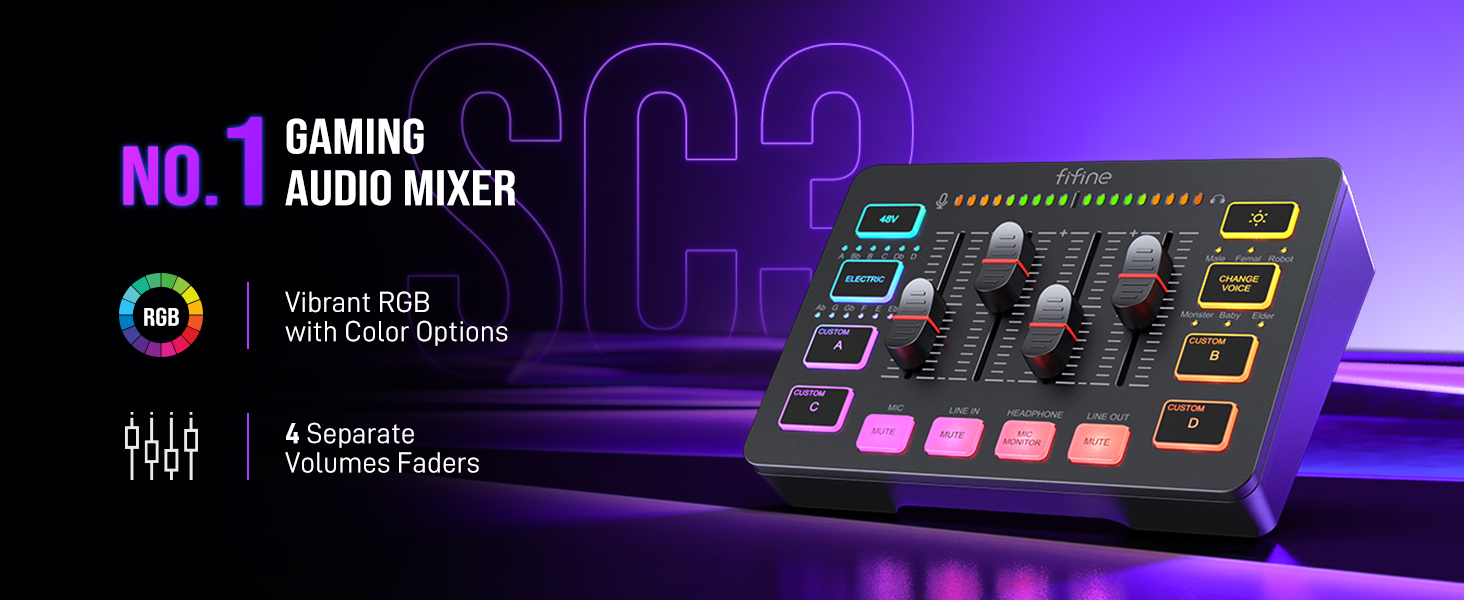
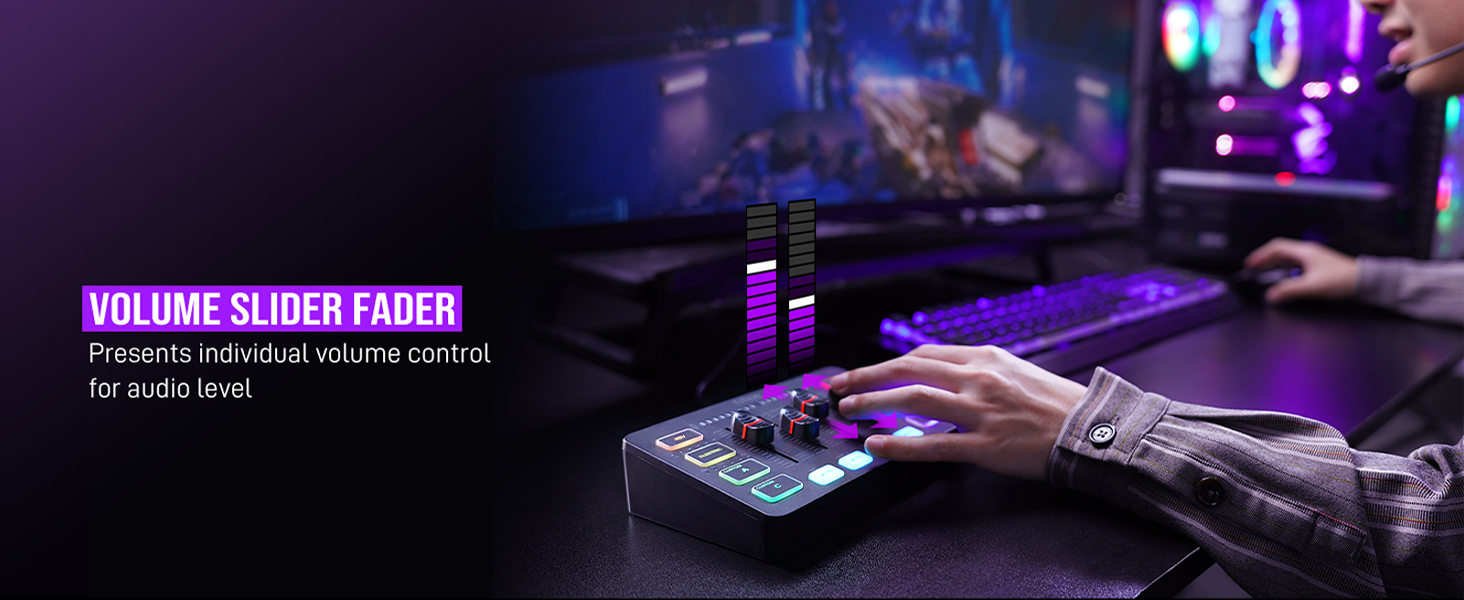
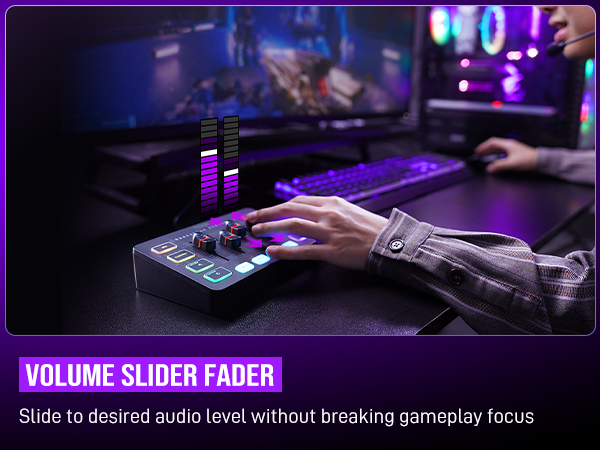
Sure! The audio mixer comes with mic volume fader. You can push the fader gradually from the zero until desired loudness depending on your mic gain.
When do I need to turn on the 48V phantom power?
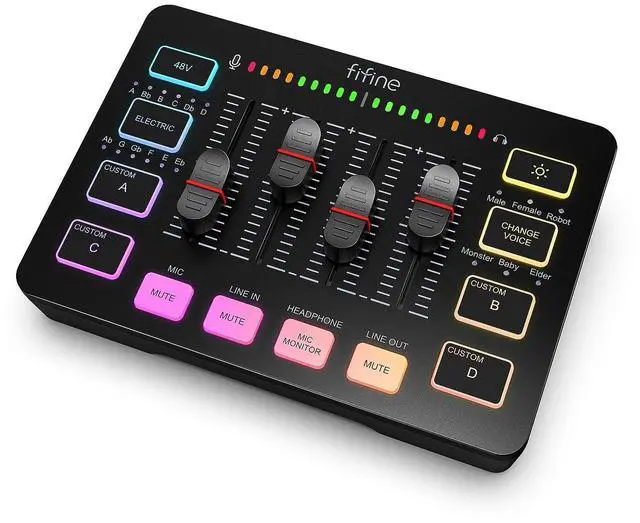
The mixer offers 48V phantom power for XLR condenser mic. Check the mic's specs. Press "48V" button to turn on (in white light) if needed. Turn it off if not needed to avoid damage or noise. Phantom power does not enhance mic volume.
Can I use the audio mixer with a condenser mic or dynamic mic?
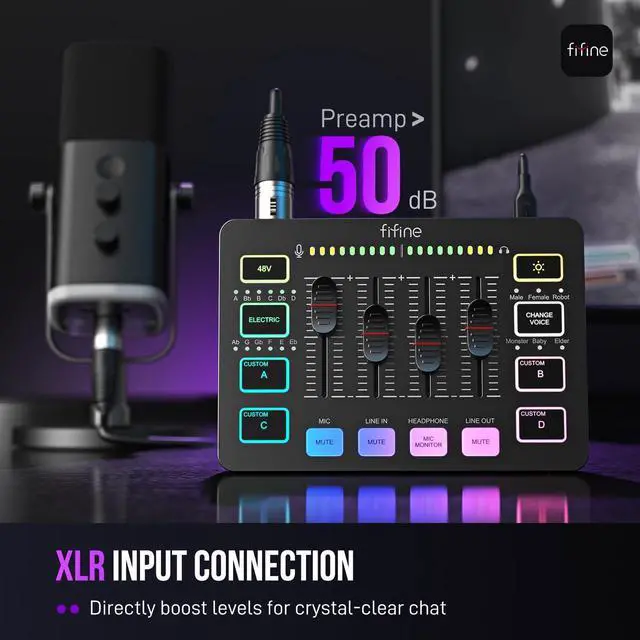
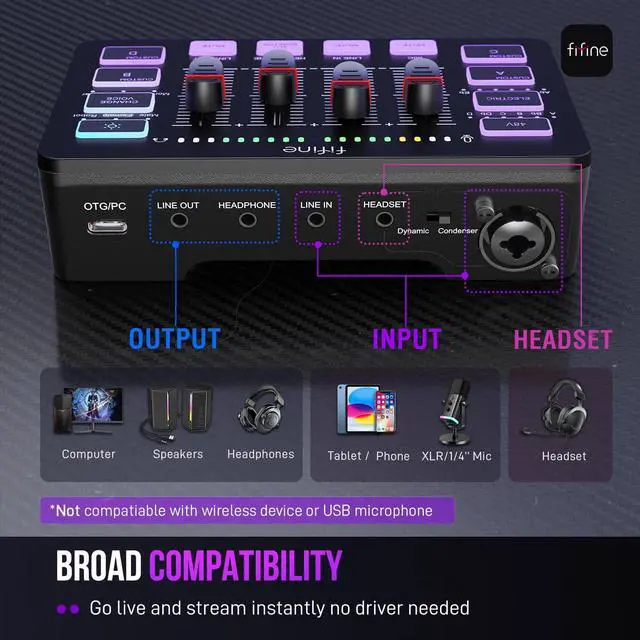
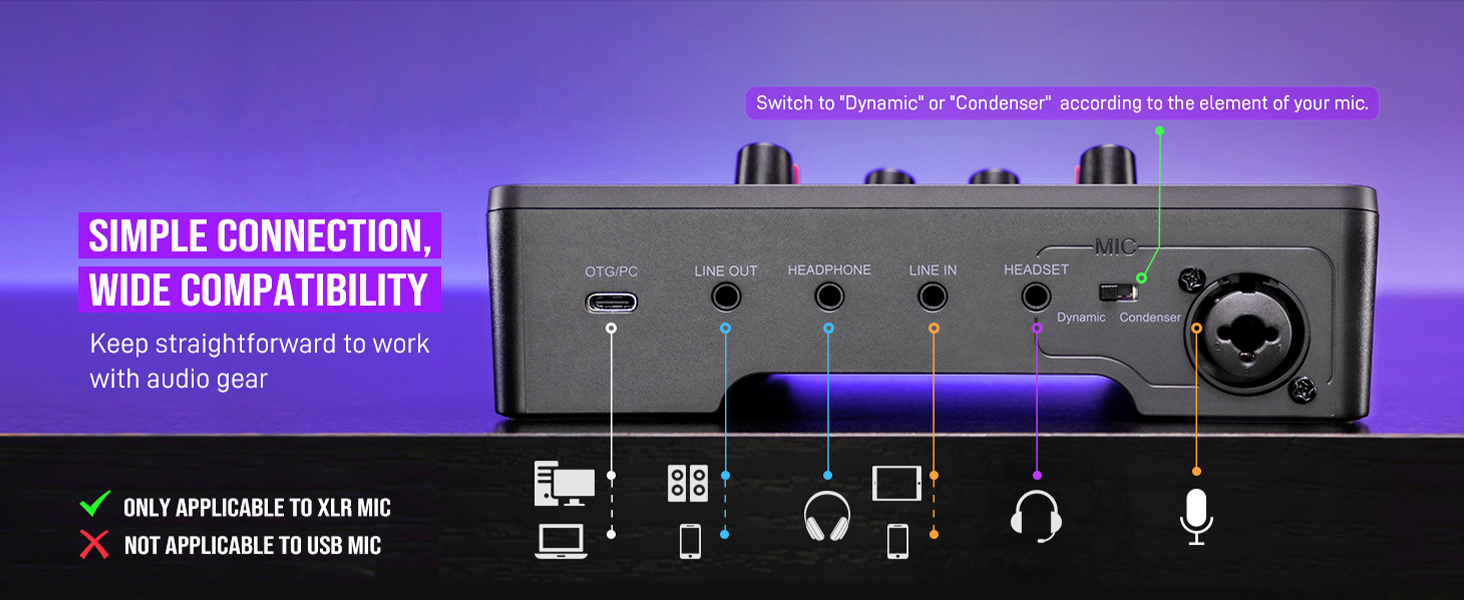
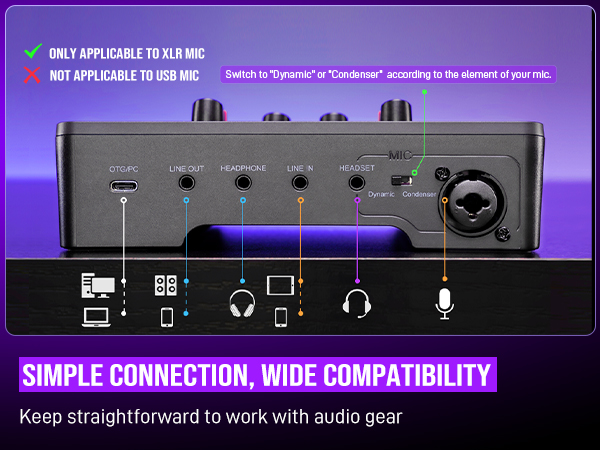
Yes, the audio interface has XLR input for condenser mic or dynamic mic (but not compatible for USB mic). Remember to switch to "Dynamic" or "Condenser" according to the element of your mic by using the switch beside the XLR input to minimize noise.
What headphones can I use with this audio mixer?
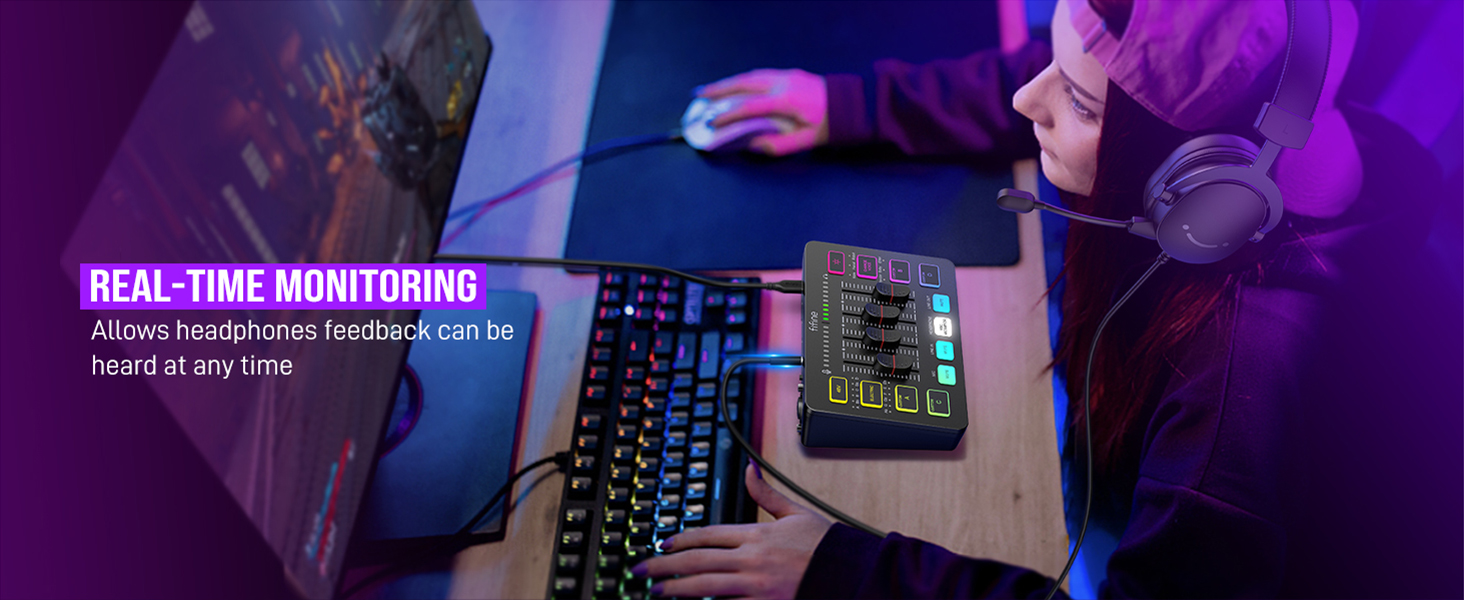
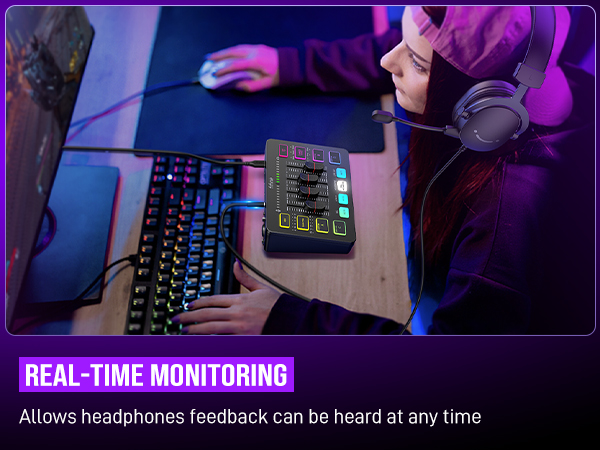
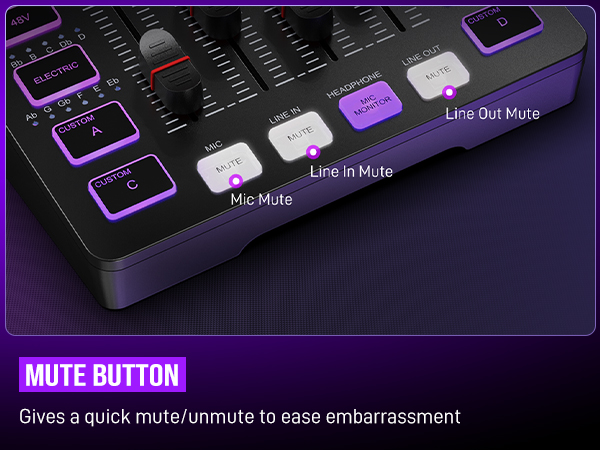
It is suggested to use 3.5mm wired headphones (TRS or TRRS) whose impedance is 32 or 64 ohms. Like Fifine H8 (ASIN: B0B6BPVS3Z). Please note that the MIC MONITOR button is turned on and HEADPHONE channel volume not to zero during monitoring.
Can I listen to my voice while recording on a Windows computer?
Yes. Just make sure that the mixer is set as the output and input device of the computer, then check the box "Listen to this device" from the sound setting, and turn on the MIC MONITOR button on the mixer. (MIC MONITOR button in white means on)
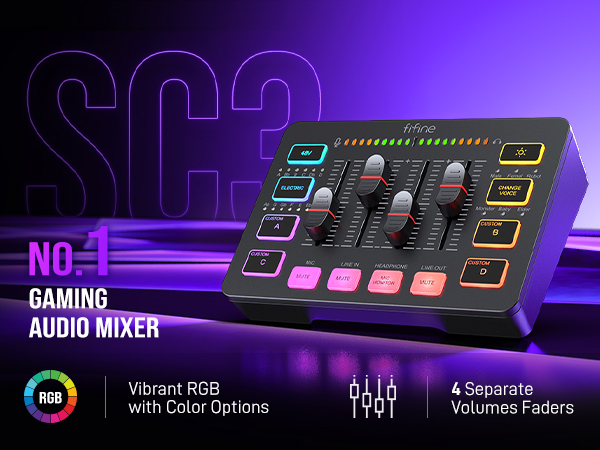



FIFINE Gaming Audio Mixer
Merchant Video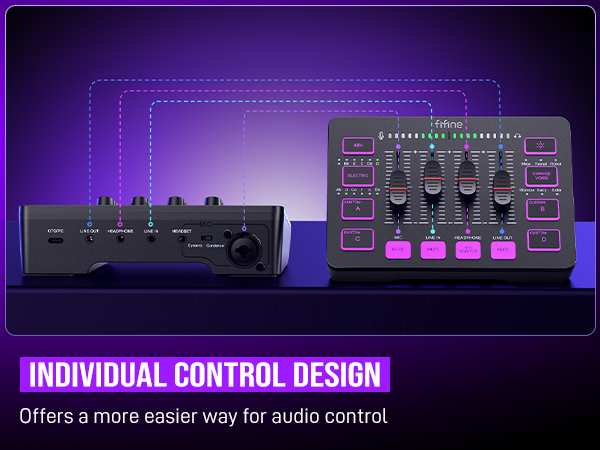
Audio Recording Setup
Gaming Audio Mixer-SC3 | Gamer Audio Mixer-SC8 | Gaming Audio Mixer-SC3W | Audio Interface-SC1 | Gaming Set Bundle-KS5 | Headphones Amplifier-N6 | Low-Noise Line Mixer-N5 |
|---|---|---|---|---|---|---|
| Customer Reviews | ||||||
| — | — | — | — | — | — | — |
| Price | ||||||
| — | — | — | — | — | — | — |
| Product Item | ||||||
| Audio Mixer | Audio Mixer | Audio Mixer | Audio Interface | Audio Mixer+XLR/USB Mic | Headphones Amplifier | Line Mixer |
| Features | ||||||
| Individual Channels Control | Individual Channels Control | Individual Channels Control | Mic Input, Instrument Input | Individual Channels Control | Stereo Audio Quality | Stereo/Mono Operation |
| Specials | ||||||
| Volume Fader, Controllable RGB | Volume Fader, RGB, EQ, 7.1ch | Volume Fader, Controllable RGB | Audio Gain Indicator | Volume Fader, Controllable RGB | Compact Portable, Low Noise | Compact Format, Low Noise |
| Function of Mixer | ||||||
| 48V Phantom Power/Mute/Monitor | 48V Phantom Power/Mute/Monitor | 48V Phantom Power/Mute/Monitor | 48V Phantom Power/Monitor | 48V Phantom Power/Mute/Monitor | Individual Level Vol. Control | Individual Level Vol. Control |
| More Function of Mixer | ||||||
| Customized Sound, Voice Change | Customized Sound, Voice Change | Customized Sound, Voice Change | Gain Knob/Vol. Knob | Customized Sound, Voice Change | LED Indicator | LED Indicator |
| Uses | ||||||
| Game Voice, Live Streaming | Game Voice, Live Streaming | Game Voice, Live Streaming | Instrument Recording, Podcast | Game Voice, Live Streaming | Monitoring Tracking, Live Use | Audio Sources Blending |
| Widely Uses | ||||||
| Audio Recording, Entertainment | Audio Recording, Entertainment | Audio Recording, Entertainment | Music Creation, Play and Sing | Audio Recording, Entertainment | TV Listen, Studio/Stage | Instrument/Audio Mixing |
| Compatibility of Mixer | ||||||
| Computer,XLR/1/4’’ Mic,Phone | PC, XLR/1/4’’ Mic, Phone, TV | Computer,XLR/1/4’’ Mic,Phone | XLR/1/4’’ Mic/Guitar/Bass | Computer,XLR/1/4’’ Mic,Phone | Speaker, Headphones | Microphone, Guitar |
| Widely Compatibility of Mixer | ||||||
| Headset,Speaker,Headphone | Headset,Speaker,Headphone | Headset,Speaker,Headphone | Computer,Speaker,Headphones | Headset,Speaker,Headphone | Television | Bass, Keyboard |
Can I adjust the mic gain by using this audio mixer?
Sure! The audio mixer comes with mic volume fader. You can push the fader gradually from the zero until desired loudness depending on your mic gain.
When do I need to turn on the 48V phantom power?
The mixer offers 48V phantom power for XLR condenser mic. Check the mic's specs. Press "48V" button to turn on (in white light) if needed. Turn it off if not needed to avoid damage or noise. Phantom power does not enhance mic volume.
Can I use the audio mixer with a condenser mic or dynamic mic?
Yes, the audio interface has XLR input for condenser mic or dynamic mic (but not compatible for USB mic). Remember to switch to "Dynamic" or "Condenser" according to the element of your mic by using the switch beside the XLR input to minimize noise.
What headphones can I use with this audio mixer?
It is suggested to use 3.5mm wired headphones (TRS or TRRS) whose impedance is 32 or 64 ohms. Like Fifine H8 (ASIN: B0B6BPVS3Z). Please note that the MIC MONITOR button is turned on and HEADPHONE channel volume not to zero during monitoring.
Can I listen to my voice while recording on a Windows computer?
Yes. Just make sure that the mixer is set as the output and input device of the computer, then check the box "Listen to this device" from the sound setting, and turn on the MIC MONITOR button on the mixer. (MIC MONITOR button in white means on)
FIFINE AmpliGame Series
Keep Leveling Up for Your Game Victory
FIFINE Gaming Products
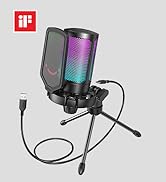
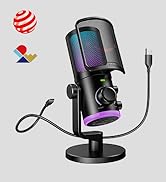
FIFINE Streaming Microphone
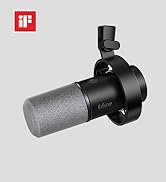
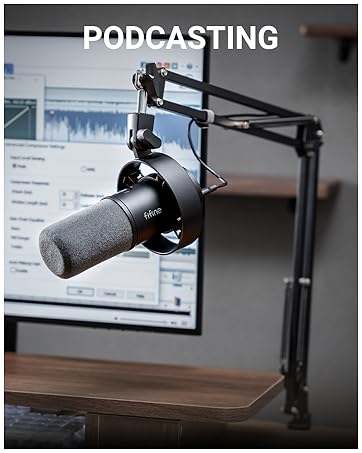
FIFINE Podcasting Microphone
More from AmpliGame Series