









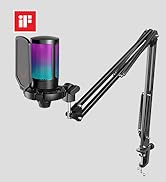
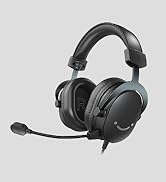
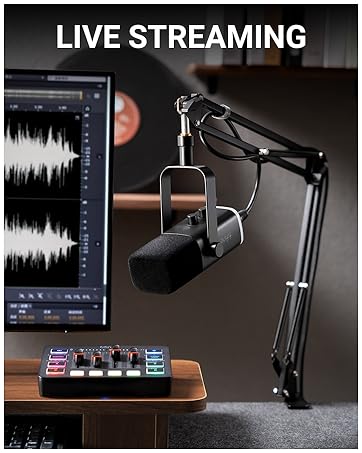
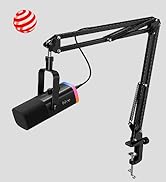
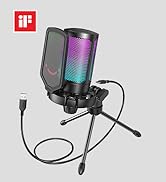
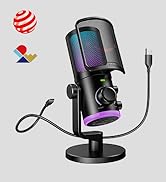
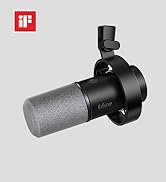
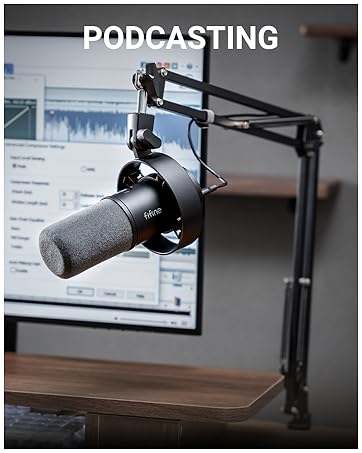
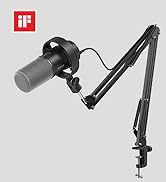
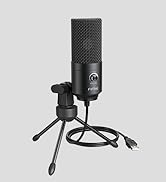
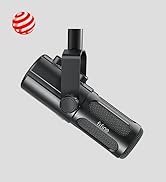
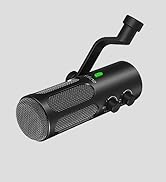


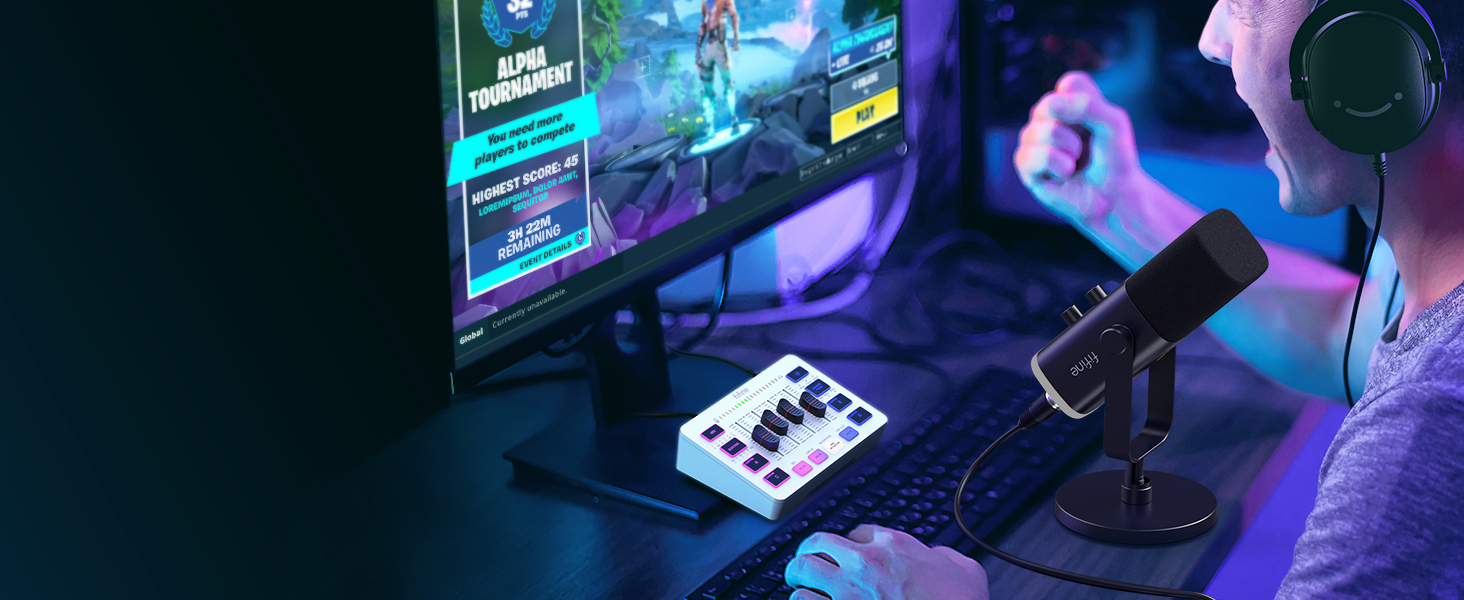
For Game Victory
Perform more dynamic elements to your gaming sessions.

For Live Broadcast
Deliver more realistic sound to your audience.
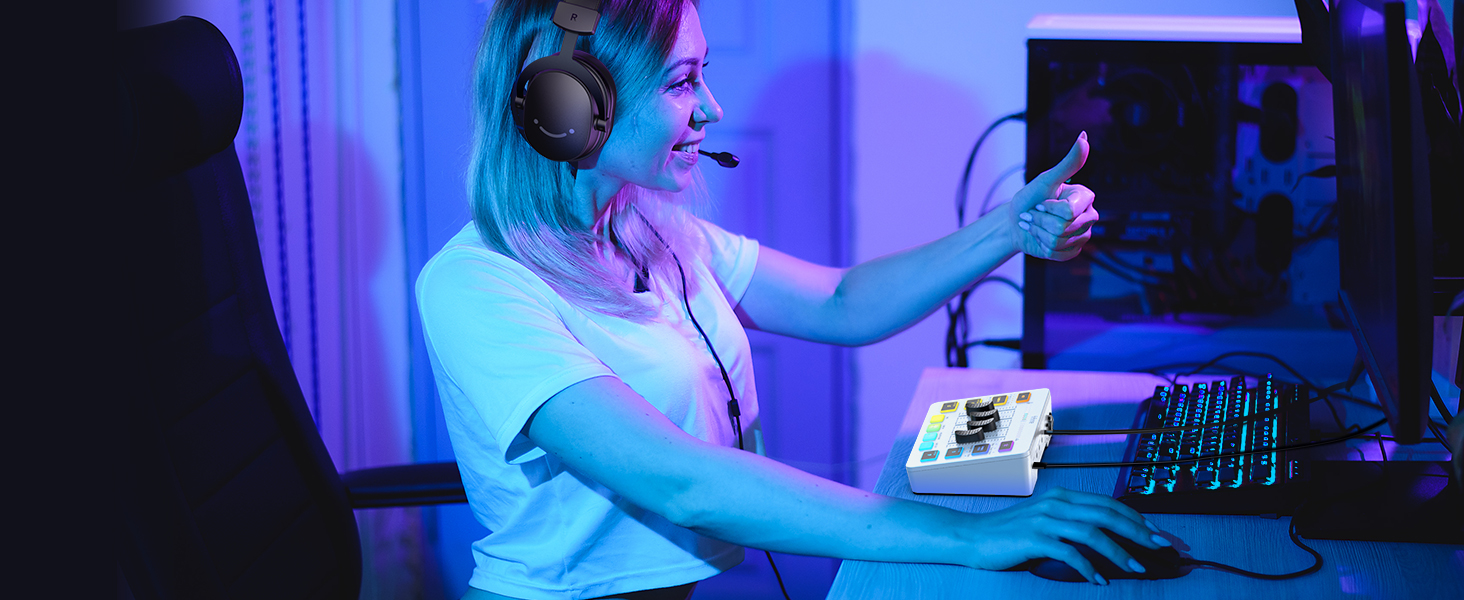
For Gaming Voice
Add more entertainment to your gaming squad up.
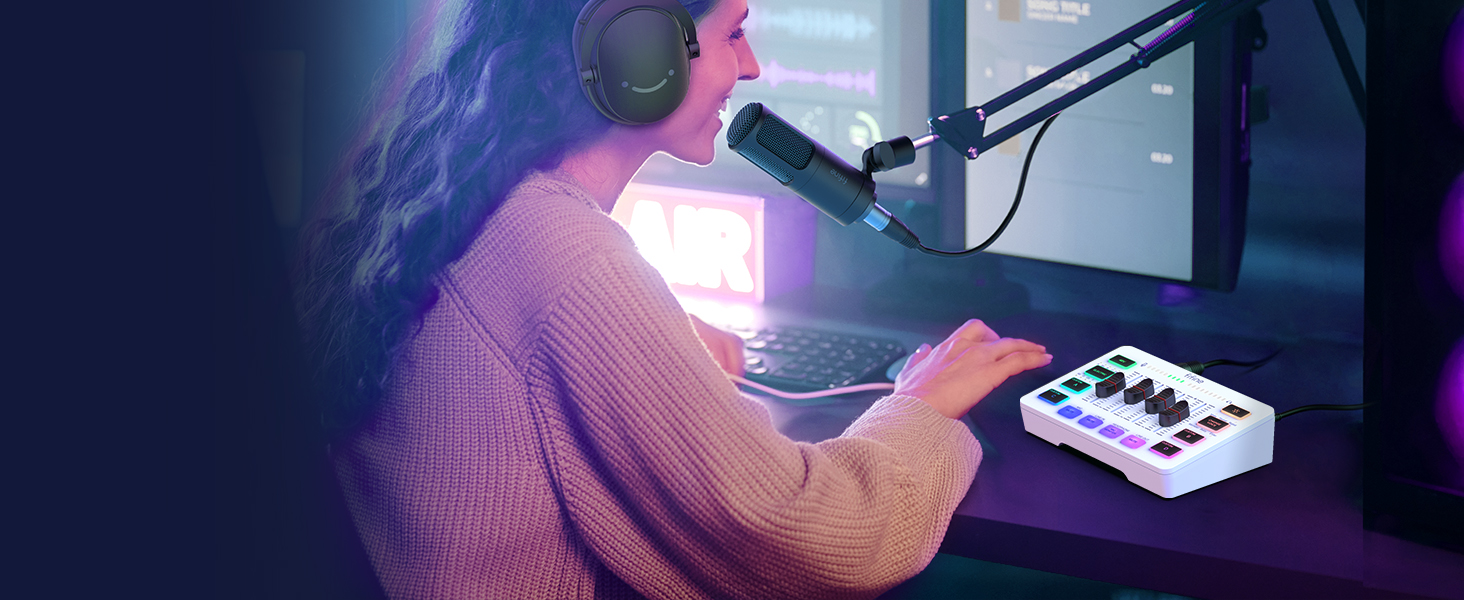
For Streaming Setup
Multiple functions provide more streaming chatting and fun.
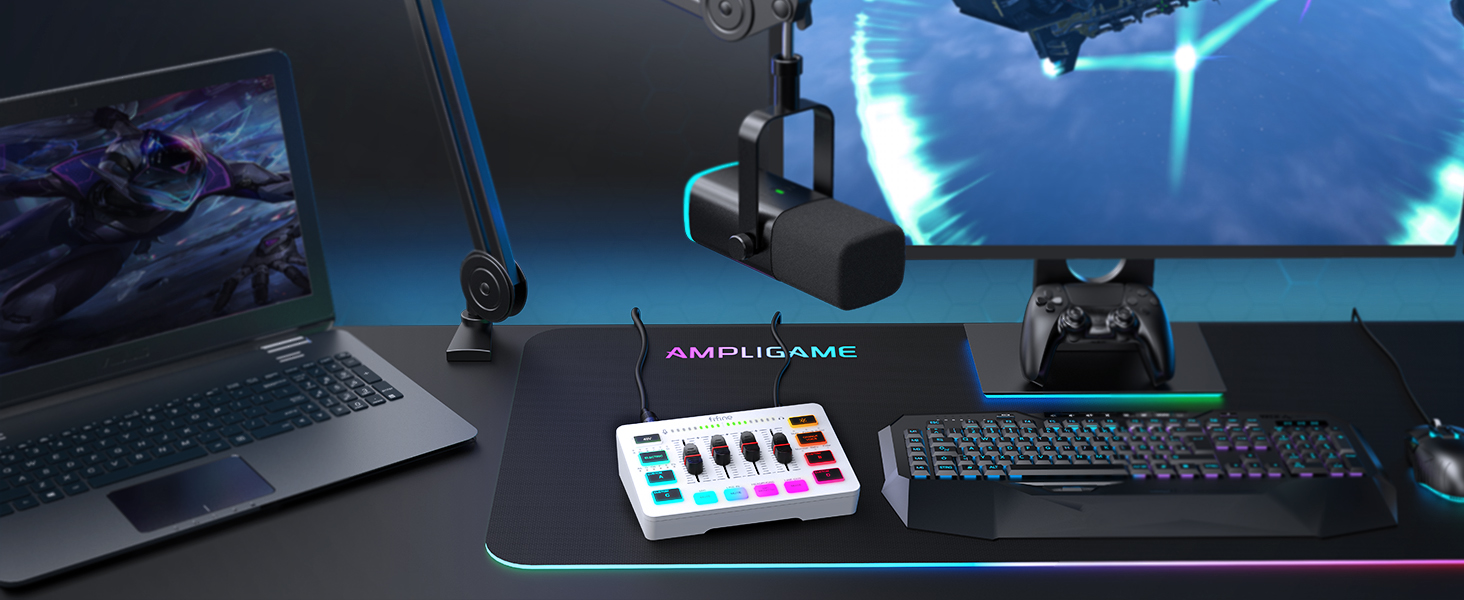
For Gaming Aura
Optional RGB create unique live streaming or gaming zone.
Audio Recording Setup
 Gaming Audio Mixer-SC3W |  Gaming Audio Mixer-SC3 |  Audio Interface-SC1 |  Headphones Amplifier-N6 | 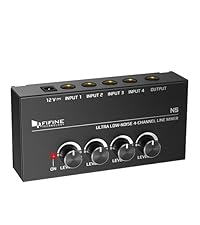 Low-Noise Line Mixer-N5 | |
|---|---|---|---|---|---|
Customer Reviews | — | — | — | — | — |
Price | — | — | — | — | — |
Product Item | Audio Mixer | Audio Mixer | Audio Interface | Headphones Amplifier | Line Mixer |
Features | Individual Channels Control | Individual Channels Control | Mic Input, Instrument Input | Stereo Audio Quality | Stereo/Mono Operation |
Specials | Volume Fader, Controllable RGB | Volume Fader, Controllable RGB | Audio Gain Indicator | Compact Portable, Low Noise | Compact Format, Low Noise |
Function | 48V Phantom Power/Mute/Monitor | 48V Phantom Power/Mute/Monitor | 48V Phantom Power/Monitor | Individual Level Vol. Control | Individual Level Vol. Control |
More Function | Customized Sound, Voice Change | Customized Sound, Voice Change | Gain Knob/Vol. Knob | LED Indicator | LED Indicator |
Uses | Game Voice, Live Streaming | Game Voice, Live Streaming | Instrument Recording, Podcast | Monitoring Tracking, Live Use | Audio Sources Blending |
Widely Uses | Audio Recording, Entertainment | Audio Recording, Entertainment | Music Creation, Play and Sing | TV Listen, Studio/Stage | Instrument/Audio Mixing |
Compatibility | Computer,XLR/1/4’’ Mic,Phone | Computer,XLR/1/4’’ Mic,Phone | XLR/1/4’’ Mic/Guitar/Bass | Speaker, Headphones | Microphone, Guitar |
Widely Compatibility | Headset,Speaker,Headphone | Headset,Speaker,Headphone | Computer,Speaker,Headphones | Television | Bass, Keyboard |
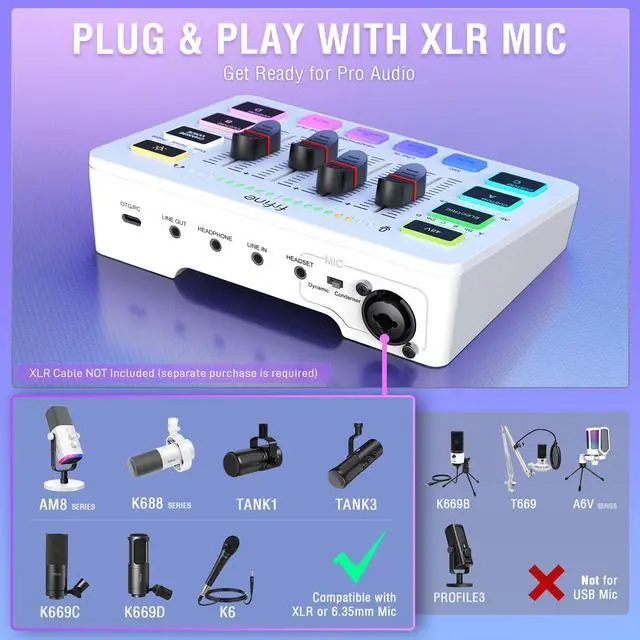
What's the best mic to connect to this audio mixer?
Fifine K688, AM8, K669C, K669D microphones are all compatible. And the K688 dynamic mic is the most recommended for working with this audio mixer.
Does this support 24v or 48v? Or do I need to purchase a separate one?
The audio interface supports 48V XLR phantom power for condenser mic. Just make sure to turn on the phantom power by pressing the button labled "48V".
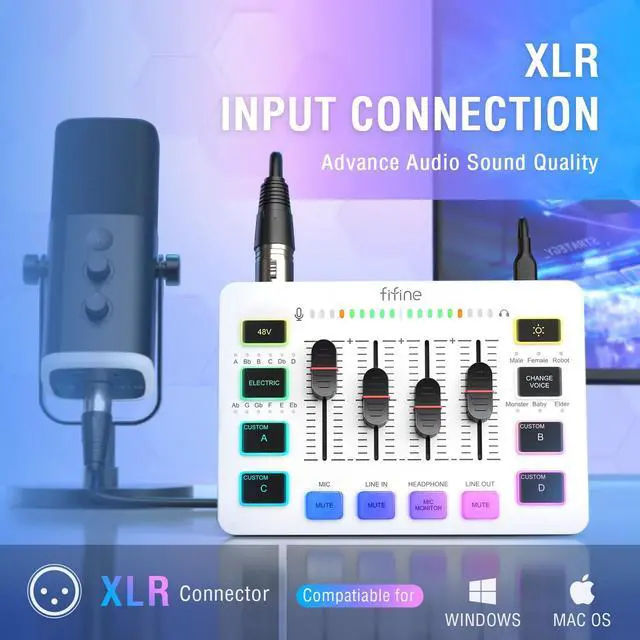
Does the audio mixer have xlr input?
Yes, this audio interface has XLR input for condenser mic or dynamic mic. Just remember to select the correct mode using the switch beside the XLR input to get the best effect.
What headphones can I use with this audio mixer?
You can take a look at the Fifine H8 monitor headphones which has 3.5mm connector.
Can I listen to my voice while recording on a Windows computer?
Yes. Just make sure that the mixer is set as the output and input device of the computer, then check the box "Listen to this device" from the sound setting, and turn on the MIC MONITOR button on the mixer. (MIC MONITOR button in white means on)
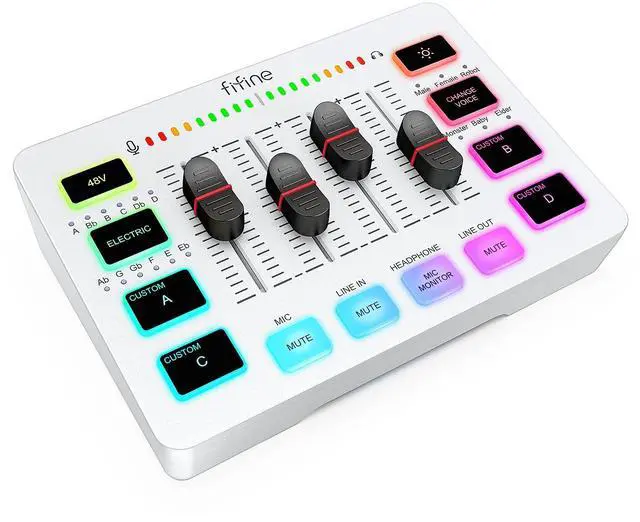
Provides multi-purpose functions for game voice, streaming, entertainment.
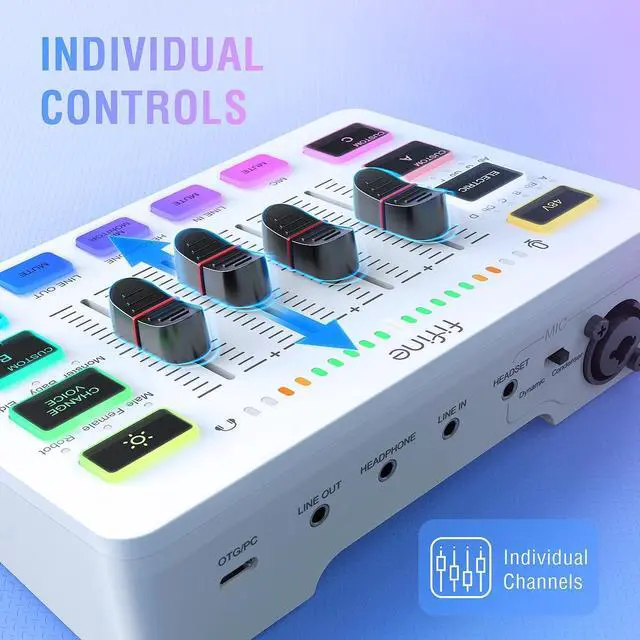
Presents individual volume control for audio level.
Offers a more easier way for audio control.
Gives a quick mute/unmute to ease embarrassment.
Allows headphones feedback can be heard at any time.


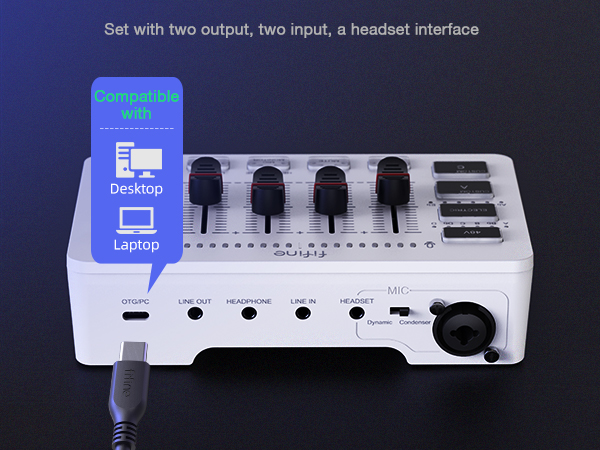
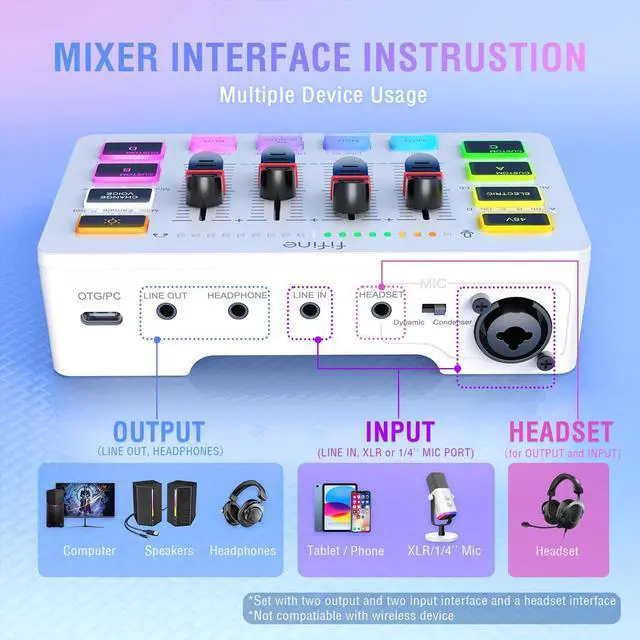
Type-C Interface
Connect to computer for power supply.
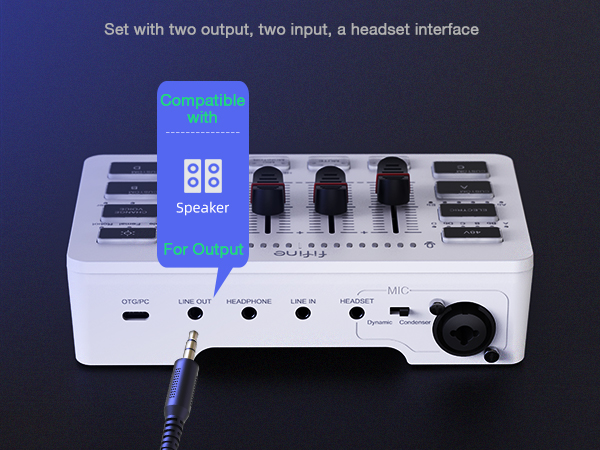
LINE OUT
Connect to speaker for audio output or phones for live broadcast.
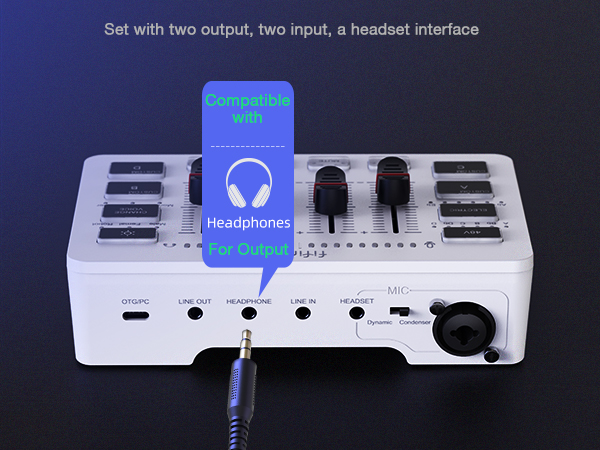
HEADPHONE
Connect to headphones for monitoring.
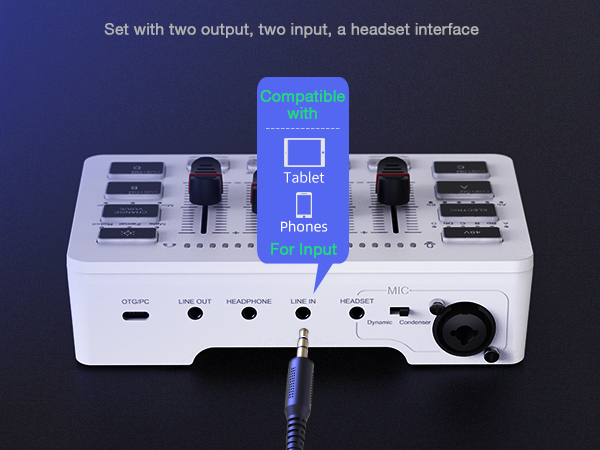
LINE IN
Connect to phone or tablet for auxiliary sound source.
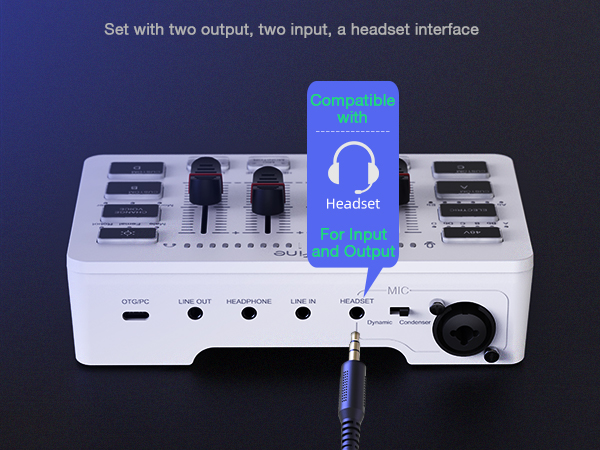
HEADSET
Connect to headset for record and monitor.
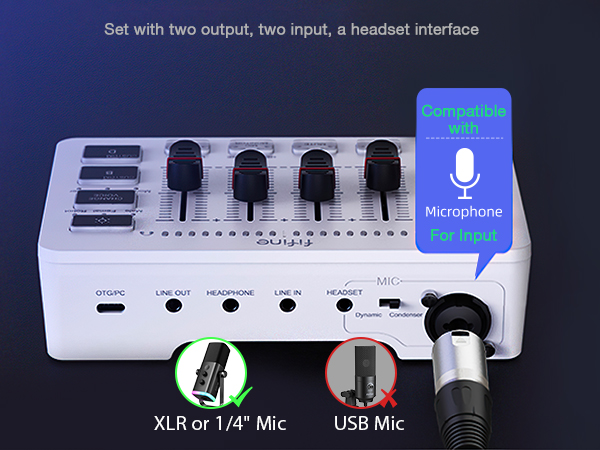
Combo Input Interface
Connect to XLR condenser/ dynamic mic or 1/4’’ dynamic mic.
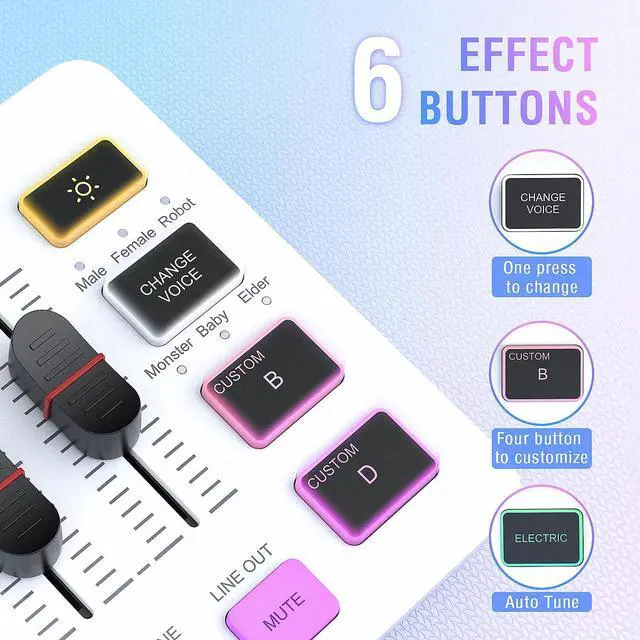
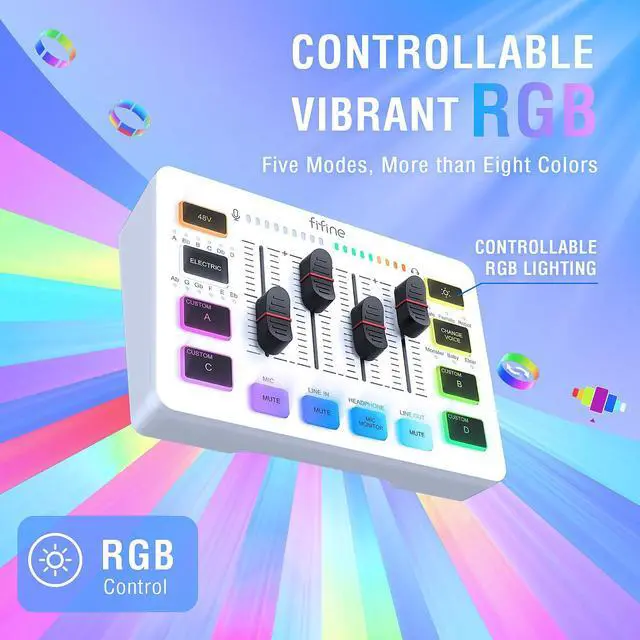
Multiple colors can be chosen for adding up atmosphere.
Set customized sound effect as atmosphere supplement needed.
6 kinds of voice mode meet more interaction requirements.
Convert and gain more sound tones.
Eliminates additional 48V phantom power requirements when using condenser mic.


For Game Victory
For Live Broadcast
For Gaming Voice
For Streaming Setup
For Gaming Aura


Perform more dynamic elements to your gaming sessions.
Deliver more realistic sound to your audience.
Add more entertainment to your gaming squad up.
Multiple functions provide more streaming chatting and fun.
Optional RGB create unique live streaming or gaming zone.
Audio Recording Setup
Gaming Audio Mixer-SC3W | Gaming Audio Mixer-SC3 | Audio Interface-SC1 | Headphones Amplifier-N6 | Low-Noise Line Mixer-N5 |
|---|---|---|---|---|
| Customer Reviews | ||||
| — | — | — | — | — |
| Price | ||||
| — | — | — | — | — |
| Product Item | ||||
| Audio Mixer | Audio Mixer | Audio Interface | Headphones Amplifier | Line Mixer |
| Features | ||||
| Individual Channels Control | Individual Channels Control | Mic Input, Instrument Input | Stereo Audio Quality | Stereo/Mono Operation |
| Specials | ||||
| Volume Fader, Controllable RGB | Volume Fader, Controllable RGB | Audio Gain Indicator | Compact Portable, Low Noise | Compact Format, Low Noise |
| Function | ||||
| 48V Phantom Power/Mute/Monitor | 48V Phantom Power/Mute/Monitor | 48V Phantom Power/Monitor | Individual Level Vol. Control | Individual Level Vol. Control |
| More Function | ||||
| Customized Sound, Voice Change | Customized Sound, Voice Change | Gain Knob/Vol. Knob | LED Indicator | LED Indicator |
| Uses | ||||
| Game Voice, Live Streaming | Game Voice, Live Streaming | Instrument Recording, Podcast | Monitoring Tracking, Live Use | Audio Sources Blending |
| Widely Uses | ||||
| Audio Recording, Entertainment | Audio Recording, Entertainment | Music Creation, Play and Sing | TV Listen, Studio/Stage | Instrument/Audio Mixing |
| Compatibility | ||||
| Computer,XLR/1/4’’ Mic,Phone | Computer,XLR/1/4’’ Mic,Phone | XLR/1/4’’ Mic/Guitar/Bass | Speaker, Headphones | Microphone, Guitar |
| Widely Compatibility | ||||
| Headset,Speaker,Headphone | Headset,Speaker,Headphone | Computer,Speaker,Headphones | Television | Bass, Keyboard |
What's the best mic to connect to this audio mixer?
Fifine K688, AM8, K669C, K669D microphones are all compatible. And the K688 dynamic mic is the most recommended for working with this audio mixer.
Does this support 24v or 48v? Or do I need to purchase a separate one?
The audio interface supports 48V XLR phantom power for condenser mic. Just make sure to turn on the phantom power by pressing the button labled "48V".
Does the audio mixer have xlr input?
Yes, this audio interface has XLR input for condenser mic or dynamic mic. Just remember to select the correct mode using the switch beside the XLR input to get the best effect.
What headphones can I use with this audio mixer?
You can take a look at the Fifine H8 monitor headphones which has 3.5mm connector.
Can I listen to my voice while recording on a Windows computer?
Yes. Just make sure that the mixer is set as the output and input device of the computer, then check the box "Listen to this device" from the sound setting, and turn on the MIC MONITOR button on the mixer. (MIC MONITOR button in white means on)
FIFINE AmpliGame Series
Keep Leveling Up for Your Game Victory
FIFINE Gaming Products
FIFINE Streaming Microphone
FIFINE Podcasting Microphone
More from AmpliGame Series