





Professional Audio Solutions
Take your voice to the next level with ZealSound's premium microphones and audio mixers!

ZealSound: Power in Every Mic
ZealSound, founded in 2009, has specialized in high-quality microphones and audio mixers for over 16 years. Trusted in 150+ countries, our products empower creators, gamers, and everyday users. Simple, reliable, and accessible, every mic reflects our mission to make great sound available to all. Thank you for choosing ZealSound—we’re committed to earning your trust with every mic we make.



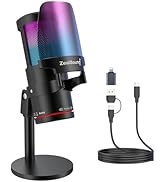
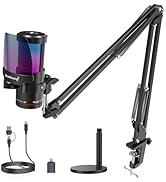
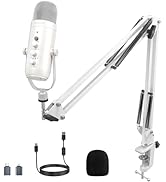
ZealSound Microphones
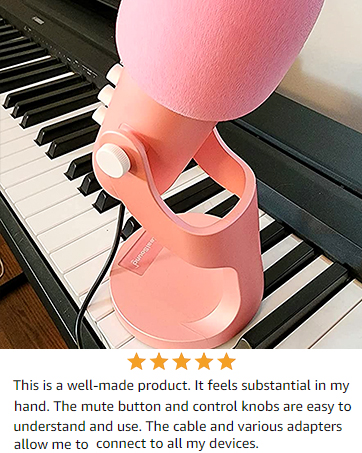
ZealSound KM8: Designed for Perfect Audio
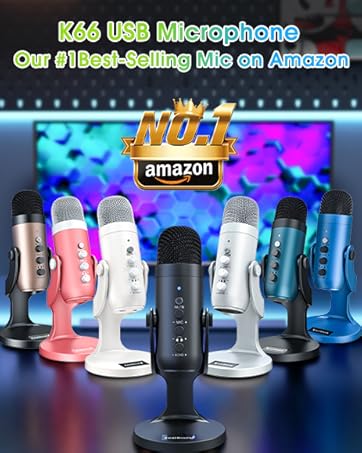
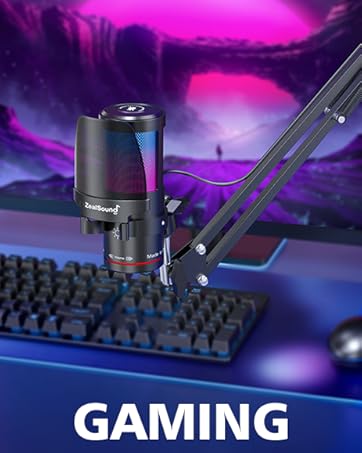
ZealSound USB Gaming Microphone
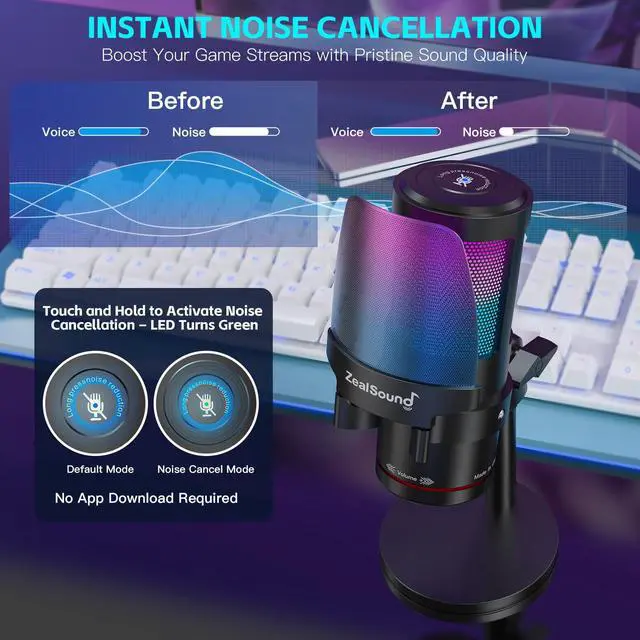
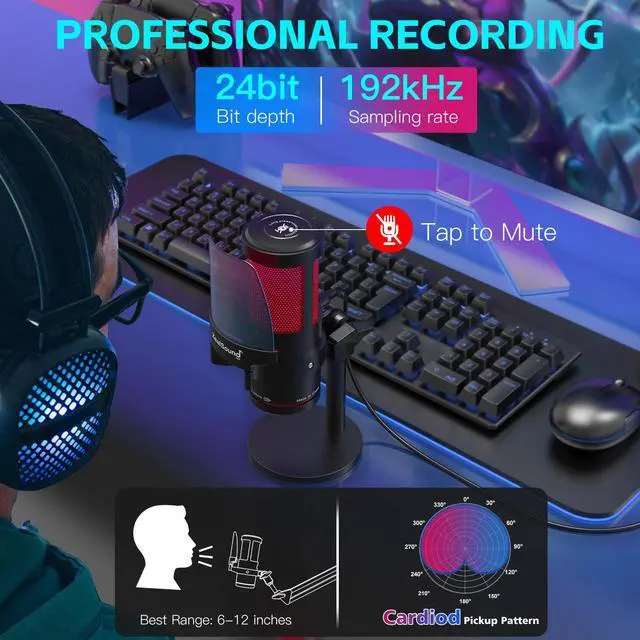
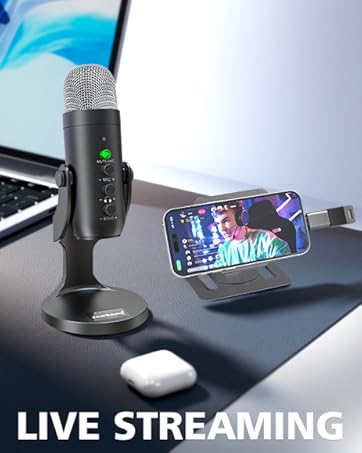
Merchant VideoThis 192kHz microphone delivers sharp, distortion-free sound with a cardioid pickup pattern and active noise cancellation. Simply hold the mute button until the LED turns green to activate noise cancel mode, making it perfect for gaming, streaming, podcasting, ASMR, and professional recordings.
High-Performance Condenser Microphone

Tap to Mute
Touch the top mute button to silence audio instantly. Red RGB and indicator confirm when the mic is muted.

3.5mm Zero-latency Monitor
Immersive Voice Recording: No-Latency Monitoring and On-board Volume Control for Personalized Atmosphere.

Dual-Function Volume Knob
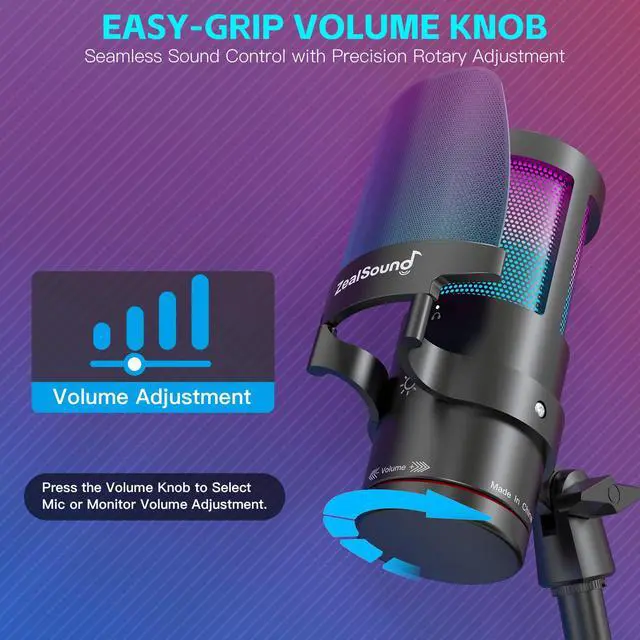
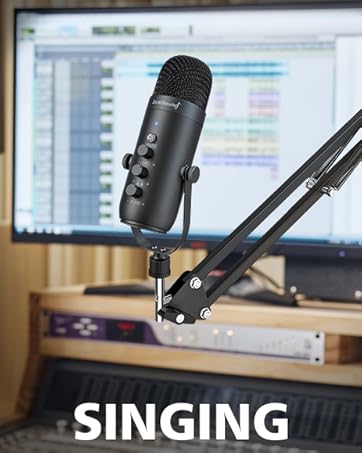
The Gain knob allows quick adjustments, while the two-in-one volume knob switches between monitor and mic volume, providing smooth control.

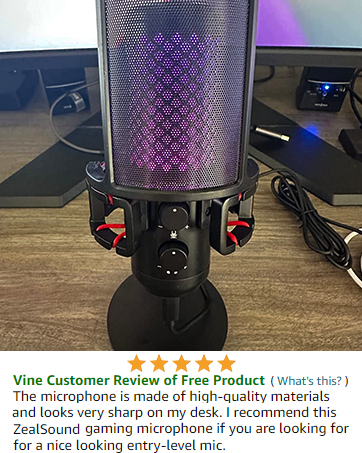
Detachable Metal Pop Filter
The shock mount reduces vibrations, while the detachable metal pop filter minimizes noise without obstructing your screen.
Wide Compatibility: Connect All Your Devices with Ease

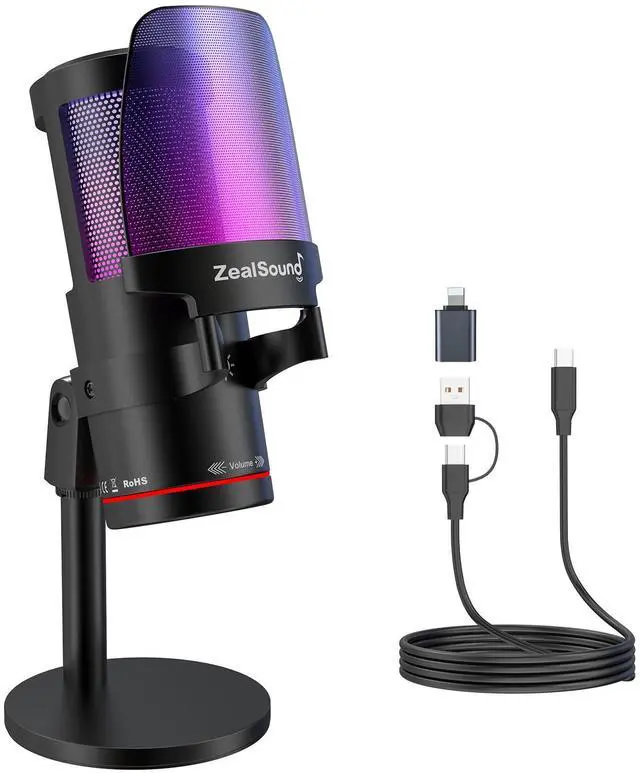
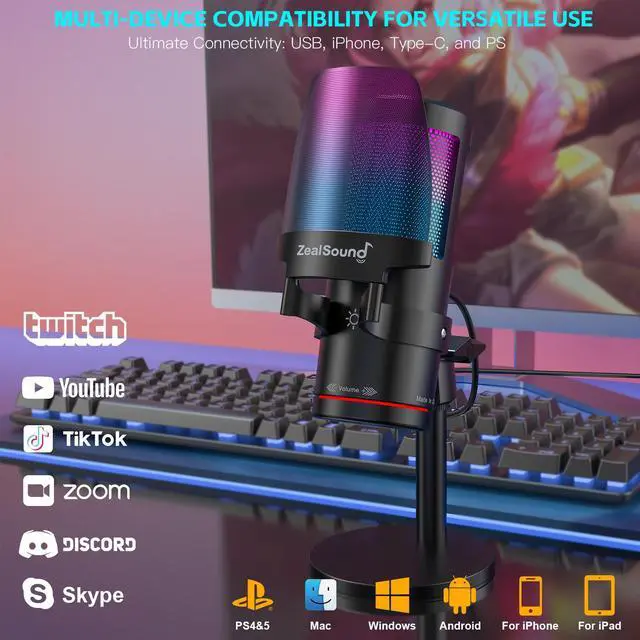
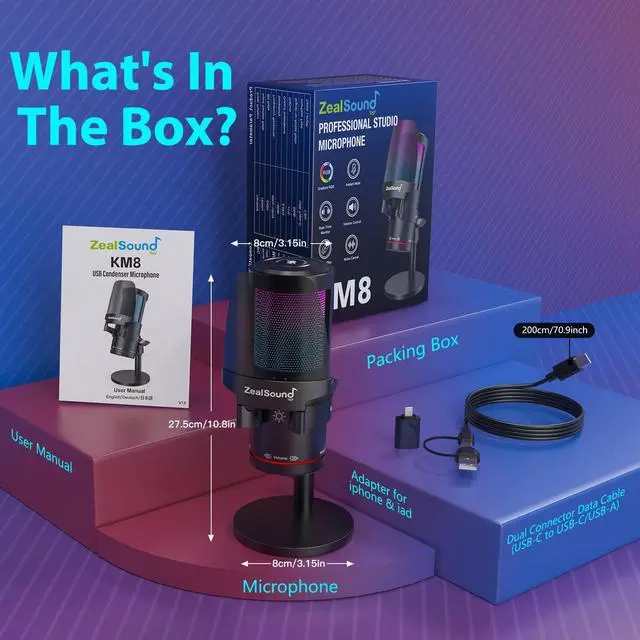
This microphone comes with a USB adapter for use with iPhone and iPad Pro (iPhone 5 onwards and fourth-generation iPad onwards), as well as a Type-C adapter for use with all Type-C devices. And It is compatible with PS4, PS4 Pro, PS5, desktop computers, and laptops.
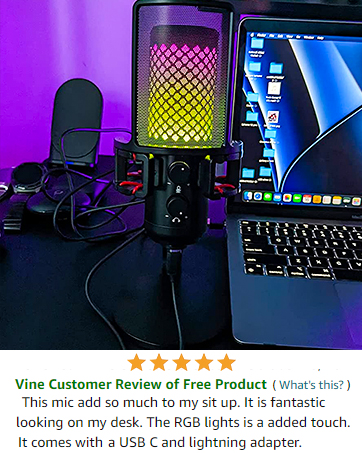
10-Mode Customizable RGB Lighting

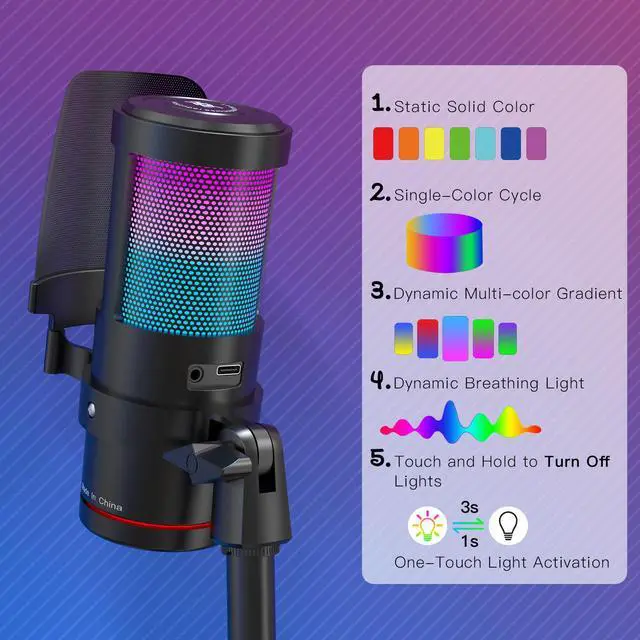
Customize the RGB lighting with 10 modes, including static colors, color cycles, gradients, and breathing effects, to enhance your gaming or streaming setup. Control the lights easily with the RGB button—Tap to adjust or hold for 3 seconds to TURN OFF.

A microphone for all of your needs

The noise-canceling function is initially disabled. To activate advanced noise cancellation, simply hold the mute button until the LED turns green, Content creators, musicians, journalists, gamers, and anyone else in need of a noiseless recording environment can activate this feature.
What is the pickup pattern of this microphone?
For side-address cardioid pickup, position the microphone's side toward the sound source. Speak directly into the side for optimal sound quality.
Why does it not work with my Android phone but function well with my iPhone 16?
Please ensure that your Android device supports OTG and verify that it's enabled in the settings before use. (Search for "OTG" in the settings and enable it.)
Is the mic compatible with the Mac book?
The mic is compatible with Macbook and doesn't require any additional drivers. Make sure to check your Mac settings and ensure that the mic is recognized as an input source.
As an ASMR artist, I am experiencing excessive noise with this microphone, how can you help me resolve it?
The noise-canceling function is OFF by default. To activate noise cancel, hold the mute button until the LED turns green.
What is the recommended distance to keep when using this desktop cardioid microphone?
The recommended distance to keep when using this microphone is generally between 6 to 12 inches from your mouth. But it's best to experiment with different distances to find the optimal one for your needs.
ZealSound KM8: Designed for Perfect Audio
ZealSound USB Gaming Microphone
Merchant VideoThis 192kHz microphone delivers sharp, distortion-free sound with a cardioid pickup pattern and active noise cancellation. Simply hold the mute button until the LED turns green to activate noise cancel mode, making it perfect for gaming, streaming, podcasting, ASMR, and professional recordings.
High-Performance Condenser Microphone
Tap to Mute
Touch the top mute button to silence audio instantly. Red RGB and indicator confirm when the mic is muted.
3.5mm Zero-latency Monitor
Immersive Voice Recording: No-Latency Monitoring and On-board Volume Control for Personalized Atmosphere.
Dual-Function Volume Knob
The Gain knob allows quick adjustments, while the two-in-one volume knob switches between monitor and mic volume, providing smooth control.
Detachable Metal Pop Filter
The shock mount reduces vibrations, while the detachable metal pop filter minimizes noise without obstructing your screen.
Wide Compatibility: Connect All Your Devices with Ease

This microphone comes with a USB adapter for use with iPhone and iPad Pro (iPhone 5 onwards and fourth-generation iPad onwards), as well as a Type-C adapter for use with all Type-C devices. And It is compatible with PS4, PS4 Pro, PS5, desktop computers, and laptops.
10-Mode Customizable RGB Lighting

Customize the RGB lighting with 10 modes, including static colors, color cycles, gradients, and breathing effects, to enhance your gaming or streaming setup. Control the lights easily with the RGB button—Tap to adjust or hold for 3 seconds to TURN OFF.

A microphone for all of your needs

The noise-canceling function is initially disabled. To activate advanced noise cancellation, simply hold the mute button until the LED turns green, Content creators, musicians, journalists, gamers, and anyone else in need of a noiseless recording environment can activate this feature.
What is the pickup pattern of this microphone?
For side-address cardioid pickup, position the microphone's side toward the sound source. Speak directly into the side for optimal sound quality.
Why does it not work with my Android phone but function well with my iPhone 16?
Please ensure that your Android device supports OTG and verify that it's enabled in the settings before use. (Search for "OTG" in the settings and enable it.)
Is the mic compatible with the Mac book?
The mic is compatible with Macbook and doesn't require any additional drivers. Make sure to check your Mac settings and ensure that the mic is recognized as an input source.
As an ASMR artist, I am experiencing excessive noise with this microphone, how can you help me resolve it?
The noise-canceling function is OFF by default. To activate noise cancel, hold the mute button until the LED turns green.
What is the recommended distance to keep when using this desktop cardioid microphone?
The recommended distance to keep when using this microphone is generally between 6 to 12 inches from your mouth. But it's best to experiment with different distances to find the optimal one for your needs.
Professional Audio Solutions
Take your voice to the next level with ZealSound's premium microphones and audio mixers!
ZealSound: Power in Every Mic
ZealSound, founded in 2009, has specialized in high-quality microphones and audio mixers for over 16 years. Trusted in 150+ countries, our products empower creators, gamers, and everyday users. Simple, reliable, and accessible, every mic reflects our mission to make great sound available to all. Thank you for choosing ZealSound—we’re committed to earning your trust with every mic we make.
ZealSound Microphones