





Wireless Lavalier microphone
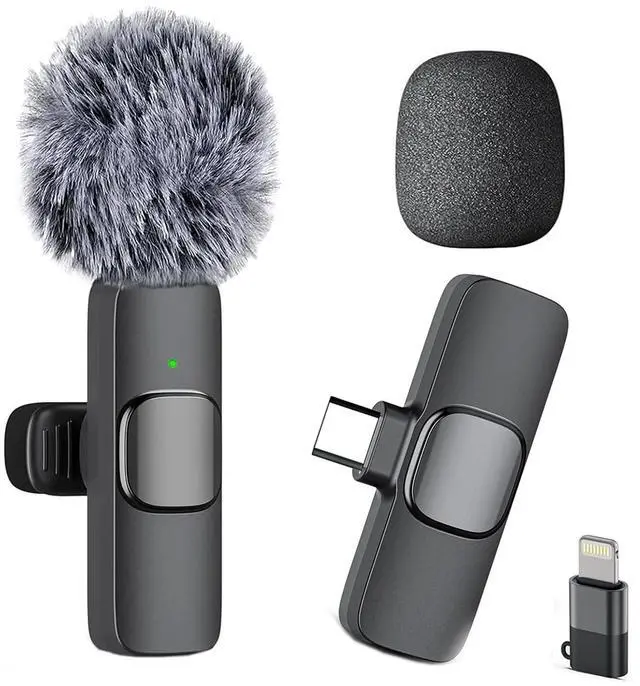
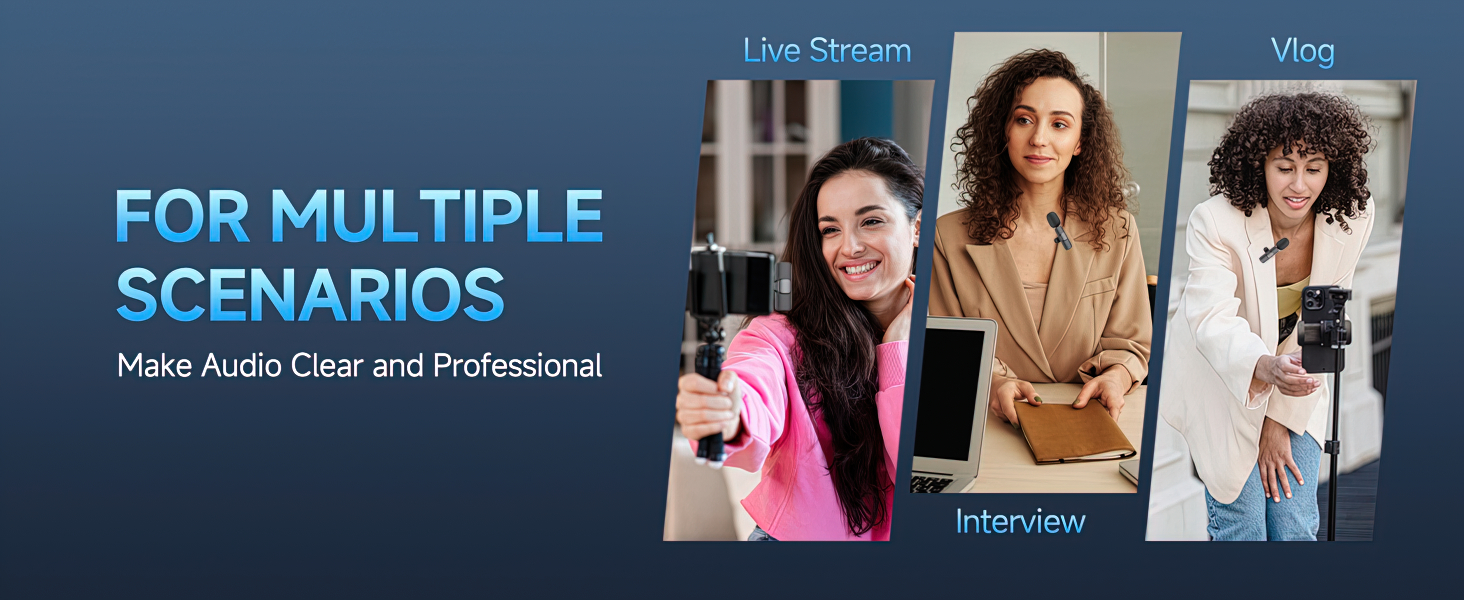
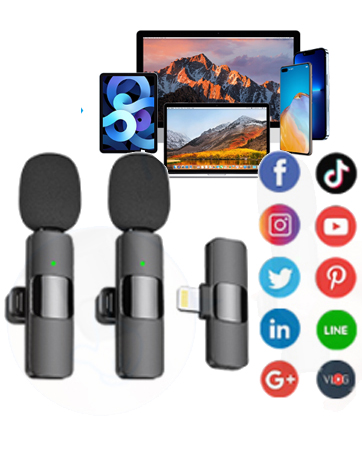
Merchant VideoCompatibility: Includes both Lightning and Type-C adapters. Seamlessly works with iPhone 16/ 15/14/13/12, iPads, and all Type-C Android smartphones. One kit fits all your content creation devices.

Why is there no sound when I record?
1. Please check whether the TX and RX are paired successfully
2. Please check whether the receiver is fully inserted into the phone. If the phone case blocks the interface, please remove it and try again
3. Please check whether it is in silent mode
How to pair the transmitter with the receiver of a lavalier microphone?
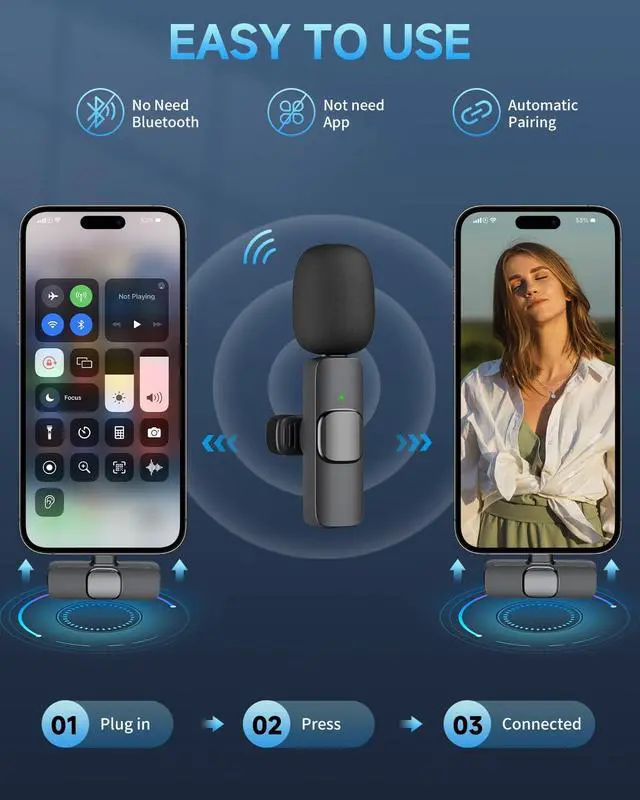
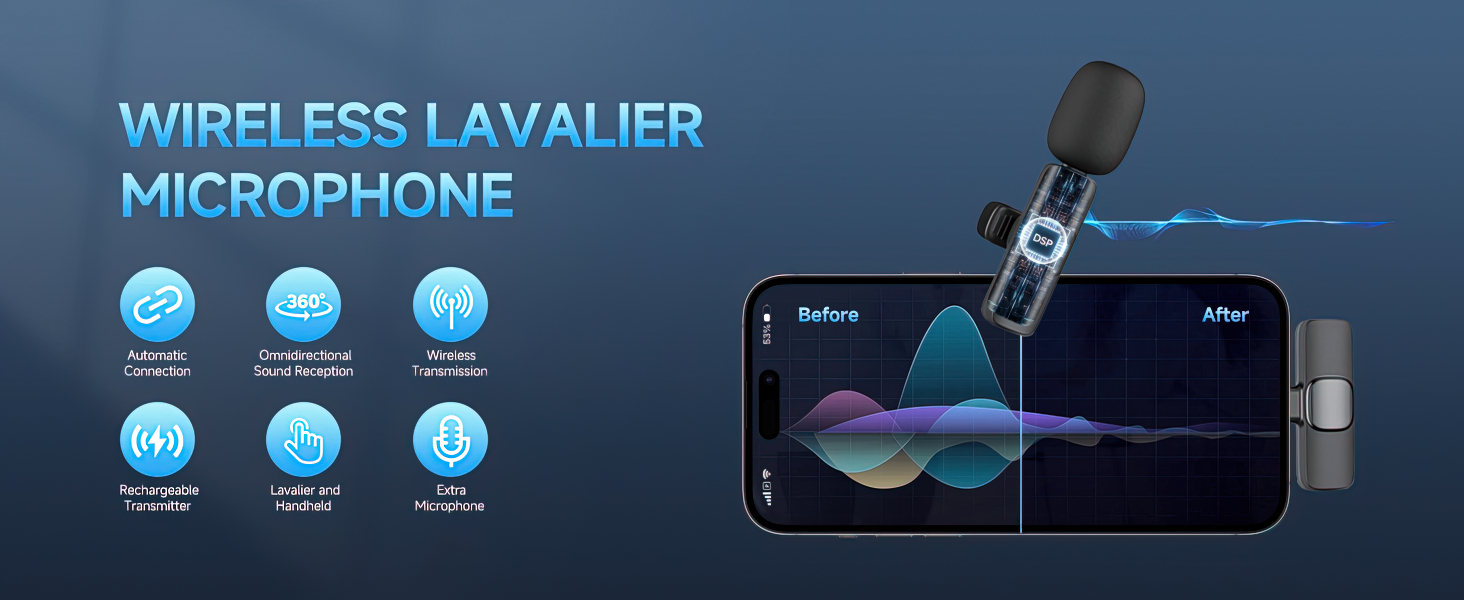
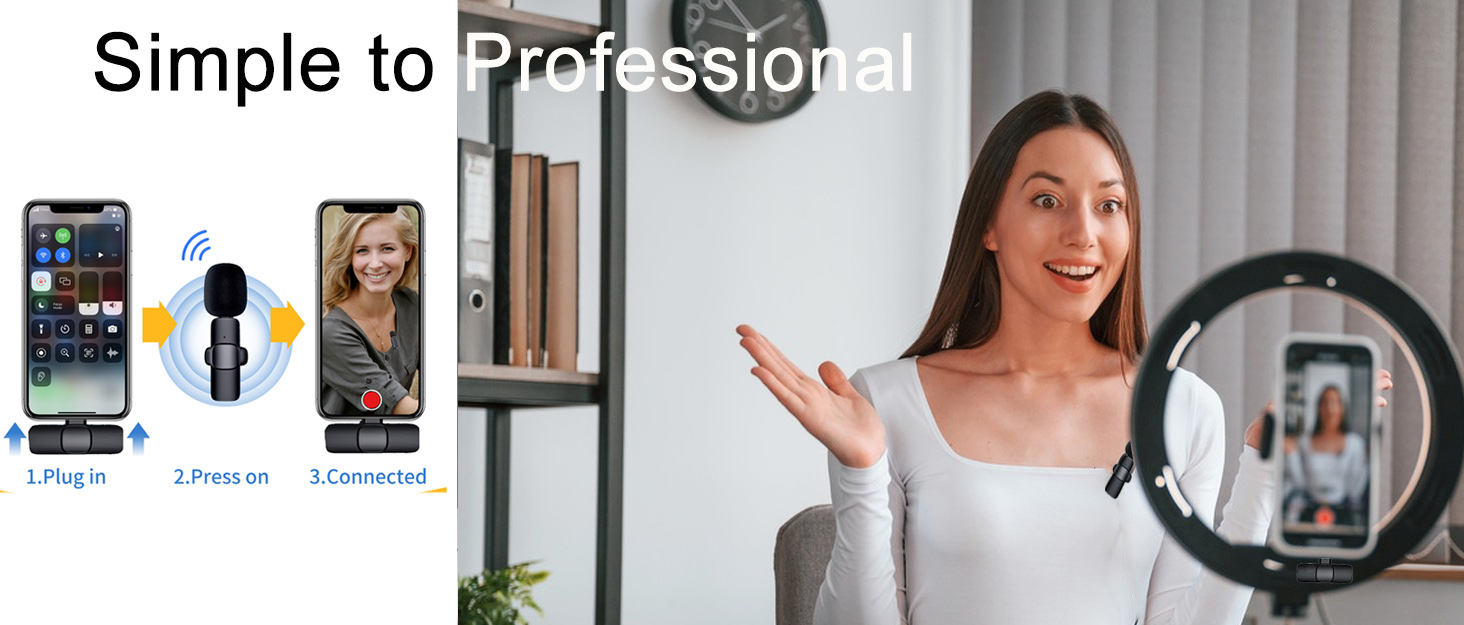
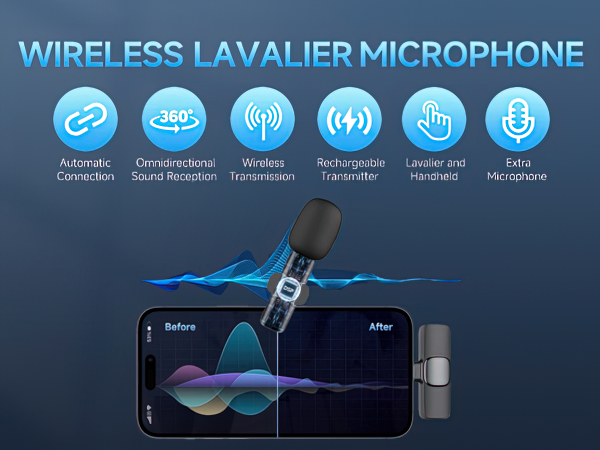
Turn on the transmitter then plug the receiver into your device, the transmitter and receiver will connect automatically.
How can I mute while recording?
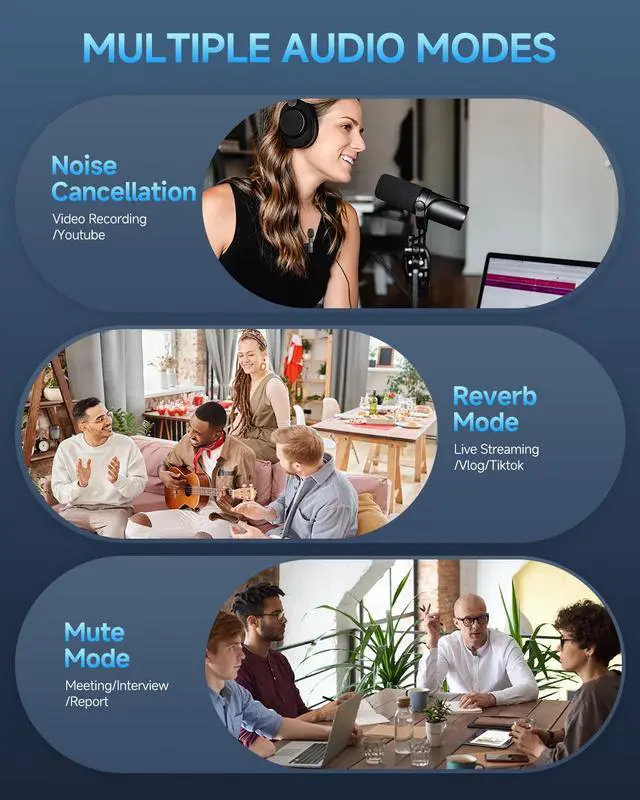
Press the button on the transmitter to enter mute mode and the indicator light will flash green. Press again and resume recording.
NOTE: After receiving the product, please charge the transmitter first.
The transmitter's battery may become dead in storage. Please charge the transmitter before using it for the first time. If you have any questions, please feel free to let me know via your order page
Caiord Wireless Lavalier Microphone
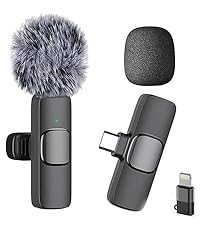 For iPhone( 1TX+1RX) | 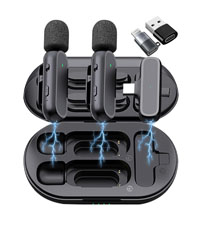 Charging Box ( 2TX+1RX) | 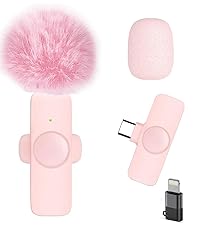 For iPhone( 1TX+1RX) | 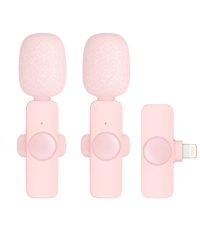 For iPhone( 2TX+1RX) | 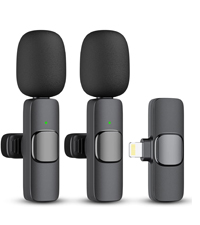 For iPhone( 2TX+1RX) | 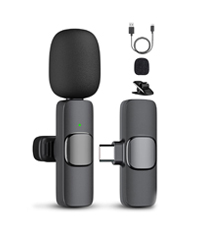 For USB-C (1TX+1RX) | 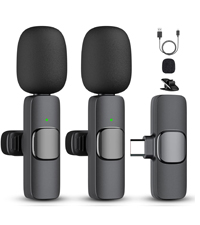 For USB-C (2TX+1RX) | |
|---|---|---|---|---|---|---|---|
Customer Reviews | — | — | — | — | — | — | — |
Price | — | — | — | — | — | — | — |
Charging Box | ? | ? | ? | ? | ? | ? | ? |
Connector Type | Lightning/USB-C(adaptor) | Lightning | Lightning/USB-C(adaptor) | Lightning/USB-C(adaptor) | Lightning | Type-C | Type-C |
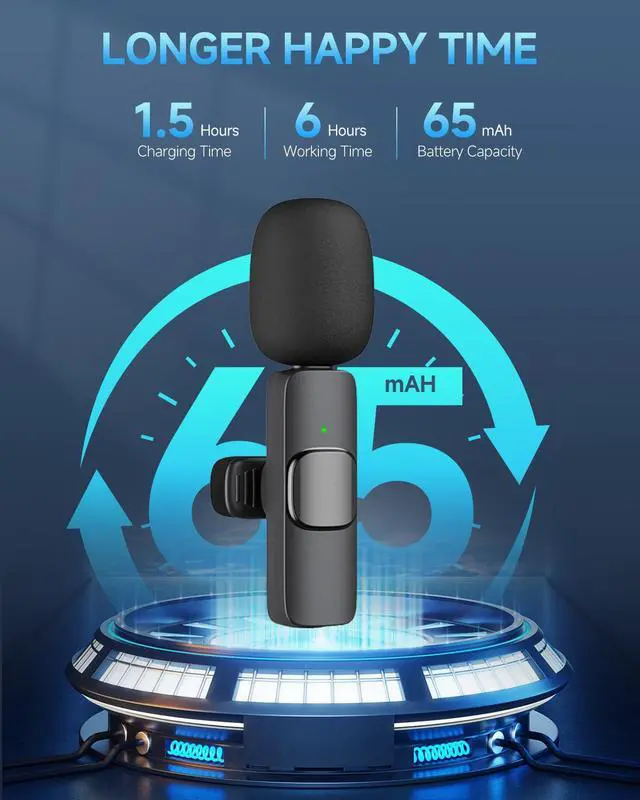
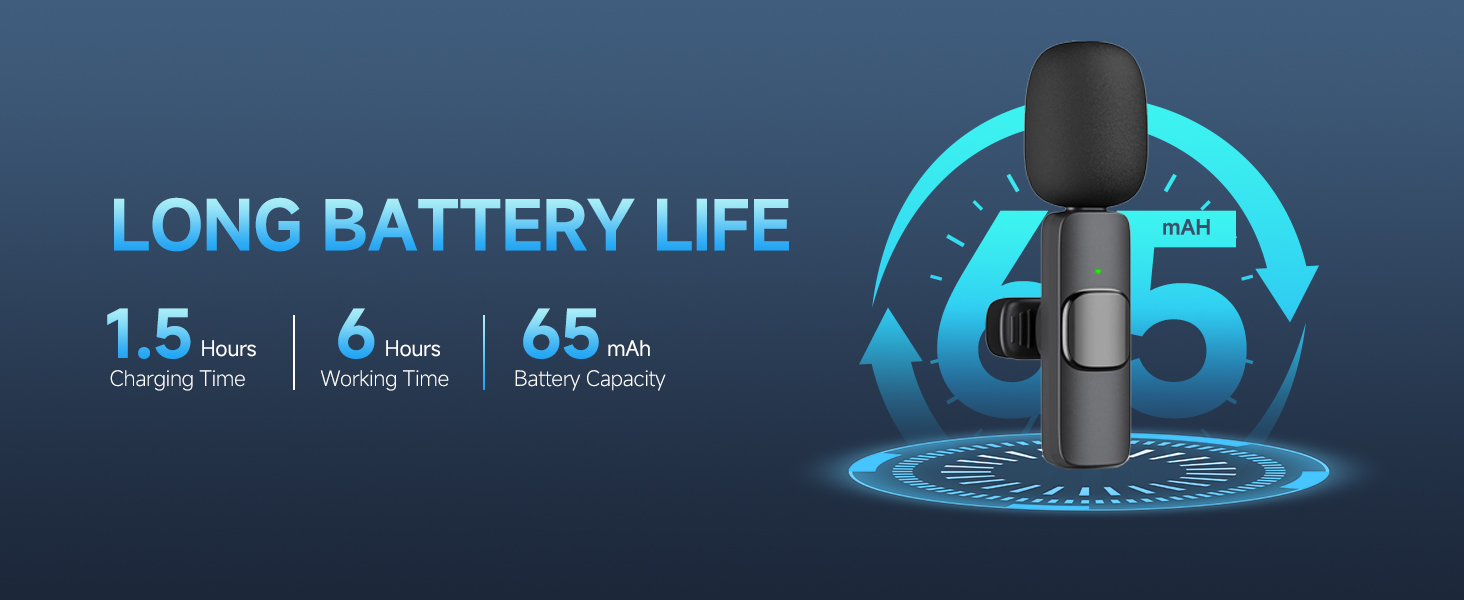
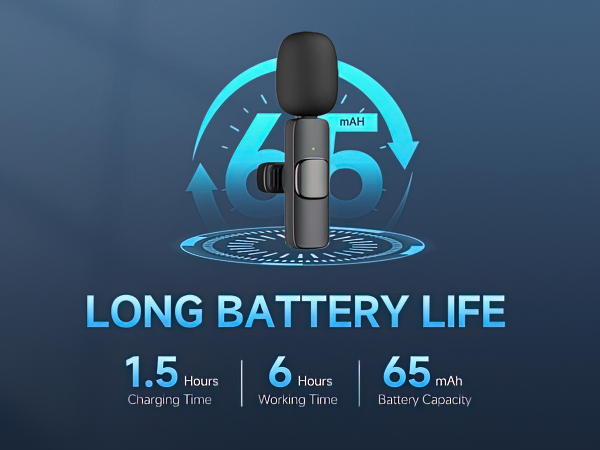
Continuous Recording Time | 6H | 8H | 6H | 6H | 6H | 6H | 6H |
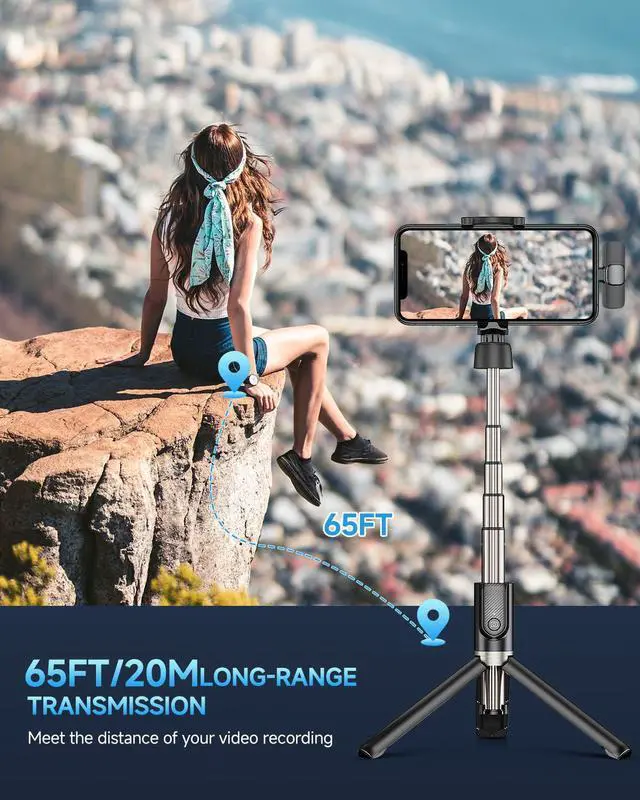
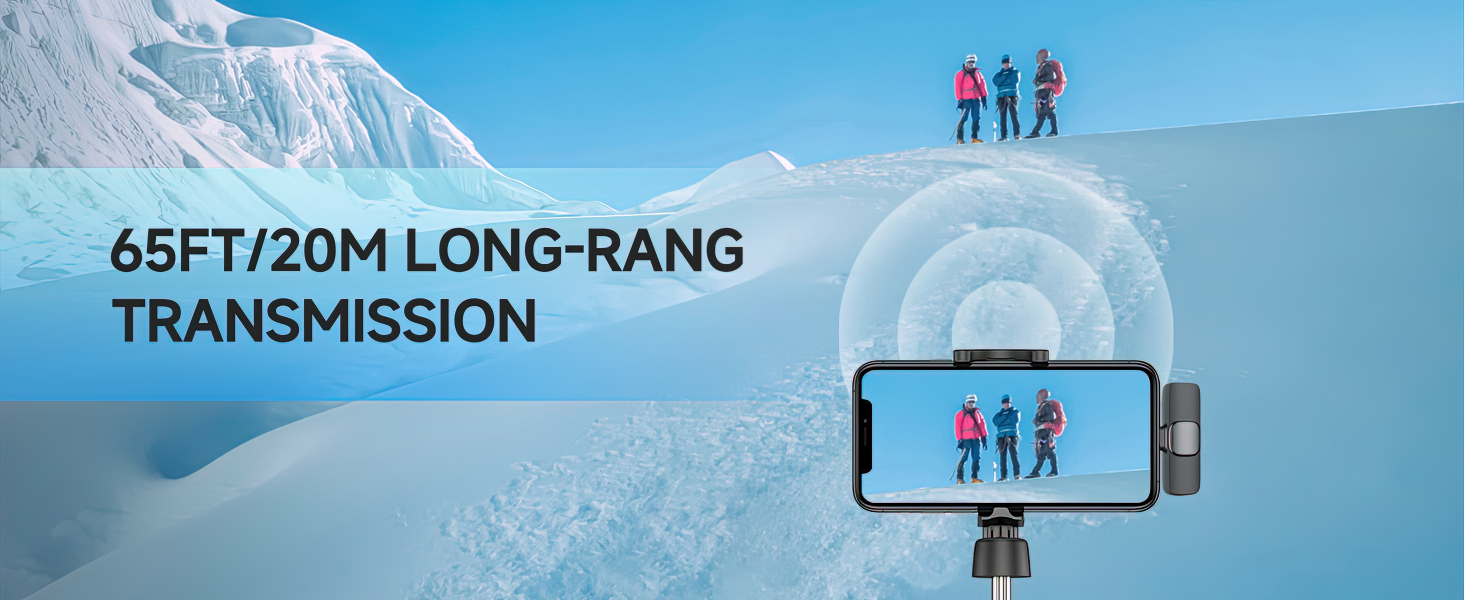
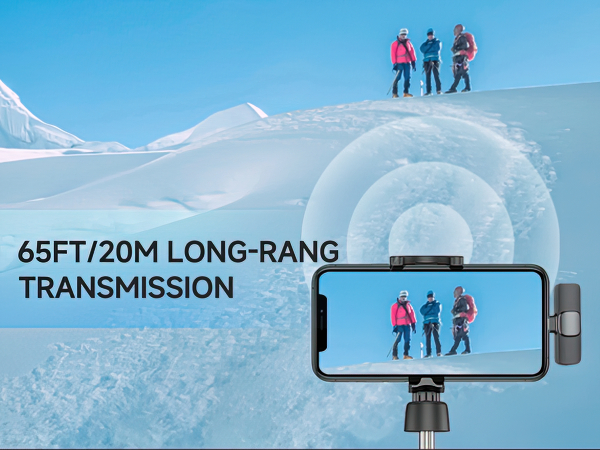
Maximum Recording Range | 65FT(19.8m) | 65FT(19.8m) | 65FT(19.8m) | 65FT(19.8m) | 65FT(19.8m) | 65FT(19.8m) | 65FT(19.8m) |
Compatibility | iPhone, iPad | iPhone, iPad, android, PC | iPhone, iPad | iPhone, iPad | iPhone, iPad | USBC Smart Device | USBC Smart Device |
Caiord
Enioy a better sound quality experience
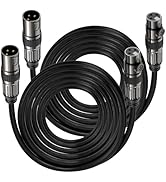
Microphone Cable for PA System
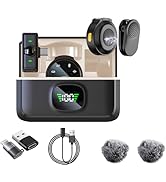
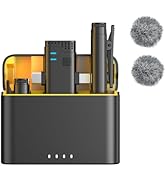
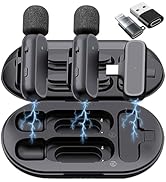
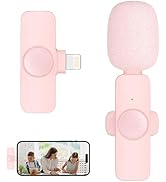
Simple to professional

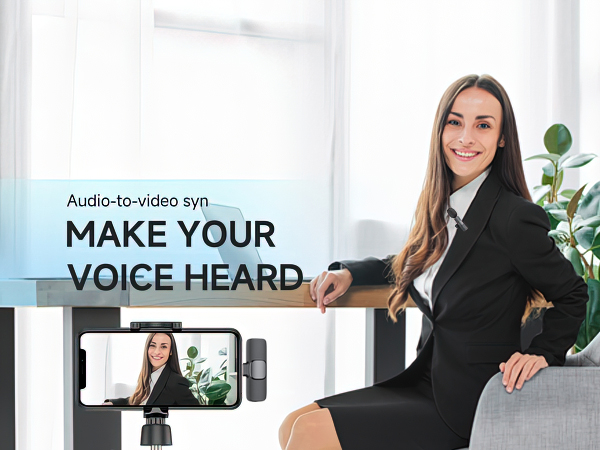
Caiord focus on developing audio and visual products to create simple working way for content creators.
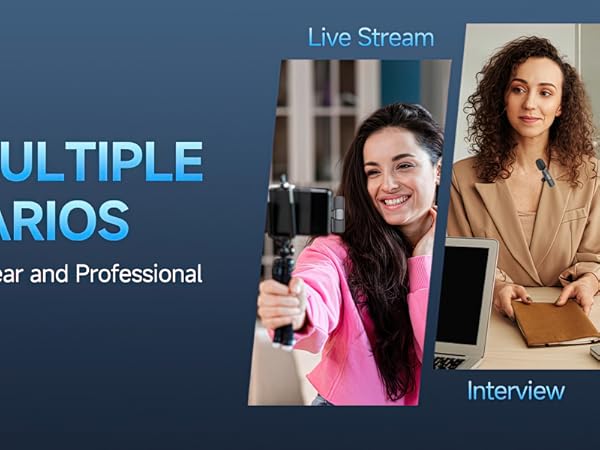
We committed to improve the quality of products: microphone, auto tracking robot, mini led fill light, ect . Actively develop and produce A/V products based on streaming, recording, conference, learning and other application scenarios.
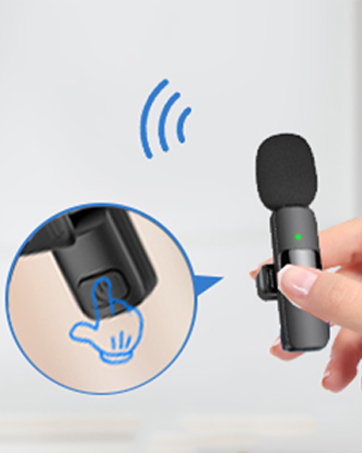
Easy to use
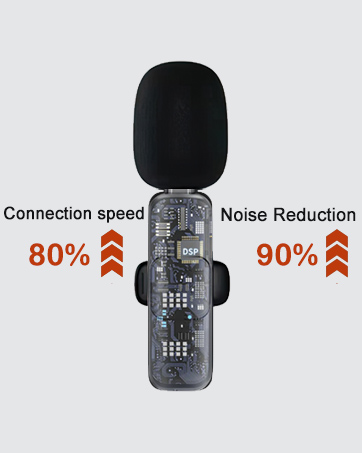
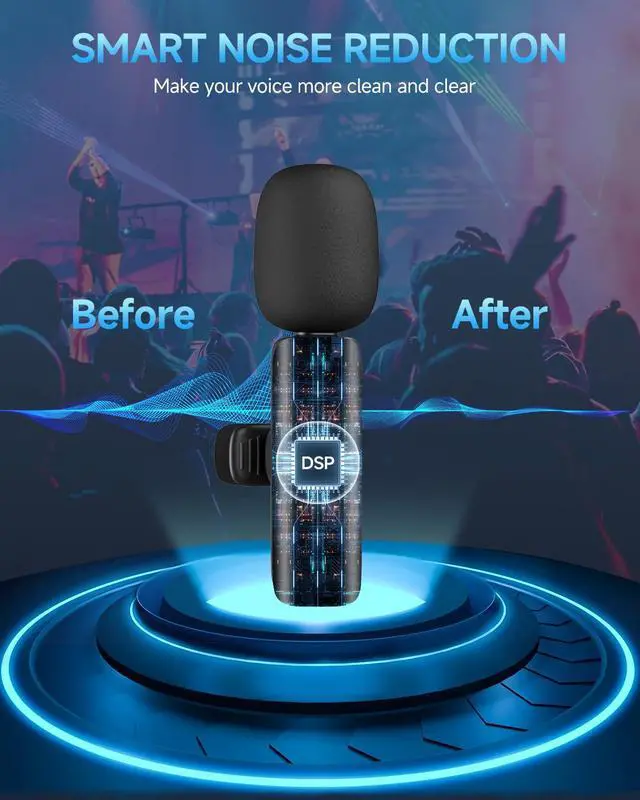
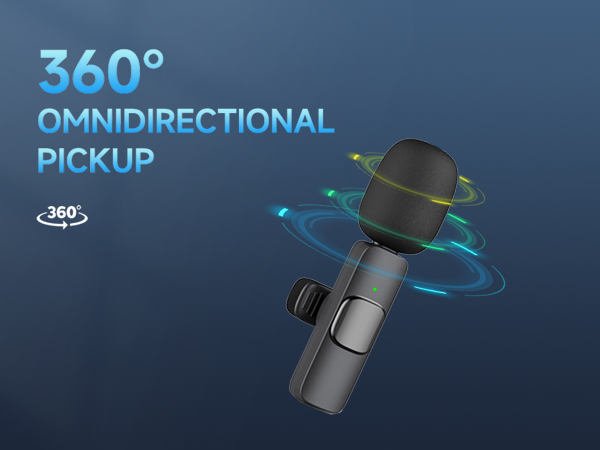
Noise Reduction
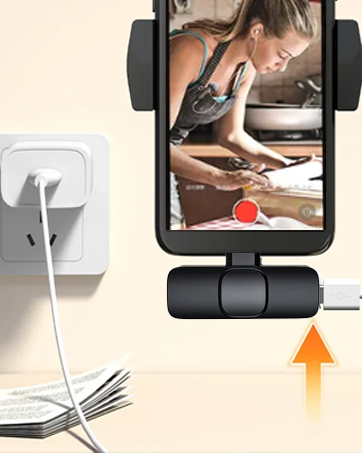
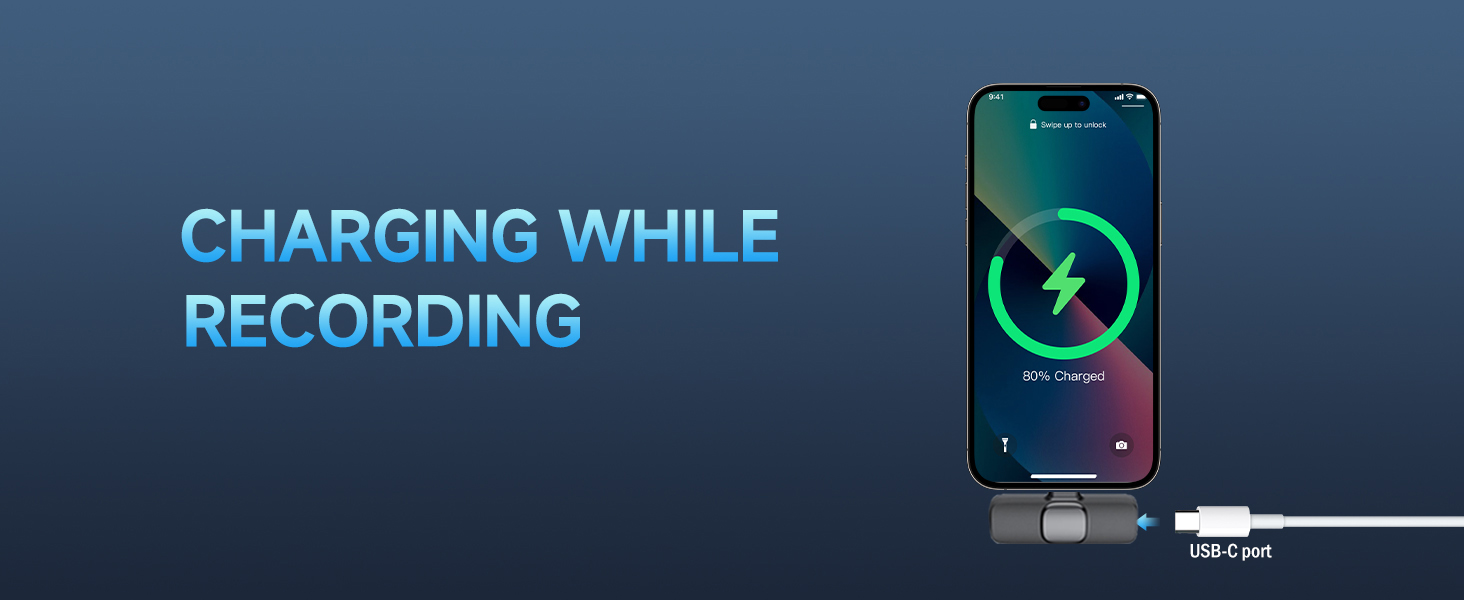
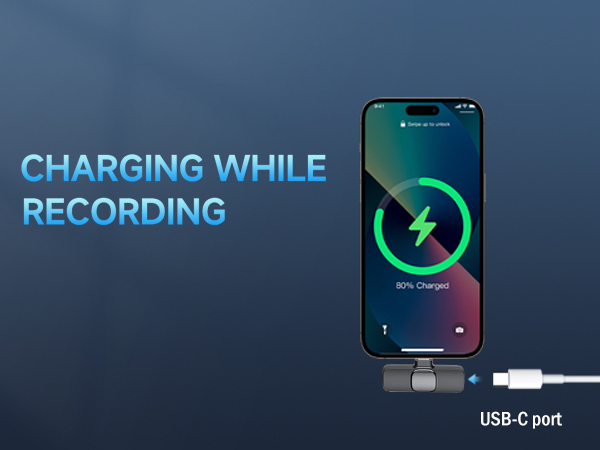
Charging while working
Widely Compatibility
Wireless Lavalier microphone
Merchant VideoCompatibility: Includes both Lightning and Type-C adapters. Seamlessly works with iPhone 16/ 15/14/13/12, iPads, and all Type-C Android smartphones. One kit fits all your content creation devices.

Why is there no sound when I record?
1. Please check whether the TX and RX are paired successfully
2. Please check whether the receiver is fully inserted into the phone. If the phone case blocks the interface, please remove it and try again
3. Please check whether it is in silent mode
How to pair the transmitter with the receiver of a lavalier microphone?
Turn on the transmitter then plug the receiver into your device, the transmitter and receiver will connect automatically.
How can I mute while recording?
Press the button on the transmitter to enter mute mode and the indicator light will flash green. Press again and resume recording.
NOTE: After receiving the product, please charge the transmitter first.
The transmitter's battery may become dead in storage. Please charge the transmitter before using it for the first time. If you have any questions, please feel free to let me know via your order page
Caiord Wireless Lavalier Microphone
For iPhone( 1TX+1RX) | Charging Box ( 2TX+1RX) | For iPhone( 1TX+1RX) | For iPhone( 2TX+1RX) | For iPhone( 2TX+1RX) | For USB-C (1TX+1RX) | For USB-C (2TX+1RX) |
|---|---|---|---|---|---|---|
| Customer Reviews | ||||||
| — | — | — | — | — | — | — |
| Price | ||||||
| — | — | — | — | — | — | — |
| Charging Box | ||||||
| ? | ? | ? | ? | ? | ? | ? |
| Connector Type | ||||||
| Lightning/USB-C(adaptor) | Lightning | Lightning/USB-C(adaptor) | Lightning/USB-C(adaptor) | Lightning | Type-C | Type-C |
| Continuous Recording Time | ||||||
| 6H | 8H | 6H | 6H | 6H | 6H | 6H |
| Maximum Recording Range | ||||||
| 65FT(19.8m) | 65FT(19.8m) | 65FT(19.8m) | 65FT(19.8m) | 65FT(19.8m) | 65FT(19.8m) | 65FT(19.8m) |
| Compatibility | ||||||
| iPhone, iPad | iPhone, iPad, android, PC | iPhone, iPad | iPhone, iPad | iPhone, iPad | USBC Smart Device | USBC Smart Device |
Caiord
Enioy a better sound quality experience
Microphone Cable for PA System
Simple to professional
Caiord focus on developing audio and visual products to create simple working way for content creators.
We committed to improve the quality of products: microphone, auto tracking robot, mini led fill light, ect . Actively develop and produce A/V products based on streaming, recording, conference, learning and other application scenarios.
Easy to use
Noise Reduction
Charging while working
Widely Compatibility