

Your Browsing History
- Free 30-day Returns
$38.99


Meet Your Seller




Conference USB Microphone, Desktop Computer Mic, Noise Canceling, Mute Button & LED Indicator, Plug & Play for Video Conference, Gaming, Online Class, Compatible with Windows & MacOS
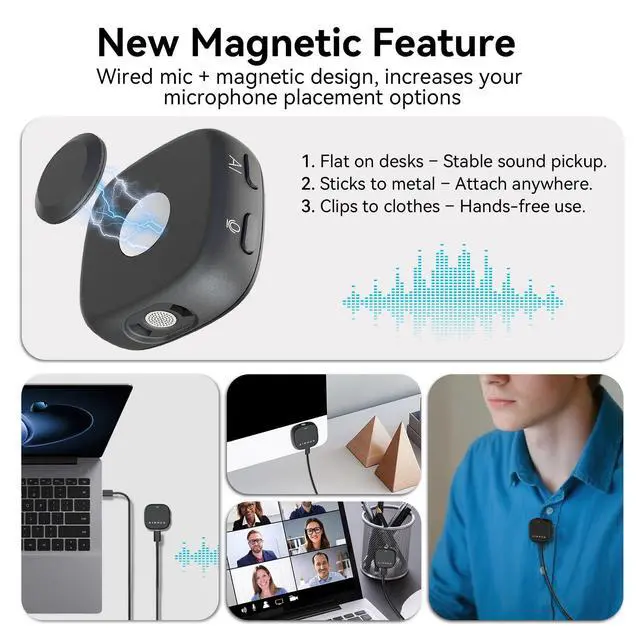
- Smart Magnetic Design - This computer microphone offers 3 placement options: lay flat, clip to clothing, or attach to metal surfaces. Includes a 2m cable and 3 reusable nano adhesive dots for flexible setup in any scenario
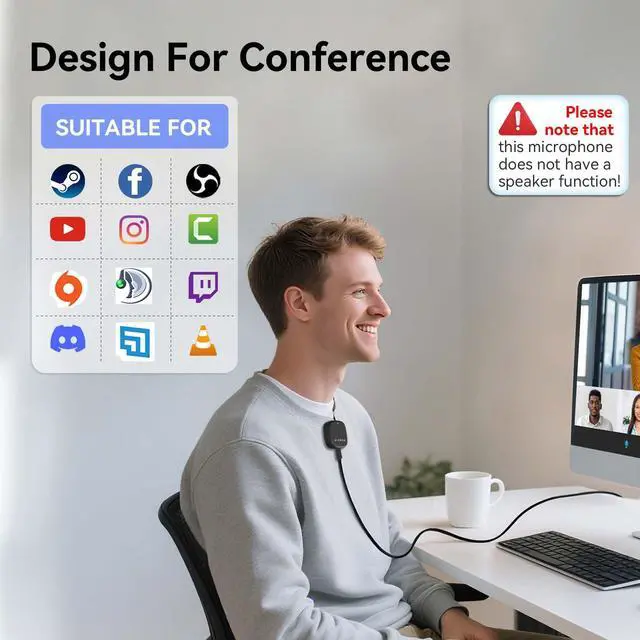
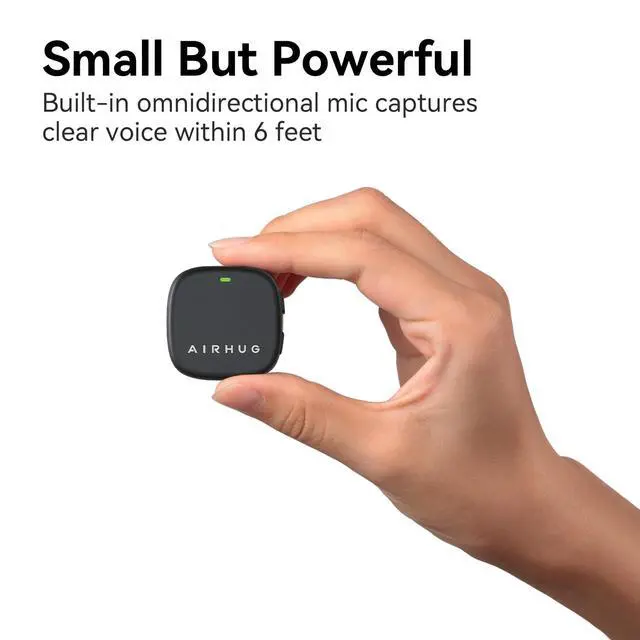
- 360° Omnidirectional Pickup - With high sensitivity 360° voice pickup and a 6 ft (2 m) range, this desktop microphone ensures everyone is heard clearly. Great for gaming, streaming, video conferences, and online classes
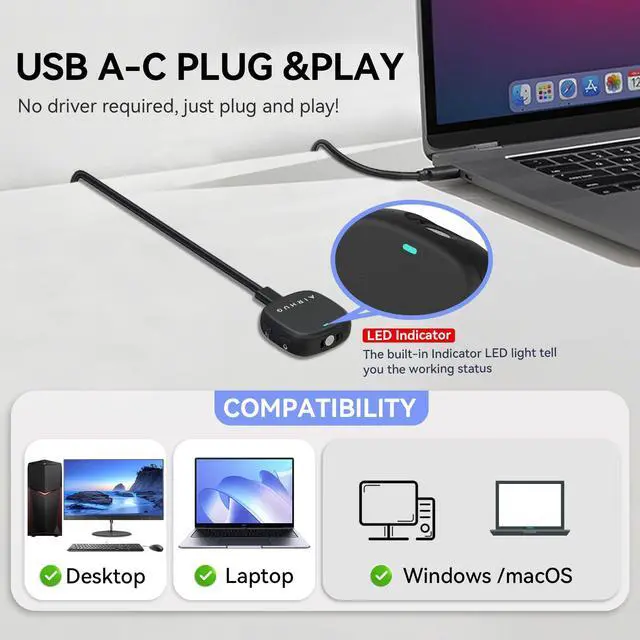
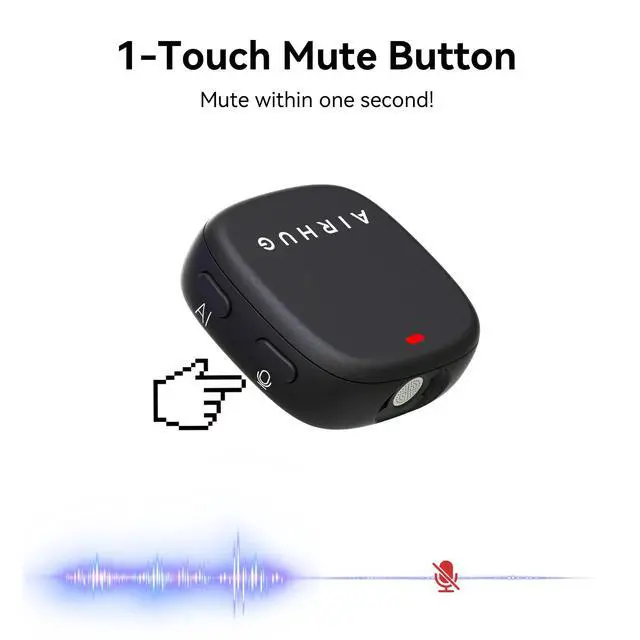
- Mute Button & LED Indicator - Instantly mute/unmute with one press, ensuring your privacy during meetings. The three color LED clearly shows mic status (Blue: AI Noise Reduction; Green: Original Mode; Red: Muted)
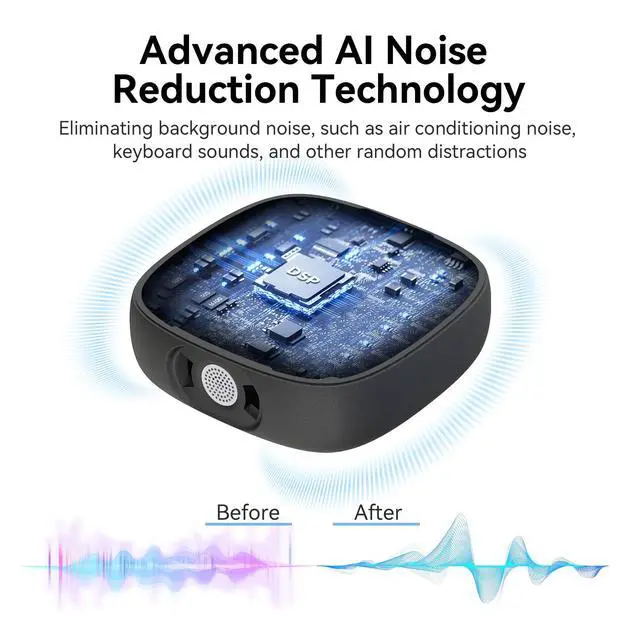
- AI Noise Reduction vs Original Mode - Switch between two powerful modes. Use AI Mode (Blue Light) to filter out background noises like fans or keyboard clicks. For a natural, realistic sound that captures your true voice with high fidelity, we recommend switching to Original Mode (Green Light). Pro Tip: If you experience transcription issues, toggling between these two modes can help optimize performance based on your specific setup
- Plug & Play, Wide Compatibility - No drivers needed. This computer microphone for desktop works instantly with Windows 7/8/10/11 and Mac OS. Supports major platforms (Zoom, Teams, Skype) and recording apps. Quick Tip: If your device is not detected, please check your computer's privacy settings to allow microphone access for the app you're using
+
+
Overview
Specs
Reviews

Any questions? Our AI mode will help you find out quickly.
Try me now
Conference USB Microphone, Desktop Computer Mic, Noise Canceling, Mute Button & LED Indicator, Plug & Play for Video Conference, Gaming, Online Class, Compatible with Windows & MacOS
Warranty & Returns
Warranty, Returns, And Additional Information
Warranty
- Please contact the Seller directly for warranty information. Warranty information may also be found on the Manufacturer's website.
- CONTACT
Return Policies
- Return for refund within: 30 days
- Return for replacement within: 30 days
- This item is covered by BestGifts Store Return Policy
Manufacturer Contact Info
- For a directory of all our manufacturers, please click below.
- Manufacturers Directory
LOADING...