




 here!
here!
I’m your shopping assistant for PC builds, upgrades, and everything tech.
Got questions? Ask away!
Start a conversation
here!
I’m your shopping assistant for PC builds, upgrades, and everything tech.
Got questions? Ask away!
Start a conversation
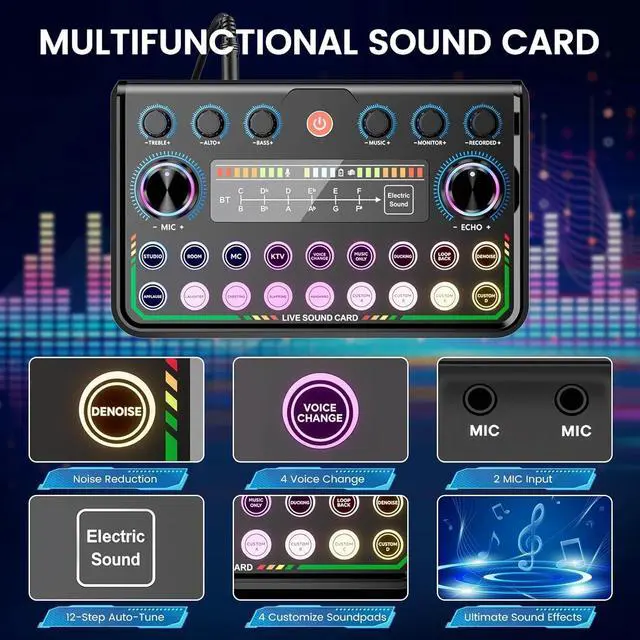



Any questions? Ask CelesteSM will help you find out quickly.

ALSO GO - A Place Where Functionality Meets Serenity
Thoughtful Design, Real Solutions
At ALSO GO, we craft experiences that simplify your life.
? User-First Approach – Every design starts with real home needs, not just trends
? Quiet Quality – No flashy gimmicks, just reliable performance that lasts
While others mass-produce, we meticulously craft. Every ALSO GO product is:
? Human-Centered Designed - Tested by real families for real-life use
? Ethically Priced - Premium quality without the luxury markup









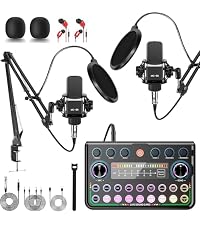 MC-88 Mic + P99 SoundCard |  BM800 Mic+F998 SoundCard |  BM800 + V8S SoundCard |  BM800 Mic+V8S SoundCard |  WXH520 Mic+DJ20 SoundCard | |
|---|---|---|---|---|---|
Customer Reviews | — | — | — | — | — |
Price | — | — | — | — | — |
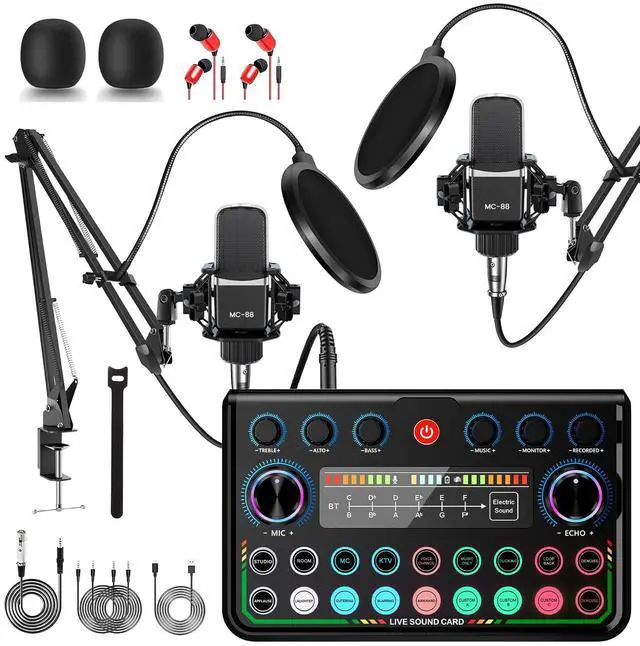
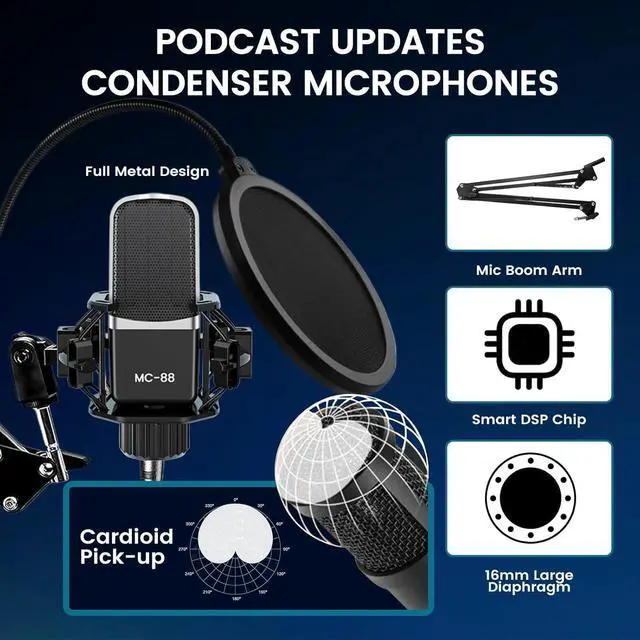
Microphone | MC-88 | BM-800(Gold) | BM800(Black) | BM800(Black) | WXH520 |
Sound Card | P99 SoundCard | F998 SoundCard | V8S SoundCard | V8S SoundCard | DJ20 SoundCard |
Bracket Type | Desktop Adjustable Stand | Desktop Adjustable Stand | Desktop Adjustable Stand | Desktop Vertical Stand | Desktop Vertical Stand |
Abundant lighting effects | ? | ? | ? | ? | ? |
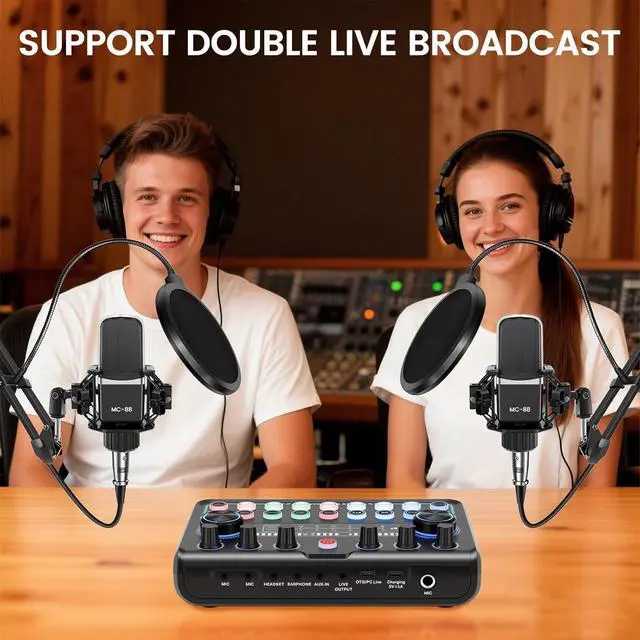
Number of Microphones | 2 | 1 | 1 | 2 | 1 |
Condenser Microphone doesn't work
1. Check all connections are firm.
2. Make sure the sound card is not muted and the volume is up.
3. Unplug and re-plug the mic and sound card.
4. Plug earphones into the earphone jack and test.
Why can't I connect the sound card to my iPhone/computer/iPad?
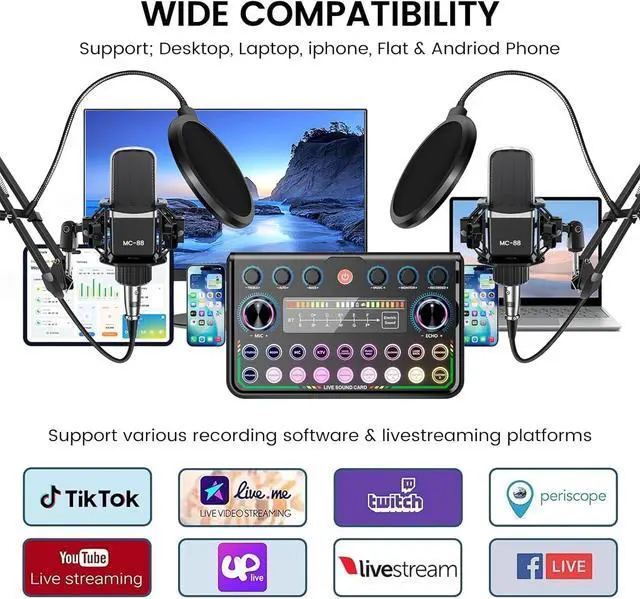
The bundle includes 3.5mm audio cable (phones) and USB data cable (computers). If they don't fit, use your own USB-C to USB-C cable or adapters: 3.5mm jack to Type-C, USB-C to Type-C.
Why can't I hear the background music or my partner's voice during live streaming?
1. Check the sound card is not muted and the volume is up.
2. Check if ducking is on: music lowers when the mic picks up sound, returns to normal when it doesn't.
3. Check the vocal removal feature.
Why can't I hear any sound when recording?
1. Check the mic is not muted and the playback mic volume is not at minimum.
2. In meetings or live calls, check the vocal removal feature.
3. On a computer, select the sound card as the input device in the system settings.
The sound card cannot be opened
1. Before first use, charge the sound card for about 4 hours.
2. Press and hold the power button for more than 3 seconds until the indicator in the upper right corner lights up.
3. After long storage, charge 4+ hours first.


MC-88 Mic + P99 SoundCard | BM800 Mic+F998 SoundCard | BM800 + V8S SoundCard | BM800 Mic+V8S SoundCard | WXH520 Mic+DJ20 SoundCard |
|---|---|---|---|---|
| Customer Reviews | ||||
| — | — | — | — | — |
| Price | ||||
| — | — | — | — | — |
| Microphone | ||||
| MC-88 | BM-800(Gold) | BM800(Black) | BM800(Black) | WXH520 |
| Sound Card | ||||
| P99 SoundCard | F998 SoundCard | V8S SoundCard | V8S SoundCard | DJ20 SoundCard |
| Bracket Type | ||||
| Desktop Adjustable Stand | Desktop Adjustable Stand | Desktop Adjustable Stand | Desktop Vertical Stand | Desktop Vertical Stand |
| Abundant lighting effects | ||||
| ? | ? | ? | ? | ? |
| Number of Microphones | ||||
| 2 | 1 | 1 | 2 | 1 |
Condenser Microphone doesn't work
1. Check all connections are firm.
2. Make sure the sound card is not muted and the volume is up.
3. Unplug and re-plug the mic and sound card.
4. Plug earphones into the earphone jack and test.
Why can't I connect the sound card to my iPhone/computer/iPad?
The bundle includes 3.5mm audio cable (phones) and USB data cable (computers). If they don't fit, use your own USB-C to USB-C cable or adapters: 3.5mm jack to Type-C, USB-C to Type-C.
Why can't I hear the background music or my partner's voice during live streaming?
1. Check the sound card is not muted and the volume is up.
2. Check if ducking is on: music lowers when the mic picks up sound, returns to normal when it doesn't.
3. Check the vocal removal feature.
Why can't I hear any sound when recording?
1. Check the mic is not muted and the playback mic volume is not at minimum.
2. In meetings or live calls, check the vocal removal feature.
3. On a computer, select the sound card as the input device in the system settings.
The sound card cannot be opened
1. Before first use, charge the sound card for about 4 hours.
2. Press and hold the power button for more than 3 seconds until the indicator in the upper right corner lights up.
3. After long storage, charge 4+ hours first.
ALSO GO - A Place Where Functionality Meets Serenity
Thoughtful Design, Real Solutions
At ALSO GO, we craft experiences that simplify your life.
? User-First Approach – Every design starts with real home needs, not just trends
? Quiet Quality – No flashy gimmicks, just reliable performance that lasts
While others mass-produce, we meticulously craft. Every ALSO GO product is:
? Human-Centered Designed - Tested by real families for real-life use
? Ethically Priced - Premium quality without the luxury markup
Specification:
Type: Sound Card Kit
Material: ABS Plastic
Dimensions: 192*119*49mm / 7.56*4.68*1.92 inches
Power Adapter: DC 5V / 1A
Battery: Built-in 3.7V/1200mAh (Battery life: 8 hours)
LED Indicators: White (power on), Red (charging), Low battery alert (audio prompt every 2 minutes)
Charging Time: 3 hours (when powered off)
Charging Port: Type-C
Signal-to-Noise Ratio (SNR): >=85dB
Headphone Output Power: 5 mW*2CH
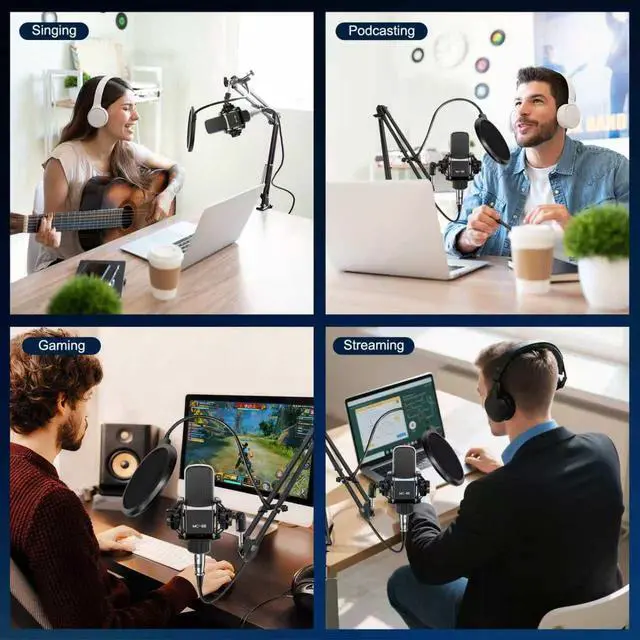
The podcast kit is friendly for beginners!


