



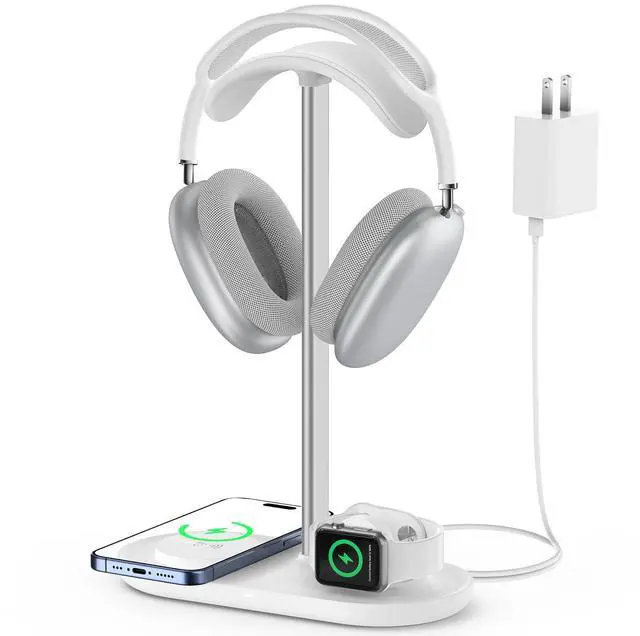
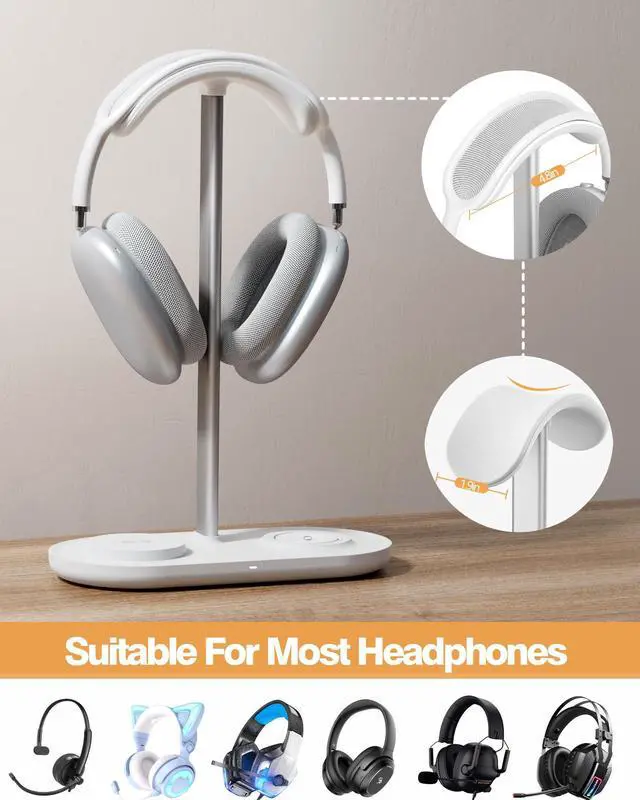
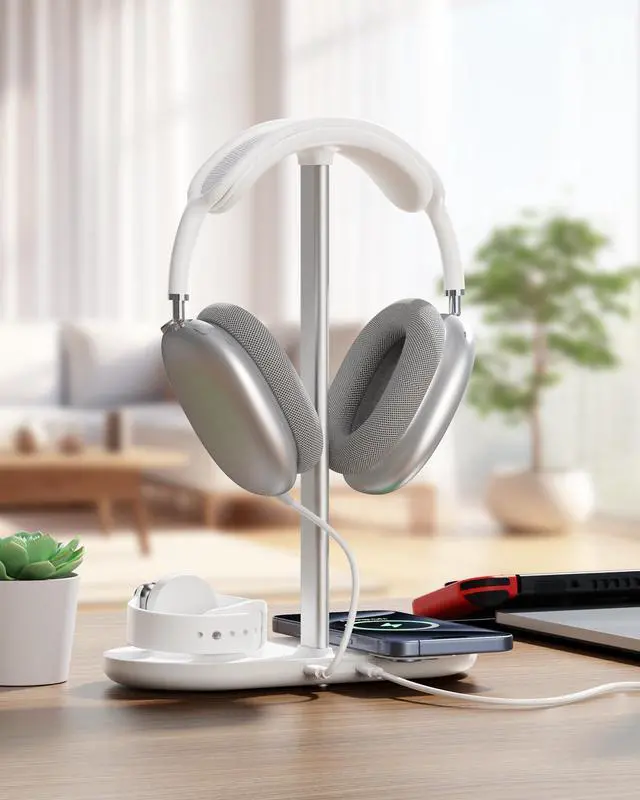


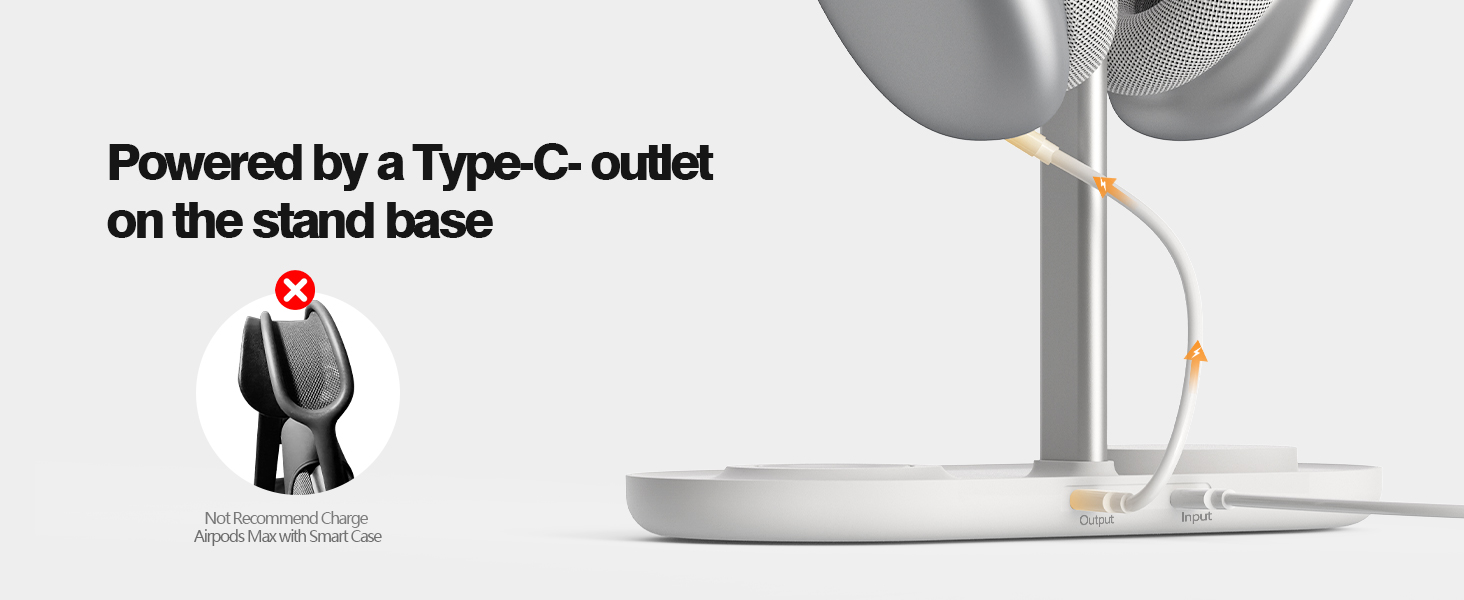
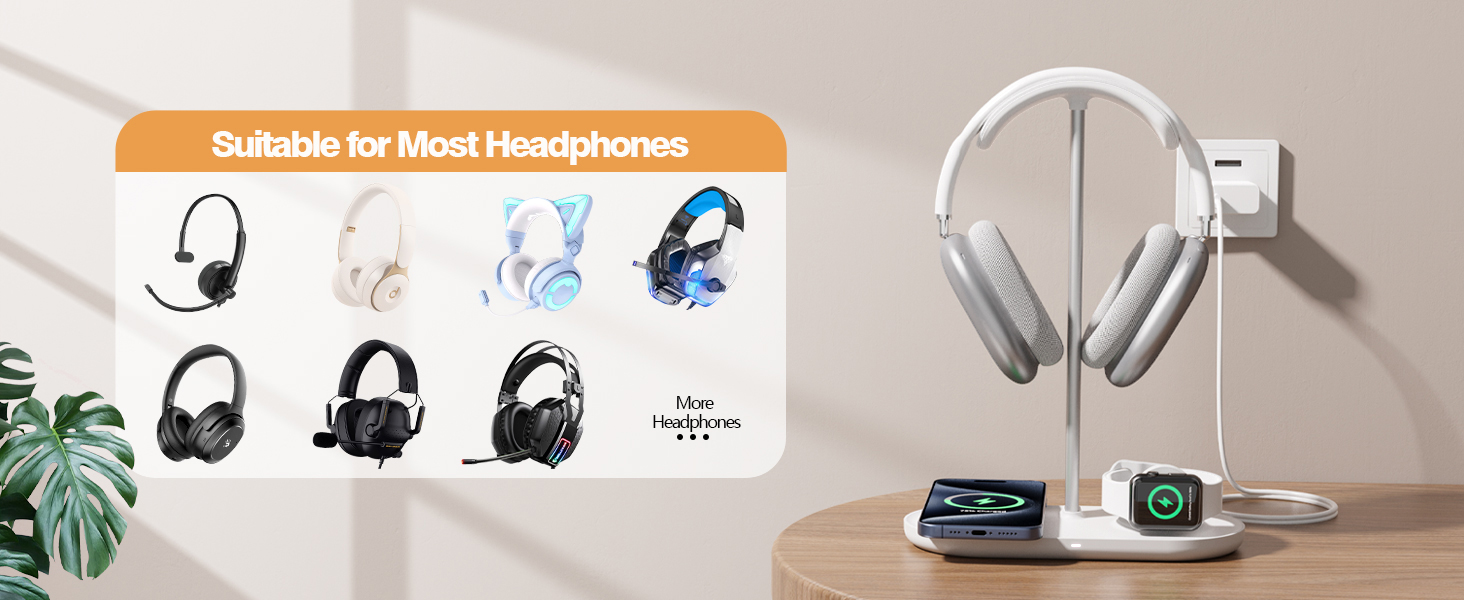
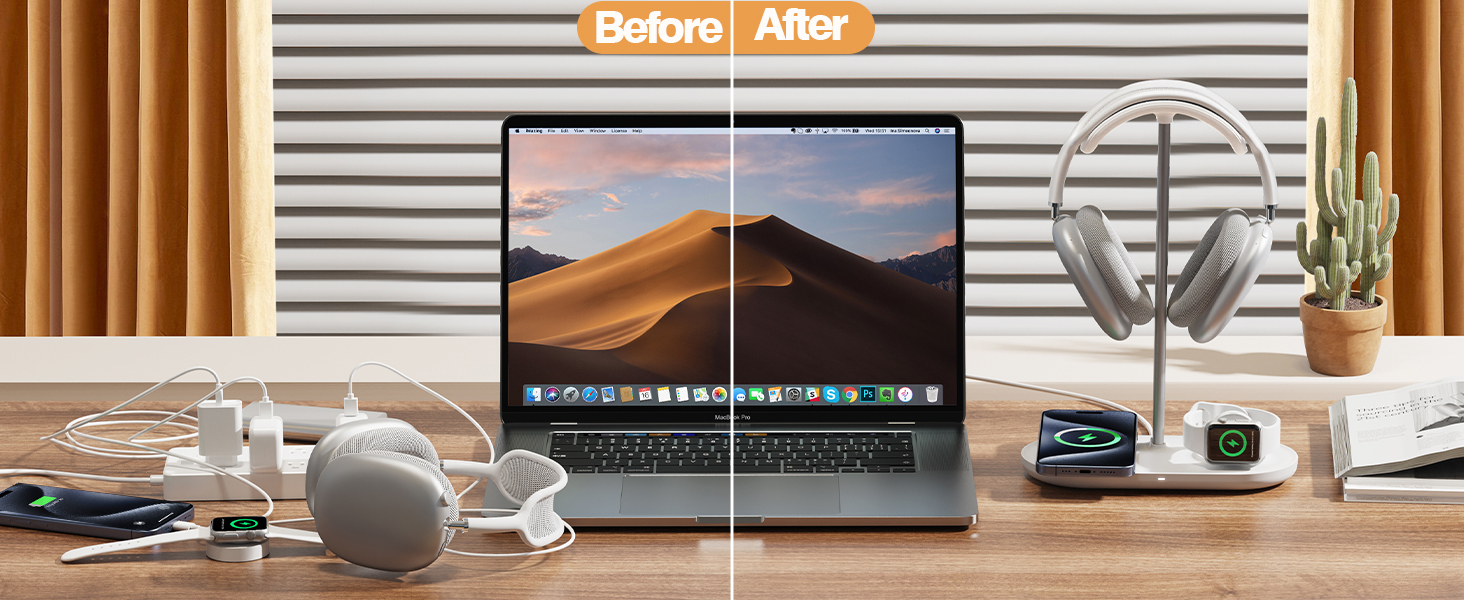
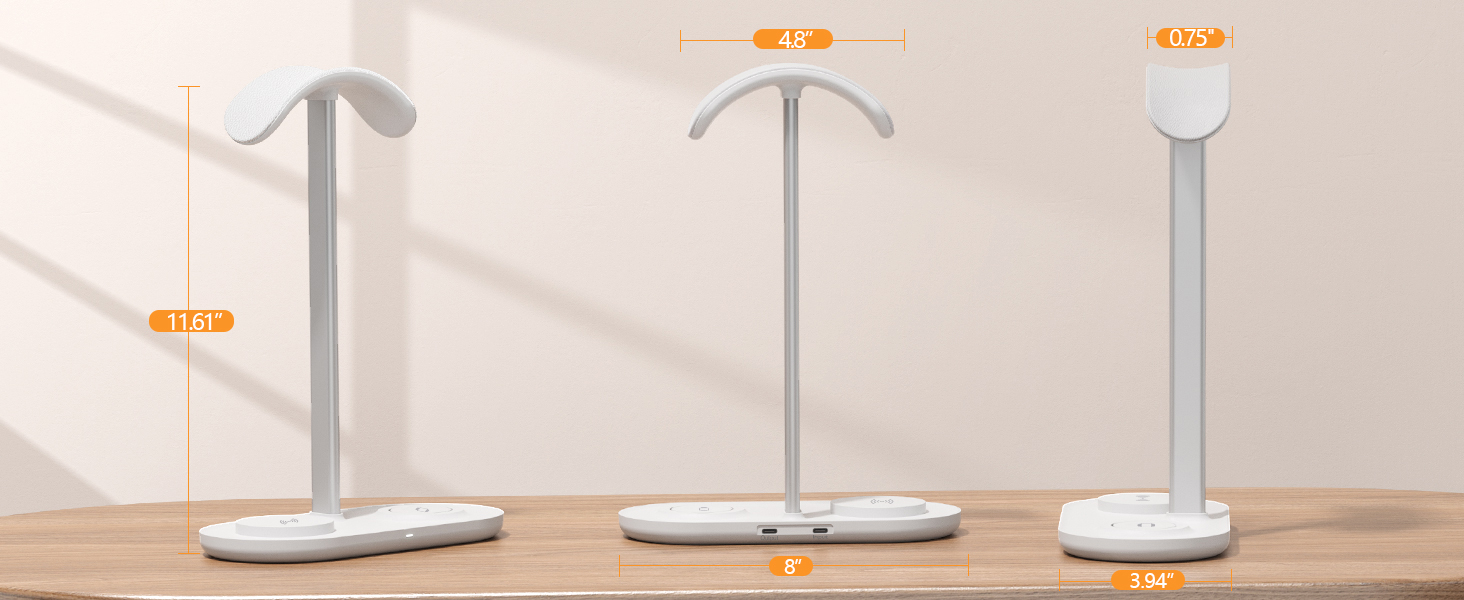
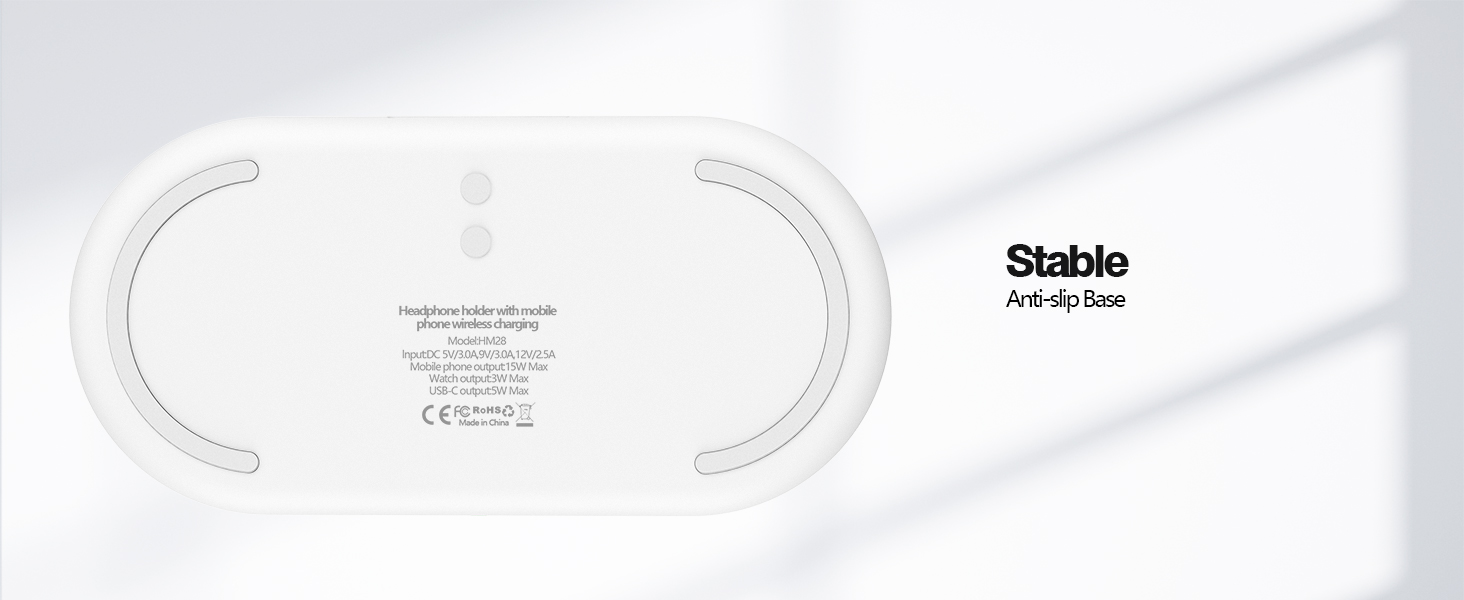
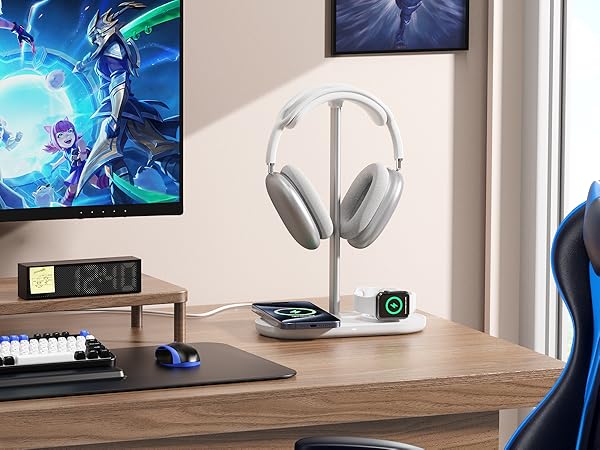
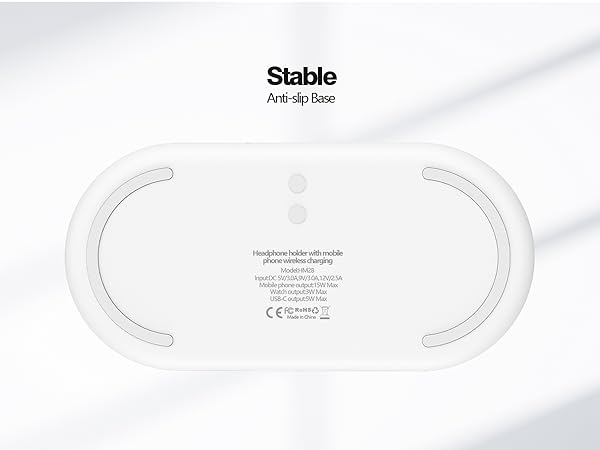
You can charge the headphone with the USB-C output on the stand base. The headphone charging cable is not included.




Troubleshooting - The LED instructions in my User Manual seem to be inaccurate.
Yes, it is a mistake in the User Manual. 1.Power the stand: white LED lights on and lasts 10s, then off. 2.Charge phone: white LED lights on and last 10s, then off. 3.Red LED flashing: trigger FOD, phone location in deviation, or over-heat.
Troubleshooting - LED not on
1. The charger or the charging cable is defective/disconnected, or the input is too low. 2. The LED indicator will be turned off during standby or charging over 10s. To extend the life of the LED.
Troubleshooting - can't charge my phone
1. The charger or the charging cable is defective/disconnected, or the input is too low.
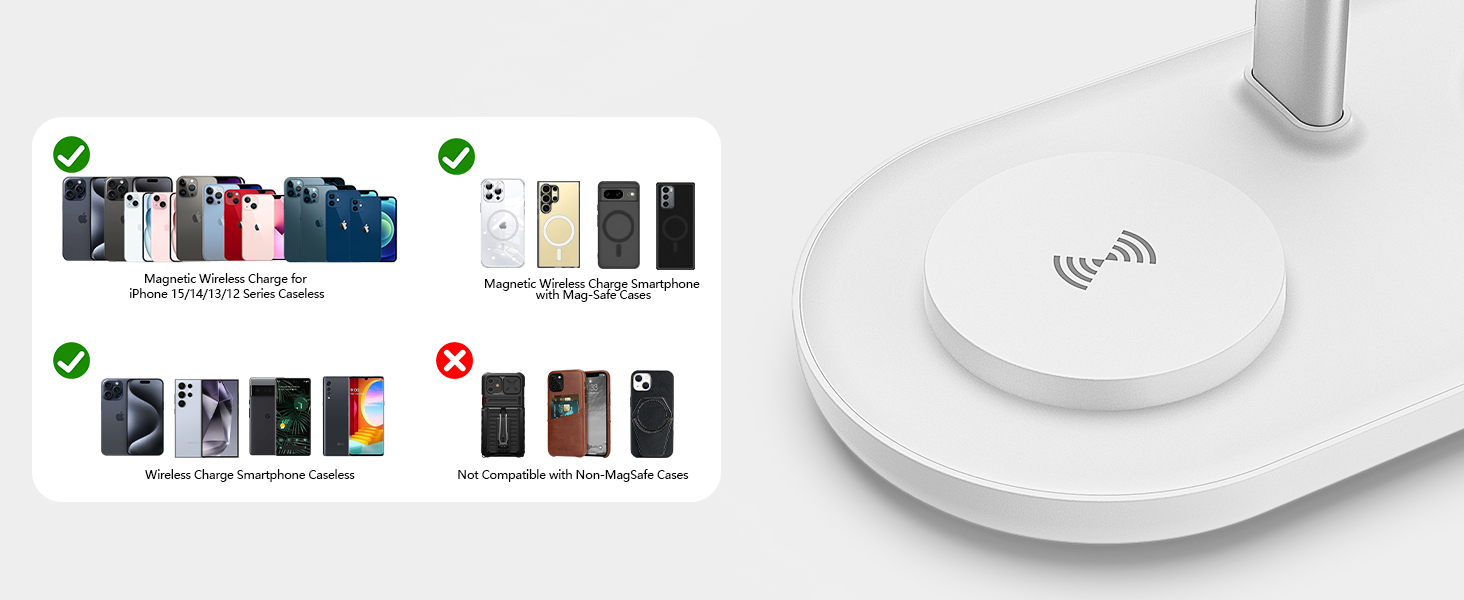
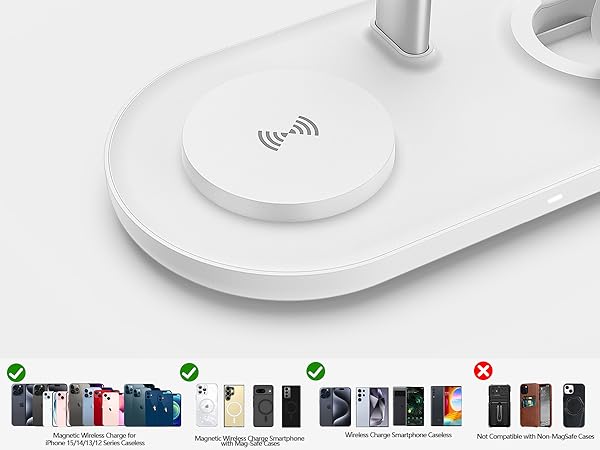
2. The phone does not support wireless charging
3. The phone case is thick (over 5mm)
4. Phone location in deviation, or Over-heat, or trigger FOD
Troubleshooting - can't charge my watch / earbuds.
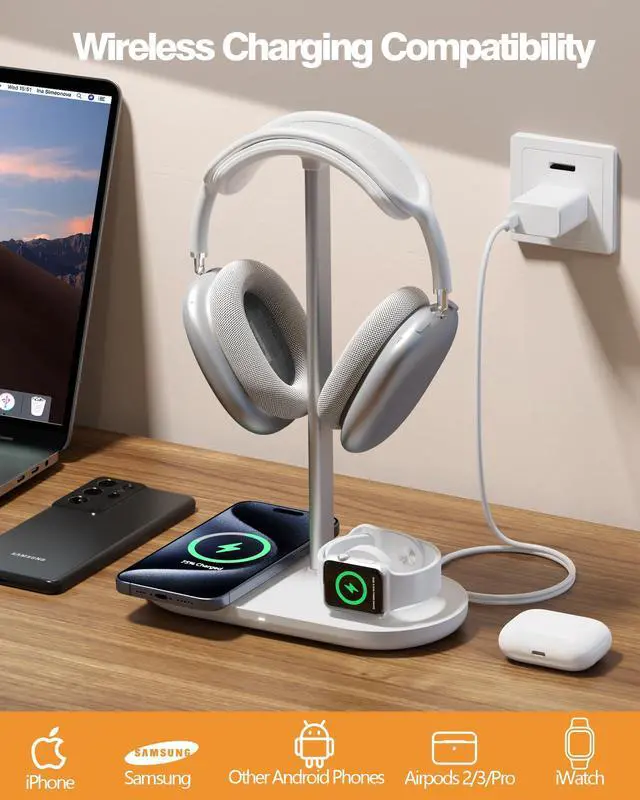
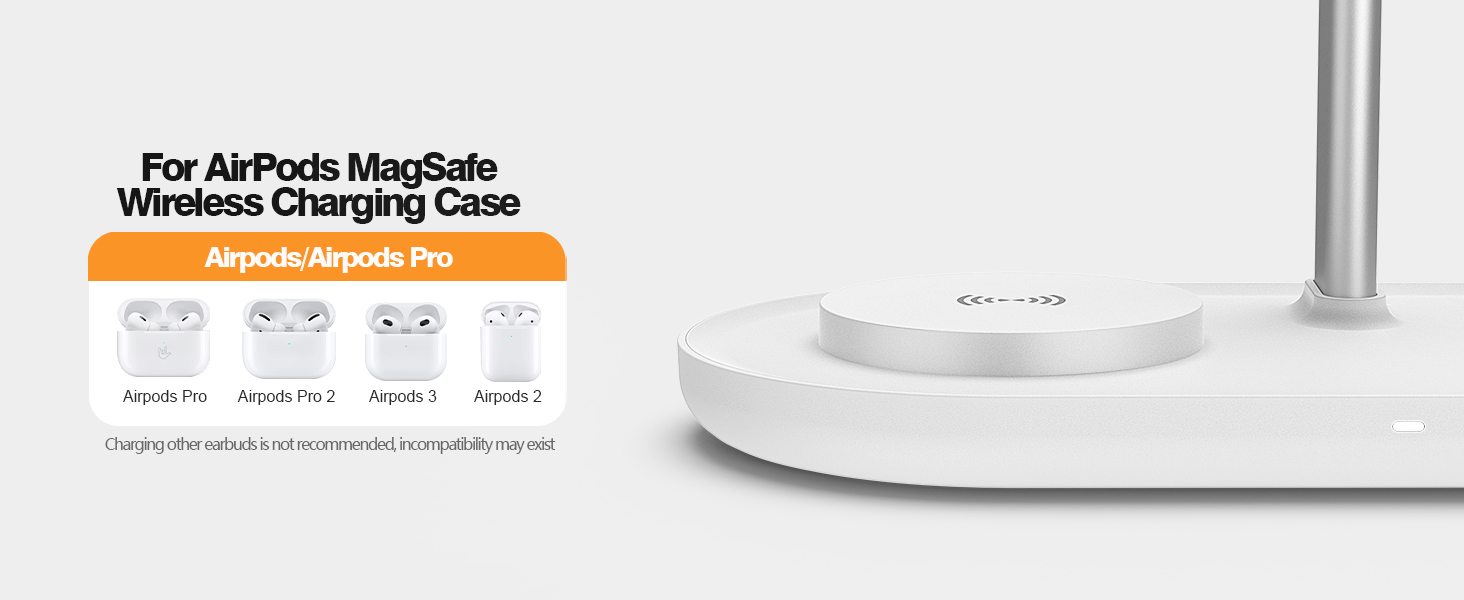
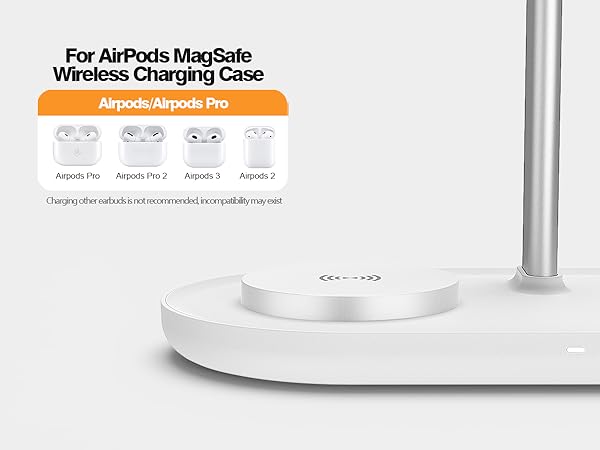
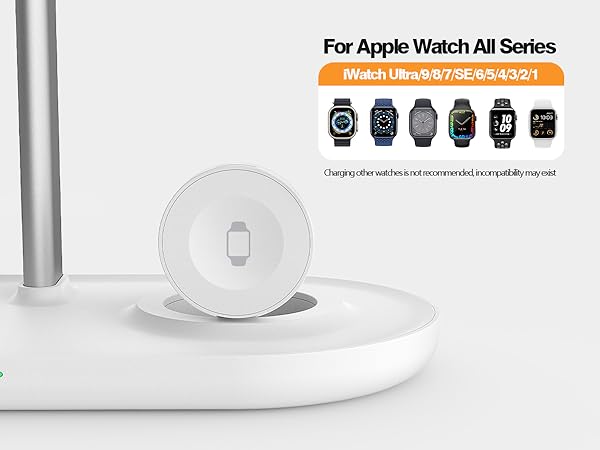
1. Only for AirPods MagSafe Charging case/wireless charging case. other earbuds charging cases are not tested, may not be compatible.
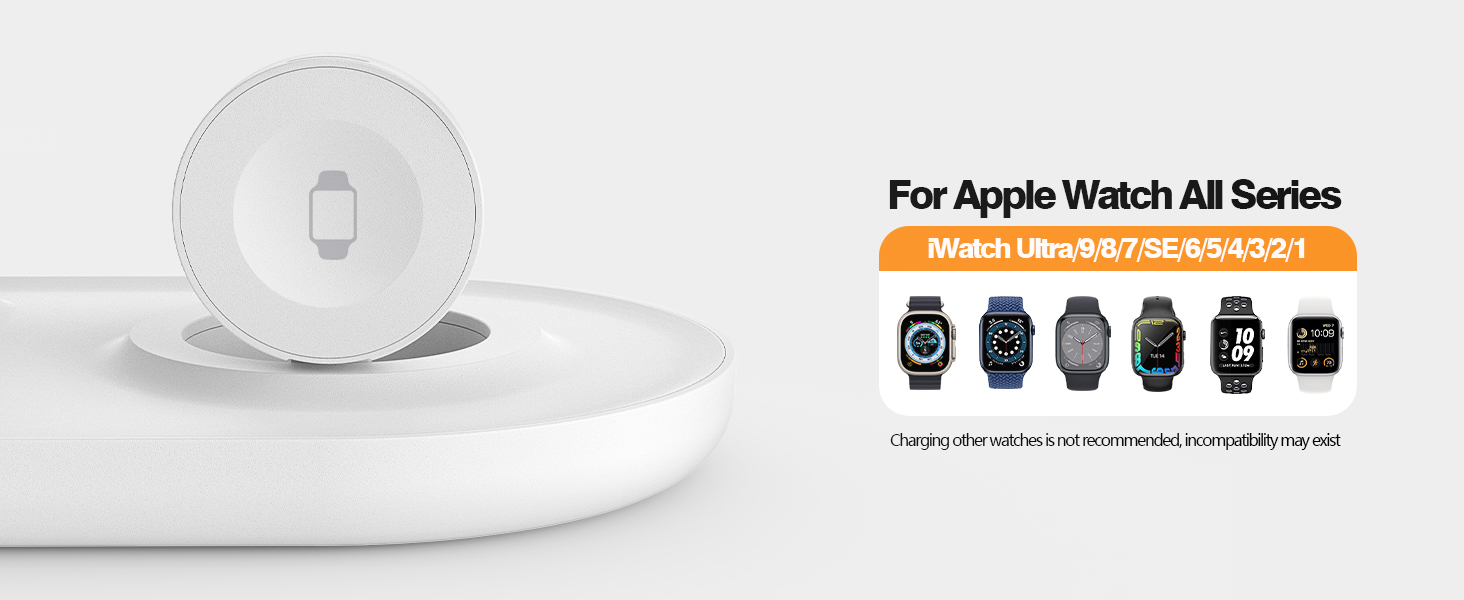
2. Only for Apple Watch all series. other watches are not tested, may not be compatible.
Troubleshooting - how to charge my headphone?
Charge the headphone by a Type-C outlet on the stand base. Not Recommend charge for Airpods Max with Smart Case on the stand.



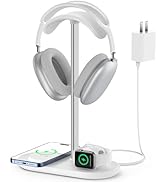
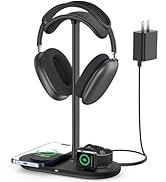



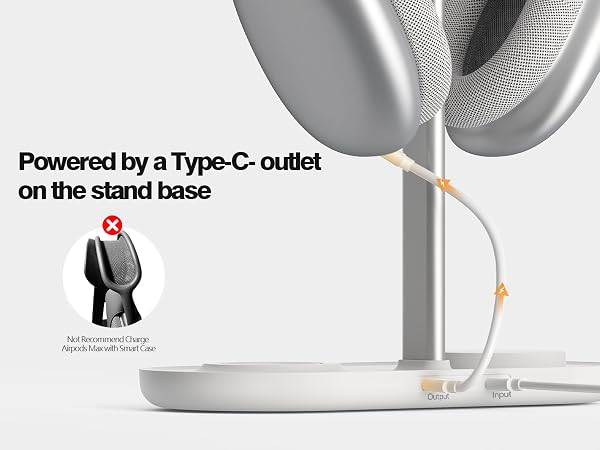
You can charge the headphone with the USB-C output on the stand base. The headphone charging cable is not included.
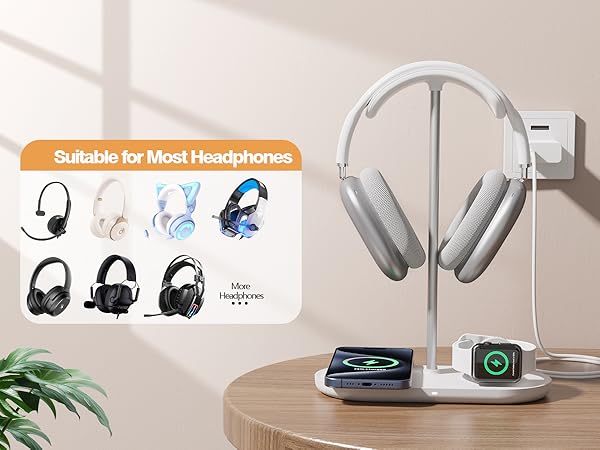
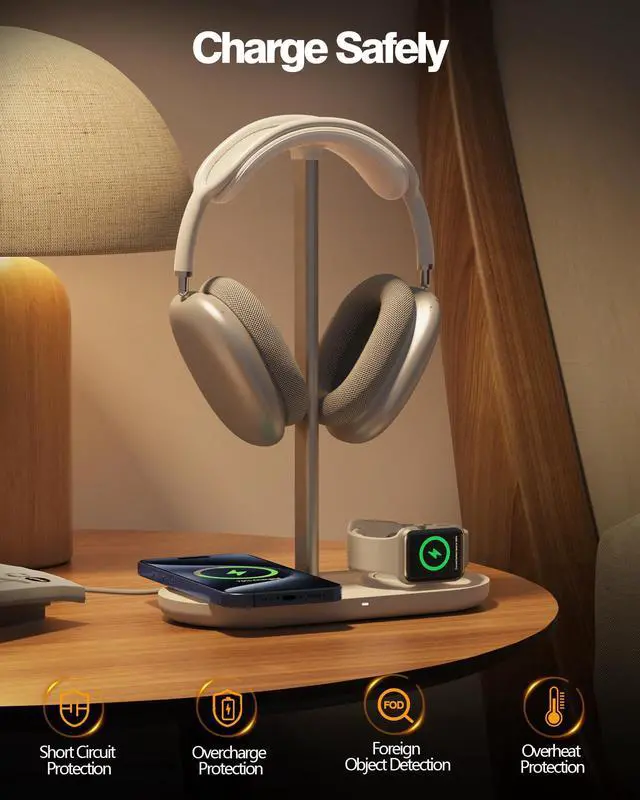
Multiple Protection
Safeguards against over-charge, short-circuits, over-temperature, and detects foreign objects.
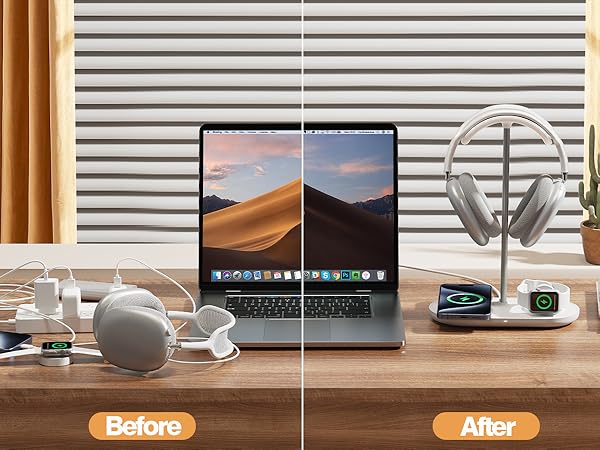
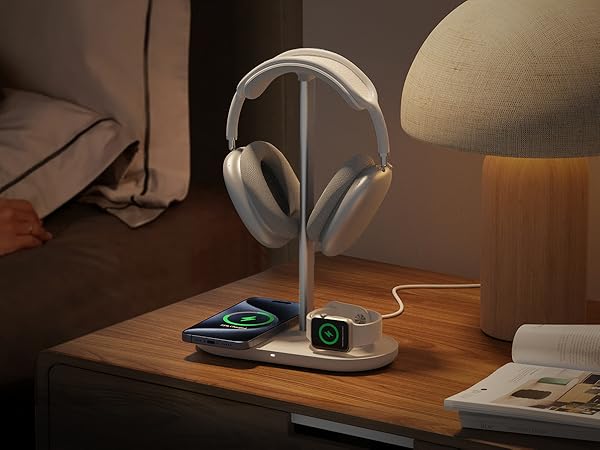

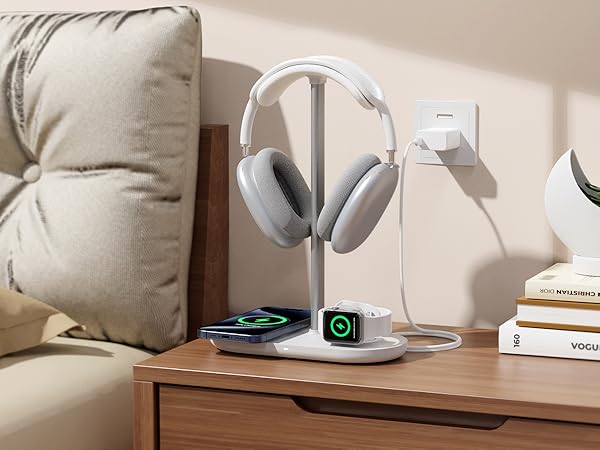



Troubleshooting - The LED instructions in my User Manual seem to be inaccurate.
Yes, it is a mistake in the User Manual. 1.Power the stand: white LED lights on and lasts 10s, then off. 2.Charge phone: white LED lights on and last 10s, then off. 3.Red LED flashing: trigger FOD, phone location in deviation, or over-heat.
Troubleshooting - LED not on
1. The charger or the charging cable is defective/disconnected, or the input is too low. 2. The LED indicator will be turned off during standby or charging over 10s. To extend the life of the LED.
Troubleshooting - can't charge my phone
1. The charger or the charging cable is defective/disconnected, or the input is too low.
2. The phone does not support wireless charging
3. The phone case is thick (over 5mm)
4. Phone location in deviation, or Over-heat, or trigger FOD
Troubleshooting - can't charge my watch / earbuds.
1. Only for AirPods MagSafe Charging case/wireless charging case. other earbuds charging cases are not tested, may not be compatible.
2. Only for Apple Watch all series. other watches are not tested, may not be compatible.
Troubleshooting - how to charge my headphone?
Charge the headphone by a Type-C outlet on the stand base. Not Recommend charge for Airpods Max with Smart Case on the stand.
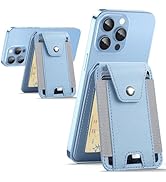
Magnetic Wallet Stand Find My
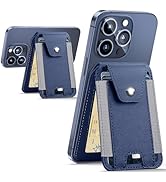
Magnetic Wallet with Find My
Find My Wallet for Men Women
Headset Stand & Car Mount
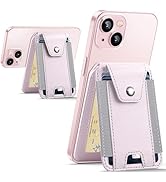
Minimalist Magnetic Wallet
Magnetic Wallet Stand
Magnetic Wallet Stand
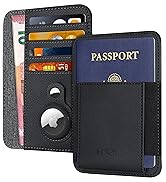
Passport Wallet