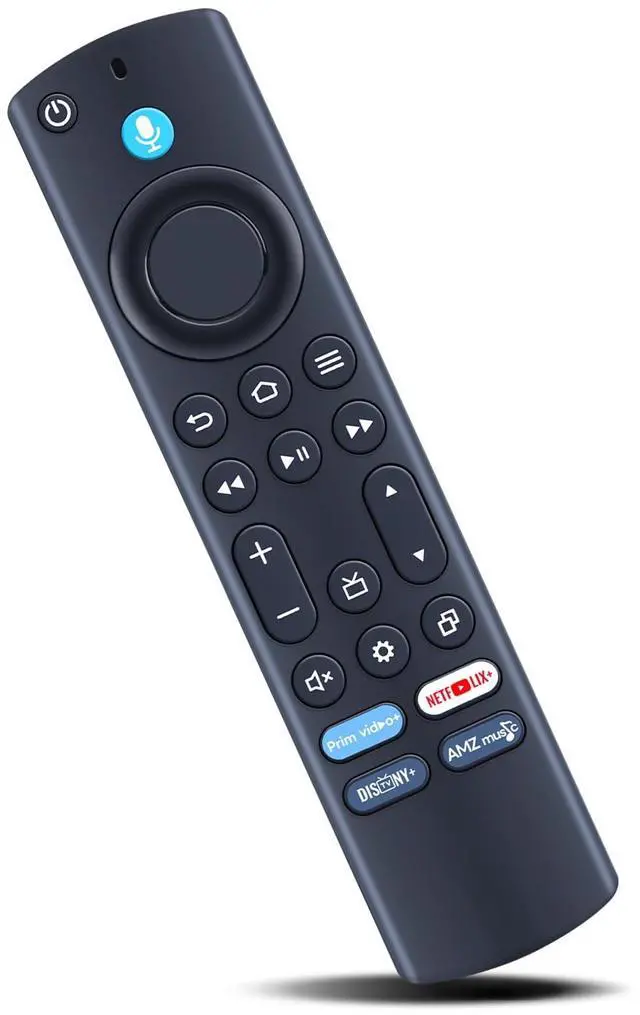
Works with Insignia F50 Series Smart TV models: NS-43F501NA26, NS-50F501NA26, NS-55F501NA26, NS-65F501NA26, NS-70F501NA25, NS-75F501NA25, NS-85F501NA25, NS-70F501NA26, NS32-FEFL26. Works with TCL S350F and S450F
Series TVs: 43S551F, 32S350F, 50Q650F, 43Q570F, 50Q550F, 43S450F, 43S350F, 40S350F, 50S450FCA, 32S350FCA, 40S350FCA, 43S450FCA, 40S35F, 50S450F, 55Q651F, 55S551F, 65Q550F, 75S450FCA, 75Q691F, 75S450F, 55Q650F, 75Q550F. Also works with G0401-000212 / G0401-000279.
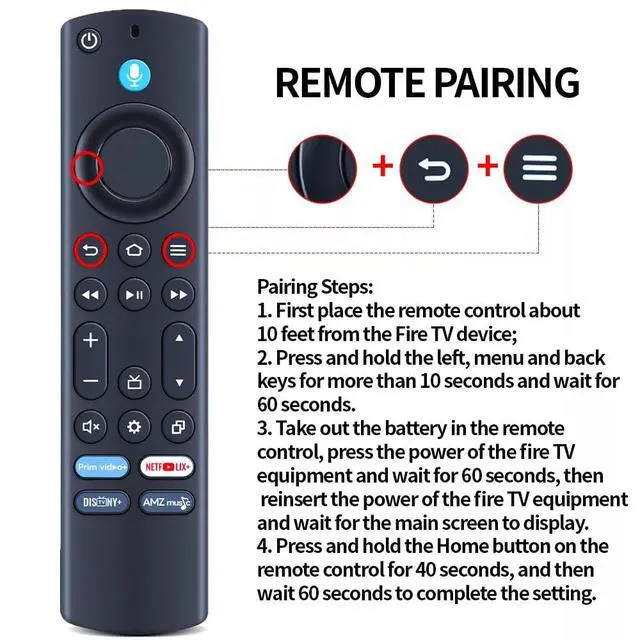
Pairing Steps: 1. First place the remote control about 10 feet from the TV device. 2. Press and hold the left, menu, and back keys for more than 10 seconds, then wait for 60 seconds. 3. Take out the battery from the remote control, press the power button on the TV equipment, wait for 60 seconds, then reinsert the power of the TV equipment and wait for the main screen to display. 4. Press and hold the Home button on the remote control for 40 seconds, then wait 60 seconds to complete the setup.
Premium Quality: Constructed from high-grade ABS material, which is drop-resistant and odor-free, designed for extended durability, and helps protect you and your children from harm.
Simple to Use: Straightforward to pair or set up. After inserting the battery (not included), simply follow the pairing steps until successful, and it will seamlessly replace your original remote





 here!
here!