• $28.49
  • Free 30-day Returns
  • Sold by Muxiju Store

    Shipped by Muxiju Store

    Price alert
    Shop it at NeweggBusiness.

    Meet Your Seller

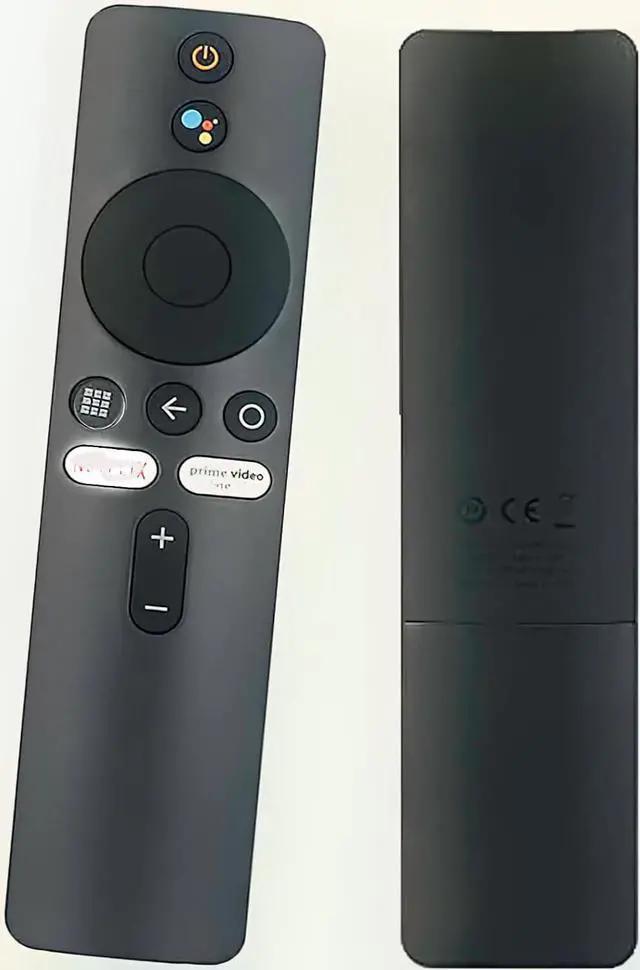
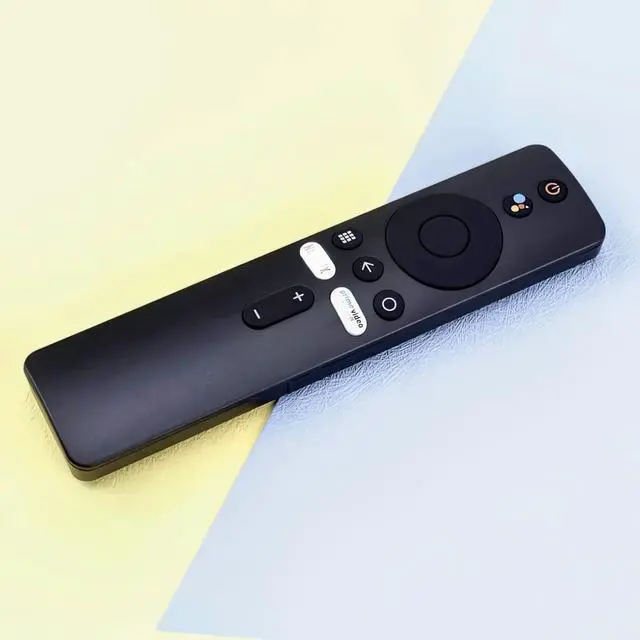
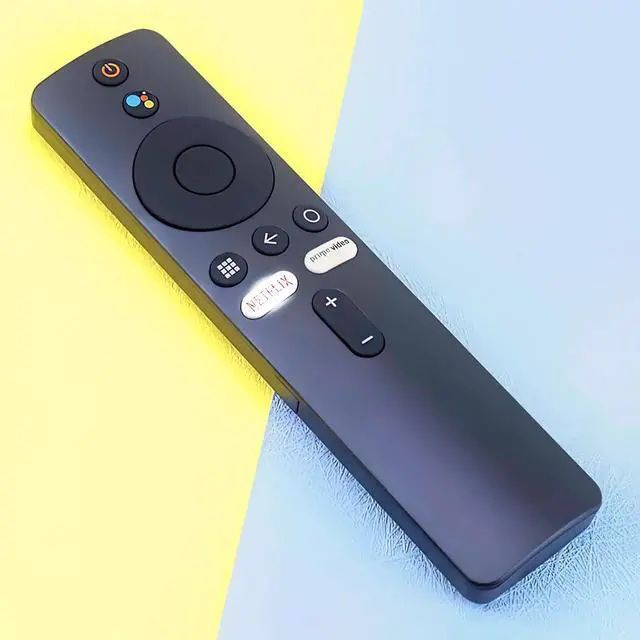
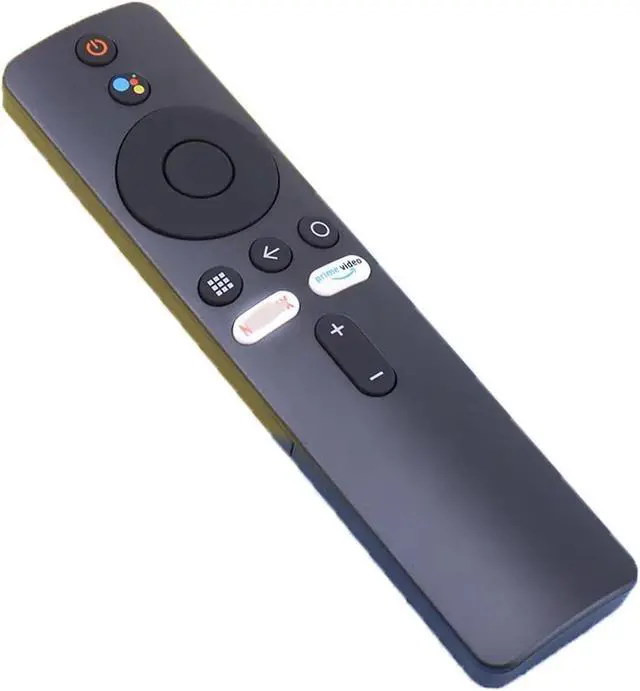
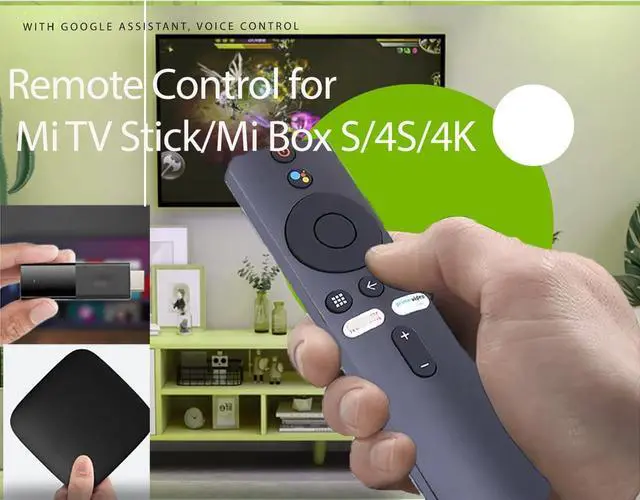
    Remote Control for Xiaomi Mi TV Stick/MI Box 4S 4K, Replacement Remote Control for Xiaomi Mi TV Stick with Bluetooth and Voice Control

    Limited time offer, ends 09/07 By Muxiju Store

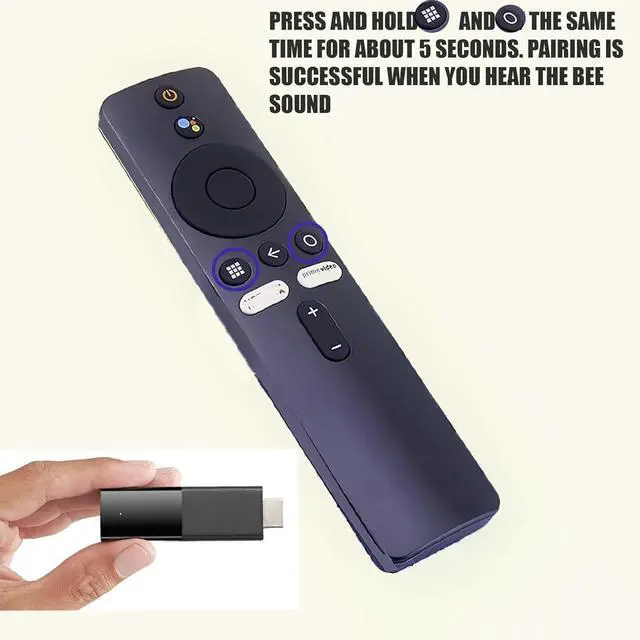
    • First, turn on the Xiaomi TV or Box manually. Place the remote control near the Xiaomi TV or box and simultaneously press and hold the red wireframe button underneath for 15-30 seconds. After the TV displays the pairing interface, release the button and wait for the TV to show the successful pairing message. It can then be used normally. If pairing is unsuccessful, please repeat the above steps. Remote control for Xiaomi Mi TV Stick / MI BOX 4S 4K, also suitable for Xiaomi TV and Xiaomi Box. Operates with 2 AAA batteries (not included)
    +
    +
    Overview
    Specs
    Reviews
    avatar

    Any questions? Our AI mode will help you find out quickly.

    First, turn on the Xiaomi TV or Box manually. Place the remote control near the Xiaomi TV or box and simultaneously press and hold the red wireframe button underneath for 15-30 seconds. After the TV displays the pairing interface, release the button and wait for the TV to show the successful pairing message. It can then be used normally. If pairing is unsuccessful, please repeat the above steps. Remote control for Xiaomi Mi TV Stick / MI BOX 4S 4K, also suitable for Xiaomi TV and Xiaomi Box. Operates with 2 AAA batteries (not included)

    Warranty & Returns

    Warranty, Returns, And Additional Information

    Warranty

    • Please contact the Seller directly for warranty information. Warranty information may also be found on the Manufacturer's website.
    • CONTACT

    Return Policies

    Manufacturer Contact Info

    LOADING...