Your Browsing History
Meet Your Seller
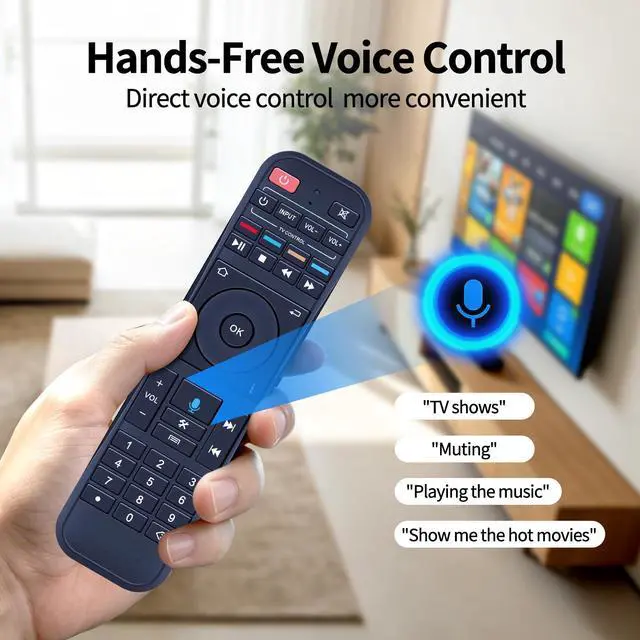
RC-200 Voice Remote Control for Superbox S7 Max/Prime/Pro/Ultra | S6 Max/Ultra/Pro, S5 Max/Pro, Voice Control, No Backlight
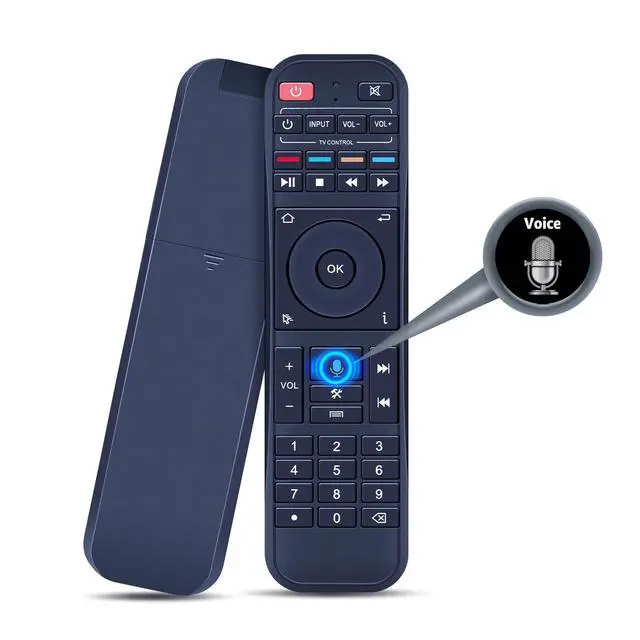
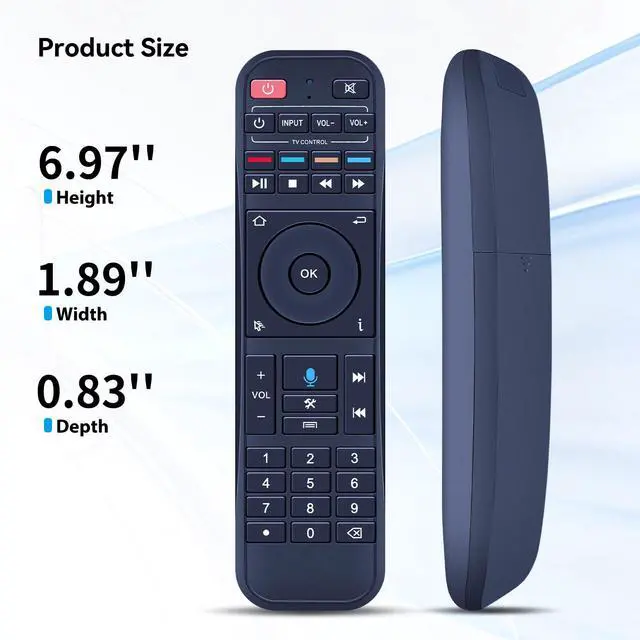
- Supported Models: This remote control does not include a backlight feature. Compatible with S7 Pro, S7 Max, S7 Ultra, S7 Prime, S6 Max, S6 Ultra, S5 Max, S5 Pro. Pairing Instruction: 1. Press the "OK" and "Return" buttons simultaneously until the indicator light flashes to begin pairing. Press the "OK" button until the red light stops blinking. 2. Next, navigate to [setting] - [Ble] to verify the device connection. Look for the "RC-200" device to confirm successful pairing. Programming Function: 1. Press the power button in the "TV CONTROL" area until the indicator light remains steady. Then proceed with programming. 2. Press the button in the "TV CONTROL" area for the function you to program. The light will start blinking. 3. Point the TV remote at the TV box remote, and press the button on the TV remote that needs programming. 4. If the function is successfully copied, the indicator light will flash 3 times and then stay on. Repeat the same process to program additional functions. 5. The indicator light will flash 5 times if the programming fails. In that case, repeat steps 2-4. 6. Press any button outside the "TV CONTROL" area to exit. Fast & Comfortable The upgraded chip delivers a 26-foot range and a 0.2s response time. The ergonomic ABS design fits comfortably in your hand, ensuring smooth and effortless control. Before You Order: Please verify that this remote matches your original remote. If it does not, it may not function properly

+
+
Overview
Specs
Reviews
Any questions? Our AI mode will help you find out quickly.
Try me now
Supported Models: This remote control does not include a backlight feature. Compatible with S7 Pro, S7 Max, S7 Ultra, S7 Prime, S6 Max, S6 Ultra, S5 Max, S5 Pro.
Pairing Instruction: 1. Press the "OK" and "Return" buttons simultaneously until the indicator light flashes to begin pairing. Press the "OK" button until the red light stops blinking. 2. Next, navigate to [setting] - [Ble] to verify the device connection. Look for the "RC-200" device to confirm successful pairing.
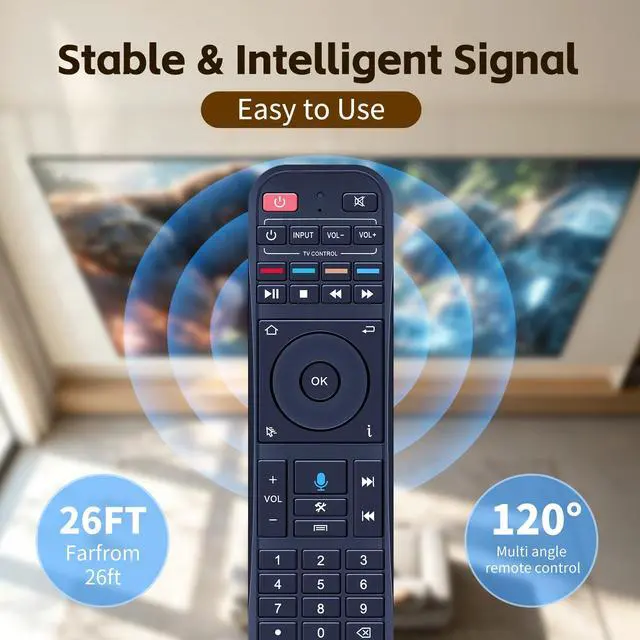
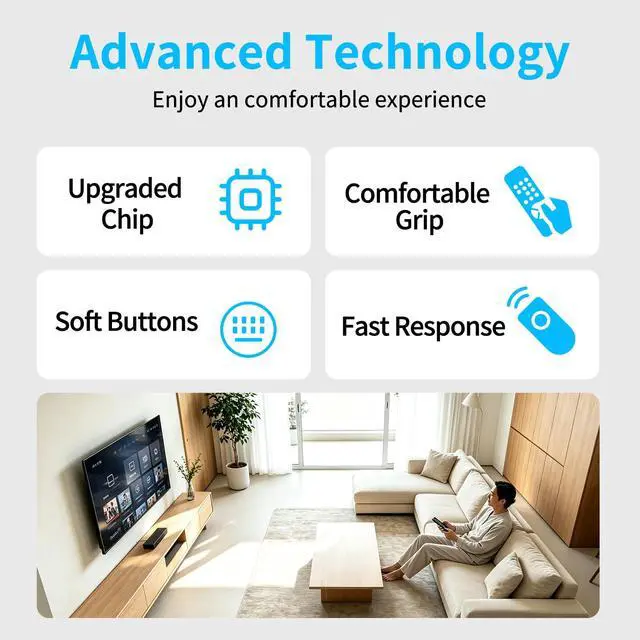
Programming Function: 1. Press the power button in the "TV CONTROL" area until the indicator light remains steady. Then proceed with programming. 2. Press the button in the "TV CONTROL" area for the function you to program. The light will start blinking. 3. Point the TV remote at the TV box remote, and press the button on the TV remote that needs programming. 4. If the function is successfully copied, the indicator light will flash 3 times and then stay on. Repeat the same process to program additional functions. 5. The indicator light will flash 5 times if the programming fails. In that case, repeat steps 2-4. 6. Press any button outside the "TV CONTROL" area to exit. Fast & Comfortable The upgraded chip delivers a 26-foot range and a 0.2 s response time. The ergonomic ABS design fits comfortably in your hand, ensuring smooth and effortless control.
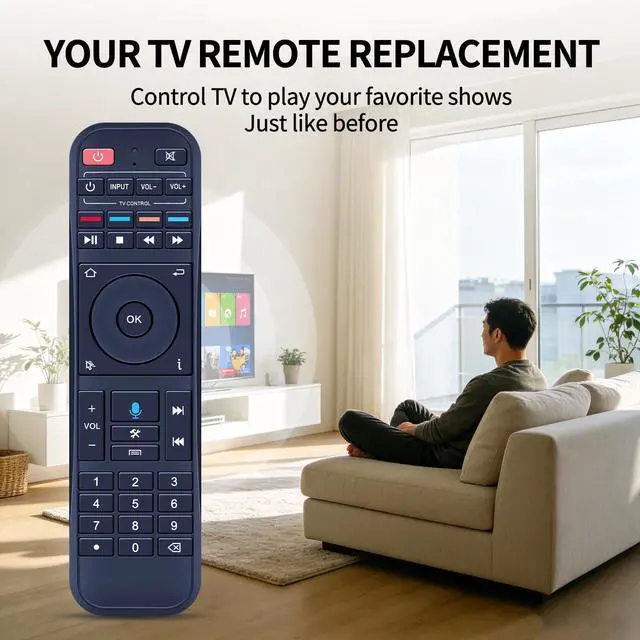
Before You Order: Please verify that this remote matches your original remote. If it does not, it may not function properly
Pairing Instruction: 1. Press the "OK" and "Return" buttons simultaneously until the indicator light flashes to begin pairing. Press the "OK" button until the red light stops blinking. 2. Next, navigate to [setting] - [Ble] to verify the device connection. Look for the "RC-200" device to confirm successful pairing.
Programming Function: 1. Press the power button in the "TV CONTROL" area until the indicator light remains steady. Then proceed with programming. 2. Press the button in the "TV CONTROL" area for the function you to program. The light will start blinking. 3. Point the TV remote at the TV box remote, and press the button on the TV remote that needs programming. 4. If the function is successfully copied, the indicator light will flash 3 times and then stay on. Repeat the same process to program additional functions. 5. The indicator light will flash 5 times if the programming fails. In that case, repeat steps 2-4. 6. Press any button outside the "TV CONTROL" area to exit. Fast & Comfortable The upgraded chip delivers a 26-foot range and a 0.2 s response time. The ergonomic ABS design fits comfortably in your hand, ensuring smooth and effortless control.
Before You Order: Please verify that this remote matches your original remote. If it does not, it may not function properly
Warranty & Returns
Warranty, Returns, And Additional Information
Warranty
- Please contact the Seller directly for warranty information. Warranty information may also be found on the Manufacturer's website.
- CONTACT
Return Policies
- Return for refund within: 30 days
- Return for replacement within: 30 days
- This item is covered by Brightflag Electronics Return Policy
Manufacturer Contact Info
- For a directory of all our manufacturers, please click below.
- Manufacturers Directory
LOADING...