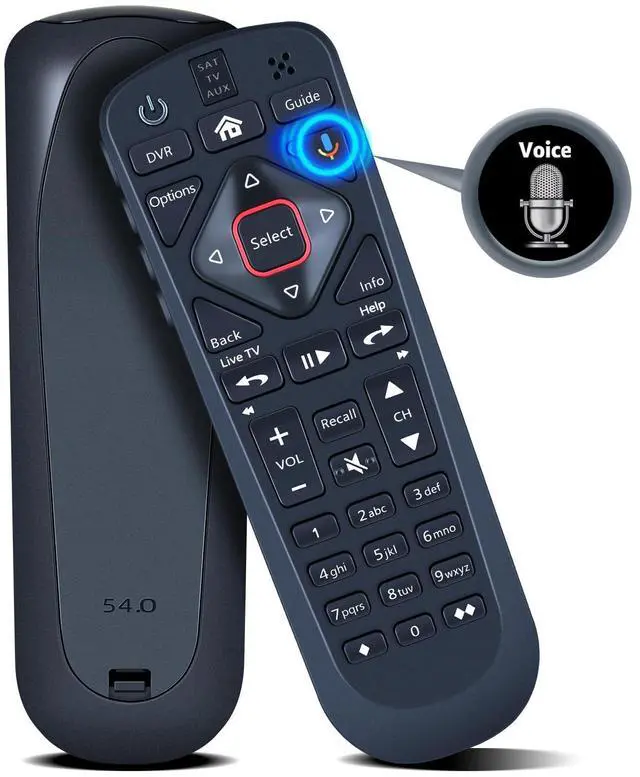
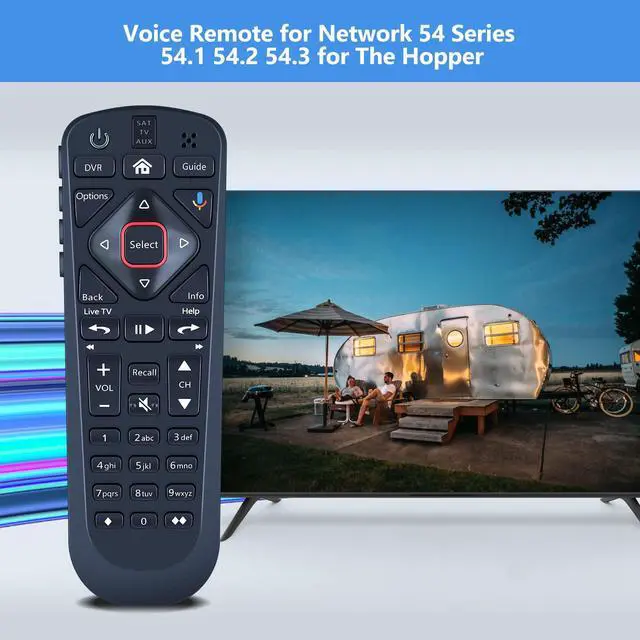
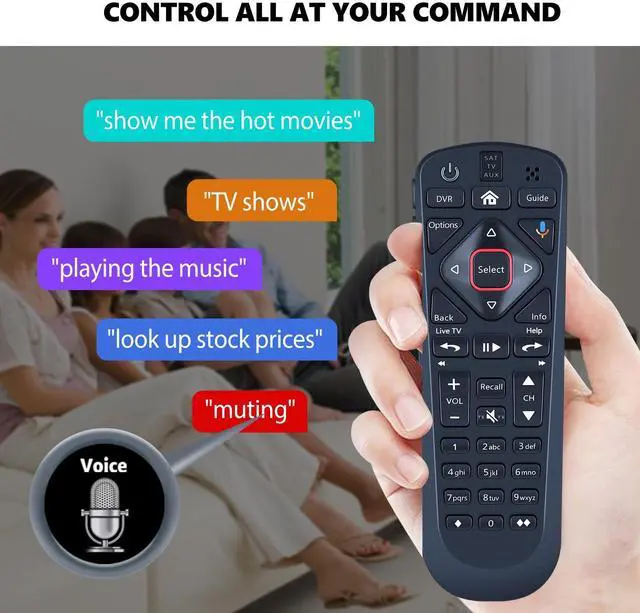
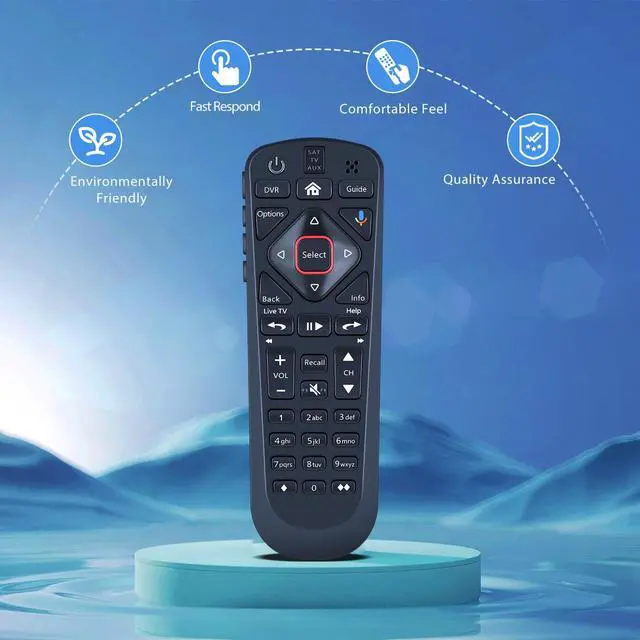
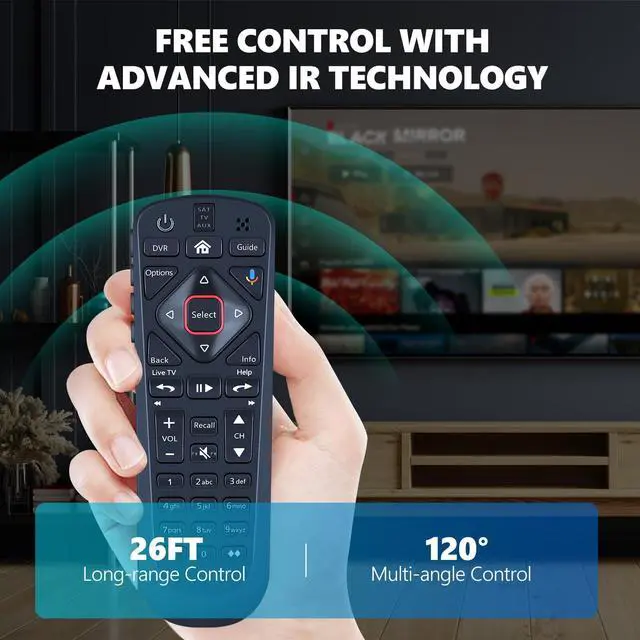
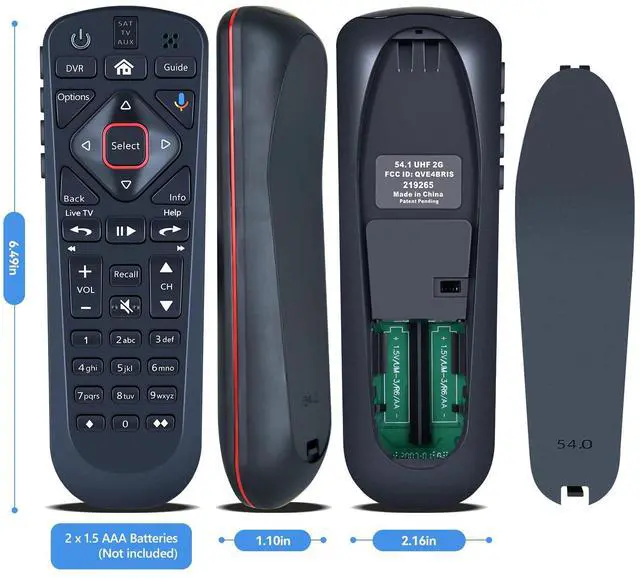
Compatible Models: Replacement remote control for the upgraded network 54 Series 54.1, 54.2, 54.3 for the hopper.
Turn On Your Remote: 1) Open the front panel of your receiver, and press the [SYS INFO] button. 2) Press the [SAT] button on the side of the remote control. You will hear three beeps from the remote control, indicating it has paired with your receiver.
How To Pair: 1) Press the [Home] button twice. 2) Select Settings, then Remote Control. 3) Select TV, and then TV Pairing Wizard. 5) Follow the prompts. 6) You can also pair your remote with an Auxiliary Device, such as a player or stereo.
Package Included: 1 x IR remote control (Batteries and Instructions are Not Included). It can solve the issue when your home remote control stops working and serves as your backup remote control





 here!
here!