• $29.99
  • Free 30-day Returns
  • Price alert
    Shop it at NeweggBusiness.

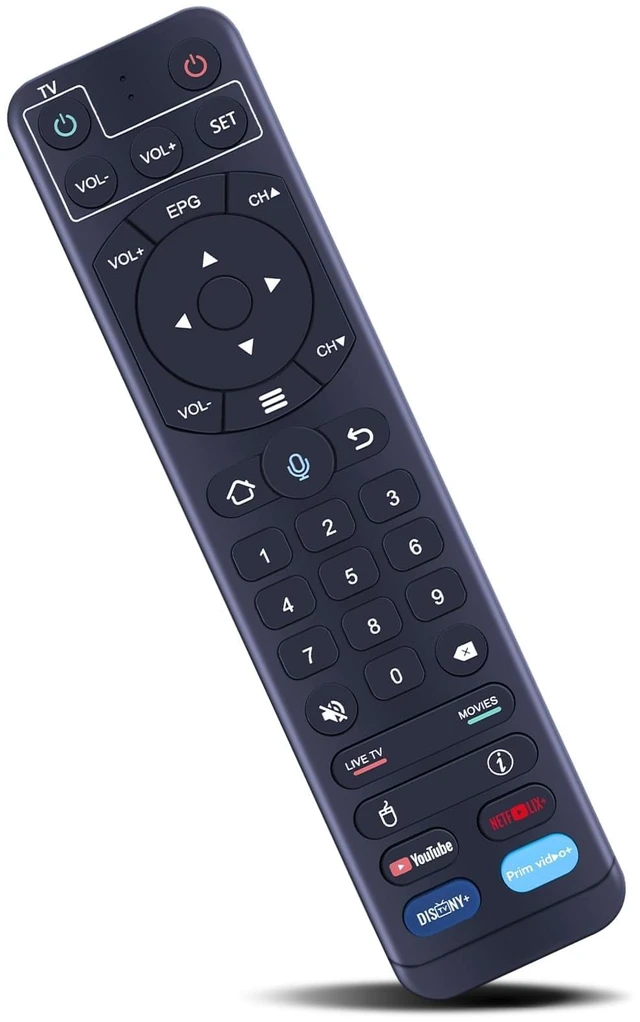
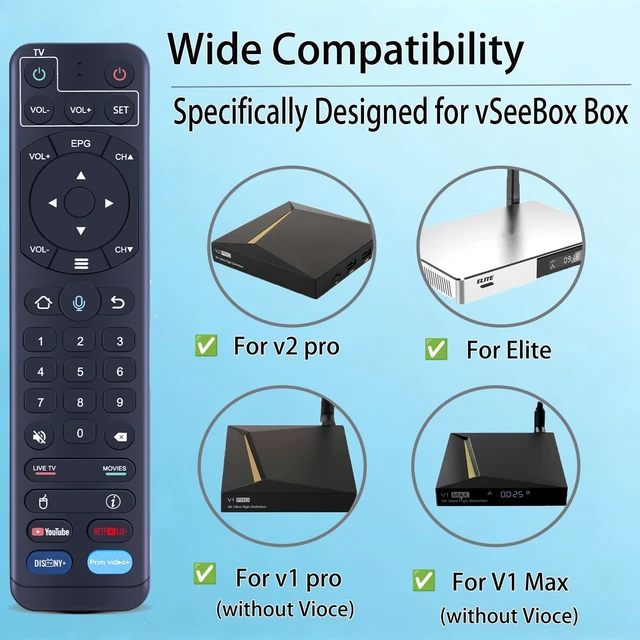
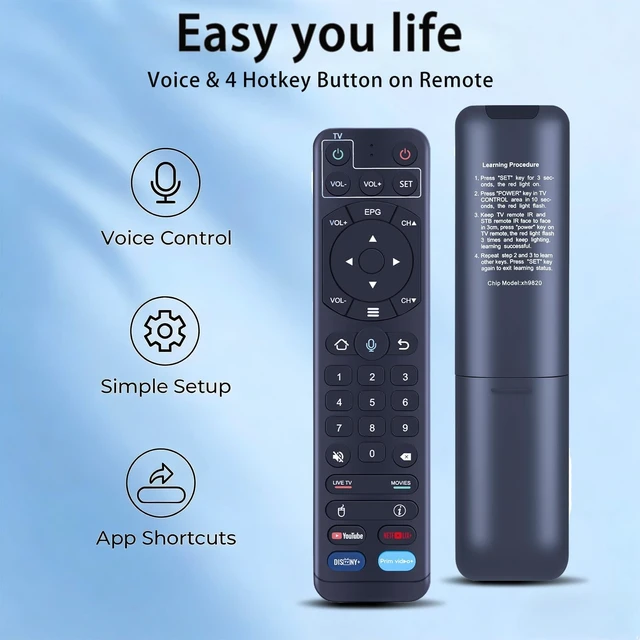
    New Replacement Voice Remote Control for vSeeBox V1/V2/V2 Pro/Elite/Max also for OctaStream Elite Max Android TV Box Elite-3

    Limited time offer, ends 10/16 By PureSpring Trading Shop

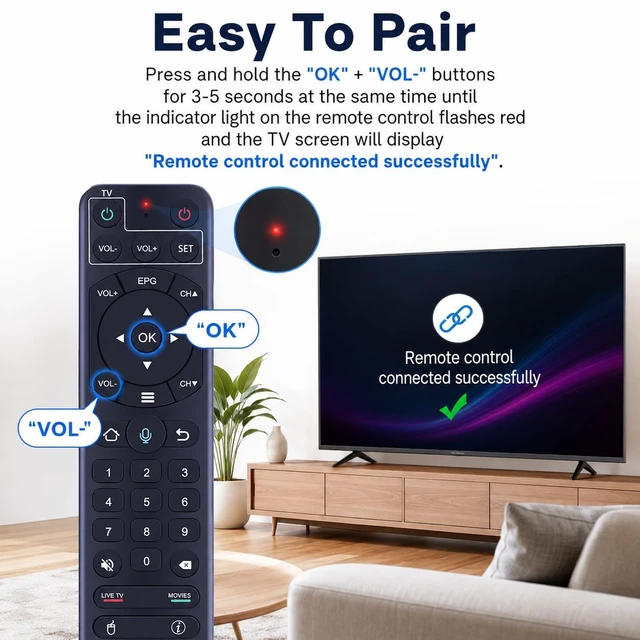
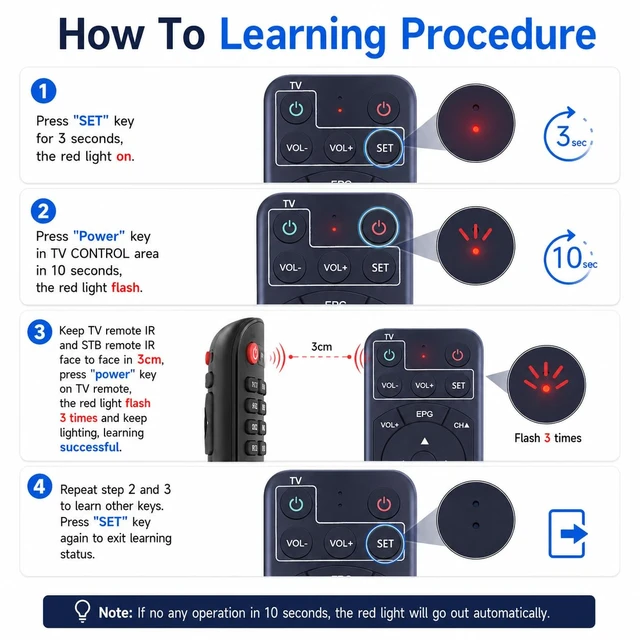
    • Compatible With vSeeBox Set Top Box V1, V2, V2 Pro Elite, and Max. Easy To Pair: Hold [OK] and [VOL-] buttons until the red light flashes on the remote indicator and the TV shows "Remote control connected successfully." Pairing is required before using the voice function. How To Learning Procedure: 1. Press "SET" key for 3 seconds, the red light on. 2. Press "Power" key in TV CONTROL area in 10 seconds, the red light flash. 3. Keep TV remote IR and STB remote IR face to face in 3cm, press "power" key on TV remote, the red light flash 3 times and keep lighting, learning successful. 4. Repeat step 2 and 3 to learn other keys. Press "SET" key again to exit learning status. Note: If remote cannot recognize any command and shows "No recognition result matched", we recommend disconnecting and repairing the remote to see if it works after pairing. Premium PerformanceThe remote control has a premium performance and can standby for about 6 months, with ultra-low power consumption for more energy saving. Precise control distance up to 40FT, the total number of button clicks can be more than 160,000 times, high quality only for you to provide quality enjoyment, so that you no longer need to find a durable remote control trouble

    +
    +
    Overview
    Specs
    Reviews

    Any questions? Ask CelesteSM will help you find out quickly.

    Compatible With vSeeBox Set Top Box V1, V2, V2 Pro Elite, and Max.
    Easy To Pair: Hold [OK] and [VOL-] buttons until the red light flashes on the remote indicator and the TV shows "Remote control connected successfully. " Pairing is required before using the voice function.
    How To Learning Procedure: 1. Press "SET" key for 3 seconds, the red light on. 2. Press "Power" key in TV CONTROL area in 10 seconds, the red light flash. 3. Keep TV remote IR and STB remote IR face to face in 3cm, press "power" key on TV remote, the red light flash 3 times and keep lighting, learning successful. 4. Repeat step 2 and 3 to learn other keys. Press "SET" key again to exit learning status.
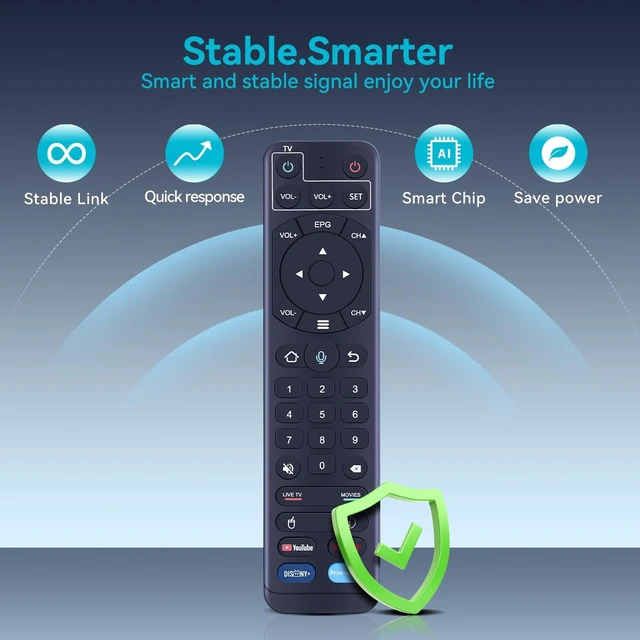
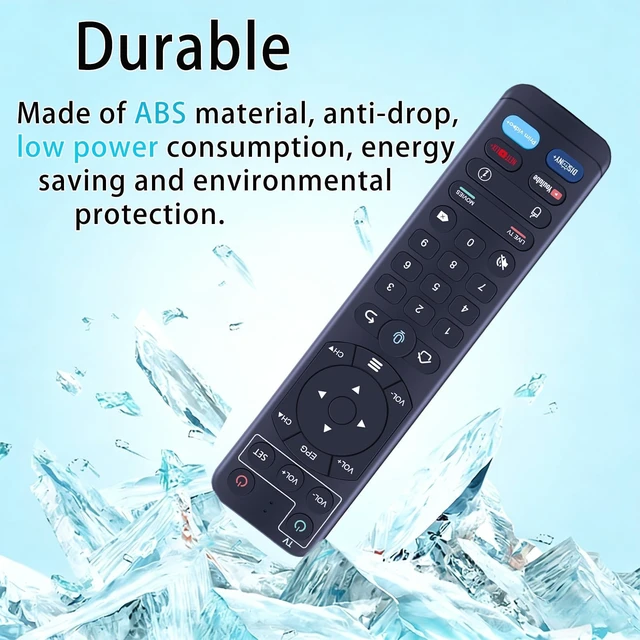
    Note: If remote cannot recognize any command and shows "No recognition result matched", we recommend disconnecting and repairing the remote to see if it works after pairing. Premium PerformanceThe remote control has a premium performance and can standby for about 6 months, with ultra-low power consumption for more energy saving. Precise control distance up to 40FT, the total number of button clicks can be more than 160, 000 times, high quality only for you to provide quality enjoyment, so that you no longer need to find a durable remote control trouble

    Warranty & Returns

    Warranty, Returns, And Additional Information

    Warranty

    • Please contact the Seller directly for warranty information. Warranty information may also be found on the Manufacturer's website.
    • CONTACT

    Return Policies

    Manufacturer Contact Info

    LOADING...