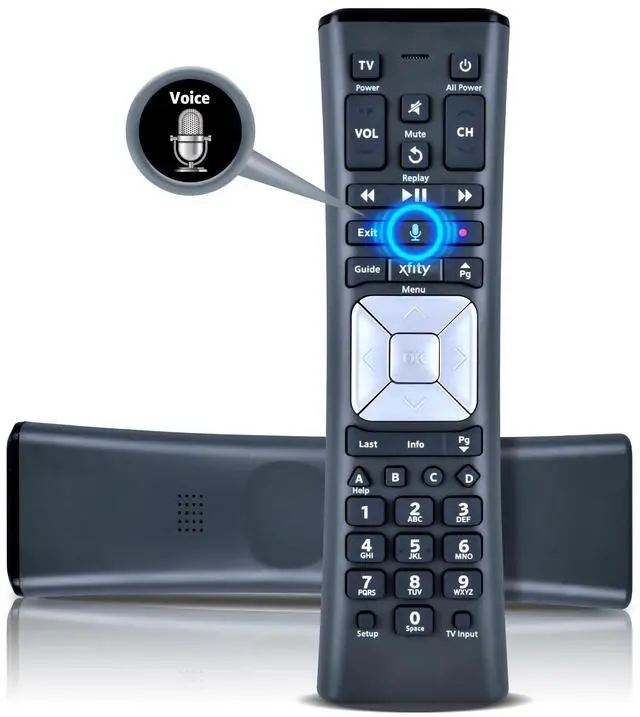
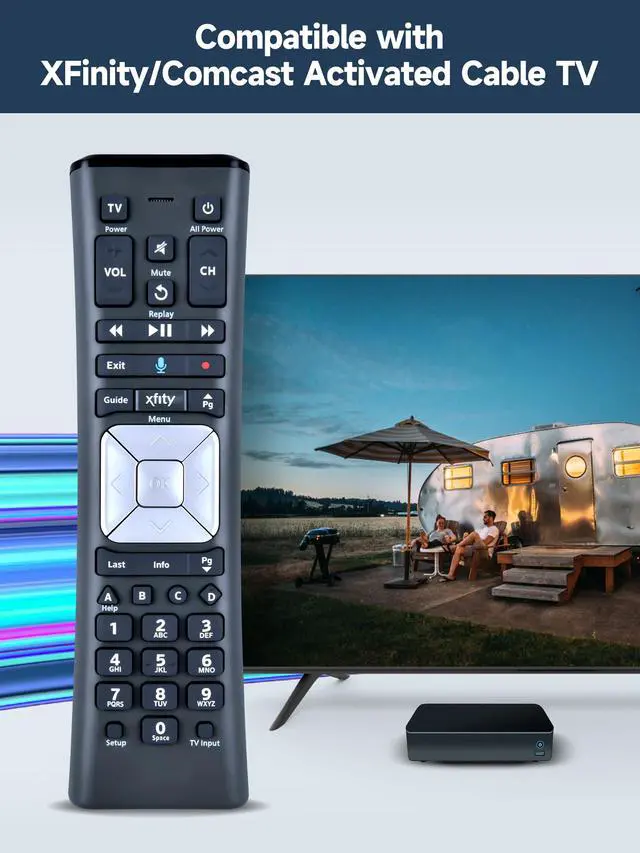
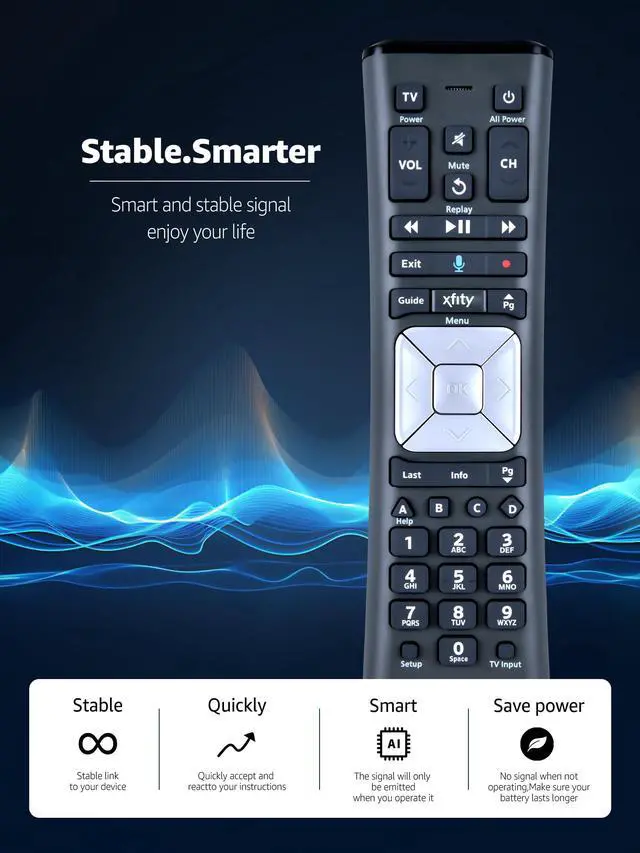
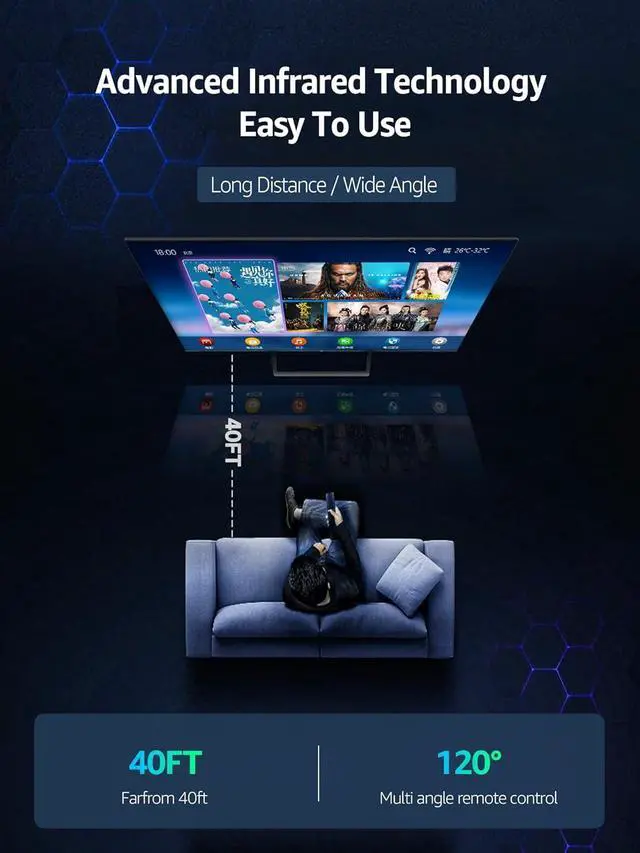
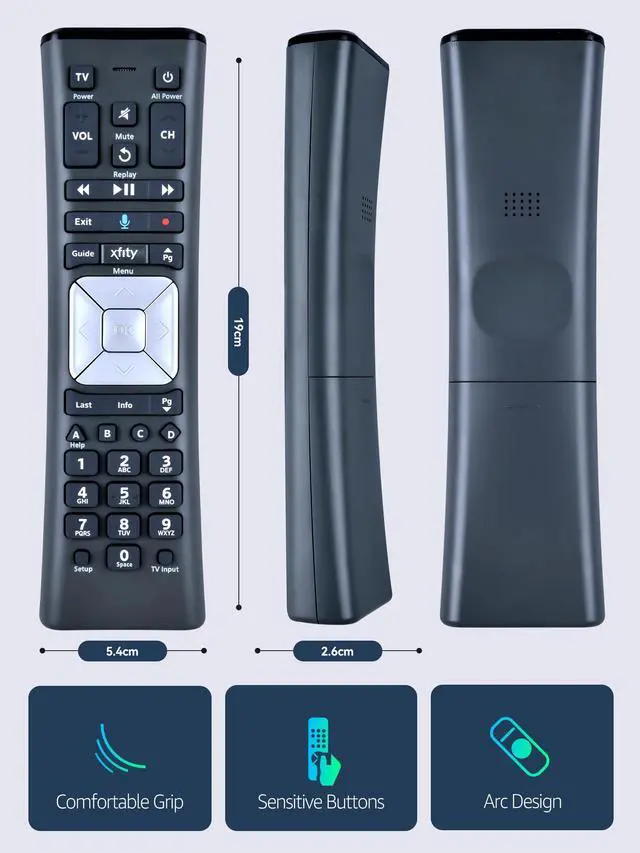
Compatible Models: XR11 Replacement Voice Backlit Remote Control for XFinity/Comcast Activated Cable TV
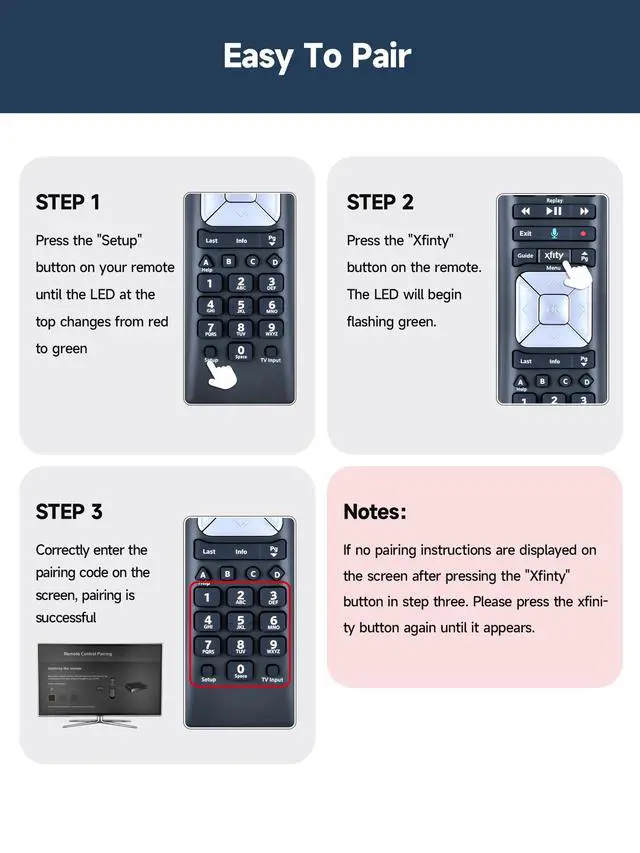
Pairing Method: 1. Set the TV input to the input connected to the TV Box. 2. Press the "Setup" button on your remote until the LED at the top changes from red to green. 3. Press the "Xfinty" button on the remote. The LED will begin flashing green. 4. After correctly entering the pairing code on the screen, your remote control is successfully paired with the TV box.
(Note: If no pairing instructions are displayed on the screen after pressing the "Xfinty" button in step three, please press the "Xfity" button again until it appears. )
Package Included: 1 * Voice remote control (2 AA Batteries are Not Included)





 here!
here!