• $17.24
  • Free 30-day Returns
  • Price alert
    Shop it at NeweggBusiness.

    Meet Your Seller

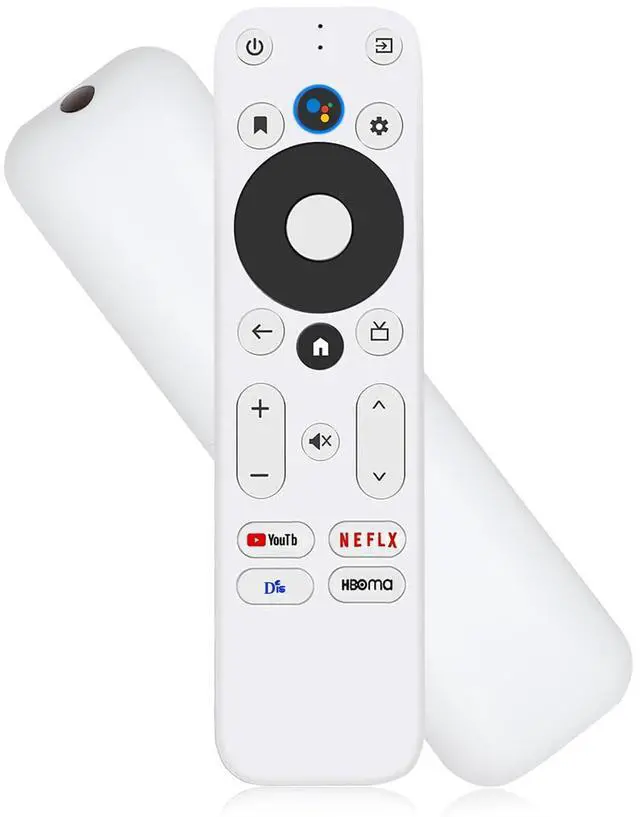
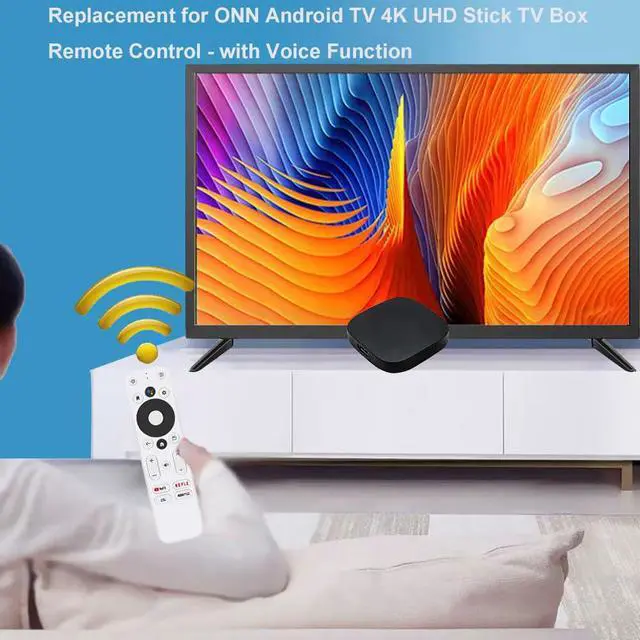
    Replacement Voice Remote Control for Onn Android TV FHD 4K UHD Streaming Stick TV Box 100024646 100026240, with Voice Function, with 4 Shortcut Buttons

    Limited time offer, ends 10/16 By MiniJoyBelle Tech

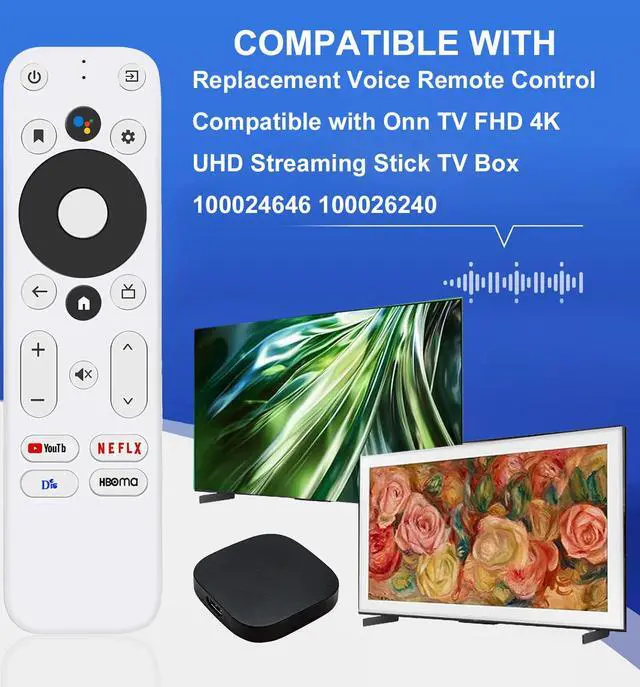
    • CompatibilityReplacement for Onn Android TV Box Remote Control with Voice Function. Compatible with ONN 1000024646 Android TV 2K FHD Stick and ONN 100026240 Android TV 4K UHD Device. NOTE: Not compatible with other brands. How to PairPairing a New Remote: 1. Press the POWER key to turn on the TV; 2. Press the Home Button and RETURN Button together for 3-5 seconds; the indicator light flashes and enters the pairing status; after pairing is successful, the indicator light will go out. Connecting a New Remote with a Paired Remote: 1. Press the HOME key, then select SETTING - Remotes & accessories. 2. Select Add accessory, then press the OK key to confirm pairing. 3. Press the Home Button and RETURN Button together for 3-5 seconds; the indicator light flashes and enters the pairing status; after pairing is successful, the indicator light will go out. (NOTE: Before use, insert two batteries; 2×AAA batteries are not included.) Voice Search FunctionsReplacement for ONN Android TV 4K UHD TV Box Remote has a voice search feature, which quickly recognizes and keeps speaking. You can quickly operate and adjust the volume, switch the programs you need, and search through voice to get the channels you want to watch, which is perfect for the elderly and children. With 4 Shortcut ButtonsFor ONN TV 4K UHD Stick TV Box Remote Control, get to favorite apps quickly with shortcut buttons; it has 4 shortcut buttons, so you can switch to your favorite channel conveniently. Durable Mater
    +
    +
    Overview
    Specs
    Reviews
    avatar

    Any questions? Our AI mode will help you find out quickly.

    CompatibilityReplacement for Onn Android TV Box Remote Control with Voice Function. Compatible with ONN 1000024646 Android TV 2K FHD Stick and ONN 100026240 Android TV 4K UHD Device.
    NOTE: Not compatible with other brands. How to PairPairing a
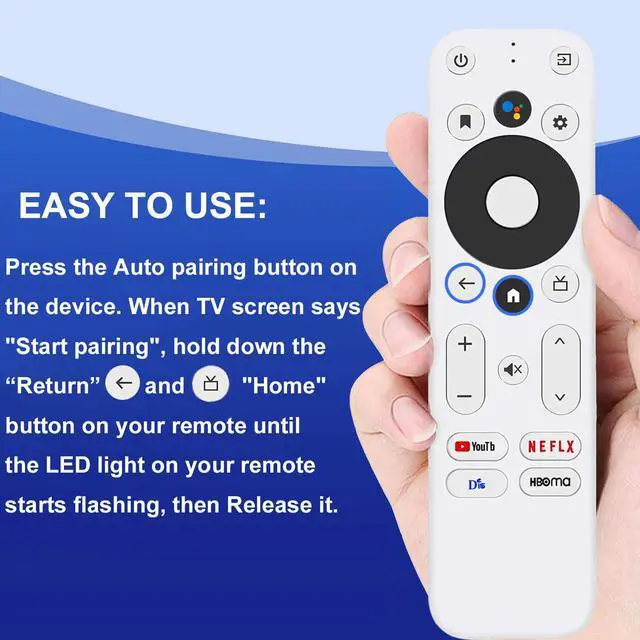
    New Remote: 1. Press the POWER key to turn on the TV; 2. Press the Home Button and RETURN Button together for 3-5 seconds; the indicator light flashes and enters the pairing status; after pairing is successful, the indicator light will go out. Connecting a New Remote with a
    Paired Remote: 1. Press the HOME key, then select SETTING - Remotes & accessories. 2. Select Add accessory, then press the OK key to confirm pairing. 3. Press the Home Button and RETURN Button together for 3-5 seconds; the indicator light flashes and enters the pairing status; after pairing is successful, the indicator light will go out.
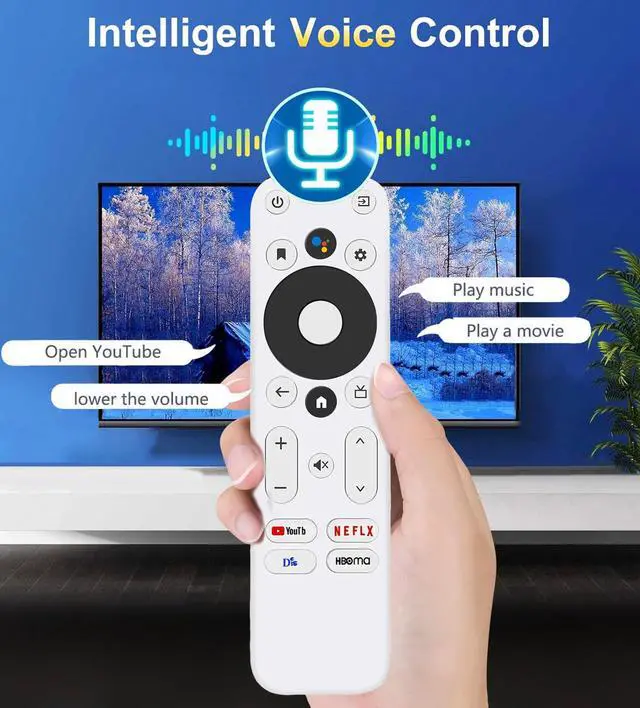
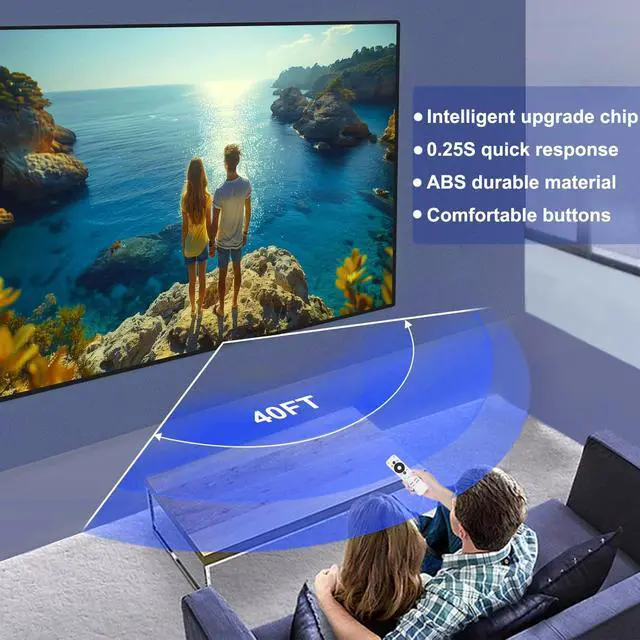
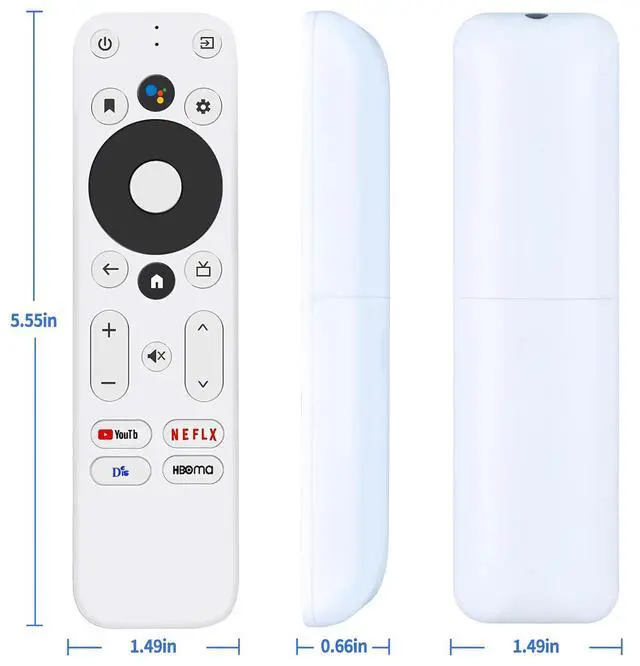
    (NOTE: Before use, insert two batteries; 2×AAA batteries are not included. ) Voice Search FunctionsReplacement for ONN Android TV 4K UHD TV Box Remote has a voice search feature, which quickly recognizes and keeps speaking. You can quickly operate and adjust the volume, switch the programs you need, and search through voice to get the channels you want to watch, which is perfect for the elderly and children. With 4 Shortcut ButtonsFor ONN TV 4K UHD Stick TV Box Remote Control, get to favorite apps quickly with shortcut buttons; it has 4 shortcut buttons, so you can switch to your favorite channel conveniently. Durable MaterialRemote control with strong technology, multi-angle sensing, and a newly upgraded chip that can extend transmission distance by over 39 feet and respond quickly in 0.25 seconds. Made of ABS and silicone; ABS improves durability

    Warranty & Returns

    Warranty, Returns, And Additional Information

    Warranty

    • Please contact the Seller directly for warranty information. Warranty information may also be found on the Manufacturer's website.
    • CONTACT

    Return Policies

    Manufacturer Contact Info

    LOADING...