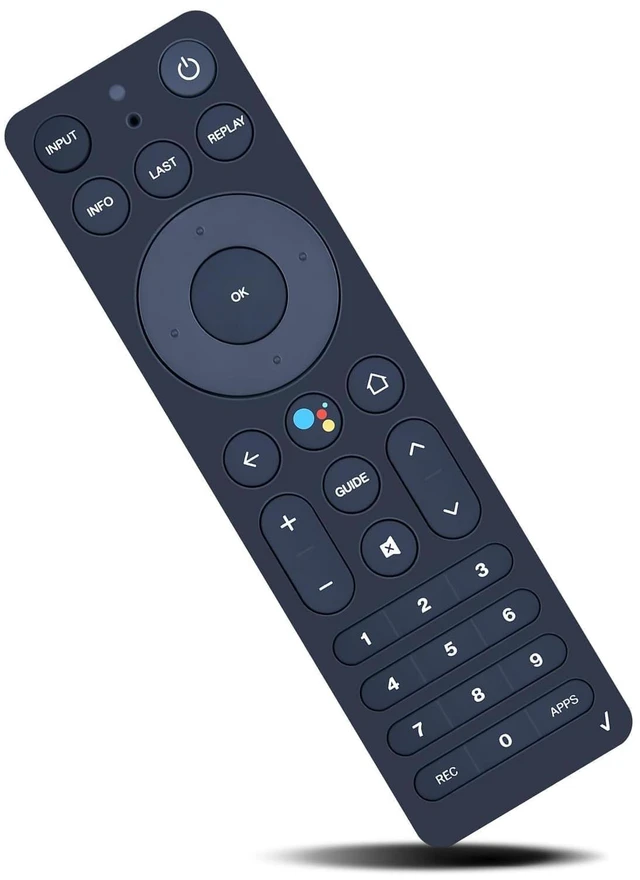
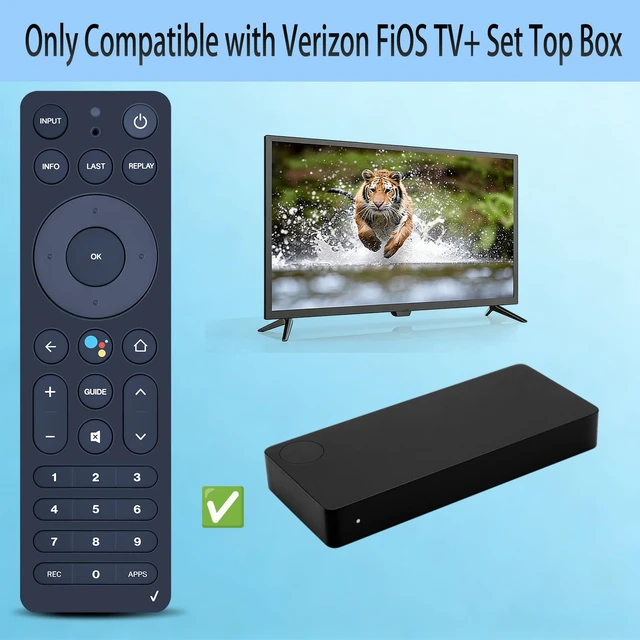
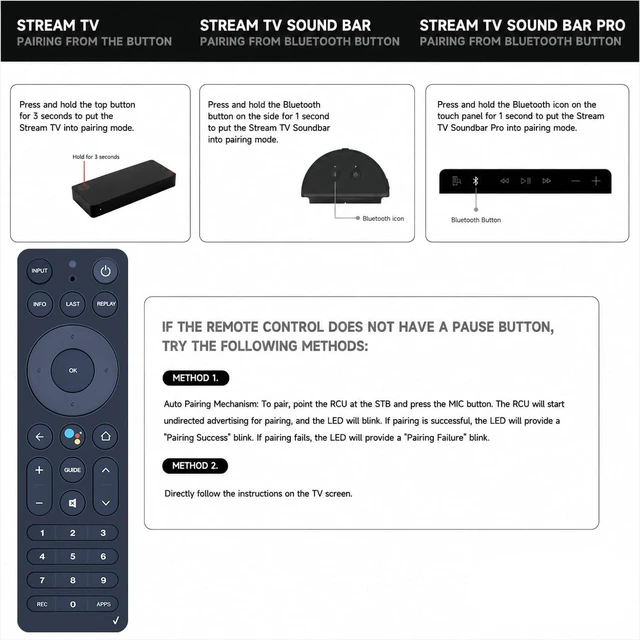
Compatible with Verizon FiOS TV+ Set Top Box RC552 RC55101FCL RTL8762CKO 2AGOFRC451B How to program your remote control: 1. First, you will need to unpair your old remote. On the Fios TV+ device, press and hold the button on top of the device for 15 seconds. 2. You will see an on-screen menu. Press the button on the top of your device to navigate to the "Unpair remote" menu option. 3. Once on the "unpair remote" item, press and hold for 3 seconds. 4. Once the old remote is successfully unpaired, you will be prompted on-screen to pair your new remote.
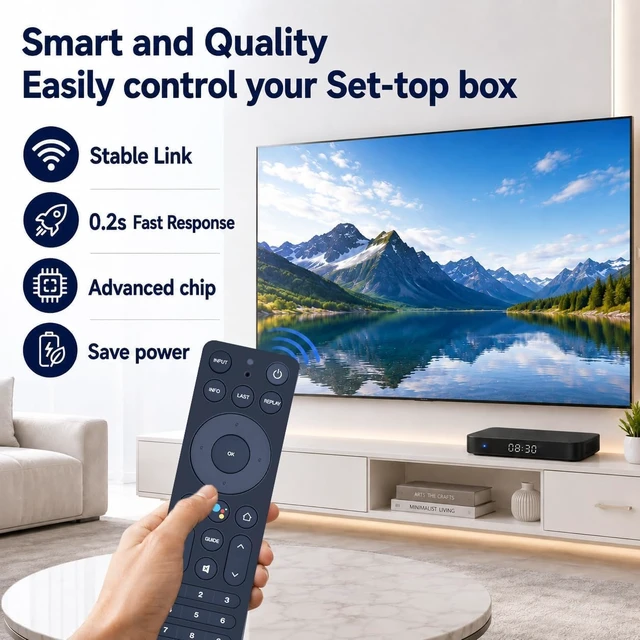
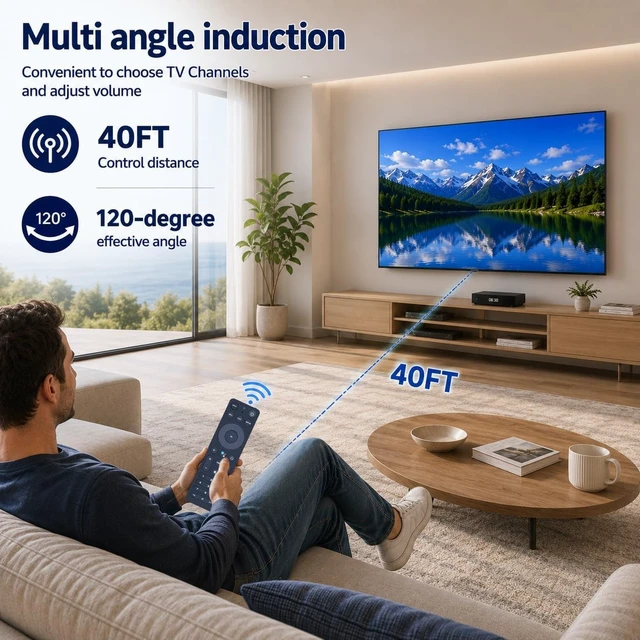
[Advanced Infrared Technology]: Strongest and stable signal by Infrared technology, long transmission distance, 0.2 s fast response, you can control your Set Top Box from multi-angle and without obstruction.
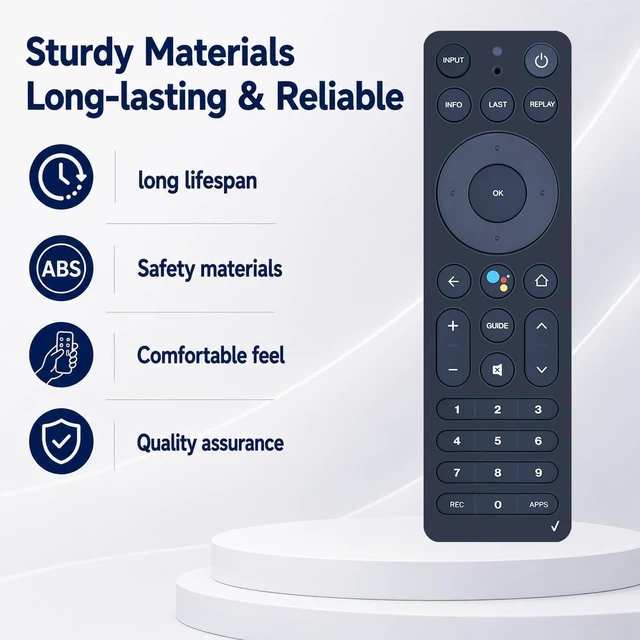
[High Quality]: Made of High Quality ABS material, which is resistant to falling and has no peculiar smell, built to last for long lasting use, and also keeps you and your children away from harm.
[Easy to use]: Easy pairing or setup. After inserting the battery (Not included), simply follow the pairing steps until successful, and it will perfectly replace your original remote





 here!
here!