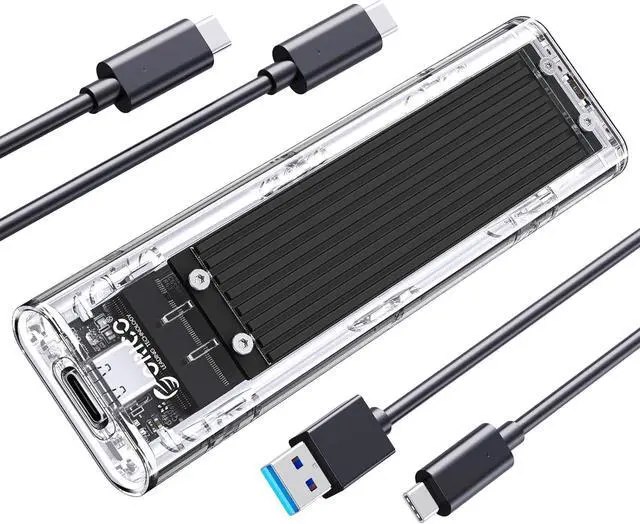
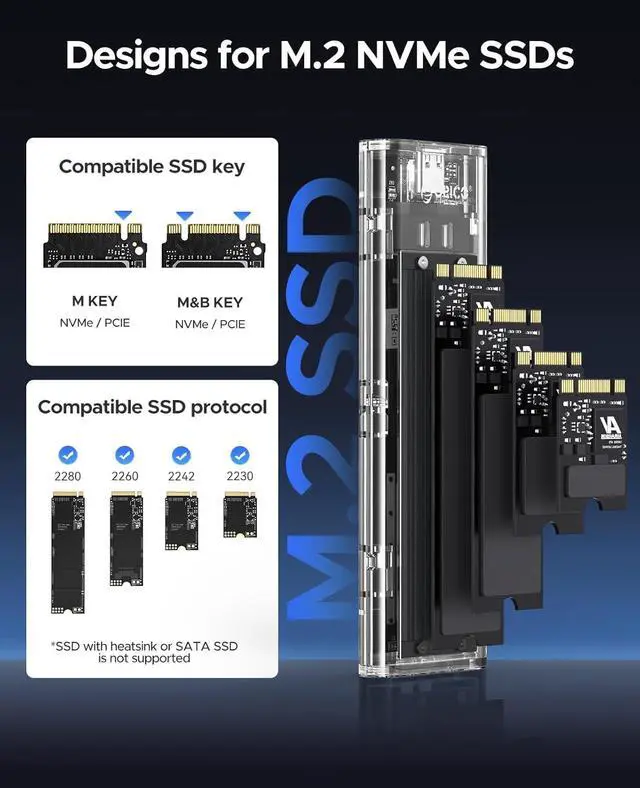
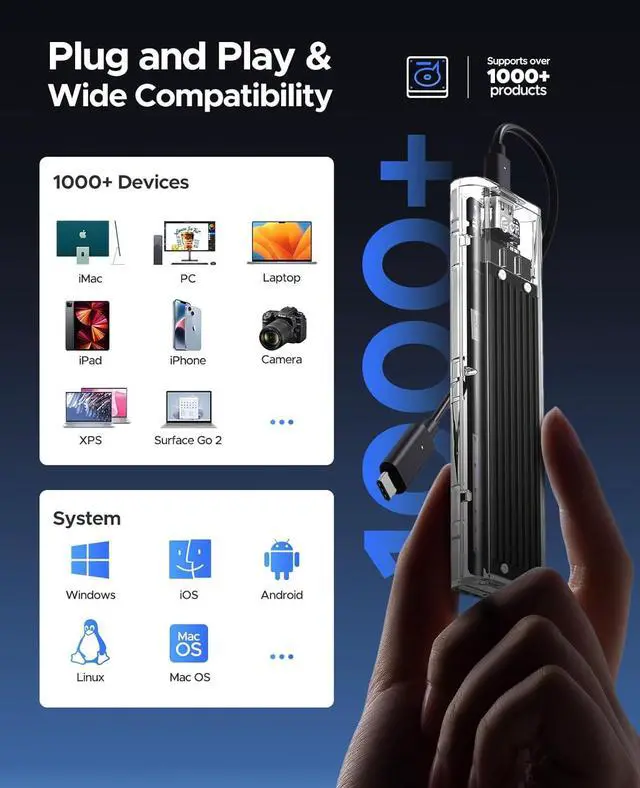
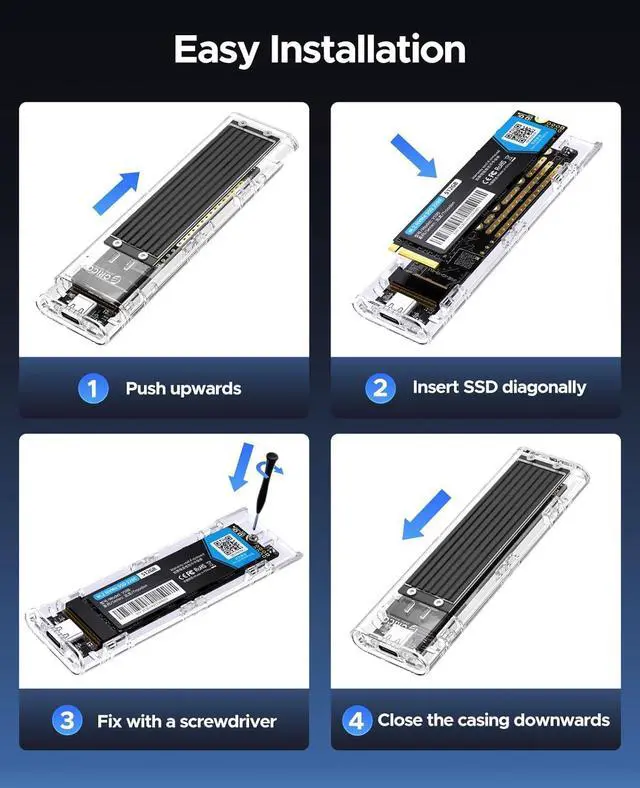
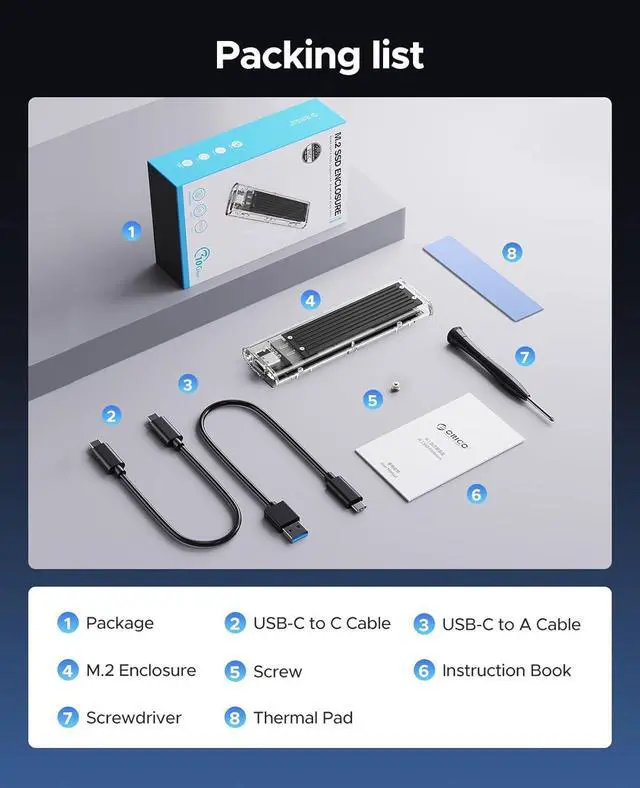
The ORICO TCM2 is a USB-C M.2 NVMe enclosure for turning a compatible M-Key SSD into external storage, suited to users who want 10 Gbps USB 3.2 Gen 2 connectivity and tool-free installation. It fits 2230, 2242, 2260, and 2280 drives and supports up to 2TB per bay.
Recommended For
- People repurposing a compatible M.2 NVMe drive as portable storage can use the TCM2 to move files between computers without buying a prebuilt external SSD. Reviews tested the enclosure with different NVMe drives and reported sequential transfers around 900 MB/s in their setups.
- Laptop users who want a compact drive for carrying work files or transferring data between locations are a good fit: the TCM2-C3 review describes a palm-sized enclosure for taking NVMe storage on the go, and a hands-on video describes it as convenient for carrying drives between systems.
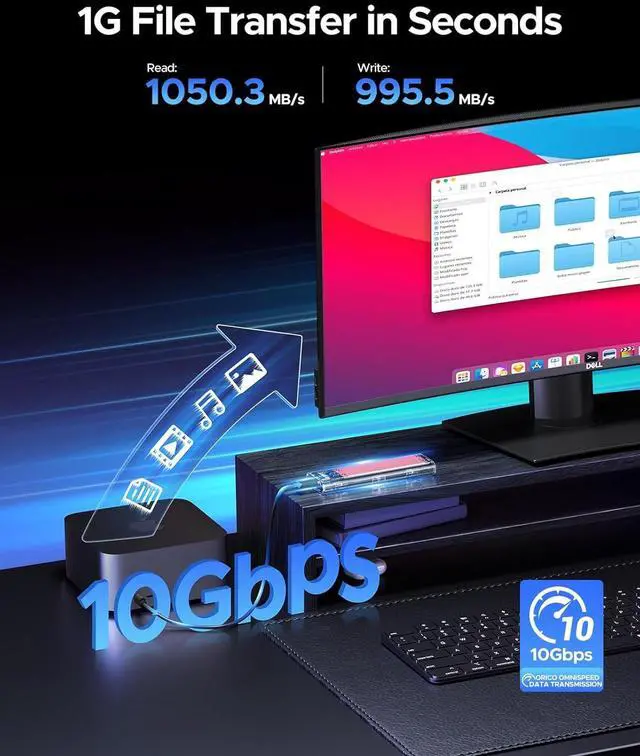
- People making occasional large file transfers or backups can benefit from its USB 10Gbps connection, provided their computer has a compatible USB port. Independent testing found near-900 MB/s sequential reads and writes in the tested setups; actual speeds depend on the drive and host connection.
- Users with a spare 2230, 2242, 2260, or 2280 M.2 NVMe M-key SSD who need a single-drive USB-C enclosure are a match, as long as the drive fits the product’s supported interface and size.
Real-World Use Scenarios
- After upgrading a laptop, put its compatible M.2 NVMe drive in the enclosure to reuse it as portable storage; the drive can then connect over USB-C instead of sitting unused.
- When moving large folders, project files, or media between computers, use it as a wired external drive; tested TCM2-C3 hardware reached close to 900 MB/s in review benchmarks, though results depend on the SSD and connected USB port.
- For carrying a working set of documents or media between locations, load a compatible NVMe drive and connect the enclosure to a computer; reviewers describe it as a compact way to make an M.2 drive portable.
- When replacing a computer’s internal drive, use the enclosure to connect a compatible old NVMe SSD to another computer and access or copy its files; it provides external-drive access, not a guarantee of automatic system migration.
- For an extra local copy of personal files or a project folder, connect the enclosure and copy the data onto its SSD; it works as single-drive external storage, so backups still need to be managed by the user.
Spec Summary
| Attribute | Value |
|---|
| Best For | Using a single M.2 NVMe M-Key SSD as external storage with a desktop, laptop, tablet, or smartphone |
|---|
| SSD Compatibility And Capacity | Supports one M.2 NVMe M-Key SSD in 2230, 2242, 2260, or 2280 sizes, up to 2TB |
|---|
| External Interface And Transfer Rate | USB 3.1 Type-C connection with data transfer rates up to 10 Gbps |
|---|
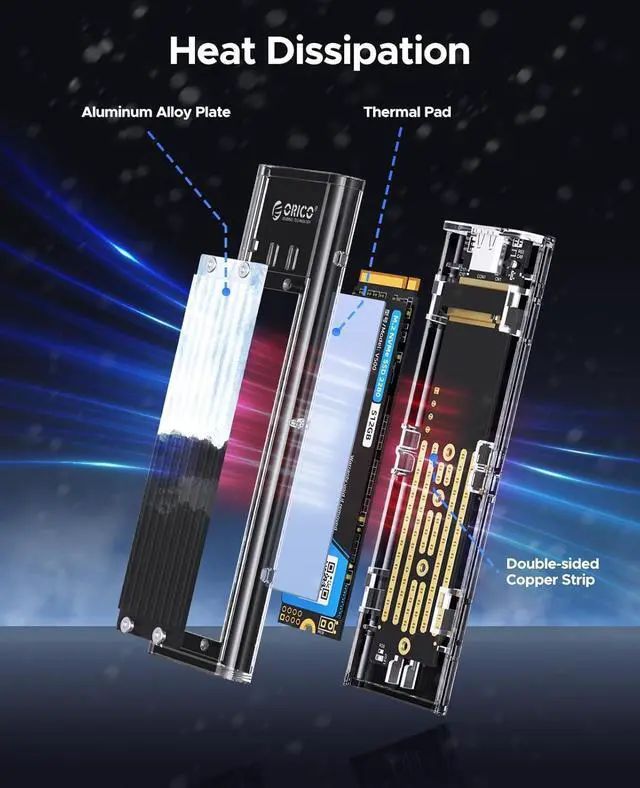
| Construction And Power | Black aluminum-and-plastic enclosure with no fan, AC adapter, or battery required |
|---|
| Weight | 150 g |
|---|
| Model Identifiers | ORICO TCM2-C3-BK-BP |
|---|





 here!
here!