Your Browsing History
- Free 30-day Returns
$39.99
Ships from China.
Meet Your Seller
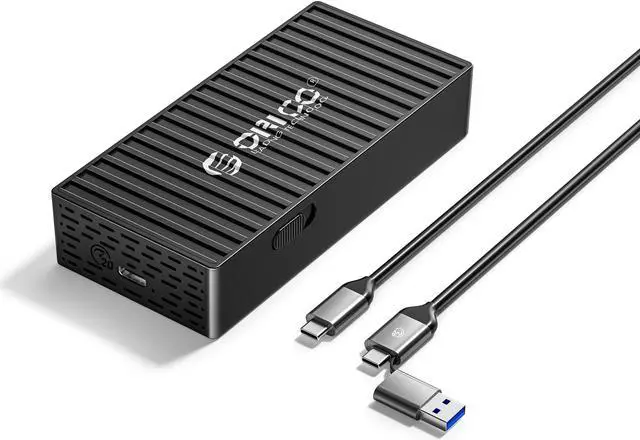
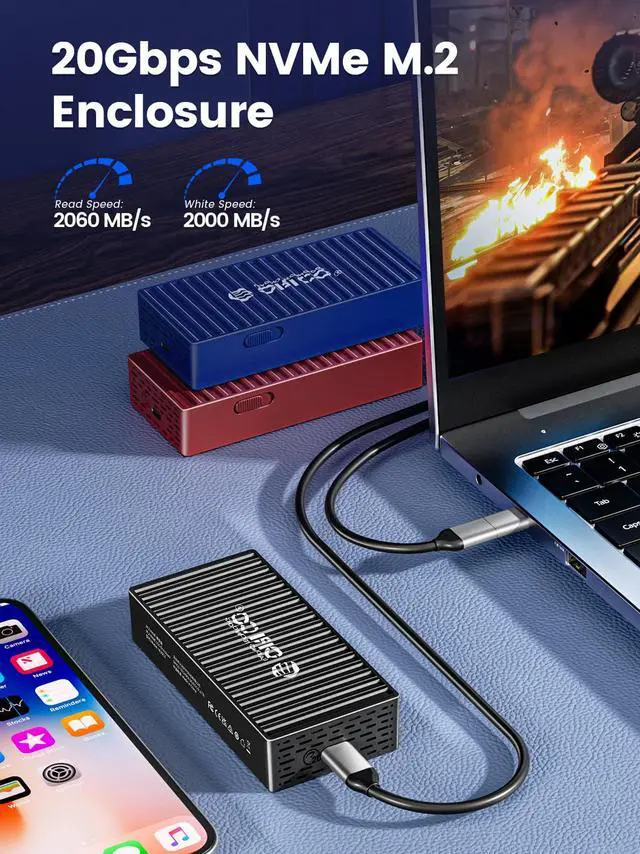
ORICO M.2 NVMe SSD Enclosure to 20Gbps USB3.2 Gen2x2 USB-C PCIe Adapter for NVMe M-Key/M+B Key SSD 2230/2242/2260/2280, M2 External SSD Case(Cooling Vest, UASP, Trim) SSD Max 4TB
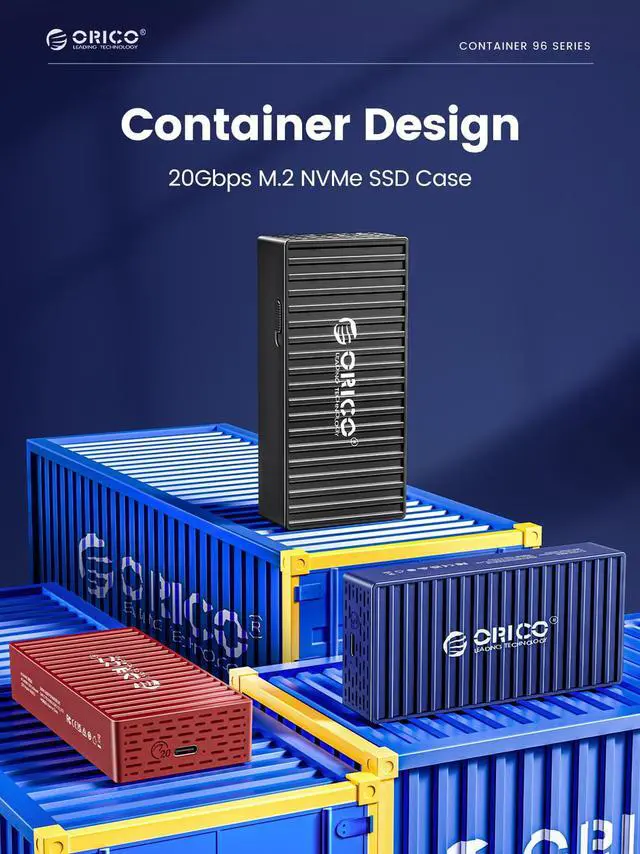
- Container design & 3 Colors Optional
- USB3.2 Gen2 Super Speed: 10Gbps
- M.2 NVME SSD Enclosure with 10Gbps Transmission
- Max 4TB Capacity
- Plug & Play, Wide Compatibility
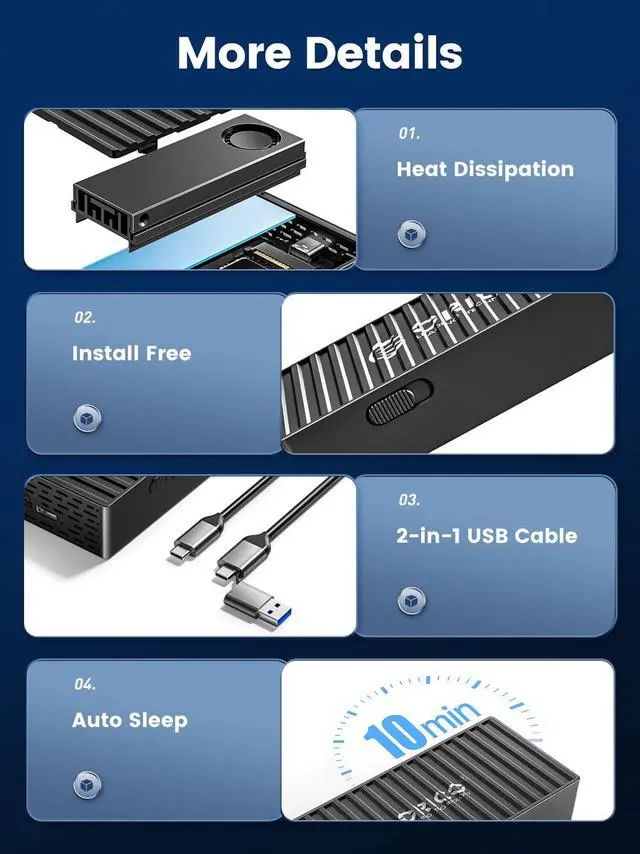
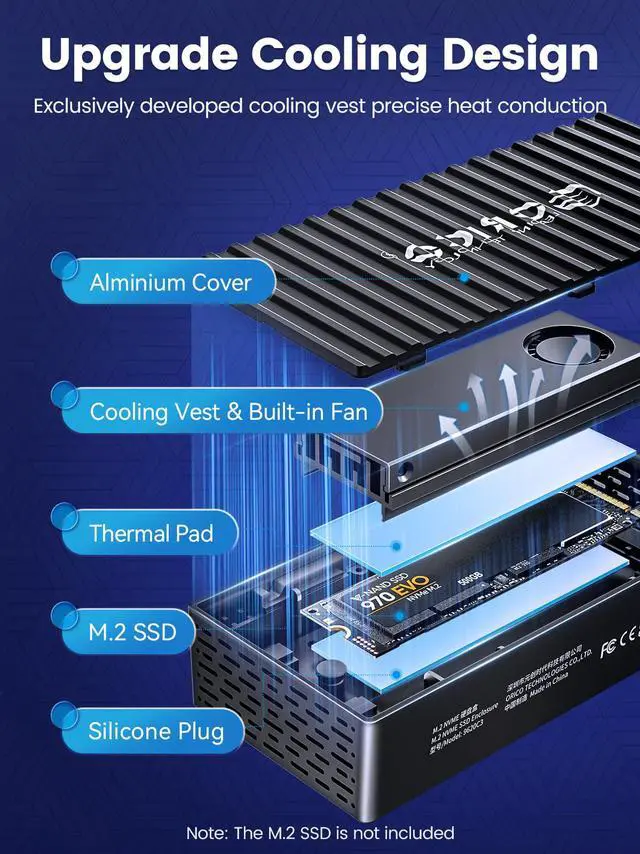
- Low Temperature, High Speed
+
+
Overview
Specs
Reviews (2)
Any questions? Our AI beta will help you find out quickly.
Try me now
Features:
Container design & 3 Colors Optional
USB 3.2 Gen2 Super Speed: 10Gbps
M. 2 NVME SSD Enclosure with 10Gbps Transmission
Max 4TB Capacity
Plug & Play, Wide Compatibility
Low Temperature, High Speed
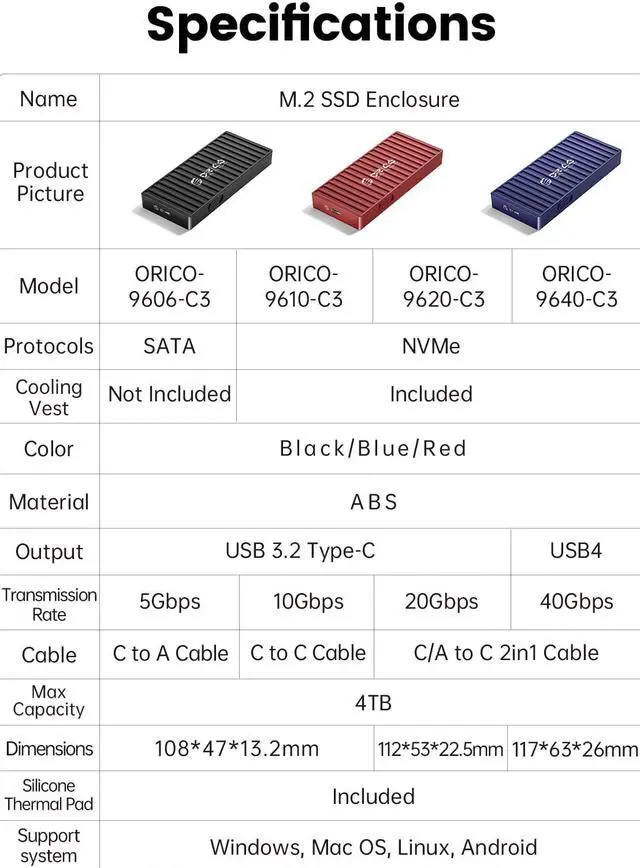
Model: ORICO-9610-C3
Protocols: NVMe
Cooling Vest: Included
Color: Black/Blue/Red
Material: ABS
Output: USB 3.2 Type-C
Transmission Rate: 100Gbps
Cable: C to C Cable (30cm)
Max Capacity: 4TB
Dimensions: 108*47* 13.2 mm
Silicone Thermal Pad: Included
Support System: Windows, Mac OS, Linux, Android
What in the Box:
1 x M. 2 SSD Case
1 x Thermal pad
1 x Cooling vest
1 x USB C Cable
1 x User Manual
Note:
Free Install:
1. Slide the button cover and pull the cover out.
2. Stick the thermal pad and the cooling vest on the SSD.
3. Stick the silicone plug to the SSD and insert the SSD in.
4. Close the back cover and connect cable to devices.

Container design & 3 Colors Optional
USB 3.2 Gen2 Super Speed: 10Gbps
M. 2 NVME SSD Enclosure with 10Gbps Transmission
Max 4TB Capacity
Plug & Play, Wide Compatibility
Low Temperature, High Speed
Specifications
:Model: ORICO-9610-C3
Protocols: NVMe
Cooling Vest: Included
Color: Black/Blue/Red
Material: ABS
Output: USB 3.2 Type-C
Transmission Rate: 100Gbps
Cable: C to C Cable (30cm)
Max Capacity: 4TB
Dimensions: 108*47* 13.2 mm
Silicone Thermal Pad: Included
Support System: Windows, Mac OS, Linux, Android
What in the Box:
1 x M. 2 SSD Case
1 x Thermal pad
1 x Cooling vest
1 x USB C Cable
1 x User Manual
Note:
Free Install:
1. Slide the button cover and pull the cover out.
2. Stick the thermal pad and the cooling vest on the SSD.
3. Stick the silicone plug to the SSD and insert the SSD in.
4. Close the back cover and connect cable to devices.
Warranty & Returns
Warranty, Returns, And Additional Information
Warranty
- Please contact the Seller directly for warranty information. Warranty information may also be found on the Manufacturer's website.
- Read full details
- CONTACT
Return Policies
- Return for refund within: 30 days
- Return for replacement within: 30 days
- This item is covered by ORICO Official Store Return Policy
Manufacturer Contact Info
- For a directory of all our manufacturers, please click below.
- Manufacturers Directory
LOADING...