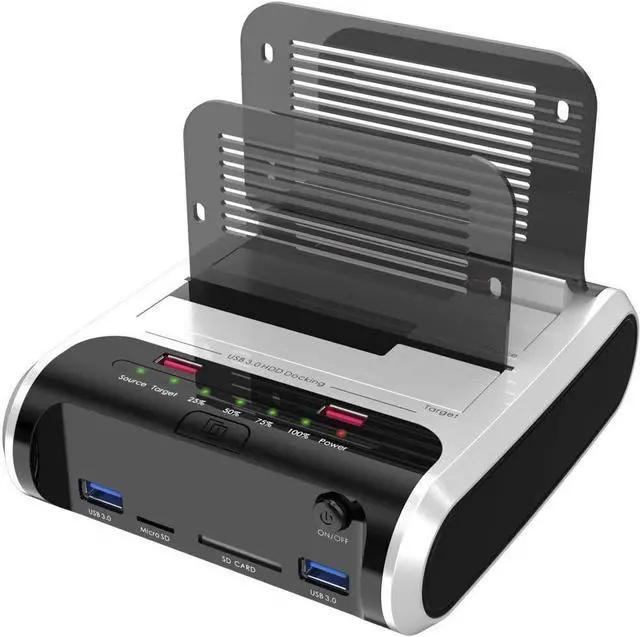
JMS561U chip
We've included the JMS561U chip in it. This external hard drive enclosure supports UASP, which means dependable, high-quality data transfers to and from your external hard drive at speeds up to 6 Gbps!
Multiple Ports
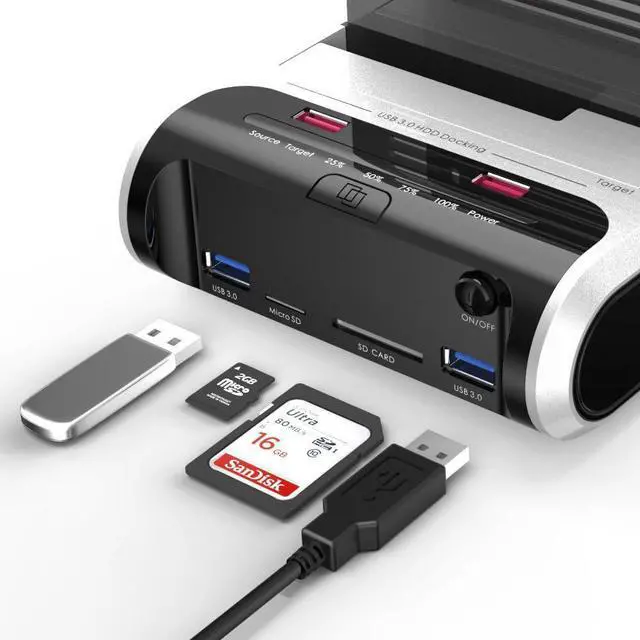
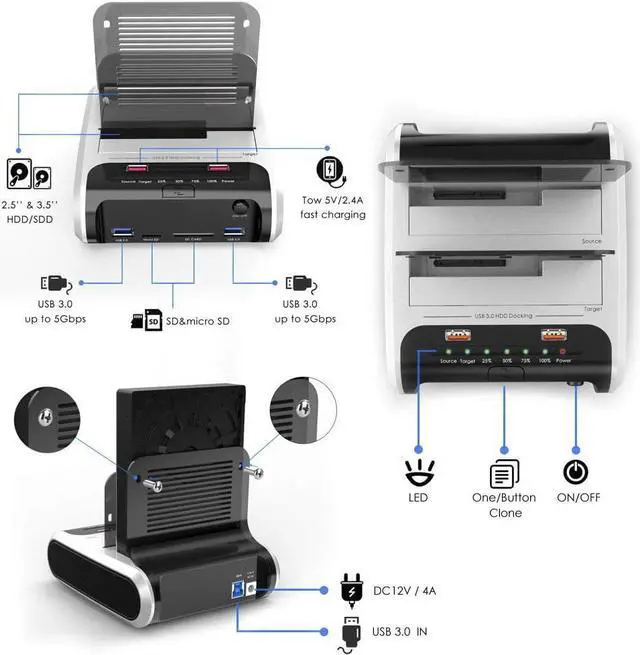
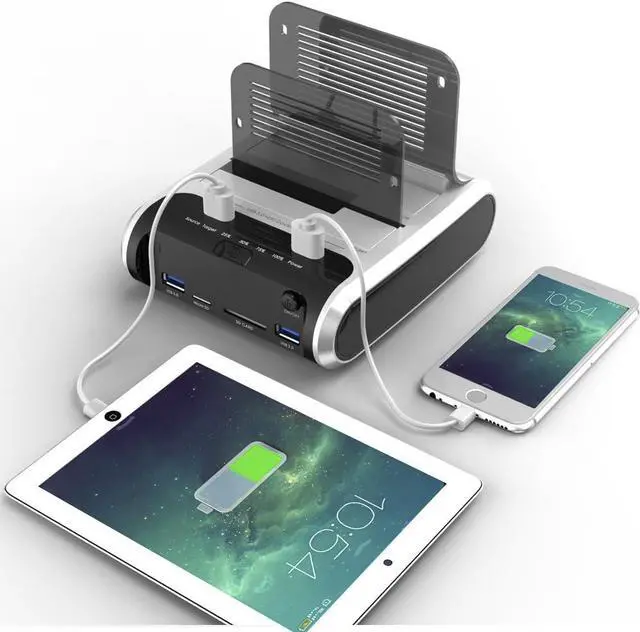
2x USB 3.0 ports for super transfer speed up to 5Gbps, you can connect your usb peripherals or usb stick to solve external USB devices and high-speed file transfer.
-2x fast charging port can charge your smart phone or a tablet up to 2.4A.
- SD&TF read slot, supports maximum 2TB SD/SD, it easy and convenience transferring high-resolution images and video recordings.
SATA interface
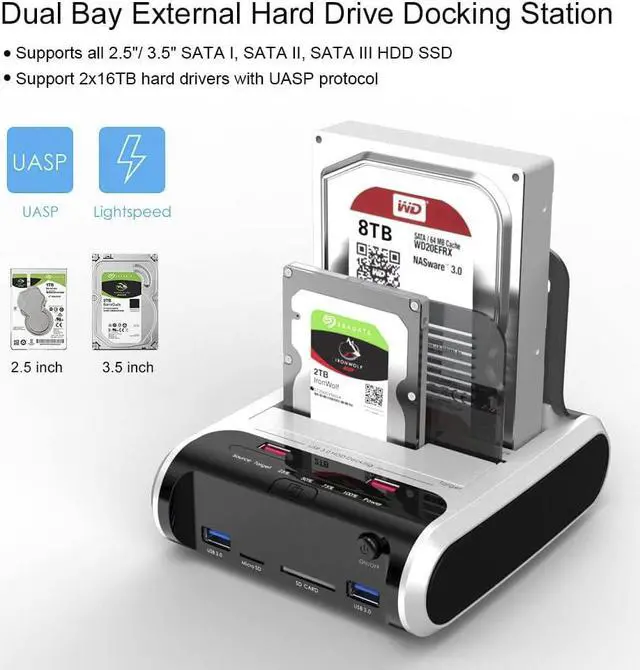
SATA III internal interface , Support SATA I/ II/ III HDD and SSD, perfect solution for managing your 2.5 or 3.5 HDD & SSD with sata interface without any tools or special software.
Features:
* Support 2x 12TB hard drive;
* Equipped with USB 3.0, fast charging SD&TF read slot, supports maximum 2TB SD/SD, it easy and convenience transferring high-resolution images and video recordings.
* Supports 2.5" & 3.5" SATA (SATA I/ II/ III) HDD and SSD
* Equipped with USB3.0; Support SATA III (6 Gbps) and UASP for optimal performance; * On/Off power switch. LED light indicates Power and Activity status.
Auto-Sleep Function
Automatic sleep function is an excellent feature. It conserves energy and prevents overheating, but this wasn't enough. We had to make sure this feature was user friendly and we did just that using an intuitive LED lighting system.
UASP Superspeed
Supports UASP, which means dependable, high-quality data transfers to and from your external hard drive at speeds up to 6 Gbps!
Package Contents:
- 1 x Dual Bay SATA HDD Docking Station
- 1 x 12/ 4A Power AdapterPower Supply
- 1 x USB 3.0 Cable
- 1 x User's Manual
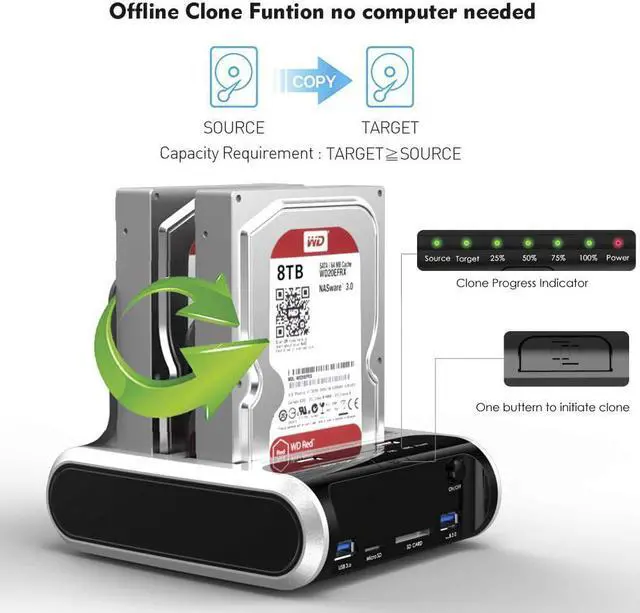
Offline Clone Function (No Connection on the USB)
1, Insert Source Disk and Target Disk into hard drive. (The capacity of Target drive must be equal or bigger than Source drive.)
2, Make sure that the USB cable is disconnected from your computer.
3. Connect power supply and switch on power.
4. Press and hold the offline clone button for 3 seconds, release when you see a Blue LED. (Cloning is now ready)
5. Then quickly press the clone button, then offline clone operation will start. Each LED represents 25% completion.v
6. The cloning process is complete when ALL the lights turn solid Blue (25%-100%).
7. Turn off the power button and then remove the drives.
Notes:
- Do not try to insert or withdraw HDD or SSD when another hard drive running.
- Mac does not support backup. Overheating and damage to the device please make sure that there are no faulty driver cells.
- Please backup files in the target hard drive before cloning. Any files in target hard drive will be overwritten when offline cloning occurs.
- To avoid data loss, do not remove or insert drives when one drive is working in the docking station. Please power off the docking station before removing.
Tool-free installation on Windows 10 through XP, Mac OS X (not compatible with M1/M2-based Mac), and Linux / Unix, Support hot-swapping and easy set up.(No drivers are required for the disk dock itself as it uses the standard USB Mass Storage class). We support 12 months and friendly customer service.