




 here!
here!
I’m your shopping assistant for PC builds, upgrades, and everything tech.
Got questions? Ask away!
Start a conversation
here!
I’m your shopping assistant for PC builds, upgrades, and everything tech.
Got questions? Ask away!
Start a conversation




Any questions? Ask CelesteSM will help you find out quickly.

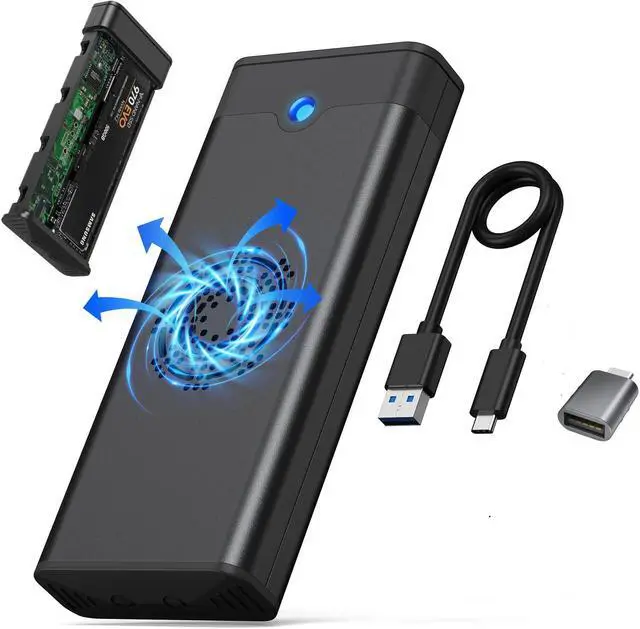
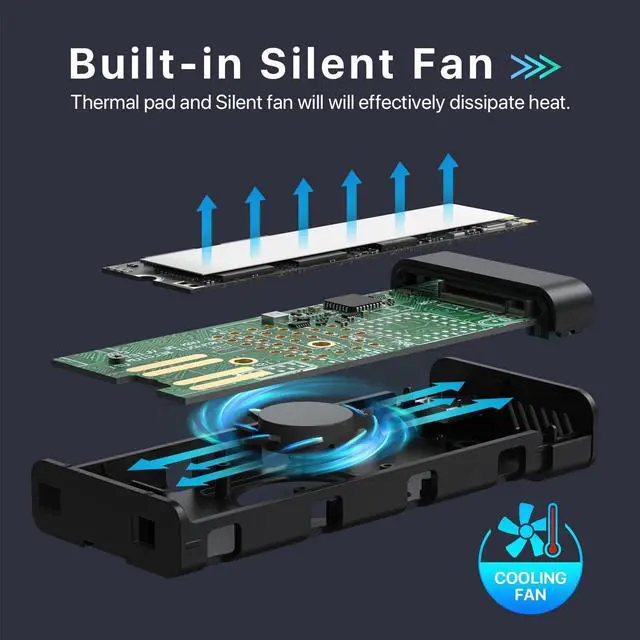
We fully understands the severity of cooling issues in nvme SSD enclosures. We are dedicated to improving and resolving the problems of poor heat dissipation, which can lead to transmission interruptions and damage to the SSD. The nvme m.2 enclosure with fan is equipped with a stunning high-speed cooling fan and a professionally designed hardware layout, ensuring efficient air circulation to remove up to 80% of heat within just 10 seconds.
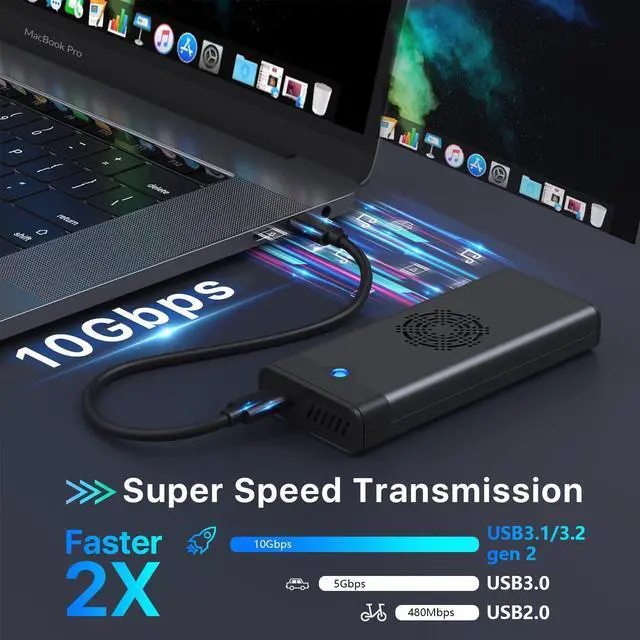
We adopt the cutting-edge USB 3.2 interface, offering lightning-fast transfer speeds of up to 10 Gbps, twice as fast as USB 3.1 Gen 1. Perfect for transferring large files, such as XBOX/Switch games, extensive education software, media files like photos and videos, and personal data backups. With this m.2 nvme enclosure, a 500GB file can be transferred in just 8 minutes.
GMM m.2 nvme enclosure utilizes the most advanced and sophisticated chips, integrating software algorithms for efficient overheat protection. It features automatic sleep mode and overheating protection functions, ensuring a controlled cooling performance, and enhancing the transmission stableness by up to 200% compared to nvme enclosures priced under $20.
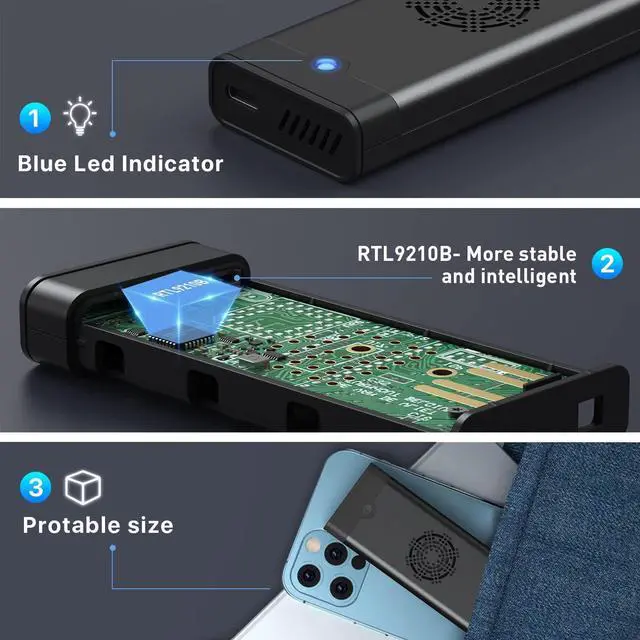
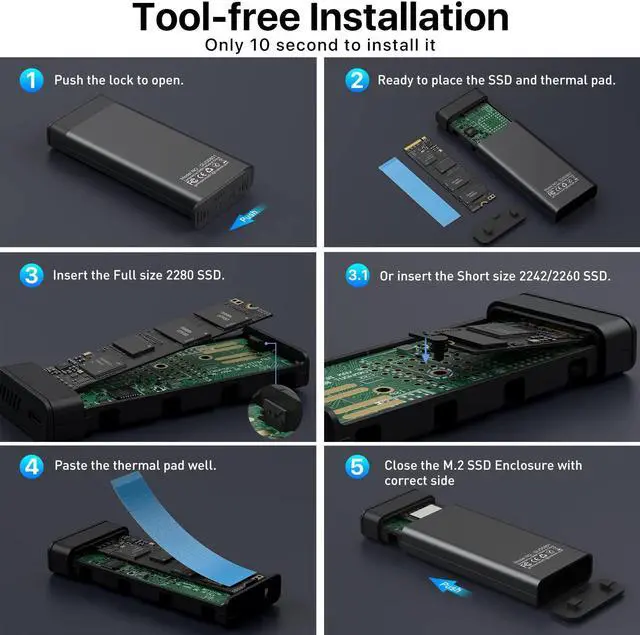
100% Tool-free installation allows you to assemble completely the m.2 nvme enclosure within 10 seconds without needing any bolts and screwdrivers.Besides, its compact design which is 1/3 smaller than your phone is perfect for carrying around, fitting effortlessly in your backpack without taking up extra space.

NOTE: Please make sure press down and fix well your M.2 SSD in case the connect lost when transfering data.
Warm Note - If you computer can't recognize the SSD enclosure. Please Following Steps.
For new SSD, You need to go into the disk management and initialize the SSD firstly, then it could be detected and used normally. Please finish disk initialization according to the following steps.
How to start disk management?
Right click "Computer" - "Manage" - "Disk Management". Find your unallocated disk, right click "Unallocated", and choose "New Simple Volume Wizard".
How to start disk management (in windows 10)?
Click Start -> Run -> type compmgmt.msc -> click OK. Alternatively, right-click on the My Computer icon and select 'Manage'. In the console tree, click Disk Management.

Excellent heat dissipation, reduced power consumption. The thermal pad avoid the overheating when making large files transactions and impro the life of your SSD. Make sure your file won't lose.

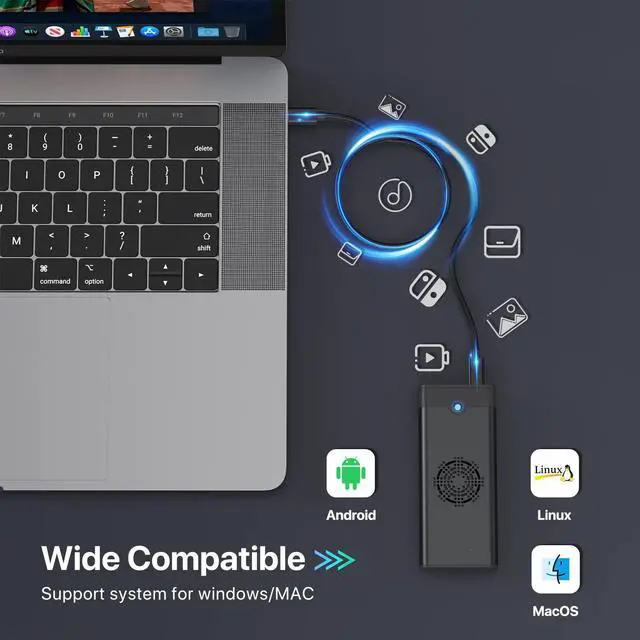
Our SSD enclosure supports NVMe or SATA protocol, NVMe can reach up to 10gbps bandwidth. Our SSD enclosure make your life easy and save your time.

Only 3.94*1.57 inches, 0.27lb weight. This SSD NVMe enclosure easy to carry and storage Cool RGB light and pretty solid grey aliminum design will makes it look elegent.

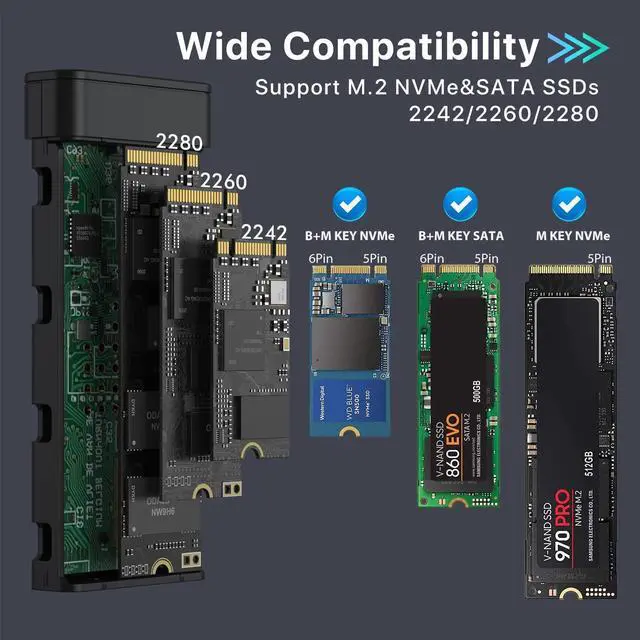
Compatible with M.2 NVMe M key and B+M key SSDs, M.2 SATA M Key SSDs.
Applicable to sizes 2242 / 2260 / 2280 solid state drivers.
Note :Only come with the M.2 NVME SSD Enclosure with Cooling Fan, there are no SSD


