




 here!
here!
I’m your shopping assistant for PC builds, upgrades, and everything tech.
Got questions? Ask away!
Start a conversation
here!
I’m your shopping assistant for PC builds, upgrades, and everything tech.
Got questions? Ask away!
Start a conversation




Any questions? Ask CelesteSM will help you find out quickly.


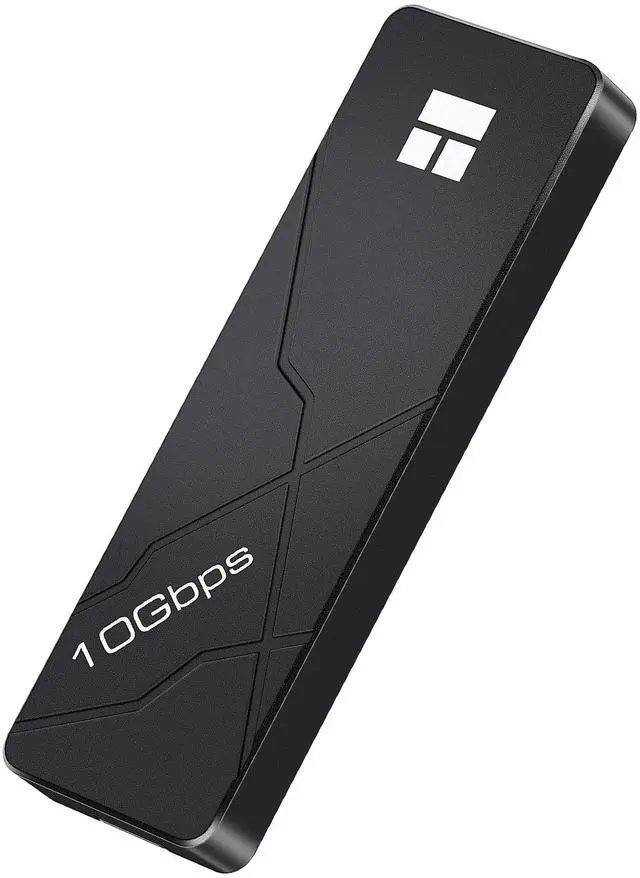
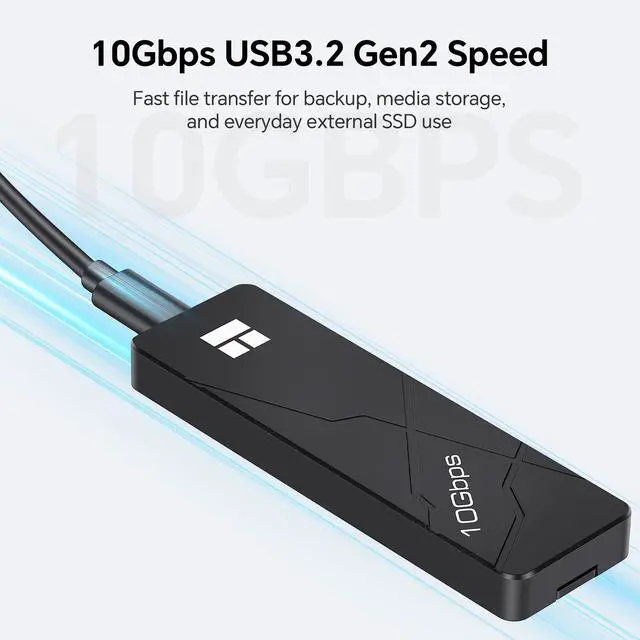
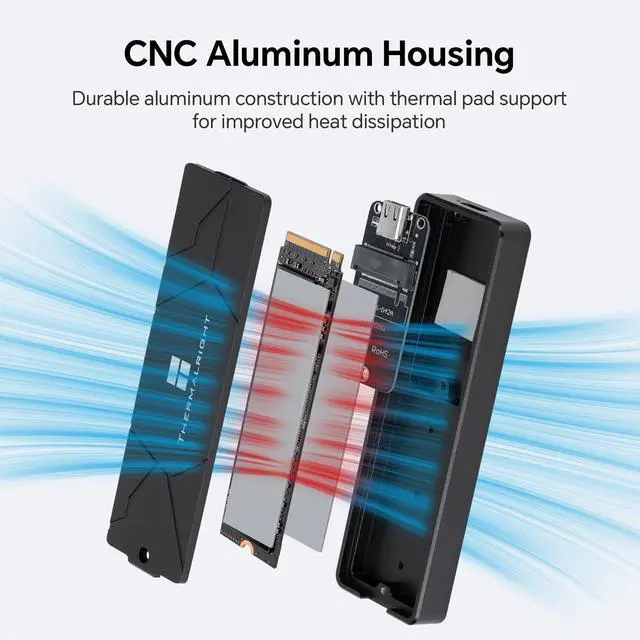
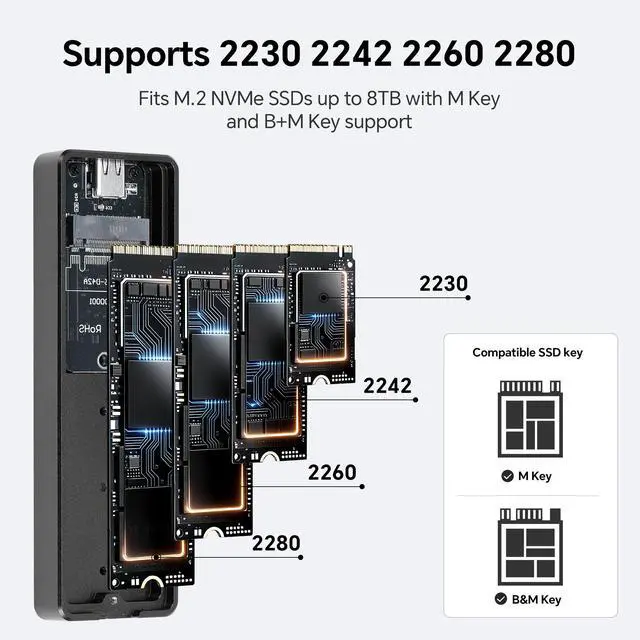
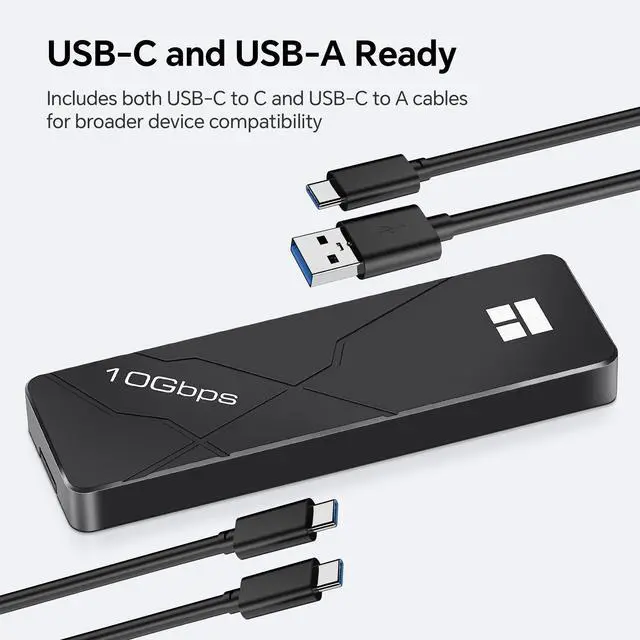
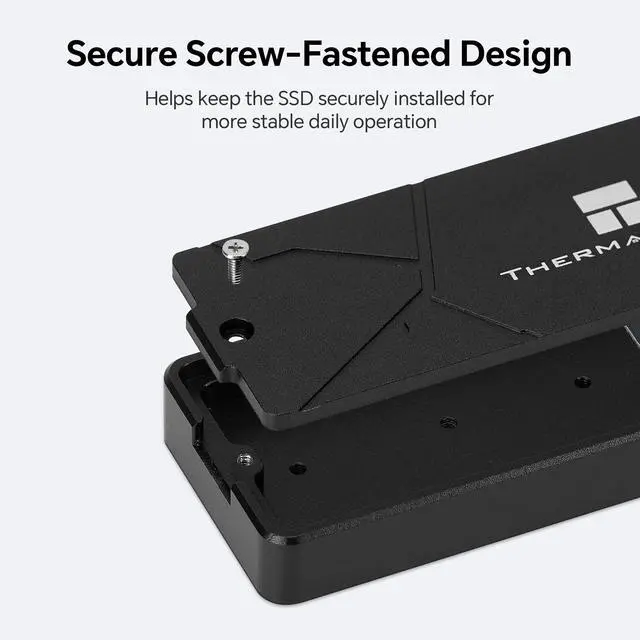
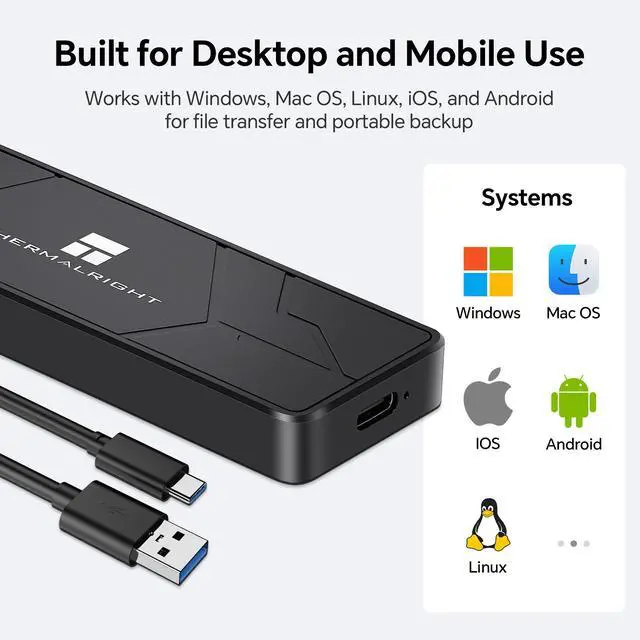
The Thermalright TR-EB110 C BLACK is a compact M.2 NVMe SSD enclosure built for users who want fast portable storage, stable heat dissipation, and a durable full-aluminum body for everyday use. With USB3.2 Gen2 Type-C connectivity, it supports up to 10Gbps theoretical bandwidth and works with UASP, TRIM, and S.M.A.R.T support to help improve transfer efficiency, system response, and drive management when used with a compatible host device and SSD. The enclosure features a CNC-machined aluminum alloy housing combined with included thermal pads to improve heat transfer during file transfers, backups, and extended use. Its screw-fastened structure helps keep the SSD securely installed for more stable everyday operation. It supports M.2 NVMe SSDs up to 8TB in 2230 / 2242 / 2260 / 2280 sizes, and is compatible with M Key and B+M Key NVMe drives. It works with Windows, Mac OS, Linux, iOS, and Android devices through a compatible USB connection. Important: This enclosure supports M.2 NVMe SSDs only and does not support SATA M.2 SSDs. A new SSD may need to be initialized or formatted before first use. Specifications
Model: TR-EB110 C BLACK
Dimensions: 110mm x 35mm x 11mm
Material: Aluminum Alloy (CNC)
Interface: USB3.2 Gen2 Type-C
Cable Length: Approx. 200mm each
Weight: Approx. 77g
Drive Support: M.2 NVMe SSD, up to 8TB
Supported Sizes: 2230 / 2242 / 2260 / 2280
Supported Keys: M Key / B+M Key
Compatible Systems: Windows / Mac OS / Linux / iOS / Android
Warranty: 1-Year Warranty
In the Box: USB-C to C Cable x1, USB-C to A Cable x1, Thermal Pads x2, Screwdriver x1, SSD Mounting Screw and Standoff x1, User Manual & Warranty Card x1
The Thermalright HR-EB110 is a black aluminum CNC M.2 NVMe SSD enclosure with USB 3.2 Gen 2 USB-C connectivity and up to 10Gbps theoretical transfer speeds, making it suitable for users who want fast external storage for backups, file transfers, drive migration, or expanded capacity.
| Attribute | Value |
|---|---|
| Best For | External storage expansion for desktops, laptops, tablets, and smartphones using USB connectivity, with support for up to 8 TB of storage |
| Capacity And Enclosure | Single-drive aluminum enclosure with support for up to 8 TB per bay, finished in black |
| USB Connectivity And Speed | USB 3.2 Gen 2 interface with USB-C connectivity and data transfer rates up to 10 Gbps |
| Power | Includes an AC adapter and uses 5V2A power |
| Included Accessories | Includes one USB-C to C cable, one USB-C to A cable, two thermal pads, a screwdriver, an SSD mounting screw and standoff, and a user manual and warranty card |
| Dimensions And Weight | Measures 14.33 inches wide by 12.83 inches high by 1.38 inches deep and weighs 0.132 kilograms in the package |
| Model Identifiers | Thermalright HR-EB110 AC enclosure |
Q: Is the Thermalright HR-EB110 better than a basic 5Gbps NVMe enclosure?
A: Choose the Thermalright HR-EB110 when faster transfers and better heat management matter. Its USB 3.2 Gen 2 interface supports up to 10Gbps theoretically, while the aluminum CNC housing and included thermal pads are suited to sustained file transfers. A basic 5Gbps enclosure is sufficient for occasional backups and smaller files, but its interface can limit performance with a faster NVMe SSD. Actual speeds depend on the host port, SSD, USB bridge, and cable. ([tomshardware.com](https://www.tomshardware.com/best-picks/best-ssd-and-hard-drive-enclosures?utm_source=openai))
Q: Should I buy the Thermalright HR-EB110 or a 20Gbps NVMe enclosure?
A: Choose the Thermalright HR-EB110 for broad compatibility and value when your computer has USB 3.2 Gen 2 or slower ports. Choose a 20Gbps enclosure only when both the computer and SSD support USB 3.2 Gen 2x2 and you regularly move large files. The HR-EB110 is limited to a 10Gbps USB interface, so a 20Gbps model can offer higher transfer potential on compatible systems; otherwise, the additional interface speed may not provide a practical benefit. ([thewearify.com](https://thewearify.com/best-nvme-enclosures/?utm_source=openai))
Q: Is the Thermalright HR-EB110 a better choice than a USB4 NVMe enclosure?
A: Choose the Thermalright HR-EB110 for routine backups, game storage, file migration, and general external SSD use on 10Gbps USB-C or USB-A systems. Choose a USB4 enclosure when your computer supports USB4 or Thunderbolt and you need substantially higher throughput for large video projects, frequent drive cloning, or other sustained transfers. The HR-EB110 costs performance potential for simpler host compatibility and generally lower system requirements; its 10Gbps interface remains the limiting factor even when a high-end Gen 4 or Gen 5 NVMe SSD is installed. ([reddit.com](https://www.reddit.com/r/UsbCHardware/comments/1gpyqpe?utm_source=openai))
Q: Is the Thermalright HR-EB110 more portable than a tool-free NVMe enclosure?
A: Choose the HR-EB110 when you prefer a screw-fastened installation and want the SSD held securely during transport. Choose a tool-free enclosure when you frequently swap SSDs and prioritize faster installation over a fixed, screw-secured setup. The HR-EB110 includes both USB-C-to-C and USB-C-to-A cables, which improves connection flexibility, but the supplied product data does not establish that it is smaller or lighter than specific tool-free competitors. ([nerdtechy.com](https://nerdtechy.com/best-usb-c-nvme-ssd-enclosure?utm_source=openai))
Q: Does the Thermalright HR-EB110 make sense for long, continuous transfers?
A: The HR-EB110 is a reasonable fit for ordinary long transfers because it combines an aluminum body with included thermal pads, but it should not be treated as a tested high-end sustained-performance enclosure because independent benchmark data for this specific model was not identified. For frequent multi-hundred-gigabyte transfers, video editing, or heavy drive cloning, compare measured temperatures, controller behavior, and throttling results from a tested 20Gbps or USB4 enclosure. Community testing generally indicates that passive cooling is adequate for common 10Gbps use, while heavier workloads place greater importance on thermal-pad contact and enclosure design. ([reddit.com](https://www.reddit.com/r/UsbCHardware/comments/16gt26b/ugreen_10gbps_nvme_enclosure_benchmarks/?utm_source=openai))
Q: Will this enclosure fit my M.2 SSD?
A: It is designed for M.2 NVMe SSDs in 2230, 2242, 2260, and 2280 lengths, with support for M Key and B+M Key drives. It is not a universal M.2 enclosure for SATA-only SSDs, so confirm that the drive uses the NVMe protocol before buying.
Q: How fast is this NVMe enclosure in real-world use?
A: The enclosure supports up to 10Gbps through USB 3.2 Gen2. Actual transfer speeds will be lower or higher depending on the installed SSD, the computer's USB port, the cable, file sizes, and system performance. The included USB-C to C and USB-C to A cables support connection to newer and older USB ports.
Q: Is it suitable for backups, file migration, and everyday external storage?
A: Yes. It is suitable for external storage, backups, cloning or migrating files, and accessing a compatible NVMe SSD outside a computer. UASP, TRIM, and S.M.A.R.T support can help maintain responsive drive operation, but the enclosure's USB connection remains slower than the SSD's internal PCIe connection.
Q: Will the enclosure get hot during long transfers?
A: The CNC-machined aluminum housing and included thermal pads are intended to improve heat dissipation during extended use. This can help stabilize performance, but enclosure temperature will still depend on the SSD, workload, ambient conditions, and ventilation. Installation is screw-fastened, which is secure but less convenient than a tool-free design.
Q: Who is this enclosure best suited for?
A: It is best suited for users who already have a compatible M.2 NVMe SSD and want portable storage for backups, work files, media libraries, or drive migration. It is also practical for users who need both USB-C and USB-A connectivity. It is less suitable if you need SATA M.2 support, tool-free installation, or speeds above the 10Gbps USB limit.
Q: Does the Thermalright HR-EB110 AC Black fit my M.2 NVMe SSD?
A: It is suitable if your SSD is an NVMe drive in the 2230, 2242, 2260, or 2280 format and uses an M Key or B+M Key connector. It does not support SATA M.2 drives based on the provided product information.
Q: Is the HR-EB110 a good choice for everyday external storage and backups?
A: It is appropriate for routine backups, file transfers, and portable storage when the host device has a USB 3.2 Gen 2 10Gbps connection. Actual performance will depend on the SSD, USB port, cable, and workload, and it will not provide USB4 or Thunderbolt-level speeds.
Q: What are the main trade-offs of choosing this enclosure?
A: The main advantages are broad NVMe size support, an aluminum body, thermal pads, and both USB-C-to-C and USB-C-to-A cables. The trade-offs are the 10Gbps interface limit, screw-fastened installation instead of a tool-free design, and the need to supply a compatible M.2 NVMe SSD separately.
Q: Who is the HR-EB110 best suited for?
A: It is best suited for users who already have a compatible M.2 NVMe SSD and want to reuse it as external storage for laptops, desktops, tablets, backups, or file migration. It is less suitable for buyers seeking maximum USB4 or Thunderbolt transfer speeds.


