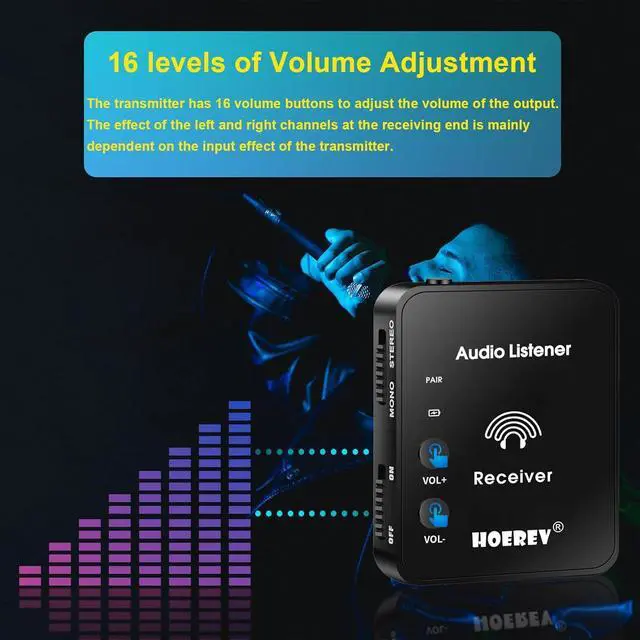
Special volume design: 16 levels adjustable volume buttons design on receiver, you can adjust the output volume freely according to your need
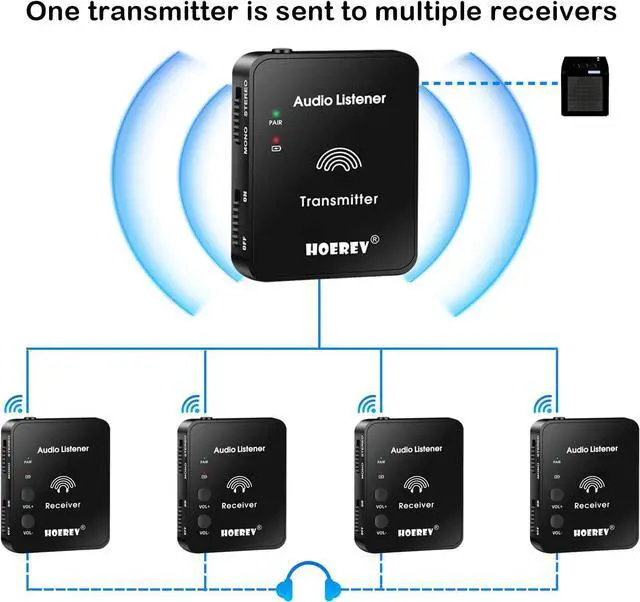
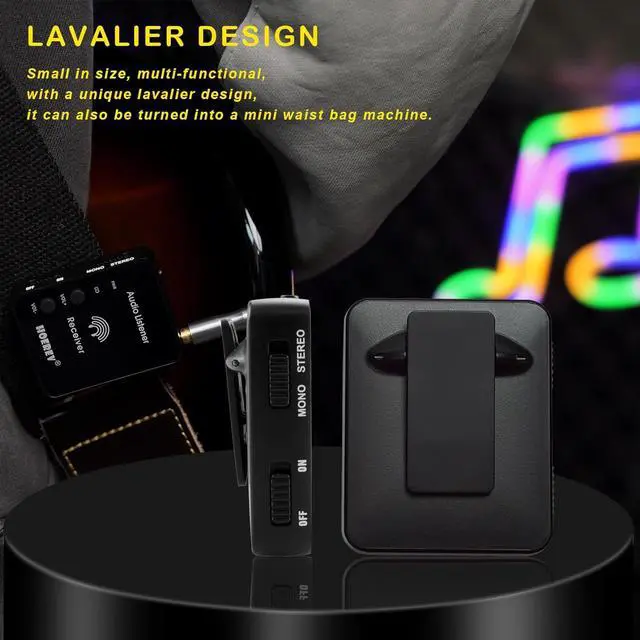
Mini size: mini size and unique back clip design, you can put the receiver into your pocket or clip the receiver to your clothes, create your own monitor system.
Product Description
HOEREV Wireless In-ear Studio Professional Equipment Transmission System
The single body weighs 50g, you can't feel its presence at all when playing, and you can play it to your heart's content.
It has a unique lavalier design that will not fall when playing, and can also be turned into a mini bodypack.
Battery Description
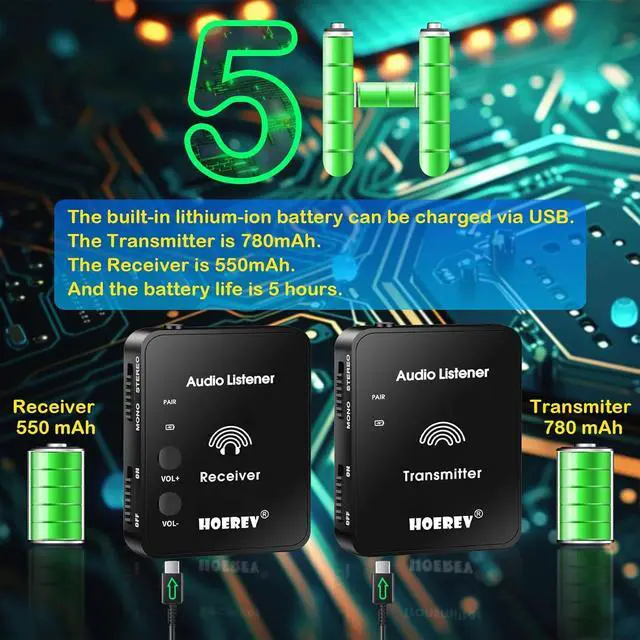
The built-in lithium-ion battery can be charged by USB.
The product is equipped with a USB Type C charging cable, please use the USB Type C charging cable to charge.
Can be used 5 hours when fully charged.
Schematic Diagram Of Transmitter And Receiver Products
Transmitter:
3.5 mm interface at the transmitter: can be connected to mobile phones, sound cards, musical instruments and other audio equipment.
Charging indicator: red light when low power, red light on when charging, blue light when full.
Pairing indicator: slow flashing when not paired, fast flash when pairing, and solid light after successful pairing.
USB charging interface: Charge using the USB charging cable included with the product.
Power switch: Turn the device on or off.
Pairing button: Long press to enter the pairing state, and the light will be on long after successful pairing.
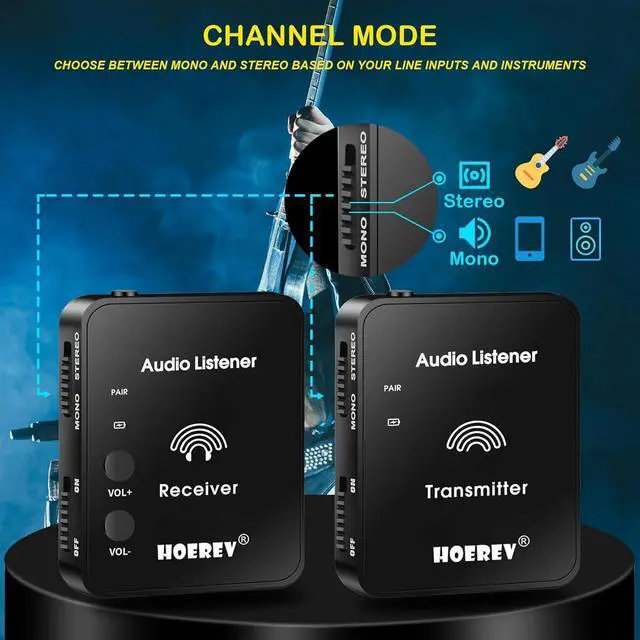
Mono/Stereo: Choose between mono and stereo based on your line inputs and instruments.
Mono: Guitar, bass and other mono equipment.
Stereo: mobile phones, sound cards and other stereo equipment.
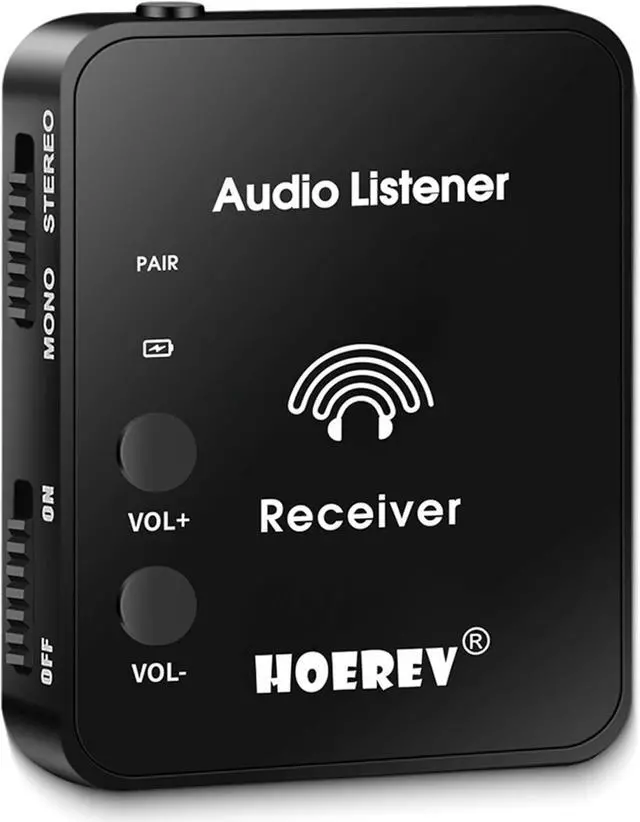
Receiver:
3.5 mm interface at receiving end: headphones, speakers, etc.
Charging indicator: red light when low power, red light on when charging, blue light when full.
Pairing indicator: slow flashing when not paired, fast flash when pairing, and solid light after successful pairing.
USB charging interface: Charge using the USB charging cable included with the product.
Power switch: Turn the device on or off.
Pairing button: Long press to enter the pairing state, and the light will be on long after successful pairing.
Mono/Stereo: Choose between mono and stereo depending on your receiving device.
Adjust the size of the volume output.
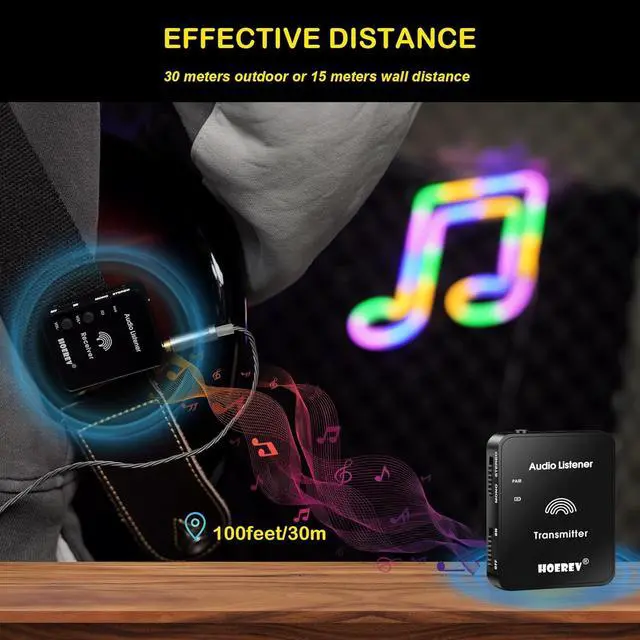
How Far Away Is The Effective Distance



 Holiday Shipping Details & Extended Holiday Returns


