
 Holiday Shipping Details & Extended Holiday Returns


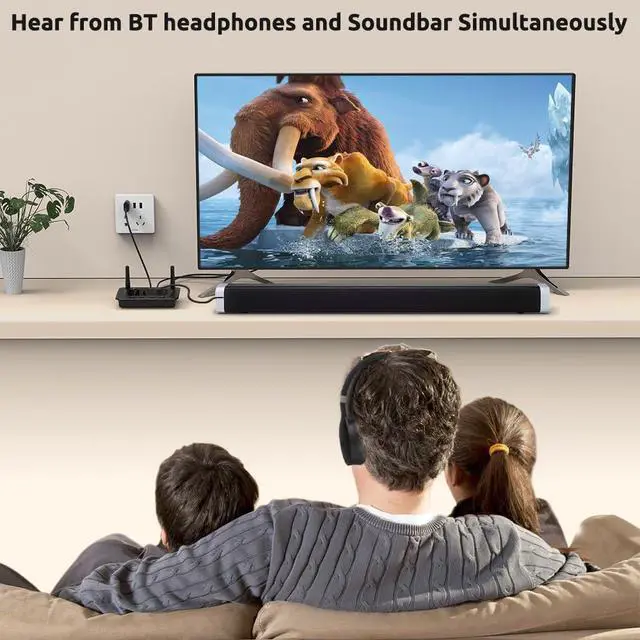


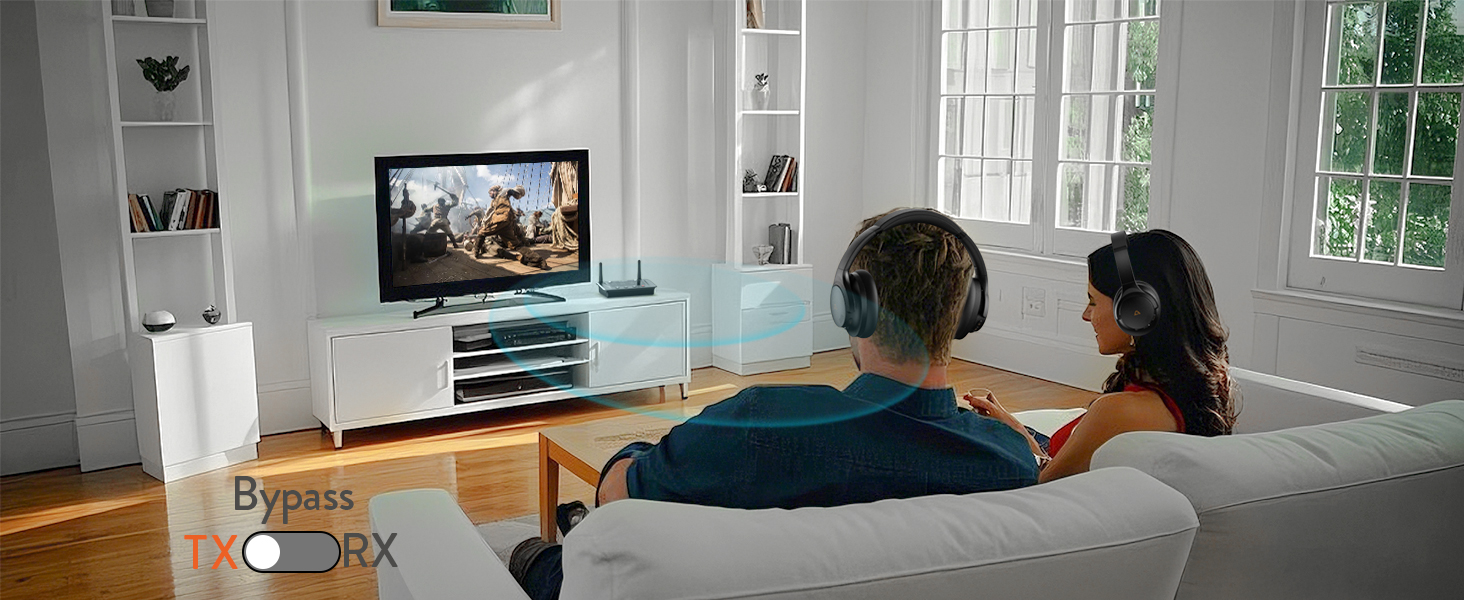
Upgrade Your Old TV to Bluetooth
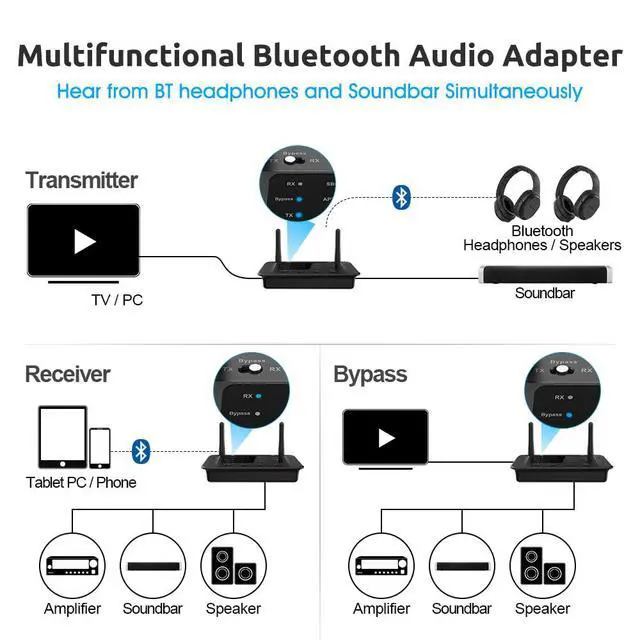
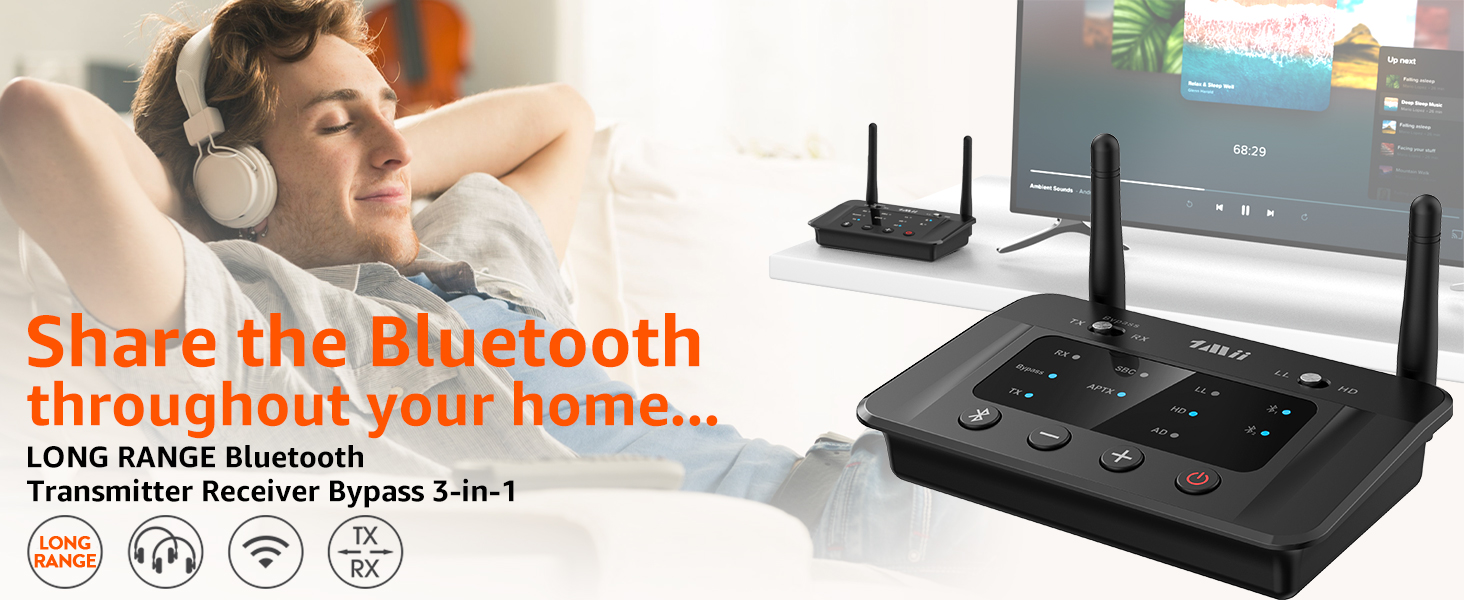
Enable your TV, AV receiver, or other audio sources to stream music to Bluetooth headphones/speaker
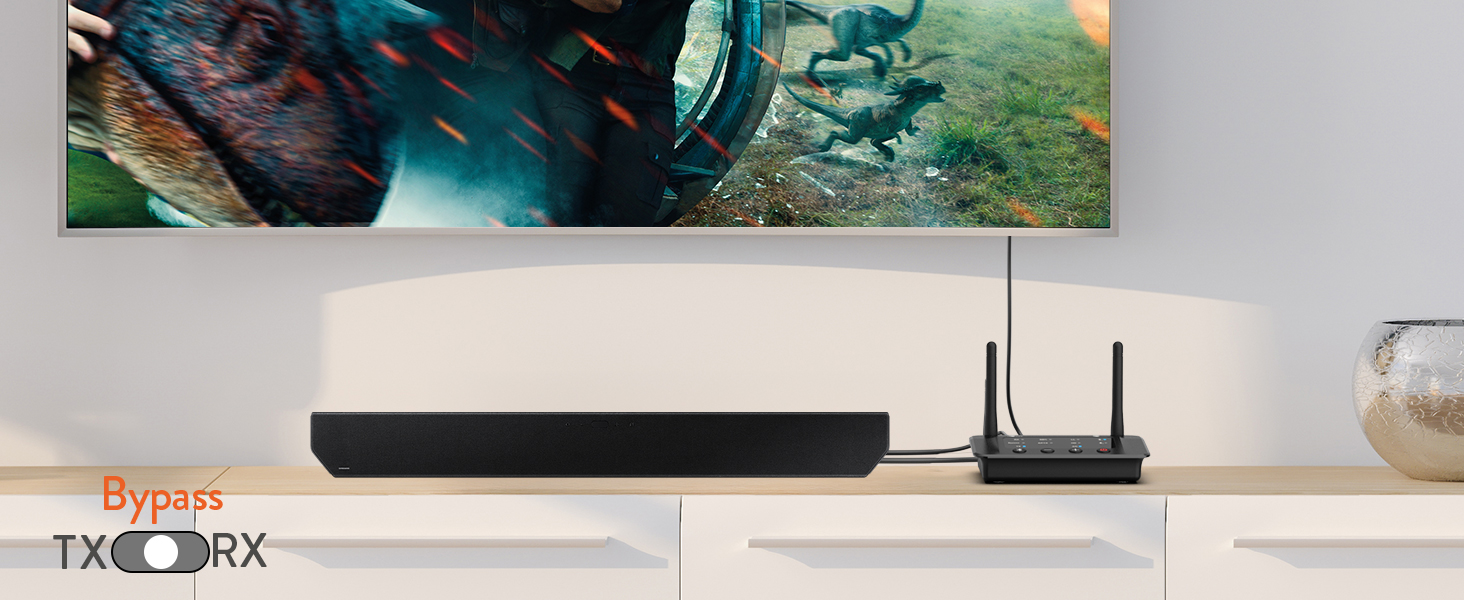
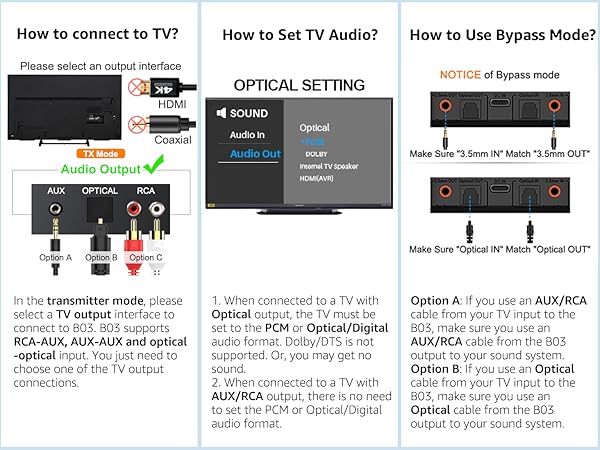
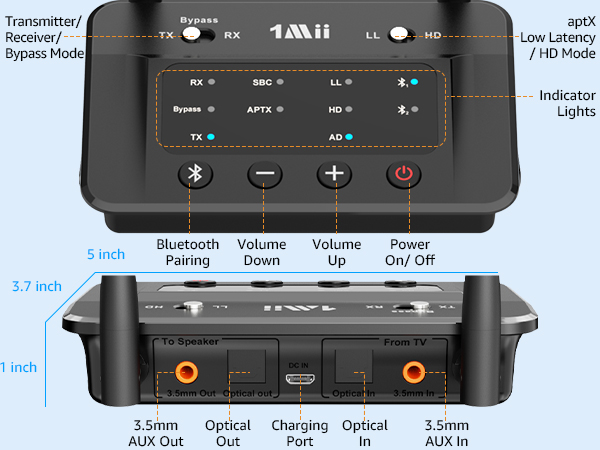
Bypass Mode for Wired Systems
Directly transmit audio via RCA, AUX, or optical cables without using Bluetooth
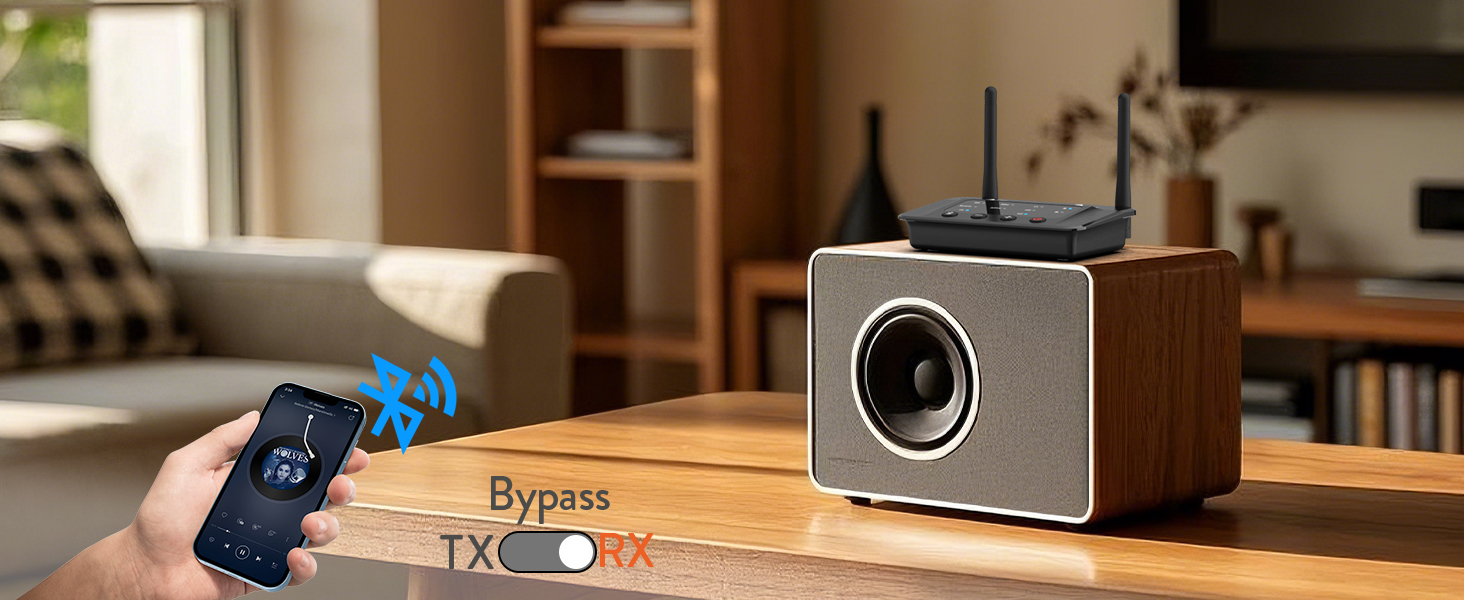
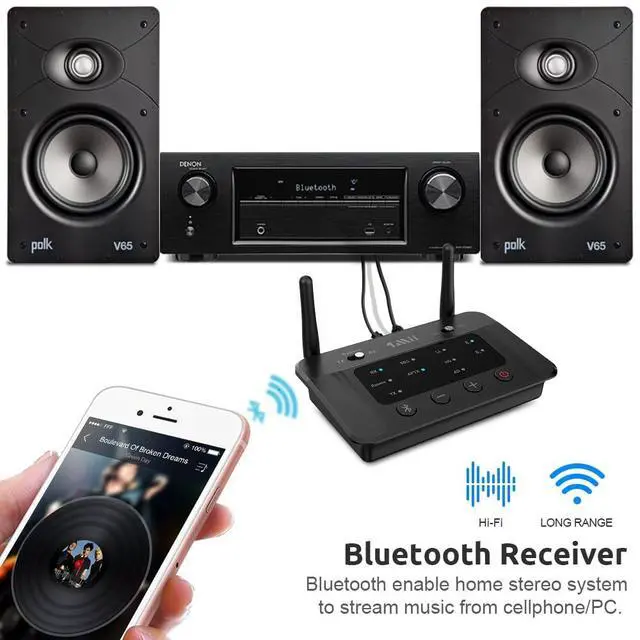
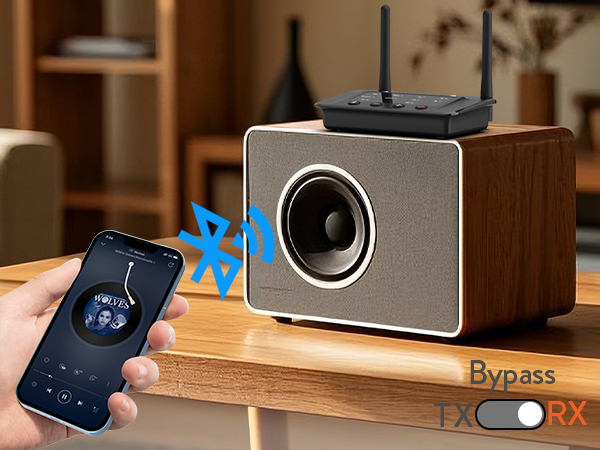
Upgrade Your Wired Speakers to Bluetooth
Stream music wirelessly from your phone or tablet to any old speakers or home stereo system
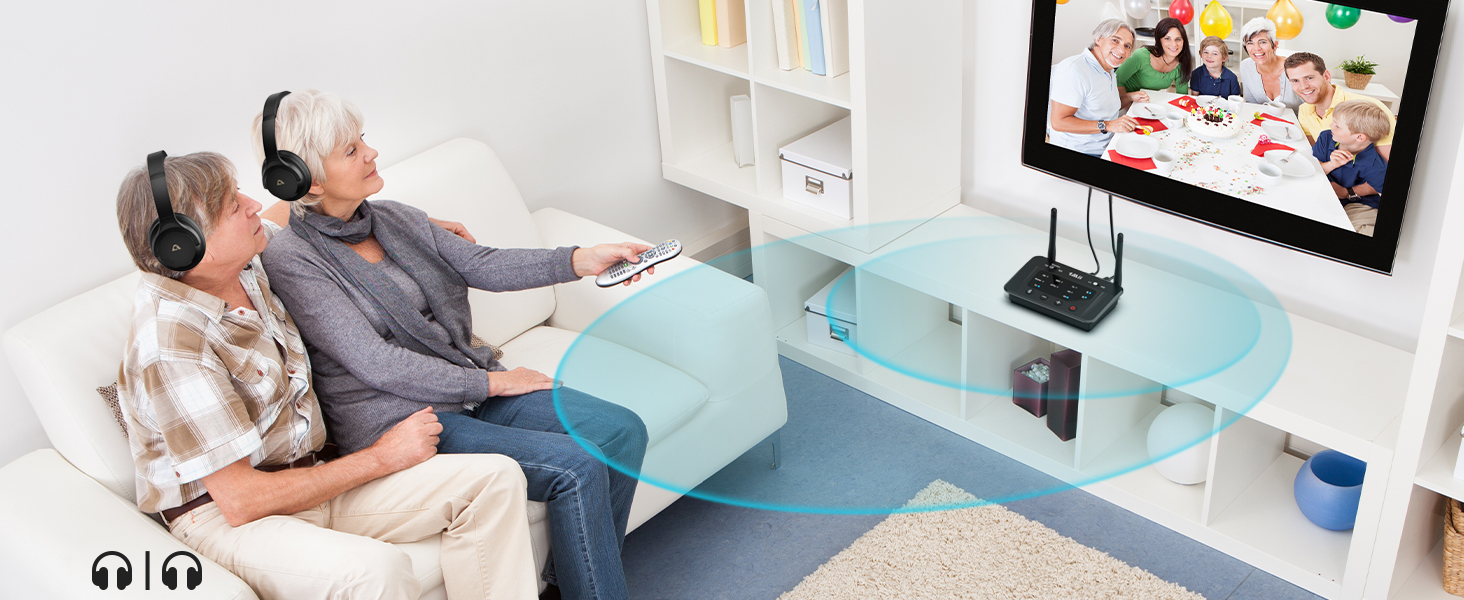
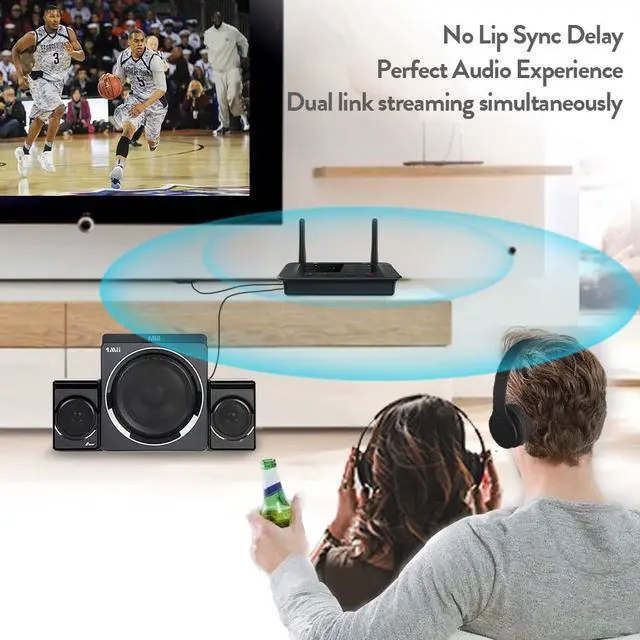
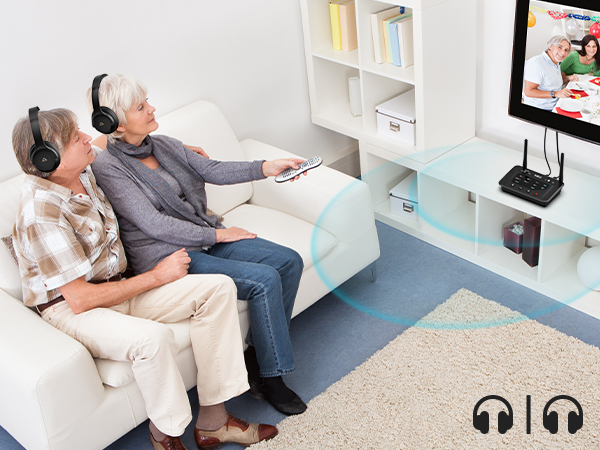
Connect 2 headphones or speakers at the same time
Note: When connecting two aptX Low Latency headphones/speakers, Bluetooth codec will switch to aptX.
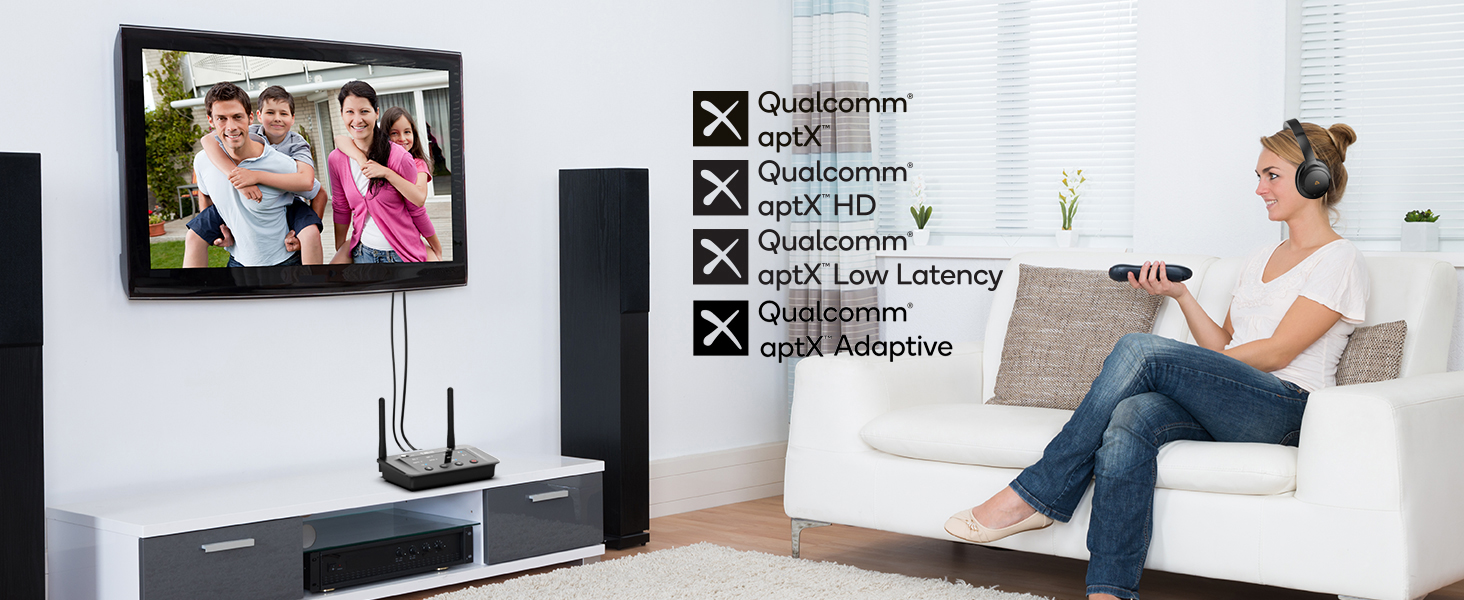
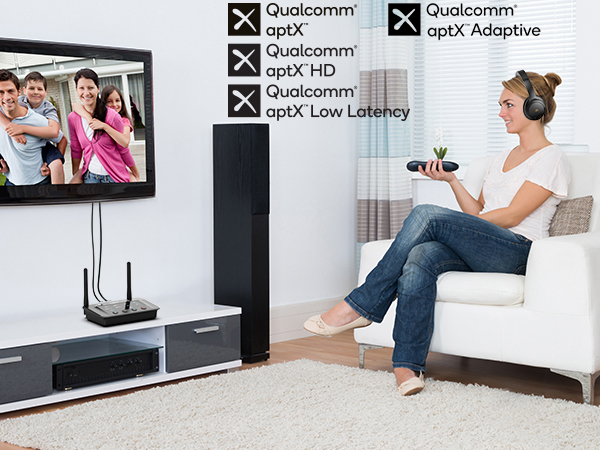
Support aptX Low Latency/aptX HD/aptX adaptive
Note: For the best sync, your Bluetooth headphones or speaker should support aptX LL or adaptive.
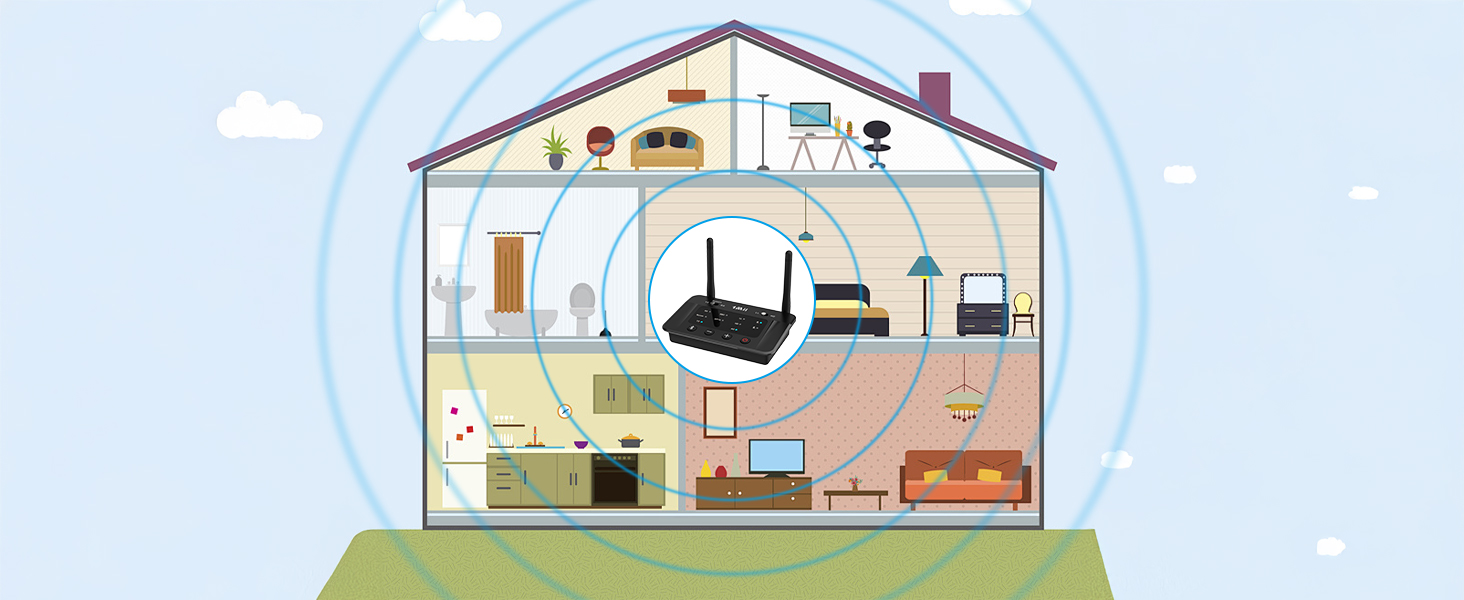
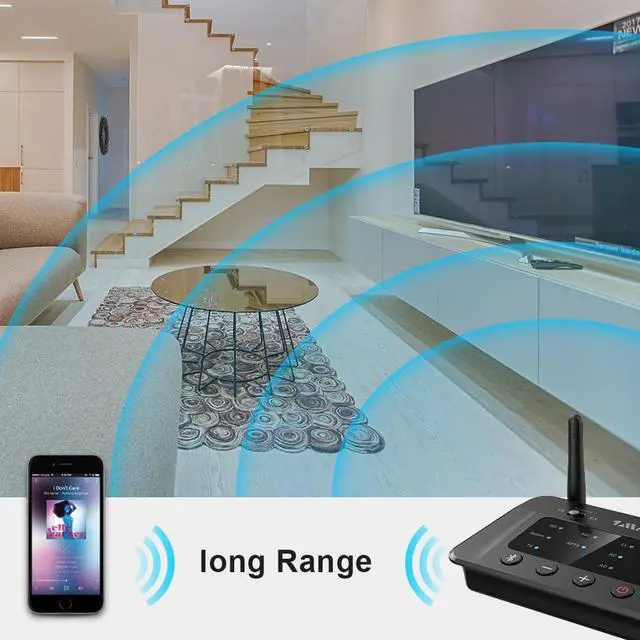
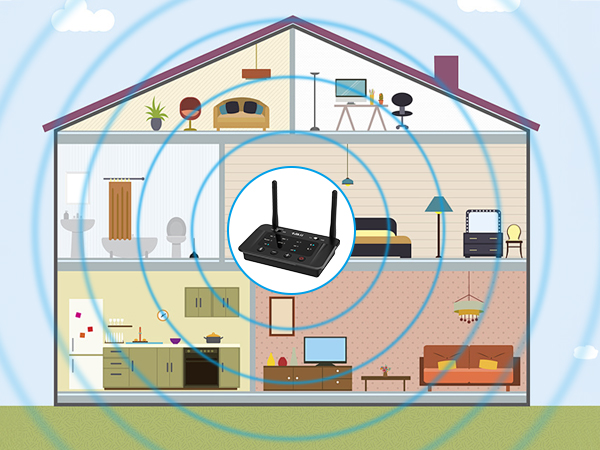
Outdoor is 230FT and up to 80-110FT indoors
NOTE: Operation range can be affected by walls, Wi-Fi router, etc.
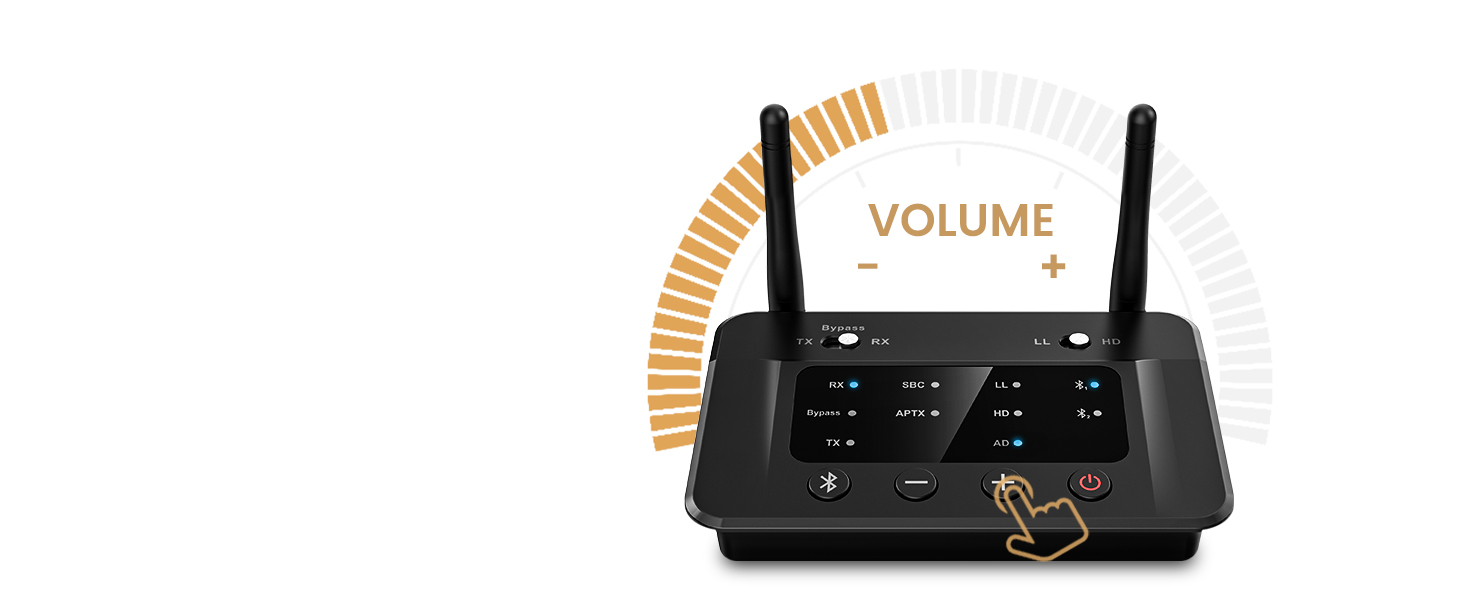
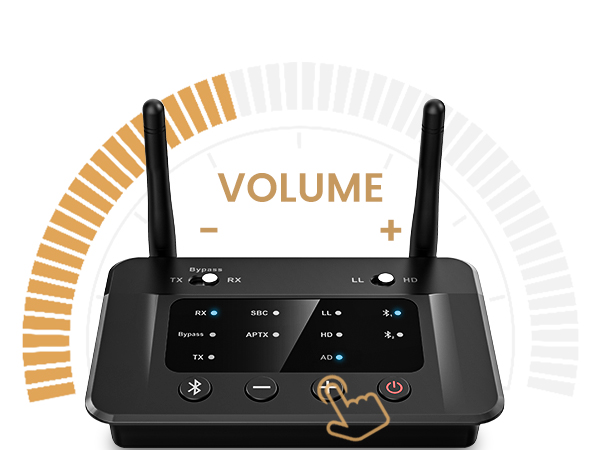
For Headphones Without Volume Control
If you can't adjust the volume, switch from optical to 3.5mm AUX or RCA.
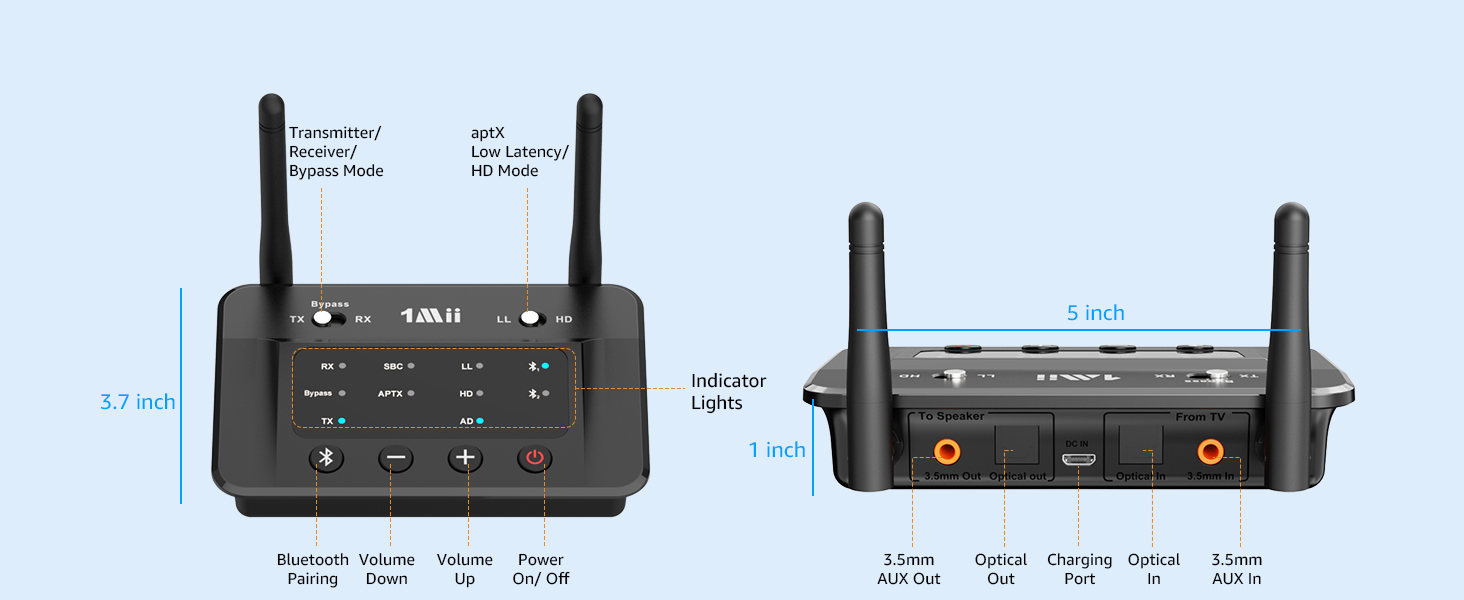
Please Noted:
1. 1Mii B03 doesn't support hearing aids.
2. 1Mii B03 Bluetooth transmitter/receiver does NOT support simultaneous TX and RX functions.
3. 1Mii B03 Bluetooth adapter without mic, does NOT support online call, conference.
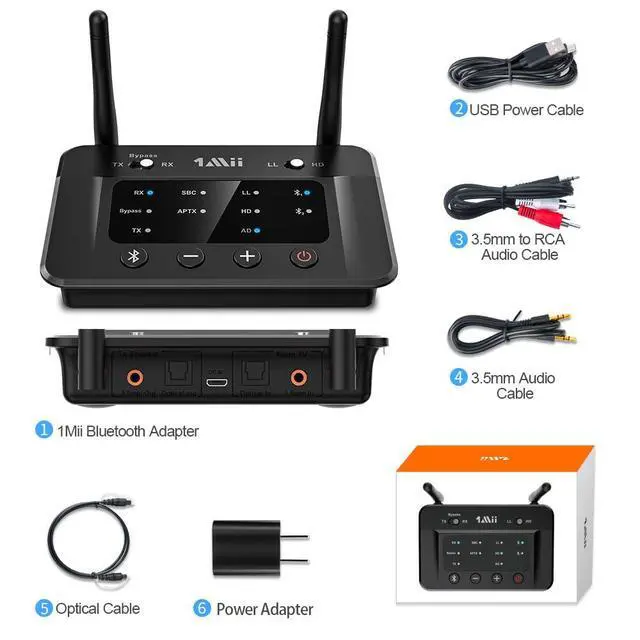
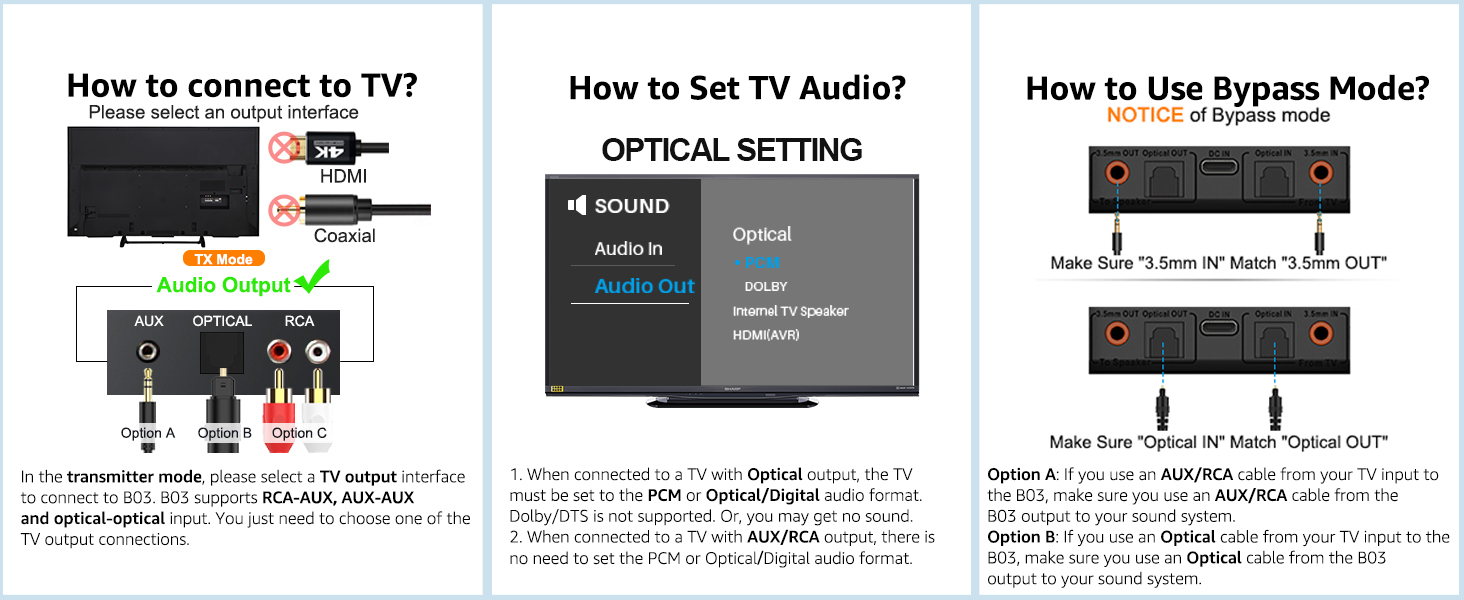
4. For Optical - Set the audio output to optical/digital output, and set the audio format to PCM or Stereo. Dolby not supported. Or, you may get no sound.
5. Please only use one type audio input jack. Don't use optical and 3.5mm audio input at the same time, Or you may get no sound.
6. Does NOT support live music, Musical Instruments, karaoke.
7. The aptX LL feature is only available when the B03 is paired with one Bluetooth headphones/speakers, and will be downgraded to aptX when paired with two aptX LL headphones/speakers.
What shall I do if I can not get B03 Bluetooth Adapter to pair with my Bluetooth Headphones or Speakers?
1) Turn off the Bluetooth of all mobile phones or PCs in the house.
2) Please ensure that the pairing distance is within 1 meter.
3) If you still can't pair, please set both the B03 and Bluetooth Headphones/speaker to factory default settings.
How to reset 1Mii B03?
Restore factory default of B03 by pressing Bluetooth button for about 10 seconds till all indicators flash once, then it get into pairing mode with red and blue lights flashing, pair as normally.
Why the voice lag still here when use this Low latency B03 adapter with my Bluetooth headphones?
To achieve low latency, the receiving device should support aptX Low Latency. Otherwise, codecs like SBC or aptX may cause a 70-200ms delay. In TX mode, only one aptX Low Latency headphone is supported. Pairing with two switches to aptX.
Why are the Volume + / - of my B03 not working in TX mode, only works in RX mode?
1) In TX mode, take optical cable as the connected audio cable, the Volume +/- on B03 may not work if your device does not support Audio/Video Remote Control Profile.
2) Change the optical cable to AUX 3.5mm/RCA audio cable, the volume buttons works.
When the TV is connected to B03, can my Bluetooth headphones play sound simultaneously with the TV's built-in speakers?
With many models of TVs, the built-in speakers may not work properly if you choose to use an external audio output device, this is a TV feature and its availability depends on your TV make and model.
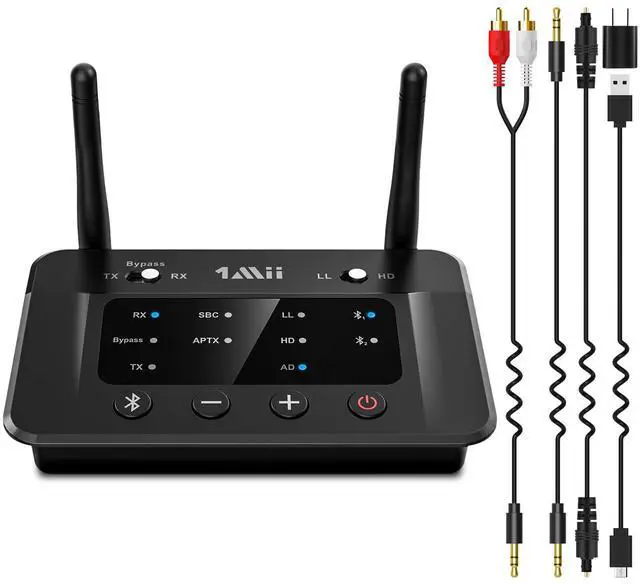
1Mii Bluetooth Transmitter Receiver
 1Mii B03 |  1Mii B03+ |  1Mii B03Pro |  1Mii B03S |  1Mii B03Pro+ | |
|---|---|---|---|---|---|
Customer Reviews | — | — | — | — | — |
Price | — | — | — | — | — |
Type | Bluetooth Transmitter Receiver | Bluetooth Transmitter Receiver | Bluetooth Transmitter Receiver | Bluetooth Transmitter Receiver | Bluetooth Transmitter Receiver |
Bluetooth Version | 5.3 | 5.3 | 5.3 | 5.3 | 5.3 |
Output | AUX/RCA/Optical/Bluetooth | AUX/RCA/Optical/Bluetooth | AUX/RCA/Optical/Bluetooth | AUX/RCA/Optical/Bluetooth | AUX/RCA/Optical/Bluetooth |
Input | AUX/RCA/Optical/Bluetooth | AUX/RCA/Optical/Bluetooth | AUX/RCA/Optical/Bluetooth | AUX/RCA/Optical/Bluetooth | AUX/RCA/Optical/Bluetooth |
Bluetooth Audio Codec | aptX HD/LL/AD/aptX/AAC/SBC | aptX HD/LL/AD/aptX/AAC/SBC | aptX HD/LL/AD/aptX/AAC/SBC | aptX AD/HD/LL/aptX/AAC/SBC | LDAC/aptX HD/LL/aptX/AAC/SBC |
Volume Control | ? | ? | ? | ? | ? |
Screen Display | ? | ? | ? | ? | ? |
Extra Audiophile DAC | ? | ? | ? | ? | ? |
Support USB Drive Input | ? | ? | ? | ? | ? |
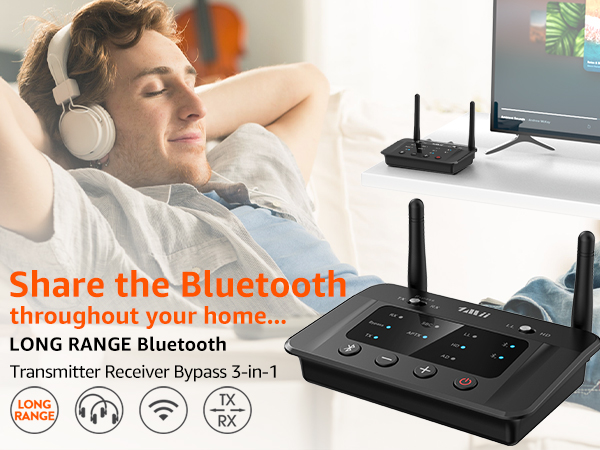
Upgrade Your Old TV to Bluetooth
Enable your TV, AV receiver, or other audio sources to stream music to Bluetooth headphones/speaker
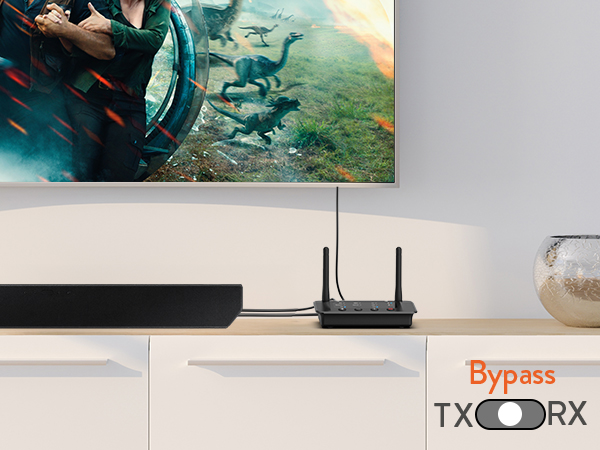
Bypass Mode for Wired Systems
Directly transmit audio via RCA, AUX, or optical cables without using Bluetooth
Upgrade Your Wired Speakers to Bluetooth
Stream music wirelessly from your phone or tablet to any old speakers or home stereo system
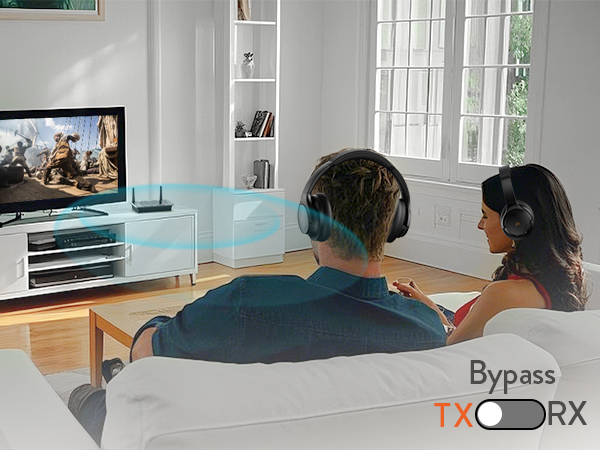
Connect 2 headphones or speakers at the same time
Note: When connecting two aptX Low Latency headphones/speakers, Bluetooth codec will switch to aptX.
Support aptX Low Latency/aptX HD/aptX adaptive
Note: For the best sync, your Bluetooth headphones or speaker should support aptX LL or adaptive.
Outdoor is 230FT and up to 80-110FT indoors
NOTE: Operation range can be affected by walls, Wi-Fi router, etc.
For Headphones Without Volume Control
If you can't adjust the volume, switch from optical to 3.5mm AUX or RCA.
Please Noted:
1. 1Mii B03 doesn't support hearing aids.
2. 1Mii B03 Bluetooth transmitter/receiver does NOT support simultaneous TX and RX functions.
3. 1Mii B03 Bluetooth adapter without mic, does NOT support online call, conference.
4. For Optical - Set the audio output to optical/digital output, and set the audio format to PCM or Stereo. Dolby not supported. Or, you may get no sound.
5. Please only use one type audio input jack. Don't use optical and 3.5mm audio input at the same time, Or you may get no sound.
6. Does NOT support live music, Musical Instruments, karaoke.
7. The aptX LL feature is only available when the B03 is paired with one Bluetooth headphones/speakers, and will be downgraded to aptX when paired with two aptX LL headphones/speakers.
What shall I do if I can not get B03 Bluetooth Adapter to pair with my Bluetooth Headphones or Speakers?
1) Turn off the Bluetooth of all mobile phones or PCs in the house.
2) Please ensure that the pairing distance is within 1 meter.
3) If you still can't pair, please set both the B03 and Bluetooth Headphones/speaker to factory default settings.
How to reset 1Mii B03?
Restore factory default of B03 by pressing Bluetooth button for about 10 seconds till all indicators flash once, then it get into pairing mode with red and blue lights flashing, pair as normally.
Why the voice lag still here when use this Low latency B03 adapter with my Bluetooth headphones?
To achieve low latency, the receiving device should support aptX Low Latency. Otherwise, codecs like SBC or aptX may cause a 70-200ms delay. In TX mode, only one aptX Low Latency headphone is supported. Pairing with two switches to aptX.
Why are the Volume + / - of my B03 not working in TX mode, only works in RX mode?
1) In TX mode, take optical cable as the connected audio cable, the Volume +/- on B03 may not work if your device does not support Audio/Video Remote Control Profile.
2) Change the optical cable to AUX 3.5mm/RCA audio cable, the volume buttons works.
When the TV is connected to B03, can my Bluetooth headphones play sound simultaneously with the TV's built-in speakers?
With many models of TVs, the built-in speakers may not work properly if you choose to use an external audio output device, this is a TV feature and its availability depends on your TV make and model.
1Mii Bluetooth Transmitter Receiver
1Mii B03 | 1Mii B03+ | 1Mii B03Pro | 1Mii B03S | 1Mii B03Pro+ |
|---|---|---|---|---|
| Customer Reviews | ||||
| — | — | — | — | — |
| Price | ||||
| — | — | — | — | — |
| Type | ||||
| Bluetooth Transmitter Receiver | Bluetooth Transmitter Receiver | Bluetooth Transmitter Receiver | Bluetooth Transmitter Receiver | Bluetooth Transmitter Receiver |
| Bluetooth Version | ||||
| 5.3 | 5.3 | 5.3 | 5.3 | 5.3 |
| Output | ||||
| AUX/RCA/Optical/Bluetooth | AUX/RCA/Optical/Bluetooth | AUX/RCA/Optical/Bluetooth | AUX/RCA/Optical/Bluetooth | AUX/RCA/Optical/Bluetooth |
| Input | ||||
| AUX/RCA/Optical/Bluetooth | AUX/RCA/Optical/Bluetooth | AUX/RCA/Optical/Bluetooth | AUX/RCA/Optical/Bluetooth | AUX/RCA/Optical/Bluetooth |
| Bluetooth Audio Codec | ||||
| aptX HD/LL/AD/aptX/AAC/SBC | aptX HD/LL/AD/aptX/AAC/SBC | aptX HD/LL/AD/aptX/AAC/SBC | aptX AD/HD/LL/aptX/AAC/SBC | LDAC/aptX HD/LL/aptX/AAC/SBC |
| Volume Control | ||||
| ? | ? | ? | ? | ? |
| Screen Display | ||||
| ? | ? | ? | ? | ? |
| Extra Audiophile DAC | ||||
| ? | ? | ? | ? | ? |
| Support USB Drive Input | ||||
| ? | ? | ? | ? | ? |