






Innovative Audio Design
Pioneering Refined Audio Experiences

Global Team of Innovators
KO-STAR headphones capture today’s youthful energy—favored by Gen Z and millennials for their style and genuine sound, and respected by broadcasters, podcasters, and engineers for their precision and reliability. This broad appeal reflects our commitment to premium audio that fuels creativity on the go or on air. With relentless innovation and quality, KO-STAR is redefining personal audio. Join us as we push the boundaries of sound.
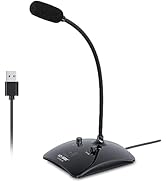
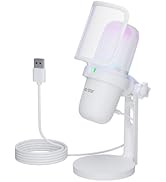
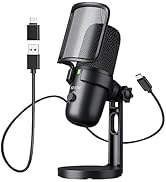
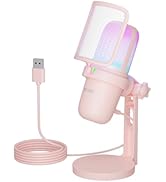
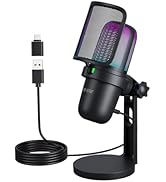
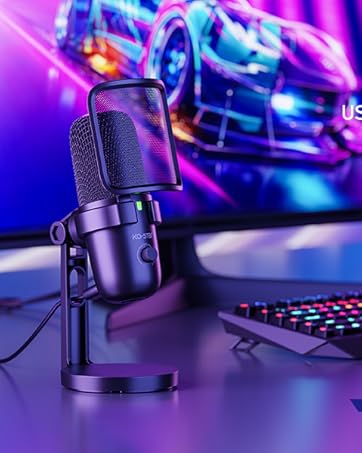
Desktop PC Microphone

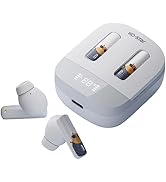

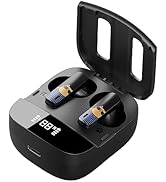
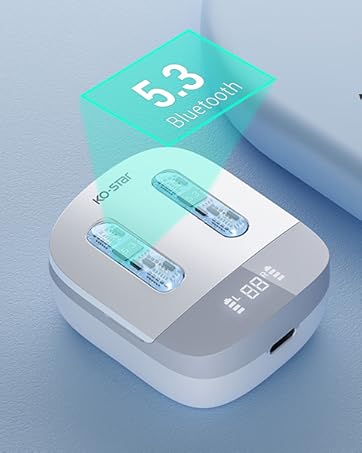
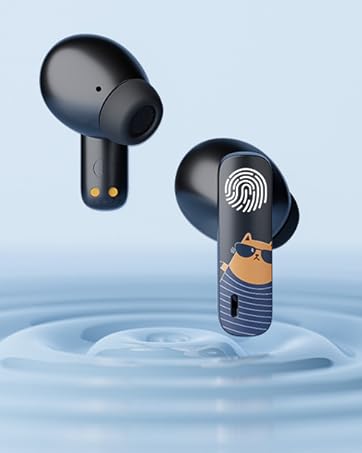
Bluetooth wireless earbuds

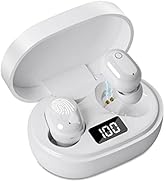

Bluetooth wireless earbuds


How to use KTX02?

Power on.
Press and hold the power button for 3s. The indicator will flash red-blue, and the device will auto-reconnect to the last paired device.

Connect.
Open the phone to search for KTX02, and connect to the device.

Connection successful.
When Paired successfully, the blue light flashes once every 5 seconds

Mode switch.
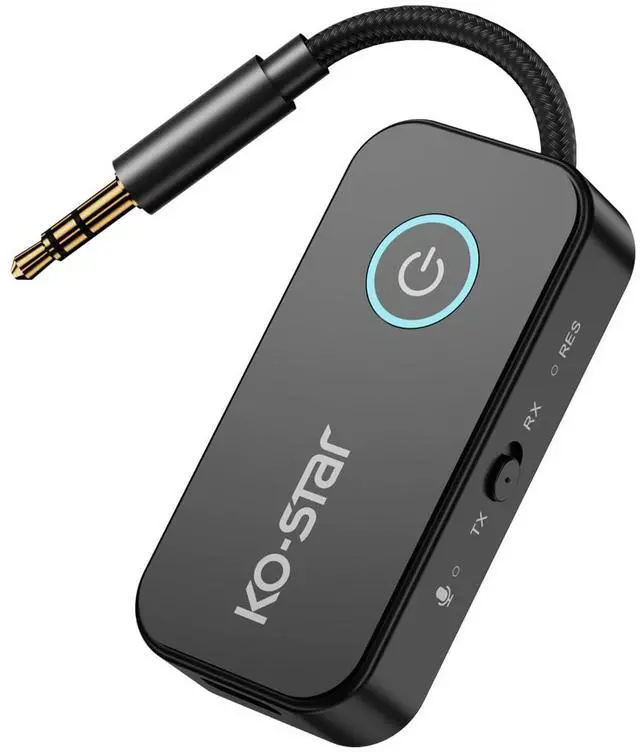
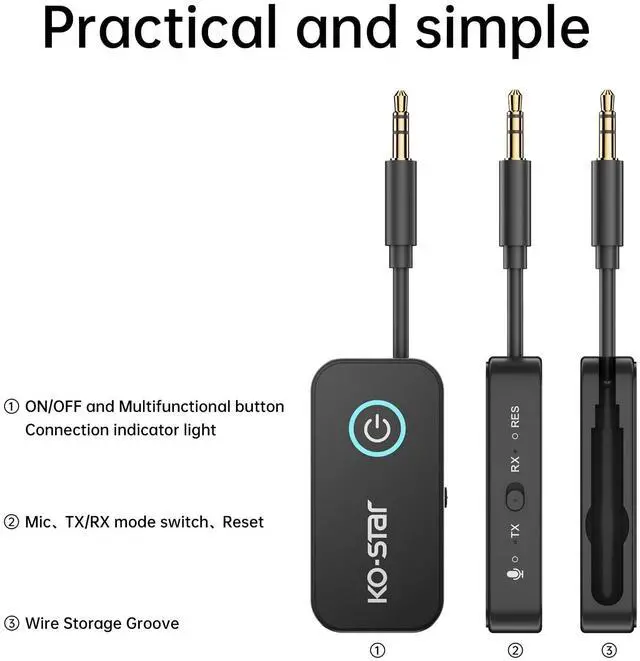
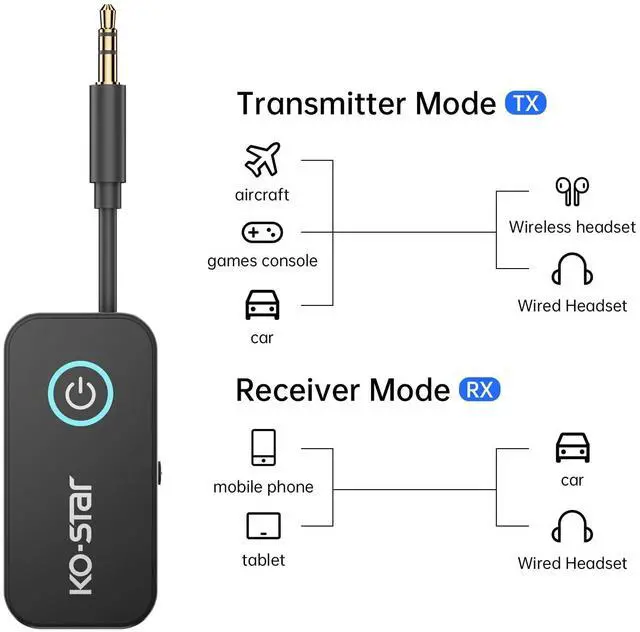
Slide the mode switch toggle button to the "TX/RX" position.Connect the 3.5mm plug to the AUX of devices, such as computers, TVs, MP3 players, Switch.


How to use KTX02?
Power on.
Press and hold the power button for 3s. The indicator will flash red-blue, and the device will auto-reconnect to the last paired device.
Connect.
Open the phone to search for KTX02, and connect to the device.
Connection successful.
When Paired successfully, the blue light flashes once every 5 seconds
Mode switch.
Slide the mode switch toggle button to the "TX/RX" position.Connect the 3.5mm plug to the AUX of devices, such as computers, TVs, MP3 players, Switch.
Innovative Audio Design
Pioneering Refined Audio Experiences
Global Team of Innovators
KO-STAR headphones capture today’s youthful energy—favored by Gen Z and millennials for their style and genuine sound, and respected by broadcasters, podcasters, and engineers for their precision and reliability. This broad appeal reflects our commitment to premium audio that fuels creativity on the go or on air. With relentless innovation and quality, KO-STAR is redefining personal audio. Join us as we push the boundaries of sound.
Desktop PC Microphone
Bluetooth wireless earbuds
Bluetooth wireless earbuds