


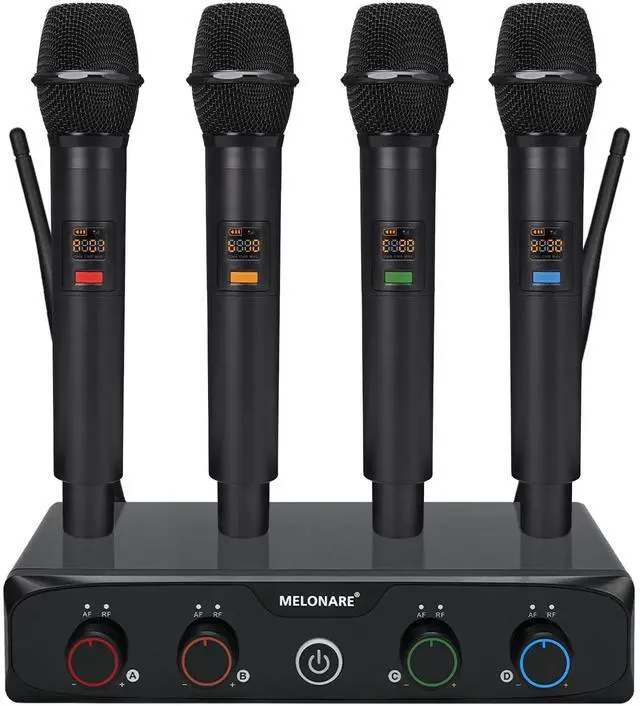
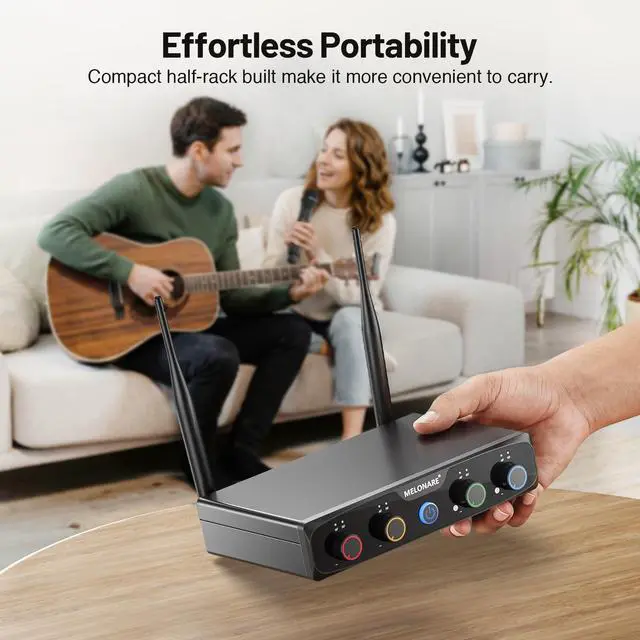



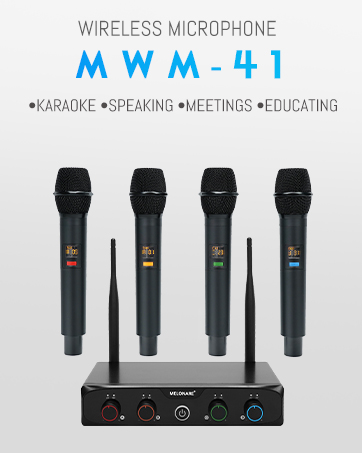
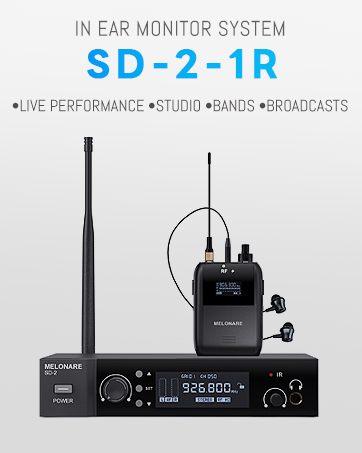
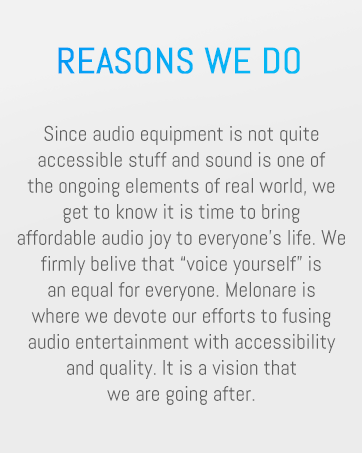
We are Melonare, an audio provider with a mission to develop budget-friendly and user-friendly audio products that are essential for every entertaining moment. Whether you are looking for a better karaoke system to sing with friends or a poratble IEM system to monitor sound in small gigs, Melonare always has the suitable solution for you. It is our commitment to bring affordable joy, and convenience.

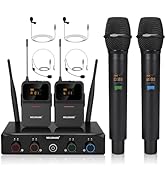
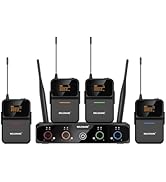
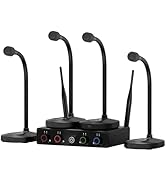
PRODUCT LINEUP
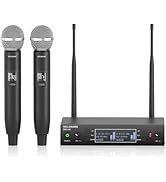
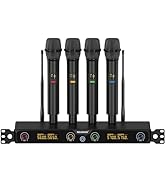
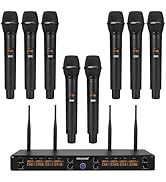
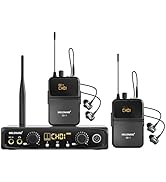
NEW RELEASES
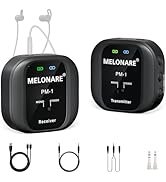
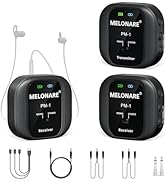
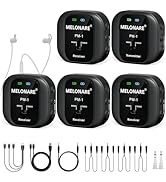
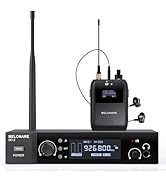
PRODUCT LINEUP
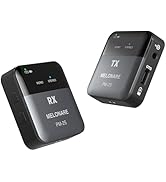
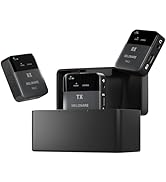
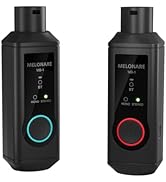
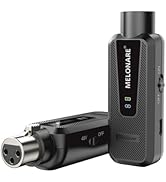
PRODUCT LINEUP


PRODUCT LINEUP
 MX-1 |  MWM-41-2H2B |  MWM-41-4B |  MWM-41-4G |  MWU-20 |  MWM-81F |  SD-2 | |
|---|---|---|---|---|---|---|---|
Customer Reviews | — | — | — | — | — | — | — |
Price | — | — | — | — | — | — | — |
Frequency Design | Adjustable Frequency | Frequency Hopping | Frequency Hopping | Frequency Hopping | Adjustable Frequency | Frequency Hopping | Adjustable Frequency |
Frequency Range | 902.8- 910MHz | 530 - 580MHz | 530 - 580MHz | 530 - 580MHz | 530 - 580MHz | 530 - 580MHz | 902-928 MHz |
Wireless Circuitry | UHF Digital | UHF Digital | UHF Digital | UHF Digital | UHF Analog | UHF Digital | UHF Digital |
Number of Channel | 10 | 4 | 4 | 4 | 2 | 8 | 1 |
Number of Frequency | 2x10 | 4x10 | 4x10 | 4x10 | 2x100 | 8x5 | 50 |
Frequency Response | 60Hz-18000KHz | 50Hz-16KHz | 50Hz-16KHz | 50Hz-16KHz | 40Hz-15KHz | 50Hz-16KHz | 20 Hz-20 kHz |
Autoscan Function | ? | ? | ? | ? | ? | ? | ? |
Lock Function | ? | ? | ? | ? | ? | ? | ? |
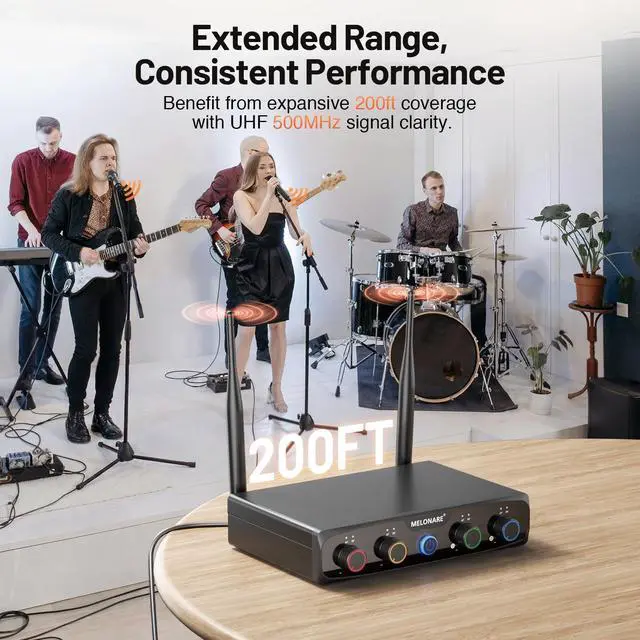
Transmission Range | 164 ft | 200 ft | 200 ft | 240 ft | 260 ft | 240 ft | 164ft |
How to connect the wireless mic to next stage system?
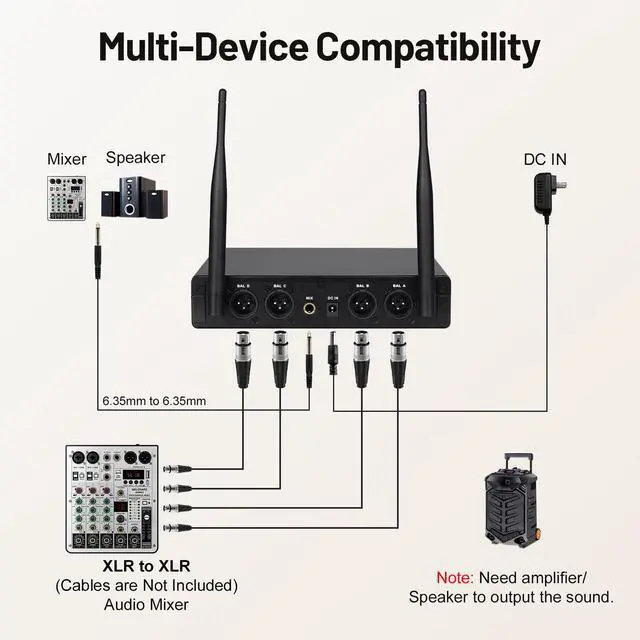
1. Use the INCLUDED 6.35mm to 6.35mm audio cable connect the wireless mic set to mic input on speaker/mixer.
2. Use the XLR audio cable (NOT INCLUDED) connect the cordless mic set to XLR input on speaker/mixer.
How many systems can be used together at the same time?
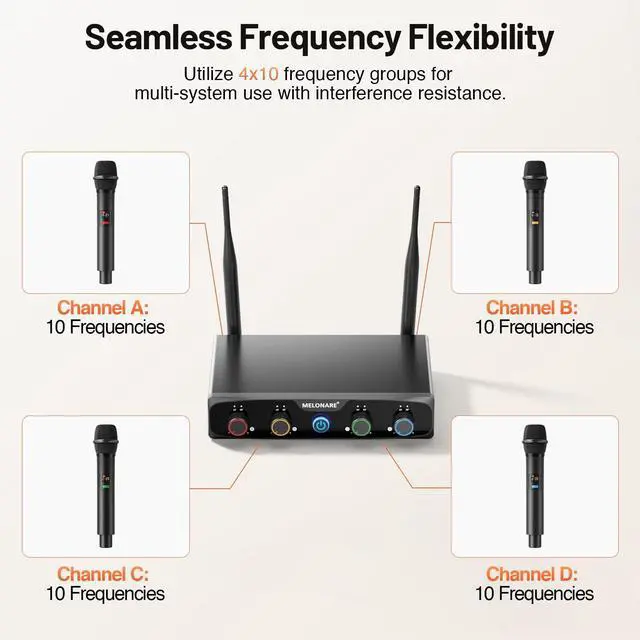
its 4x10 frequency groups support the simultaneous use of multiple systems up to 8 sets, providing exceptional convenience for extensive setups
Does it have a mute function for each mic?
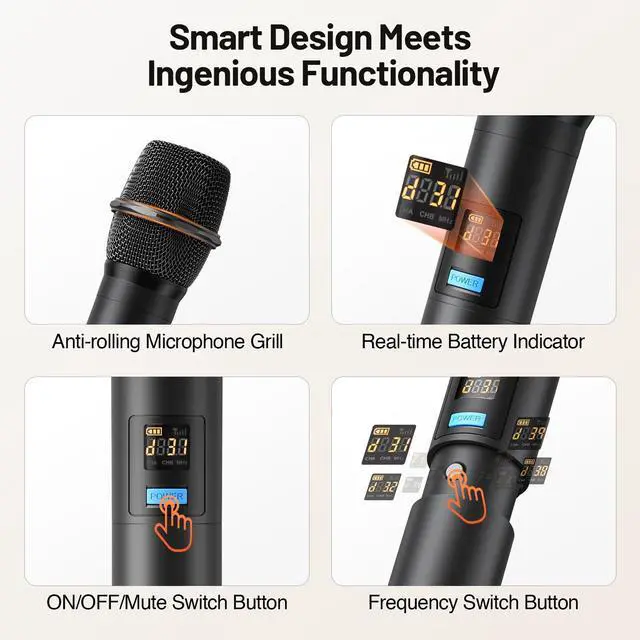
Yes,long press to trun on/off. short press to mute/unmute the mic.
What is the battery life of this wireless microphone?
The battery life is 8 hours. Compared to rechargeable microphone, using a battery can ensure that a new battery can be replaced immediately in the event of a low battery, and the performance will not be affected and can proceed normally.
Does it pick up sounds from the back/sides?
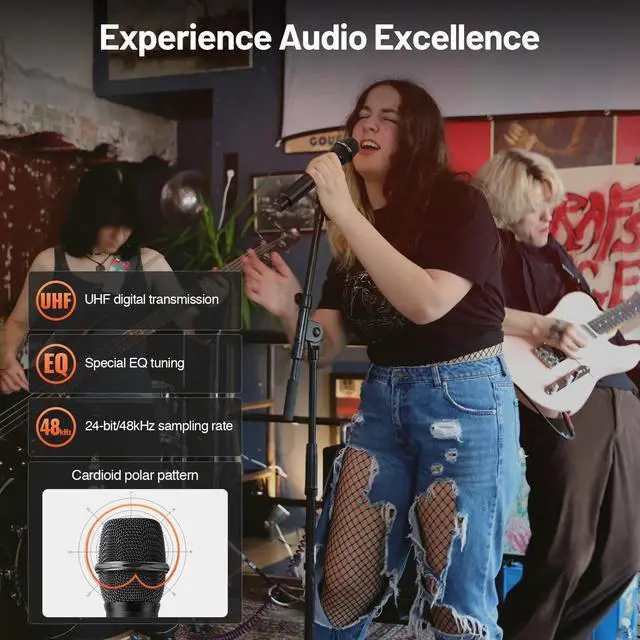
No,cardioid micrrophone only pick up from the front.


Auto Pairing
How to Pair the Transmitter and Receiver?
Just simply turn on the receiver and transmitter, and they will automatically pair.
Frequency Selection
How to Adjust the Frequency and Volume?
1. Open the battery cover of the transmitter.
2. Press the SET button to select the desired frequency.
3. Adjust the volume on the receiver.
Channel Switching
How to change the transmitter channel?
1. Long press the POWER button to turn it on.Long press the POWER button and the SET button together until appears “5291”.
2. Press the POWER and SET buttons until the transmitter changes to the next channel.Turn off both the transmitter and the receiver.
3. Long press the POWER and SET button until the new channel and frequency numbers flash.
4. Turn on the receiver and then wait 5 seconds.Press the SET button and the RF light on B channel will turn blue.
Multi-device Compatibility
How to Connect Audio Devices?
1. Erect the antennas and connect the power cable to a wall outlet.
2. Use the 6.35mm cable to connect the receiver’s mixed output to other audio devices.
3. Turn on the receiver and the transmitter and they will automatically pair up.
PRODUCT LINEUP
MX-1 | MWM-41-2H2B | MWM-41-4B | MWM-41-4G | MWU-20 | MWM-81F | SD-2 |
|---|---|---|---|---|---|---|
| Customer Reviews | ||||||
| — | — | — | — | — | — | — |
| Price | ||||||
| — | — | — | — | — | — | — |
| Frequency Design | ||||||
| Adjustable Frequency | Frequency Hopping | Frequency Hopping | Frequency Hopping | Adjustable Frequency | Frequency Hopping | Adjustable Frequency |
| Frequency Range | ||||||
| 902.8- 910MHz | 530 - 580MHz | 530 - 580MHz | 530 - 580MHz | 530 - 580MHz | 530 - 580MHz | 902-928 MHz |
| Wireless Circuitry | ||||||
| UHF Digital | UHF Digital | UHF Digital | UHF Digital | UHF Analog | UHF Digital | UHF Digital |
| Number of Channel | ||||||
| 10 | 4 | 4 | 4 | 2 | 8 | 1 |
| Number of Frequency | ||||||
| 2x10 | 4x10 | 4x10 | 4x10 | 2x100 | 8x5 | 50 |
| Frequency Response | ||||||
| 60Hz-18000KHz | 50Hz-16KHz | 50Hz-16KHz | 50Hz-16KHz | 40Hz-15KHz | 50Hz-16KHz | 20 Hz-20 kHz |
| Autoscan Function | ||||||
| ? | ? | ? | ? | ? | ? | ? |
| Lock Function | ||||||
| ? | ? | ? | ? | ? | ? | ? |
| Transmission Range | ||||||
| 164 ft | 200 ft | 200 ft | 240 ft | 260 ft | 240 ft | 164ft |
How to connect the wireless mic to next stage system?
1. Use the INCLUDED 6.35mm to 6.35mm audio cable connect the wireless mic set to mic input on speaker/mixer.
2. Use the XLR audio cable (NOT INCLUDED) connect the cordless mic set to XLR input on speaker/mixer.
How many systems can be used together at the same time?
its 4x10 frequency groups support the simultaneous use of multiple systems up to 8 sets, providing exceptional convenience for extensive setups
Does it have a mute function for each mic?
Yes,long press to trun on/off. short press to mute/unmute the mic.
What is the battery life of this wireless microphone?
The battery life is 8 hours. Compared to rechargeable microphone, using a battery can ensure that a new battery can be replaced immediately in the event of a low battery, and the performance will not be affected and can proceed normally.
Does it pick up sounds from the back/sides?
No,cardioid micrrophone only pick up from the front.
We are Melonare, an audio provider with a mission to develop budget-friendly and user-friendly audio products that are essential for every entertaining moment. Whether you are looking for a better karaoke system to sing with friends or a poratble IEM system to monitor sound in small gigs, Melonare always has the suitable solution for you. It is our commitment to bring affordable joy, and convenience.
PRODUCT LINEUP
NEW RELEASES
PRODUCT LINEUP
PRODUCT LINEUP