

Your Browsing History

Meet Your Seller

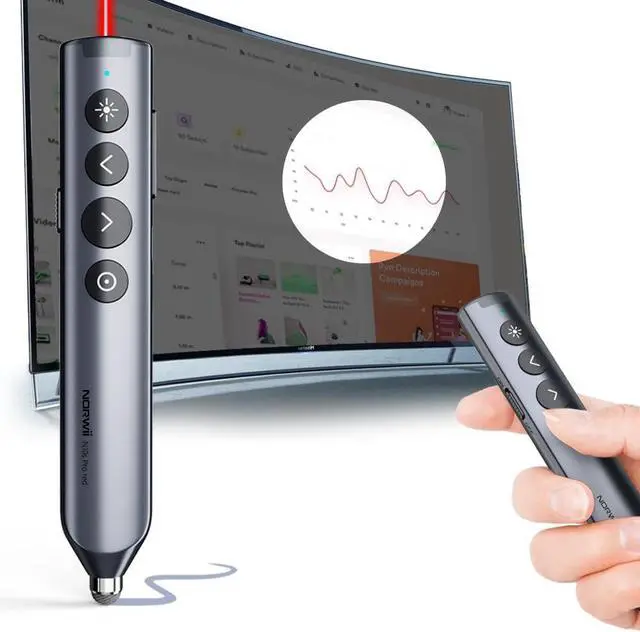
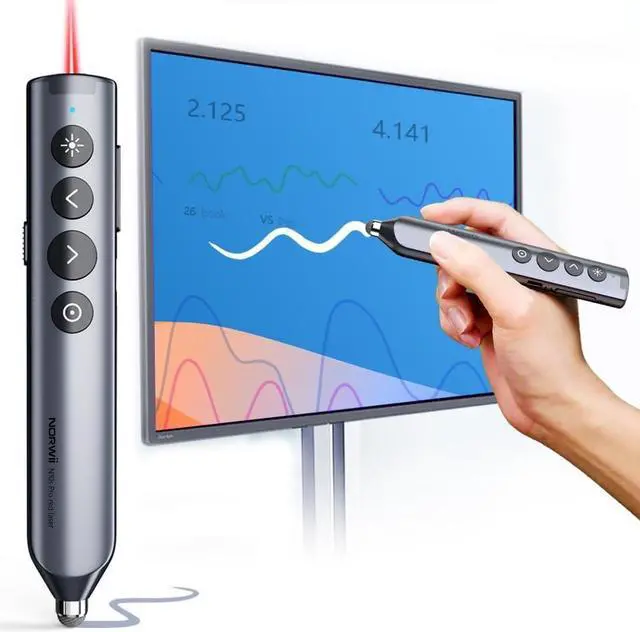
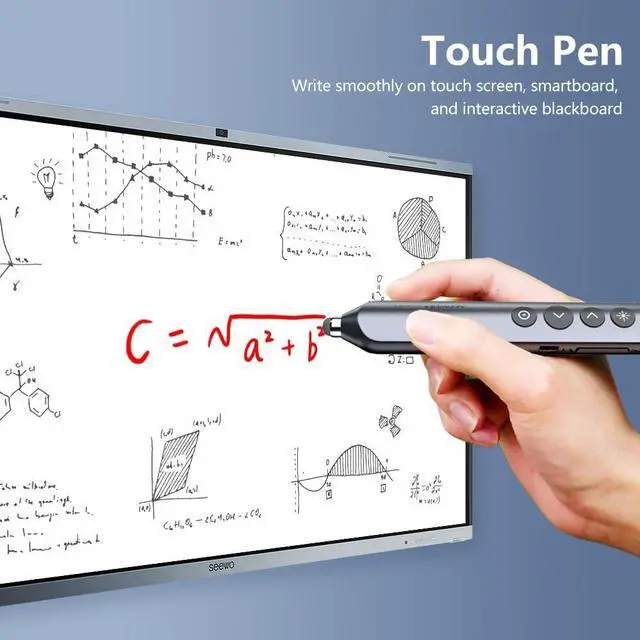


Norwii N10 Bluetooth Presentation Remote with Stylus Pen for Touch Screen, Advanced Digital Highlighting Presenter Clicker, 50M Range Metal Shell
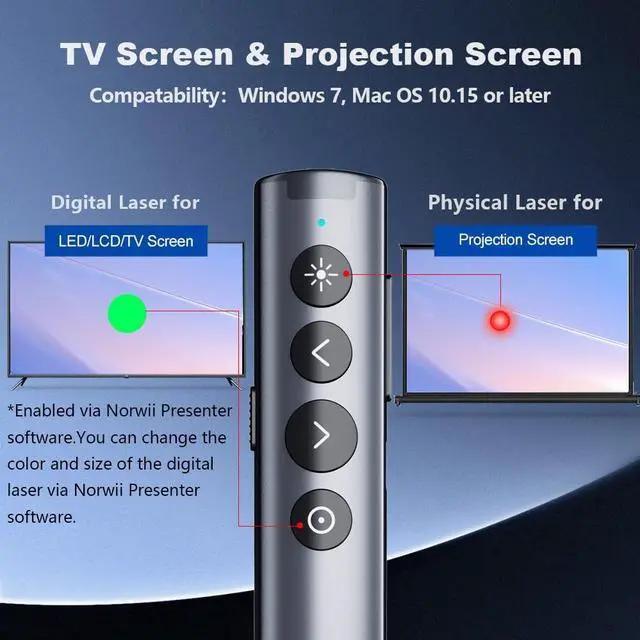
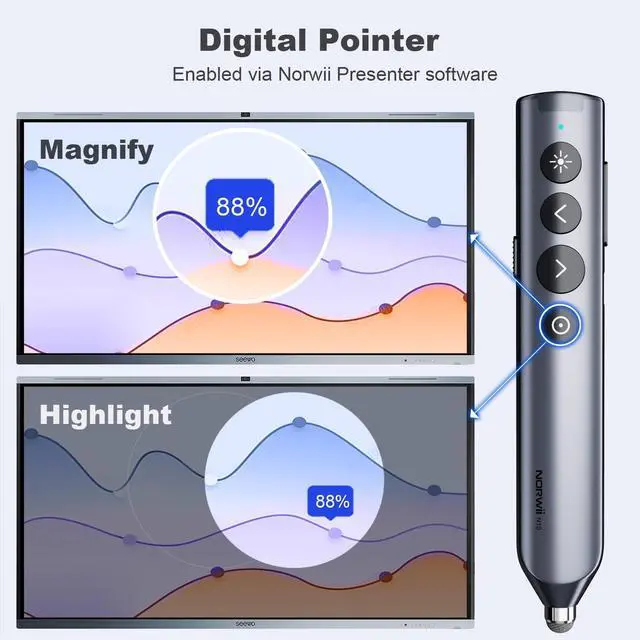
- Applicable scope - Write smoothly on touch screen or interactive electronic blackboard with stylus pen without lag and delay. For LED/TV display.The advanced digital pointer system allows you to precisely highlight or magnify areas of focus. Work with Windows 7, Mac OS 10.15 or later, and all leading presentation software including PowerPoint, Keynote, PDF, Google Slides, and Prezi
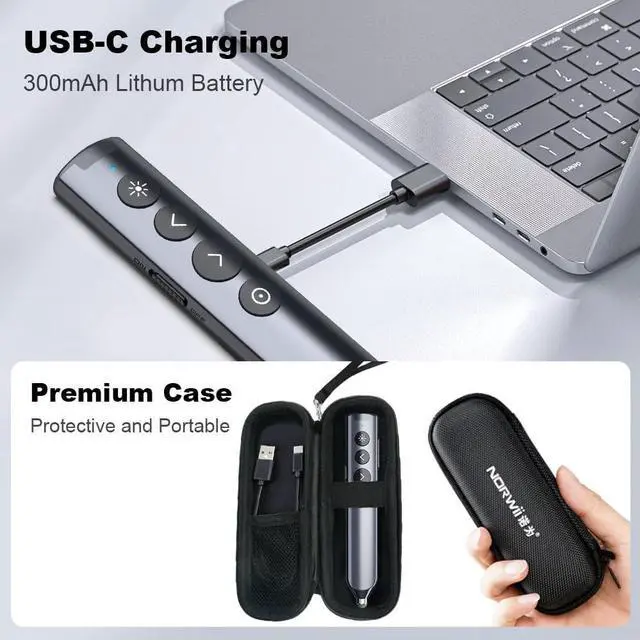
- Dual connectivity - Connect to your computer via low energy Bluetooth or USB receiver. Switch seamlessly between the 2 by plugging or unplugging the USB receiver
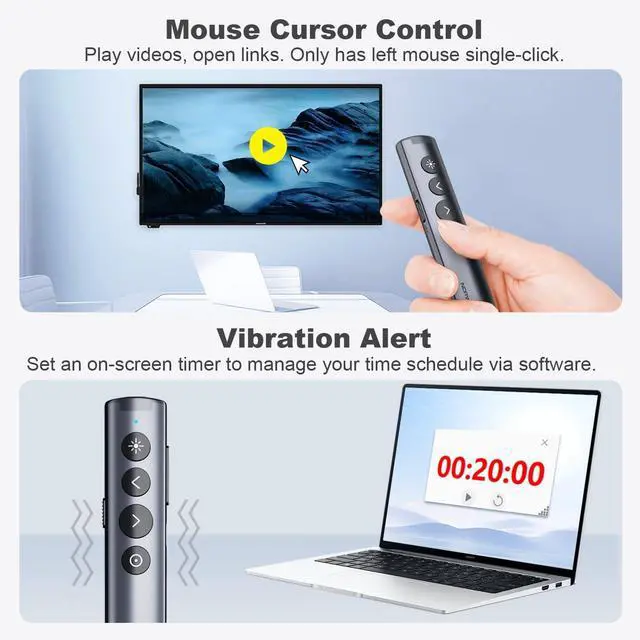
- More Powerful Functions - Highlight and magnify on screen . Control the cursor in the air to play and pause videos, open links, and enjoy a range of rich content interaction. It helps you easily catch the audiences eyes
+
+
Overview
Specs
Reviews

Any questions? Our AI beta will help you find out quickly.
Try me now
Customizable - The size, color, and contrast of the Digital Pointer can be customized in the Norwii Presenter APP. Digital Pointer can be customized with cartoons/logos or any pattern you like in the APP. You can also customize the function definitions of certain keys in the Norwii Presenter app
Smart time management - The presentation remote vibrates five minutes before the end of your presentation and again when your time is fully up. Enable and Track presenting time and customize vibration alerts in the Norwii Presenter APP. You can see the timing situation in the presenter view
Instant Access to PowerPoints Built-in Virtual Pointer No Installation Required (Only works in Full-Screen Mode on Windows)
Smart time management - The presentation remote vibrates five minutes before the end of your presentation and again when your time is fully up. Enable and Track presenting time and customize vibration alerts in the Norwii Presenter APP. You can see the timing situation in the presenter view
Instant Access to PowerPoints Built-in Virtual Pointer No Installation Required (Only works in Full-Screen Mode on Windows)
Warranty & Returns
Warranty, Returns, And Additional Information
Warranty
- Please contact the Seller directly for warranty information. Warranty information may also be found on the Manufacturer's website.
- CONTACT
Return Policies
- Return for refund within: 30 days
- Return for replacement within: 30 days
- This item is covered by MINGPIN YOUCHUANG E-COMMERCE LIMITED Return Policy
Manufacturer Contact Info
- For a directory of all our manufacturers, please click below.
- Manufacturers Directory
LOADING...