• $111.48
  • Free 30-day Returns
  • Price alert
    Sold by yiwangqinqin
    Top Rated
    5 (1 seller ratings)

    Shipped by yiwangqinqin

    Shop it at NeweggBusiness.

    Meet Your Seller

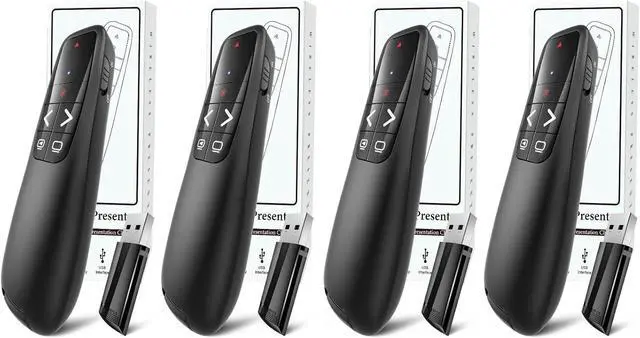
    (4 Units) Wireless Presenter Remote, Clicker for Laptop PowerPoint Presentations Pointer, RF Computer Clicker for Presentations Remote, Slideshow/Smartboard/College/Classroom/PPT Clicker

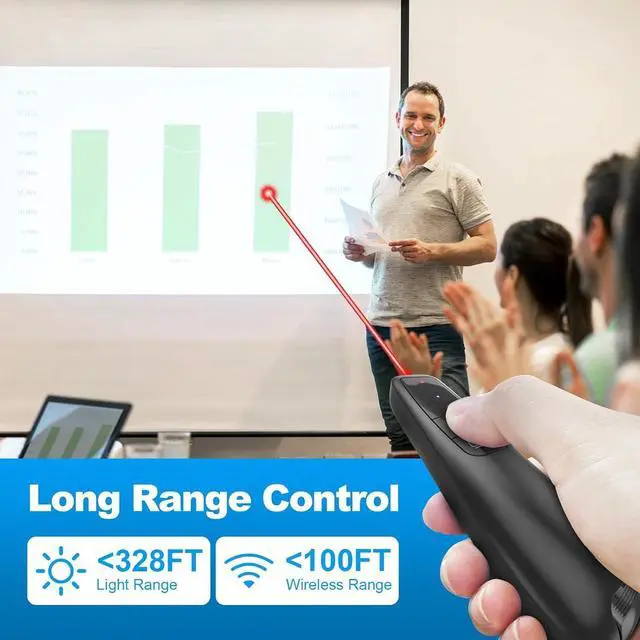
    • [Presentation Clicker with Laser Pointer] PowerPoint clicker controls range:98FT/30M, laser pointer range: 328FT/100M. Clicker for laptop presentations allows you to circulate through the room instead of being tied by the laptop and projector screen to make emphasis on important points.
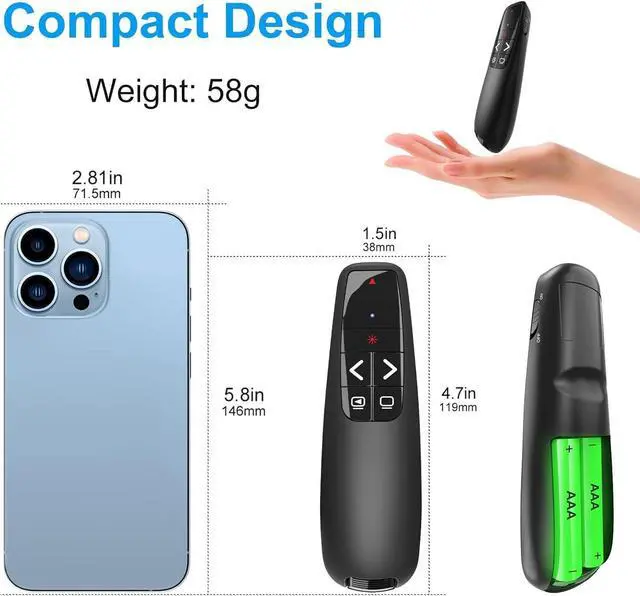
    • [Wonderful Ergonomically] Wireless presentation clicker for PowerPoint presentations has a amazing ergonomic design that makes you soft touch and comfortable to grip ,and presentation pointers' buttons are big enough that you won't accidentally click the wrong one.
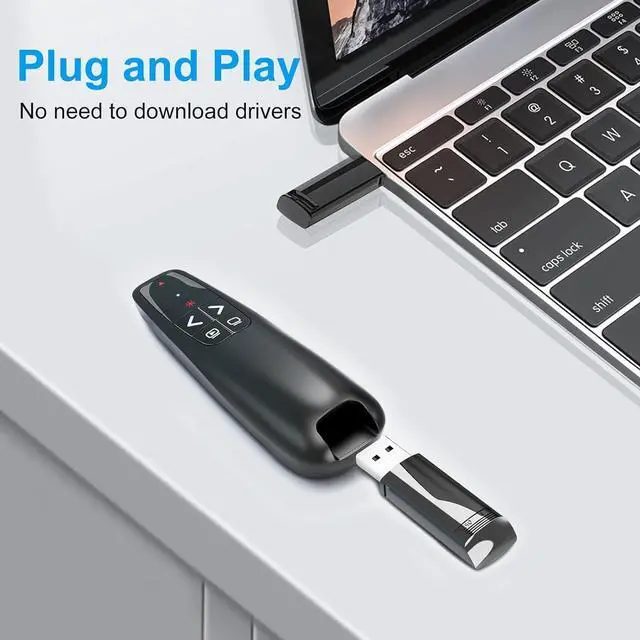
    • [Plug and Play] No installation needed, no assembly or hard instructions to follow. Just plug and play. You simply plug the USB receiver into your computer and start using the laser pointer for presentations. The USB dongle slips into a slot on the PPT remote control handle when not in use.
    +
    +
    Overview
    Specs
    Reviews
    avatar

    Any questions? Our AI beta will help you find out quickly.

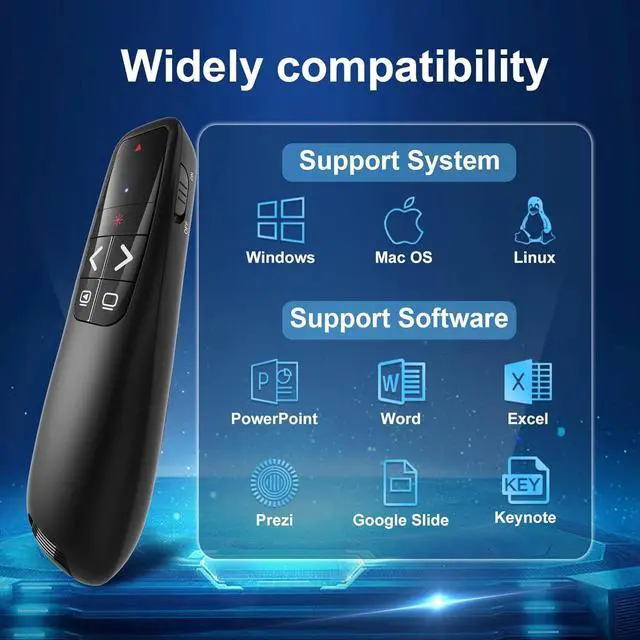
    [Widely Compatible] Wireless presenter with laser pointer works with desktop and laptop computers.
    Presentation remote supports systems: Windows 2003, XP, Vista, 7, 8, 10, Mac OS, Linux.
    Wireless presenter remote supports softwares: Google Slides, MS Word, Excel, PowerPoint/PPT, etc.
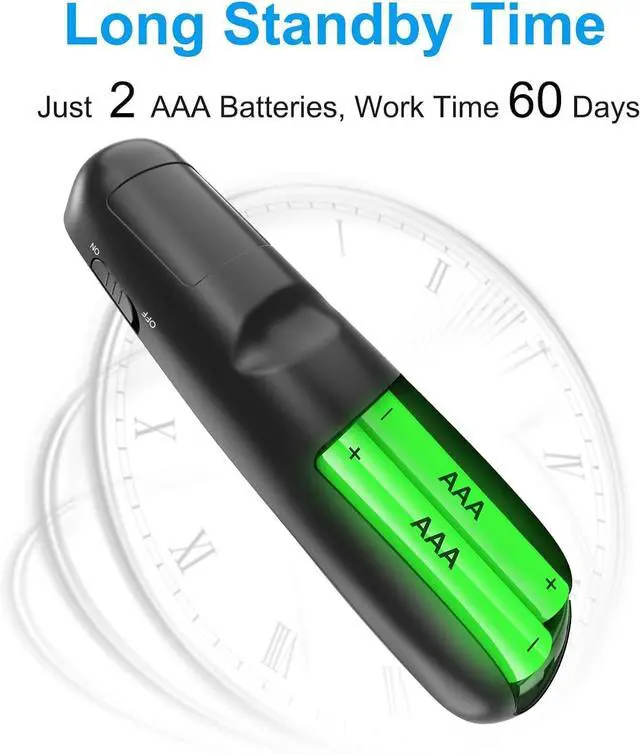
    [Long Battery Life] Presenter remote just uses two AAA batteries (included), which is convenient because then you don't have to buy odd size batteries. Power point remote clicker is sturdy enough to throw in a briefcase or bag.
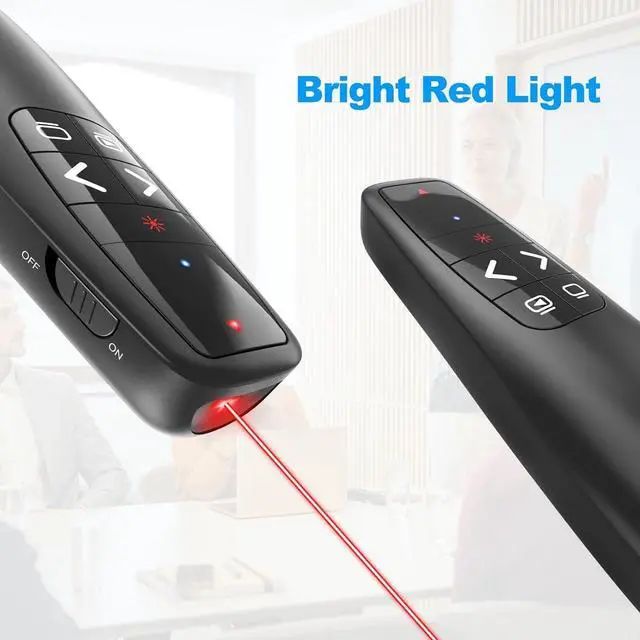
    Tips: Slide clicker has an on/off switch on the side to save the battery when not in use.

    Warranty & Returns

    Warranty, Returns, And Additional Information

    Warranty

    • Please contact the Seller directly for warranty information. Warranty information may also be found on the Manufacturer's website.
    • CONTACT

    Return Policies

    Manufacturer Contact Info

    LOADING...