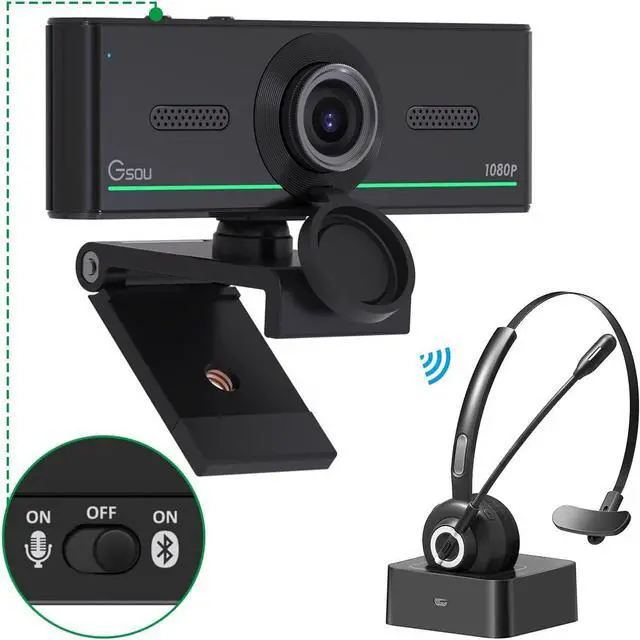
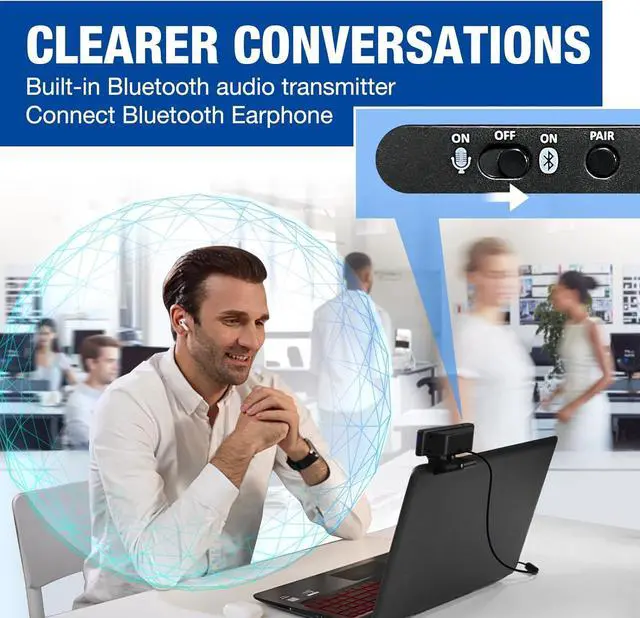
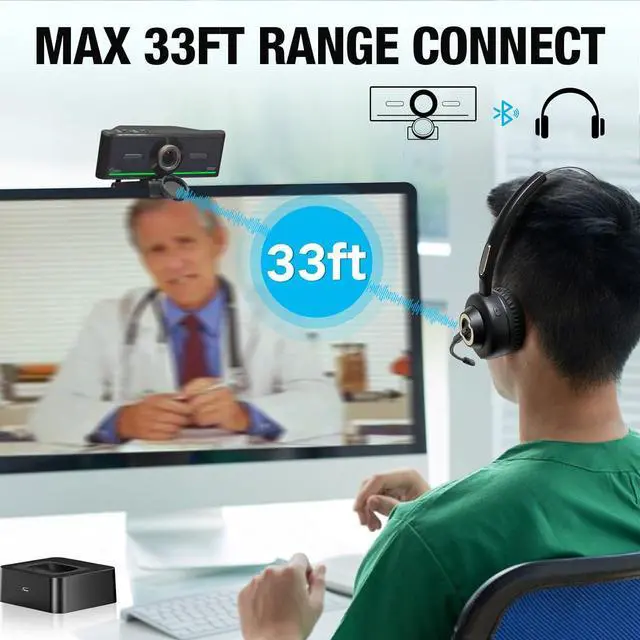
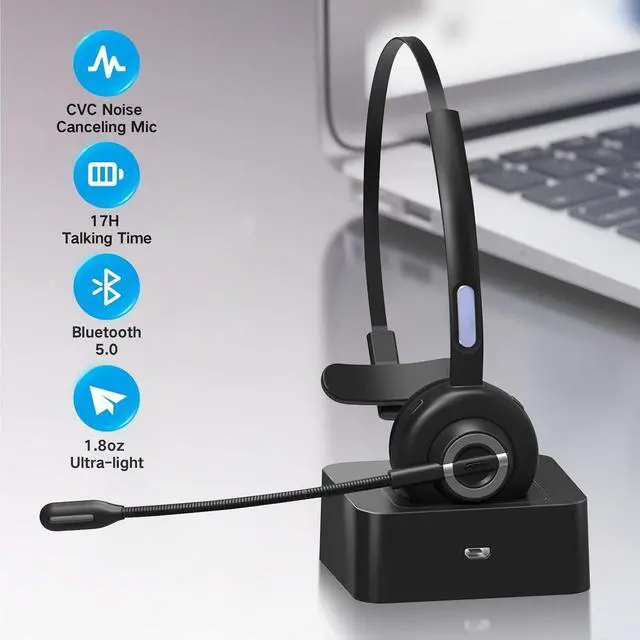
How to connect audio Bluetooth 1. Switch to bluetooth 2. Press and hold the pairing button for3s, then the indicator light flashes blue. 3. Turn on your bluetooth audio device to pairing state and close to the camera. 4. Wait for seconds, the status indicator turns blue, connect successfully. 5. Your audio output is the device W20-AUDIO. 6.
Audio device reconnection: just press once pairing, connect successfully.
Note: Connect audio device via bluetooth, please select W20-AUDIO as the audio output.
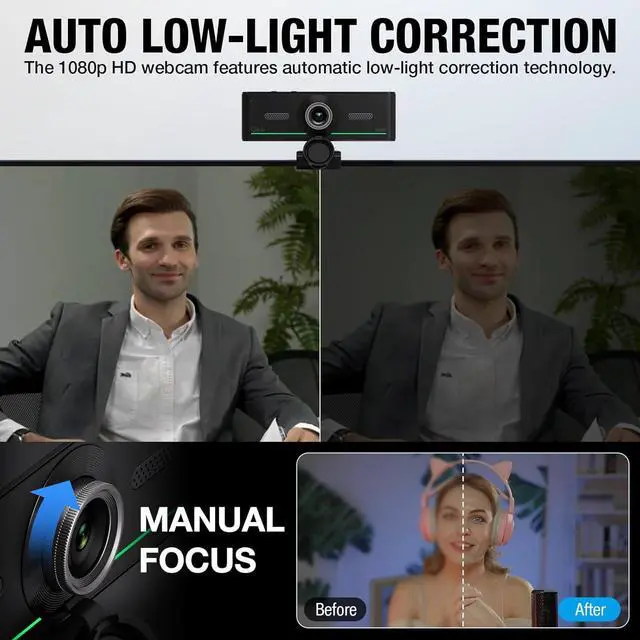
Full HD 30FPS 1080P WebcamEquipped with high-quality 2 megapixel CMOS image sensor, Gsou Bluetooth web camera produces exceptionally sharp and clear video at resolutions up to 1920x1080. And 30 FPS makes the video more stable and smooth, keeps up with your every move with no noise and broken images. With manual focus design, you can freely rotate the lens right or left to focus remarkly crisp and smooth images
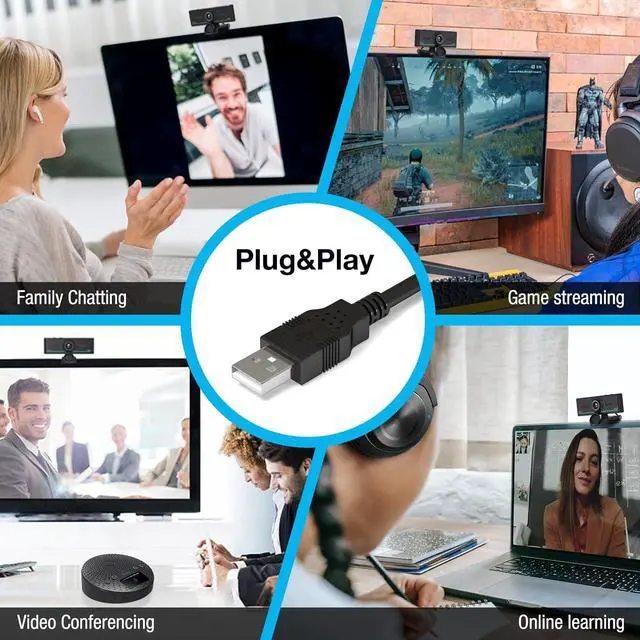
Built-in Microphone & Plug and PlayBuilt-in digital stereo microphone with auto noise cancellation and superior stereo audio for clear and natural sound recordings. The streaming webcam works with USB, no additional drivers or software required. Ready to use in less than 1 min with any compatible devices. The 5 ft USB cord is long enough for any task, just plug it in and you are ready to go!
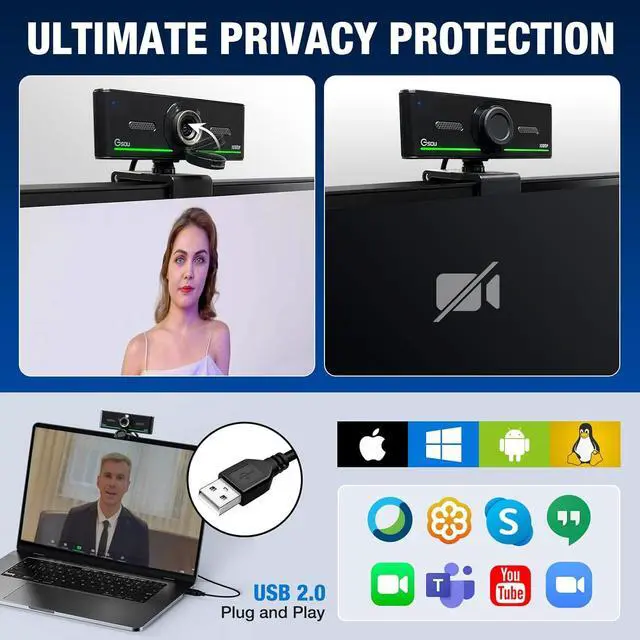
Compatible with Multiple Software & SystemsThe 1080p desktop laptop webcam is widely works with Windows XP SP3/2000/ 7/8/10, Mac OS, Chrome OS, Android V 5.0 or later, Ubuntu Linux 10.04 or later. Compatible with most video calling applications, Zoom, Skype for Business, Google Meet, Teams, GoToMeeting, Cisco Webex, Facetime, Facebook live, YouTube, OBS, Xbox one, Youtube, Xsplit, Twitter, Twitch, Whatsapp, Android IPTV, etc.





 here!
here!