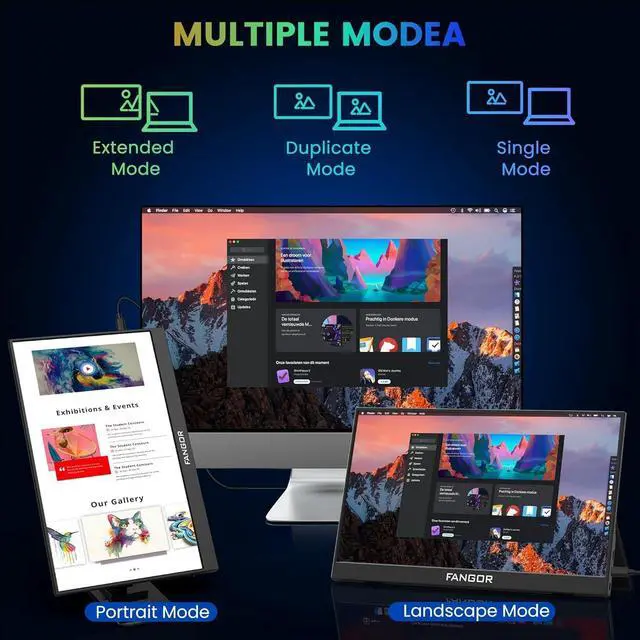
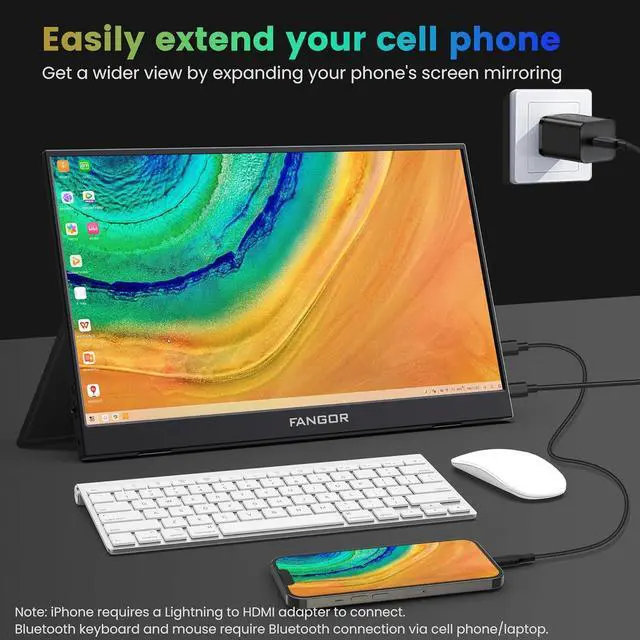
Multiple Display Modes: The portable computer monitor is plug-and-play, with multiple display modes - copy mode/extended mode/second screen mode. You can choose one of these ways and use it as a second screen to increase your productivity at work. You can also switch the horizontal or vertical viewing angle mode for a more comfortable sensory experience
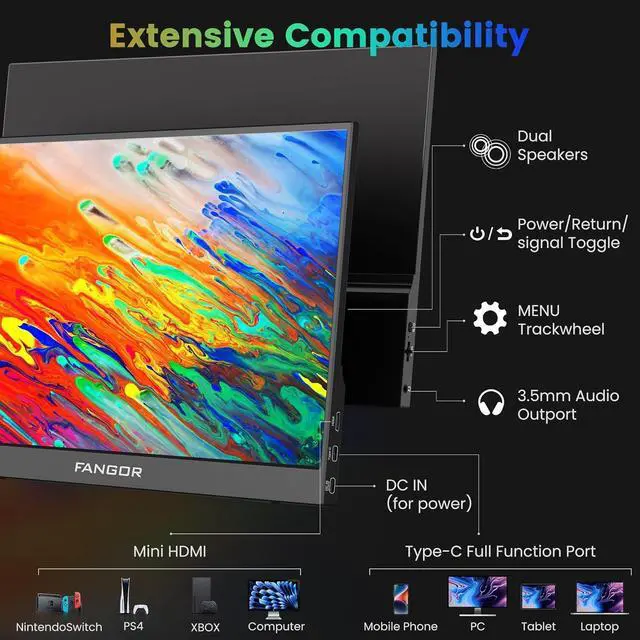
New Setting Button DesignAdopt a friendly button design, clear indicator icons, and an easier-to-use menu wheel. In the main interface, scroll the menu wheel down and up to enter the brightness and sound pages respectively to adjust the brightness and sound. When watching videos and playing games, there is no need to enter the OSD menu, bringing an immersive entertainment experience. The portable laptop monitor has two built-in speakers and a 3.5 mm audio jack to bring a powerful sound effect
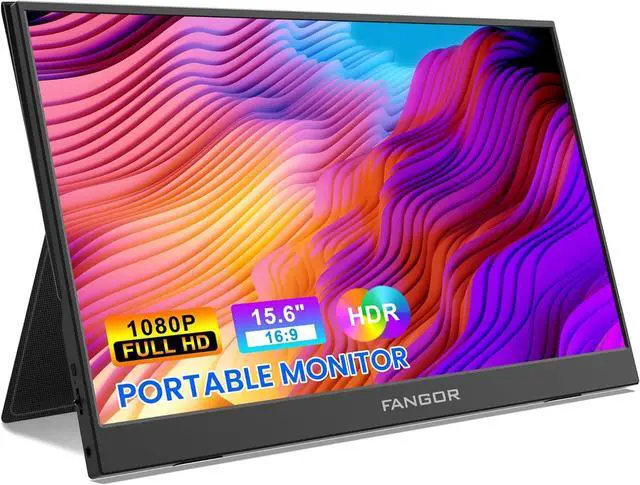
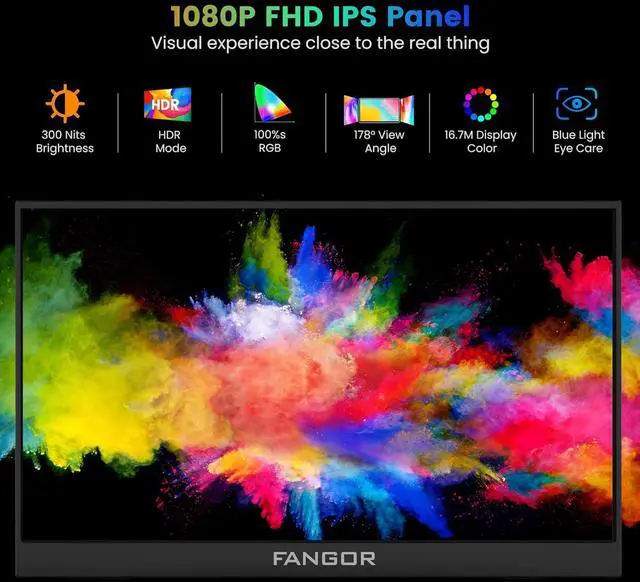
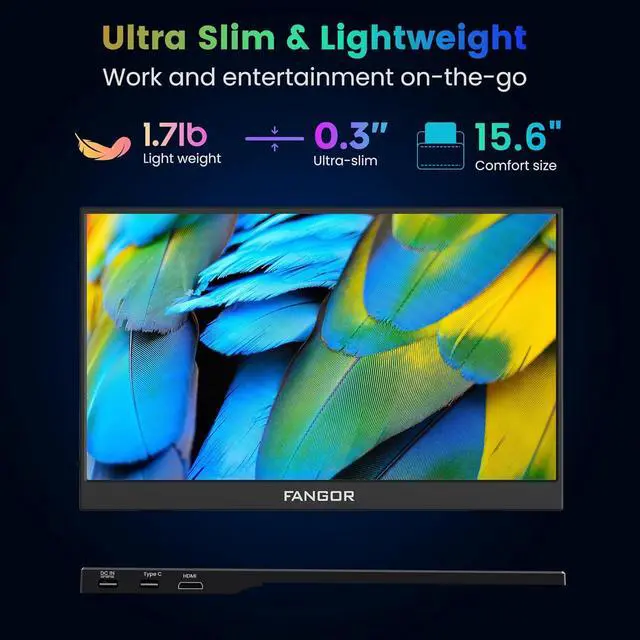
Ultra-thin Travel Monitor: This 15.6 -inch portable screen consists of an ultra-thin IPS panel and body, weighing only 1.7 pounds and only 0.3 inch at the thinnest point. Lightweight and portable, and equipped with a durable smart cover, made of PO leather, which fully protects and supports the display
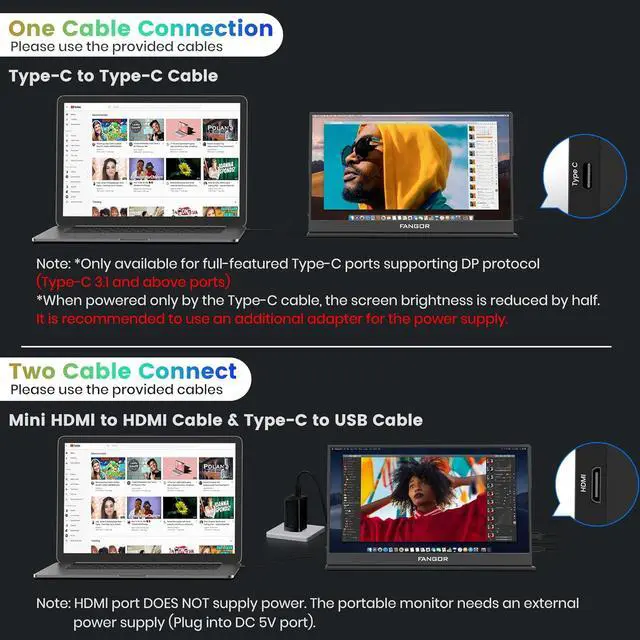
How to Connect Your Device: Please use the included cable to connect your device to the portable monitor to avoid cable problems that may cause the portable display to malfunction. The Mini HDMI to HDMI cable only provides video transmission and does not provide power. It requires an additional power adapter. To avoid an insufficient power supply and causing the device to malfunction, please first connect the power supply via the DC 5V port, then connect to a computer or other device using the Type-C to Type-C cable or Mini HDMI to HDMI cable.
Connect to A Drawing Tablet for Creation: The drawing tablet cannot be directly connected to a portable monitor. You need to use the provided cables to connect the portable monitor to the computer device. After the computer's video output is correctly displayed, connect the drawing tablet to the computer and install the corresponding driver. Open the driver, set the working area of the drawing tablet, and then you can use your drawing software to create so that your inspiration is no longer limited.