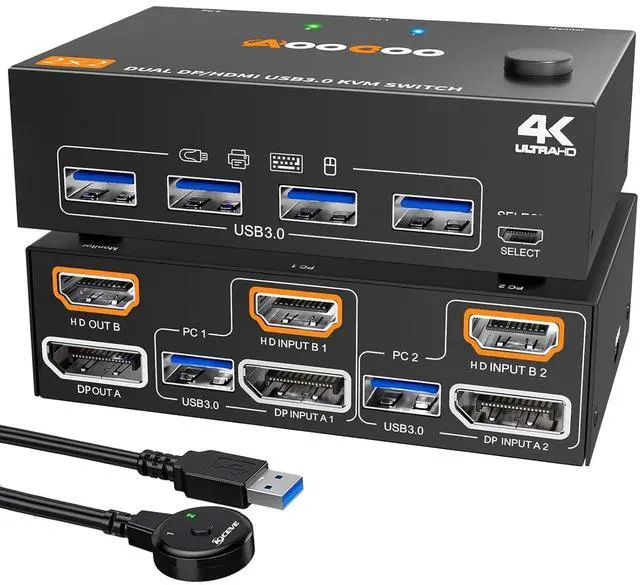
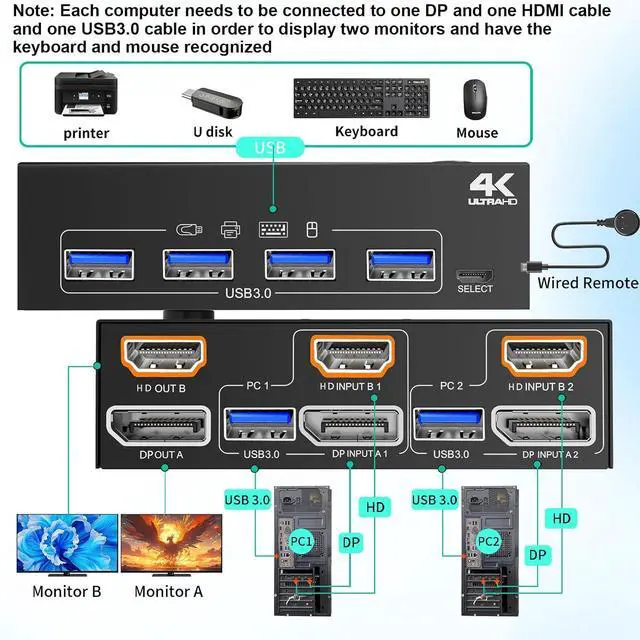
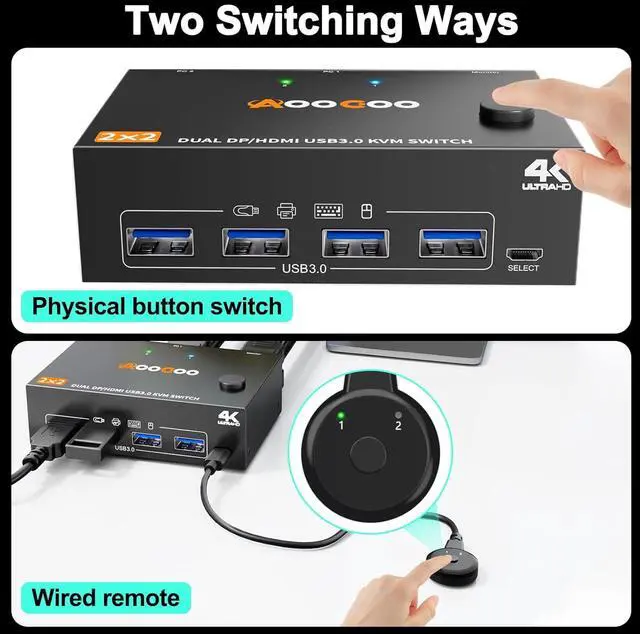
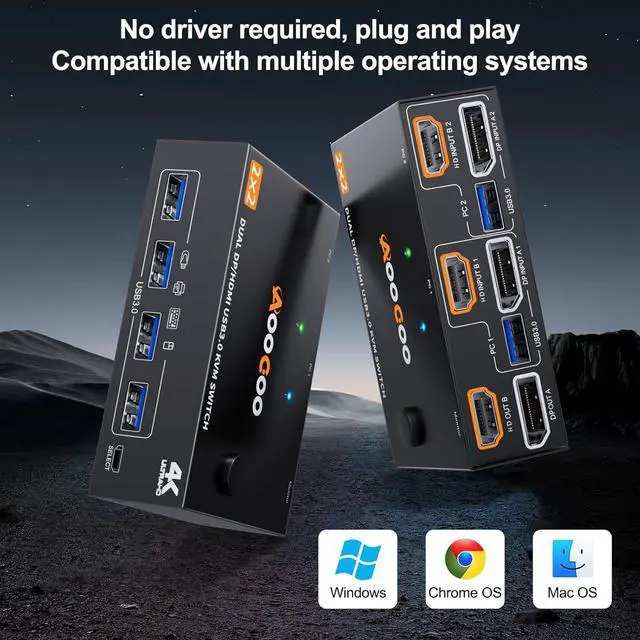
Compatibility & 2 Switching MethdosAOOCOO dual monitors KVM switch driver-free and plug and play. you can press the button on the panel or use the wired remote controllerincluded in the package to switch the computers. Two color lights indicate the active computer.
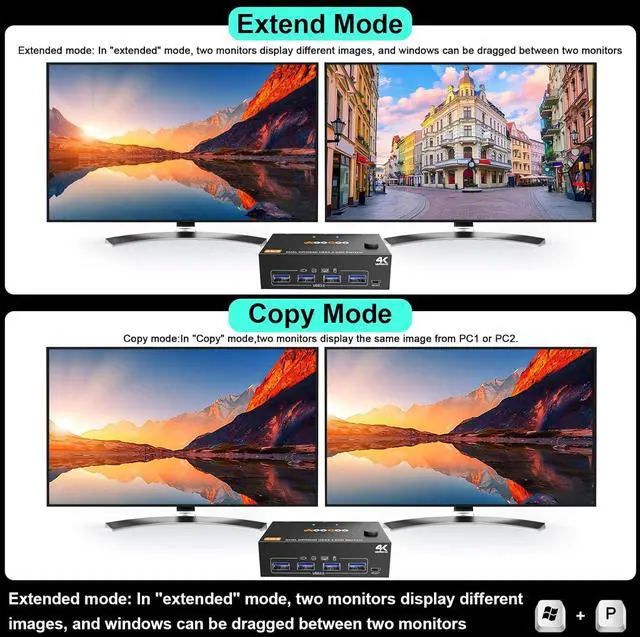
Extended Mode&Copy ModeAfter the connection is complete, please press the two keys "WIN + P" on the keyboard at the same time. You will see a small window pop up. At this time, you can choose the extension mode or the copy mode. Also, select Extended mode to adjust the resolution for each monitor.
Package List1*Dual Monitor USB 3.0 KVM Switch+2*USB 3.0 Cables( 1.5 m/ 4.9 ft)+1*Wired Remote Controller(( 1.5 m/ 4.9 ft))+1*User Manual